
This page is not an official page of the app or its developer, but an independent editorial publication created for informational and commentary purposes. Unless expressly stated otherwise, neither the app nor its developer is affiliated with, endorsed by, sponsored by, authorized by, or otherwise officially connected with MWM, Apple, Google Play, the app publisher, or the app's developer, and nothing on this page implies that the app was developed using MWM's services. Any trademarks, logos, screenshots, and other content remain the property of their respective owners.


Welcome Suica Mobile
Skip the ticket lines and experience seamless travel across the country. Instantly issue your digital transit card on iPhone, top up with Apple Pay, and enjoy effortless tap-to-pay for trains, buses, and shopping nationwide.
Downloads
528K+User Rating
Total Ratings
100Publisher
Category
FinanceLocales
1Latest Version
1.1.1Size
63.0 MBFirst Released
Mar 5, 2025Navigate Japan with Total Ease
Skip the lines and the physical cards. Manage your transit, Shinkansen tickets, and daily shopping directly from your iPhone.
Instant Mobile Issuance
Get your digital Suica in seconds before you even land. No registration, no queues, and no physical card shortages to worry about.
Secure Apple Pay Top-Ups
Reload your balance instantly using your existing Apple Wallet. Pay for trains, buses, and snacks at convenience stores with a simple tap.
Frequently Asked Questions
Everything you need to know about Welcome Suica Mobile
What is Welcome Suica Mobile?
Welcome Suica Mobile is an app that allows you to instantly issue a digital Suica card on your iPhone. It enables seamless travel on Japan's major transportation networks and quick payments at stores nationwide.
How do I issue a Welcome Suica Mobile card?
You issue a Welcome Suica Mobile card by downloading the app on your iPhone and setting a simple 'secret keyword.' No membership registration is required for this process.
Are there any fees to issue Welcome Suica Mobile?
No, there are no deposit or issuance fees required for the Welcome Suica Mobile app. Users can get a digital Suica without initial charges.
How do I top up my Welcome Suica Mobile balance?
You can easily top up your Welcome Suica Mobile balance directly via the app. Top-ups are processed using the credit card registered to your Apple Pay.
Where can I use Welcome Suica Mobile in Japan?
Welcome Suica Mobile is usable on trains, buses, and other transportation systems nationwide in Japan. It also facilitates payments at stores displaying the IC mark, including areas accepting PASMO and Kitaca.
Can I use Welcome Suica Mobile for Shinkansen trains?
Yes, you can use Welcome Suica Mobile for non-reserved seats on Tohoku, Akita, Yamagata, Joetsu, or Hokuriku Shinkansen lines. Tap your iPhone at the ticket gate for boarding.
Does the Welcome Suica Mobile balance expire?
Yes, the balance of Welcome Suica Mobile expires 180 days after its issuance. Users should spend any remaining balance before this expiration date as refunds are not available.
What devices are compatible with Welcome Suica Mobile?
Welcome Suica Mobile is compatible with iPhones running iOS 17.2 or later and Apple Watch Series 3 or later.
What happens if my iPhone battery dies while using Welcome Suica Mobile?
You cannot use Welcome Suica Mobile if your device is powered off. If your device turns off inside a ticket gate, you must pay the fare in cash for the traveled section.
How do I enable Express Mode for Welcome Suica Mobile?
You must enable Express Mode for Suica in your iPhone settings. This feature allows passage through automatic ticket gates without requiring biometric authentication.
Can I purchase special passes using the Welcome Suica Mobile app?
Yes, the Welcome Suica Mobile app allows purchasing various special passes, such as 1-Day Passes or district passes, to help save money on travel expenses.
Does Welcome Suica Mobile provide tourist information?
Yes, unlike a regular physical Suica card, the Welcome Suica Mobile app provides transfer and tourist information directly within its interface.
Is customer support available for Welcome Suica Mobile users?
Yes, the Welcome Suica Mobile support center provides assistance exclusively via email in English.
Does Welcome Suica Mobile allow connections to JR-EAST Train Reservation?
Yes, from October 2025, the Welcome Suica Mobile app connects to JR-EAST Train Reservation. This enables ticketless boarding on JR East Shinkansen and limited express trains.
The following screenshots and description are sourced directly from the app's official store listing and are the property of the app developer.
App Store
Screenshots
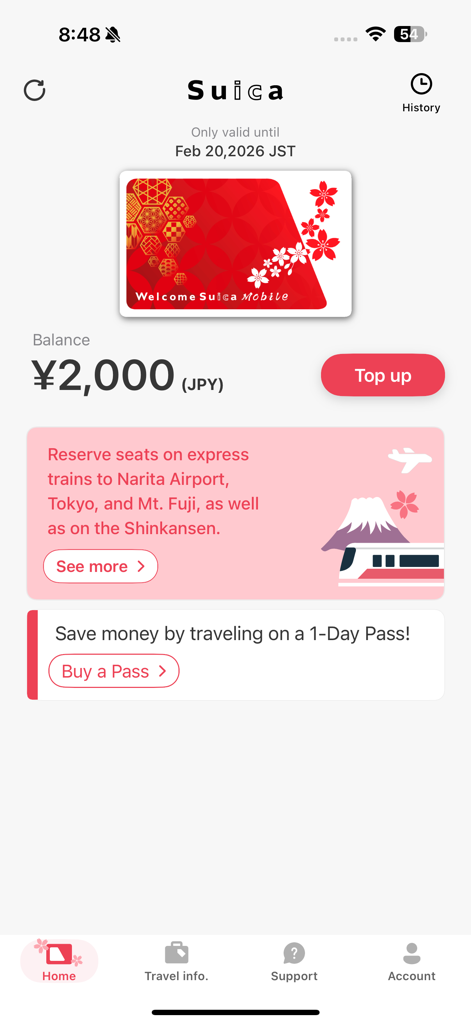
Welcome Suica Mobile app home screen showing a 2,000 Yen balance and top up button
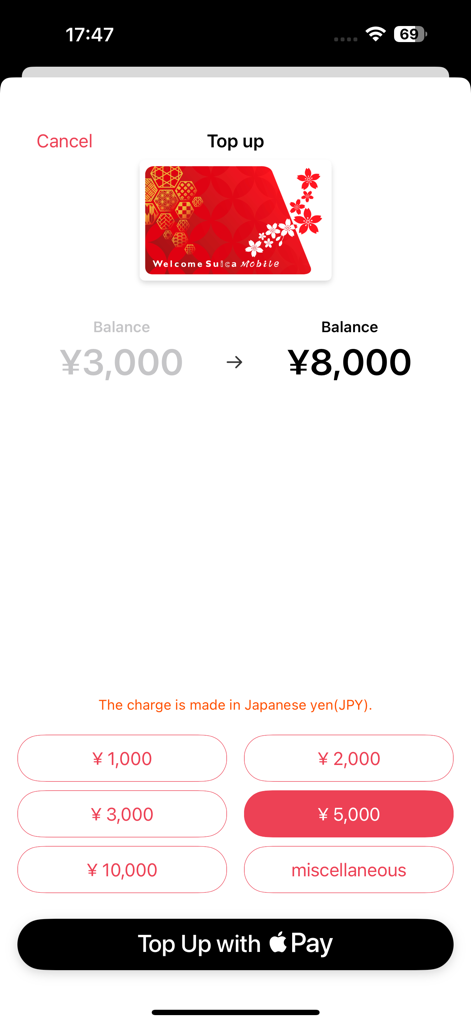
The top up screen of the Welcome Suica Mobile app showing balance recharge options and an Apple Pay payment button
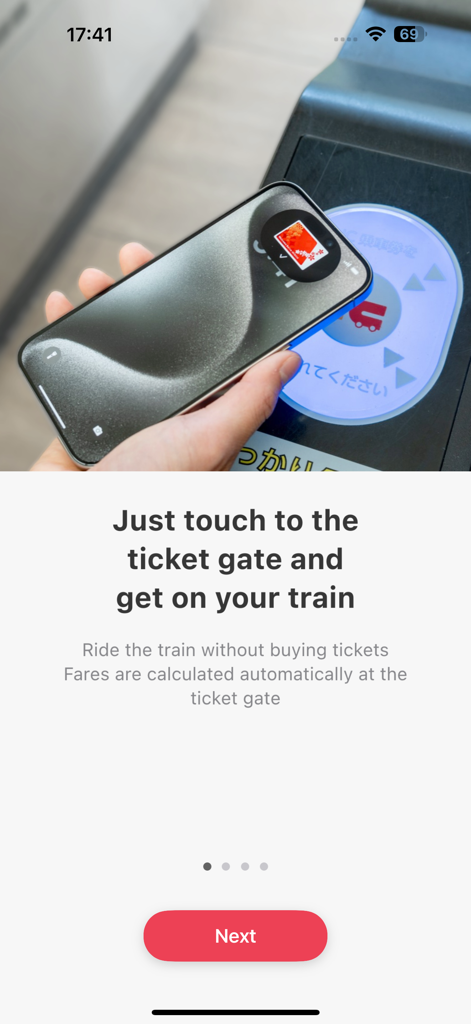
A person using an iPhone to tap a contactless ticket gate for a train in Japan using the Welcome Suica Mobile app
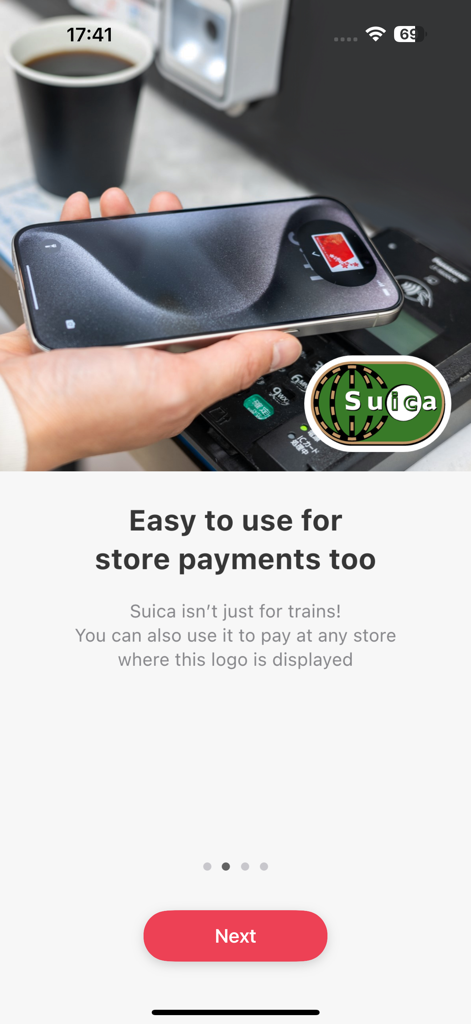
A hand using an iPhone for contactless store payments with the Welcome Suica Mobile app
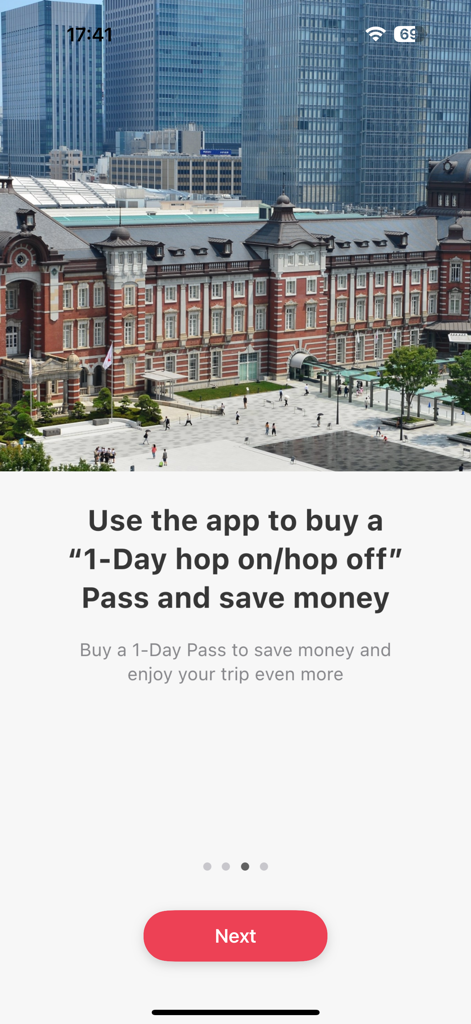
Welcome Suica Mobile app screen promoting a 1-Day hop on hop off pass with Tokyo Station in the background
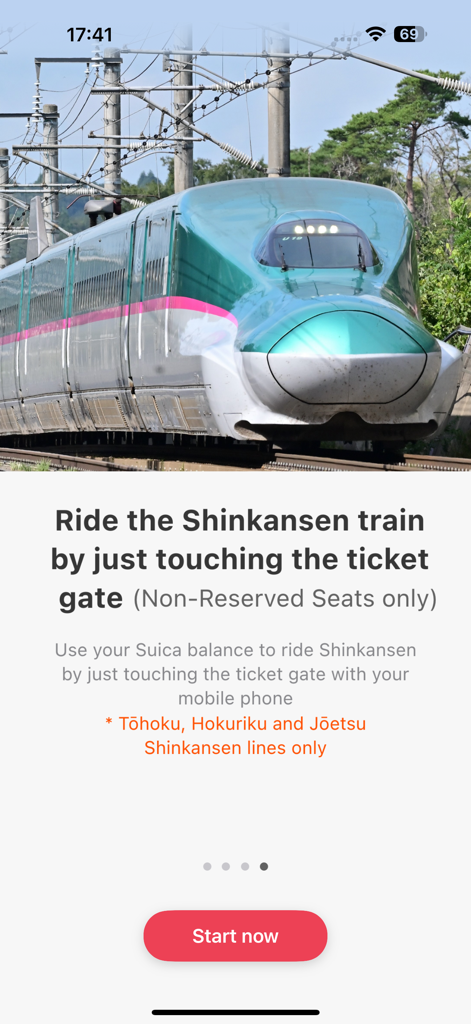
Welcome Suica Mobile app screen showing a green Shinkansen train and explaining ticketless boarding for non-reserved seats.
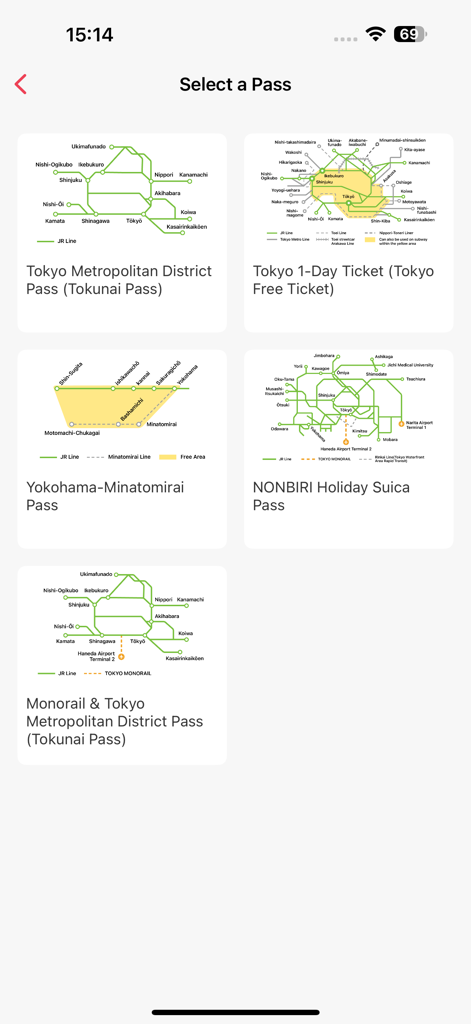
Selection screen for various Japanese transit passes in the Welcome Suica Mobile app
Description
Download
More Like This
Apps with similar features and user experience

CharmPass
Maryland Transit Administration

Q Ticketing
Metropolitan Transit Authority of Harris County, Texas

OC Bus
Orange County Transportation Authority

Octopus 八達通
OCTOPUS Cards Ltd.

Easy Wallet 悠遊付
EasyCard Corporation

FAIRTIQ
Fairtiq AG

Transit GO Ticket
Bytemark, Inc.
M'Ticket - Ticket mobile TaM
Transports Agglom�ration de Montpellie

Aamar Kolkata Metro
Centre for Railway Information Systems
This page is not an official page of the app or its developer, but an independent editorial publication created for informational and commentary purposes. Unless expressly stated otherwise, neither the app nor its developer is affiliated with, endorsed by, sponsored by, authorized by, or otherwise officially connected with MWM, Apple, Google Play, the app publisher, or the app's developer, and nothing on this page implies that the app was developed using MWM's services. Any trademarks, logos, screenshots, and other content remain the property of their respective owners.