WhatsWeb - Click to Chat
Download on App Store

This page is not an official page of the app or its developer, but an independent editorial publication created for informational and commentary purposes. Unless expressly stated otherwise, neither the app nor its developer is affiliated with, endorsed by, sponsored by, authorized by, or otherwise officially connected with MWM, Apple, Google Play, the app publisher, or the app's developer, and nothing on this page implies that the app was developed using MWM's services. Any trademarks, logos, screenshots, and other content remain the property of their respective owners.

Logo of WhatsWeb - Click to Chat
Download on App Store

WhatsWeb - Click to Chat

Streamline your professional and personal life by managing two accounts on one device. Effortlessly recover deleted messages, save statuses, and message non-contacts instantly with the most powerful utility for WhatsApp.

Key Figures

Downloads

92K+

User Rating

4.5/5

Total Ratings

2K+

Publisher

Bhuvan Gupta

Category

Utilities

Locales

16

Latest Version

4.0

Size

61.7 MB

First Released

Mar 13, 2024
Features

Master Your Messaging Workflow

Unlock the full potential of your communication with powerful tools designed to manage dual accounts, recover lost data, and maintain your privacy—all in one place.

Dual Account Management

Perfect for freelancers and business owners. Sync two accounts on a single iPhone to keep your professional and personal conversations organized without the need for a second device.

Instant Message Recovery

Never miss a beat or lose a receipt. Automatically recover deleted text messages and media files, giving you total peace of mind and a complete record of every interaction.

The following screenshots and description are sourced directly from the app's official store listing and are the property of the app developer.

App Store

Screenshots
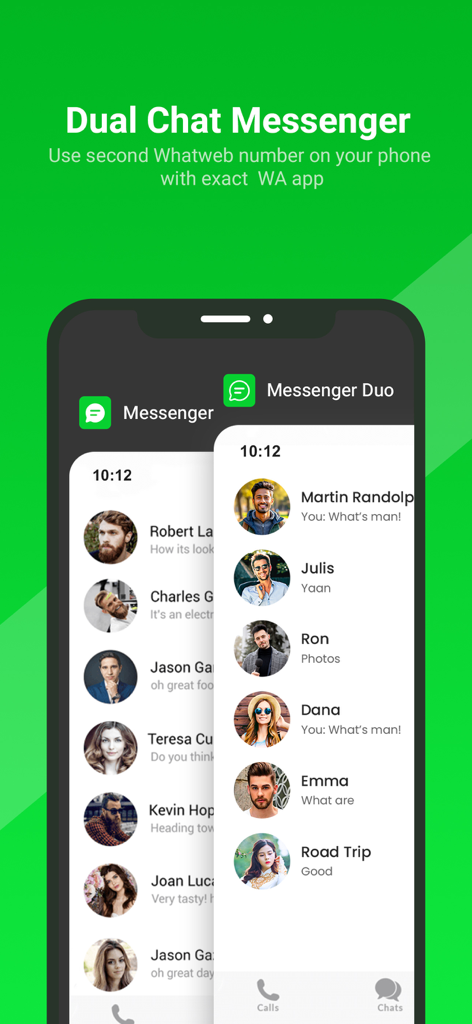
WhatsWeb - Click to Chat - Smartphone screen showing overlapping dual messenger chat lists for managing two accounts on one device
Smartphone screen showing overlapping dual messenger chat lists for managing two accounts on one device

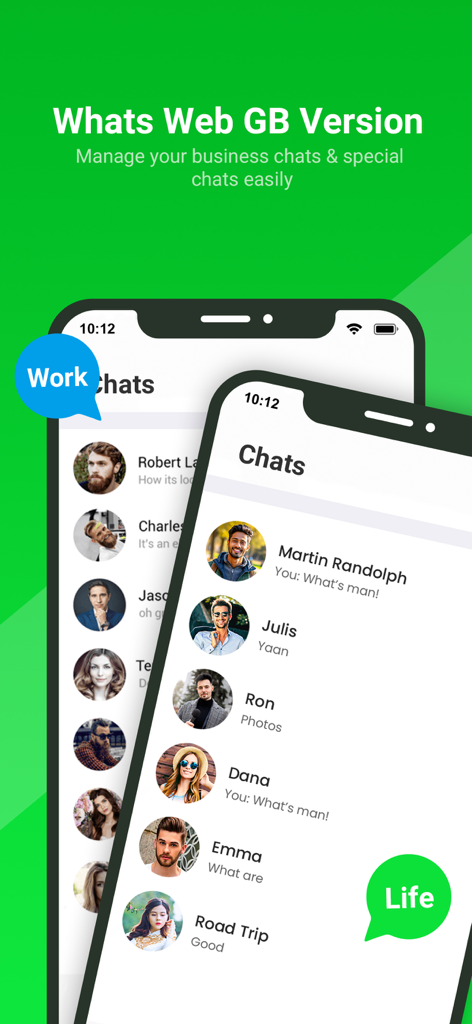
WhatsWeb - Click to Chat - Interface of WhatsWeb app displaying separate business and personal chat lists on one mobile device
Interface of WhatsWeb app displaying separate business and personal chat lists on one mobile device

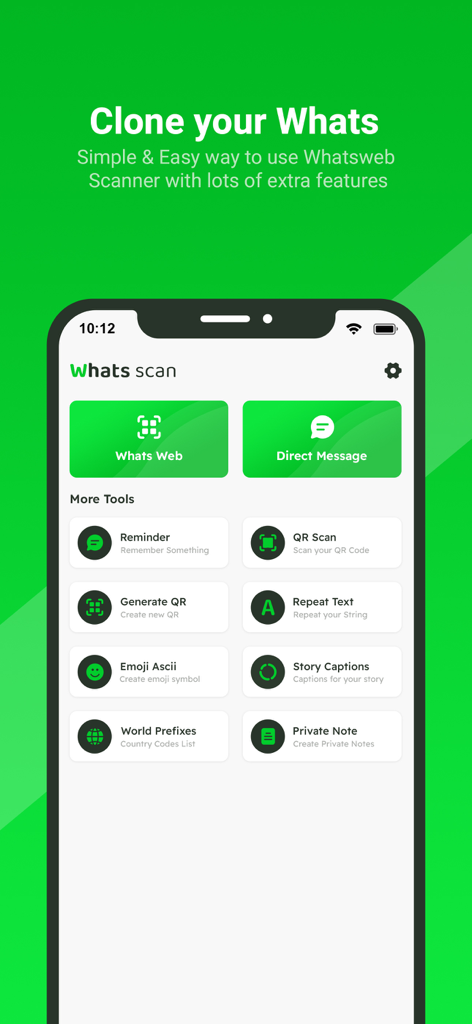
WhatsWeb - Click to Chat - Home screen of the WhatsWeb app showing tools for account cloning and direct messaging
Home screen of the WhatsWeb app showing tools for account cloning and direct messaging

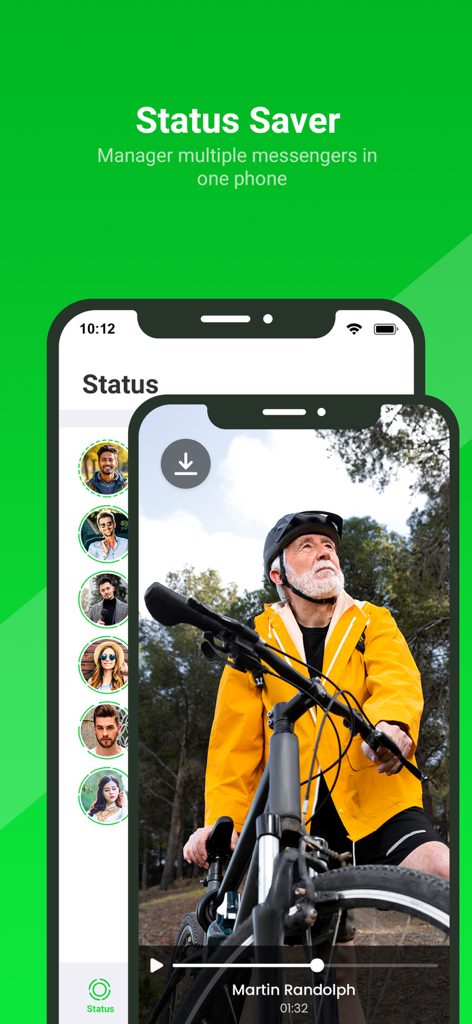
WhatsWeb - Click to Chat - WhatsWeb app interface showing the status saver feature to download and manage messenger status updates
WhatsWeb app interface showing the status saver feature to download and manage messenger status updates

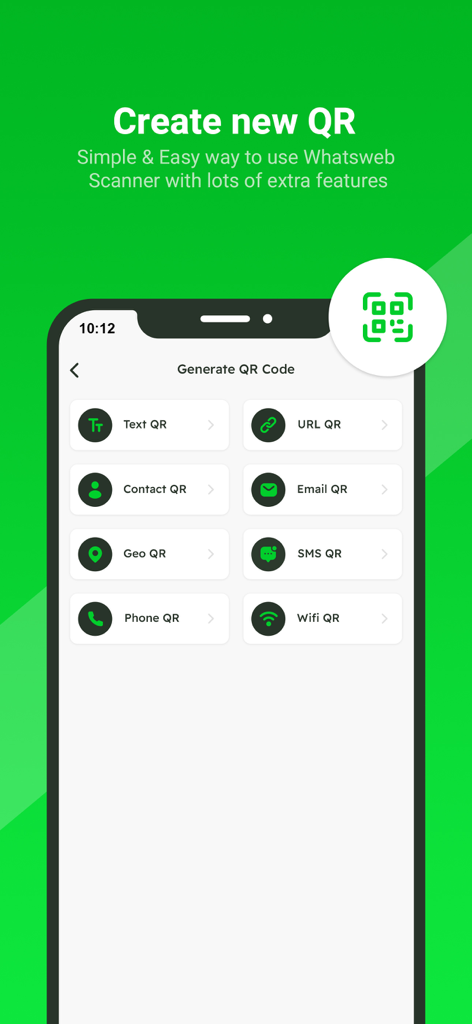
WhatsWeb - Click to Chat - Screenshot of the QR code generation interface featuring options for text URL contact email geo sms phone and wifi QR codes
Screenshot of the QR code generation interface featuring options for text URL contact email geo sms phone and wifi QR codes

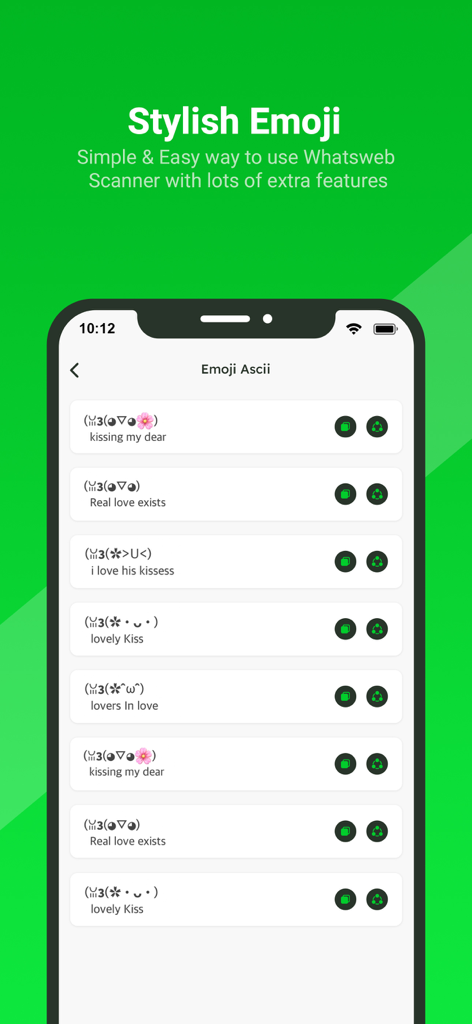
WhatsWeb - Click to Chat - A list of stylish ASCII emoticons and kaomoji within the WhatsWeb mobile application interface.
A list of stylish ASCII emoticons and kaomoji within the WhatsWeb mobile application interface.
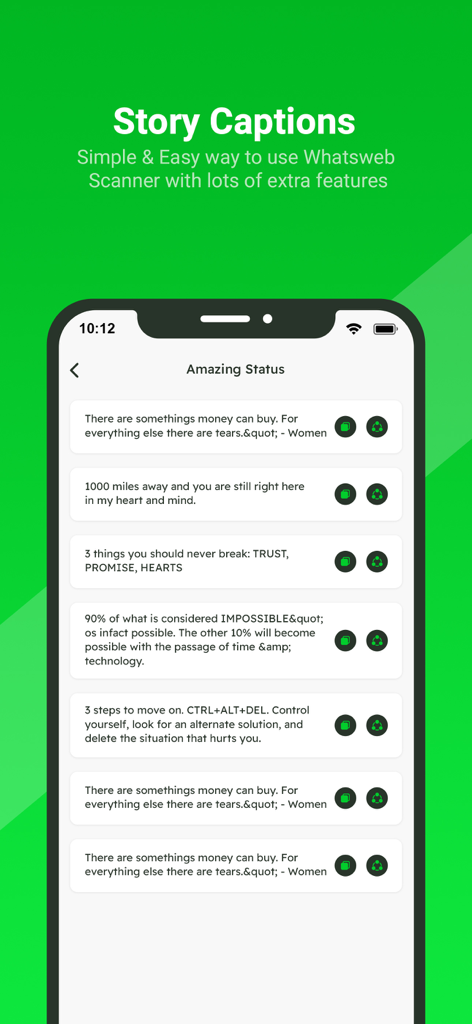
WhatsWeb - Click to Chat - A list of story captions and status quotes within the WhatsWeb mobile application

A list of story captions and status quotes within the WhatsWeb mobile application

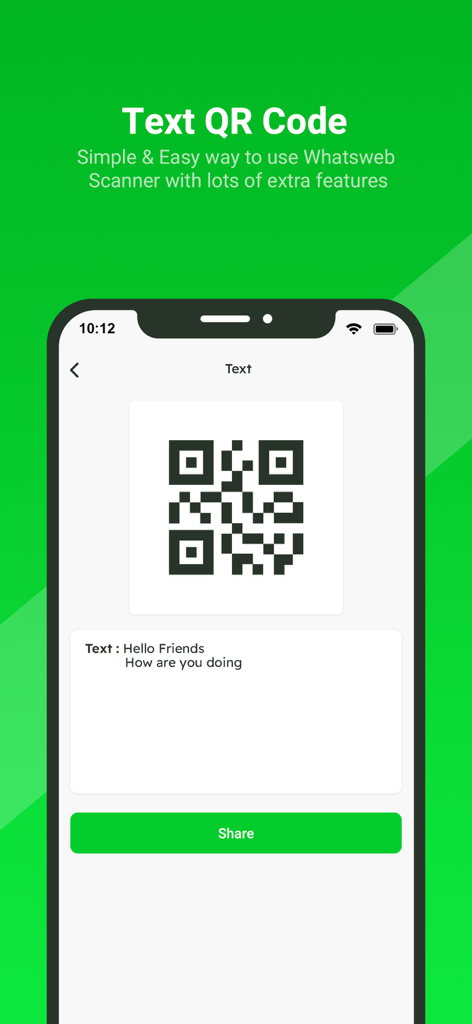
WhatsWeb - Click to Chat - WhatsWeb app interface for generating and sharing a text message QR code
WhatsWeb app interface for generating and sharing a text message QR code

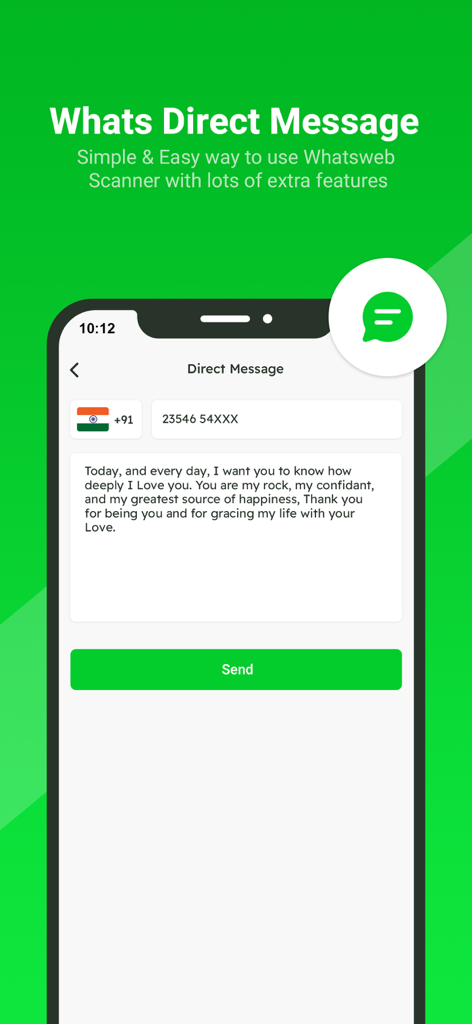
WhatsWeb - Click to Chat - App screen showing the Direct Message feature to send messages without saving contacts

App screen showing the Direct Message feature to send messages without saving contacts

Description

Small app to open a WhatsApp chat with any number (you and that number). This free Whatscan for Whats Dual app automatically syncs all messages of the cloned WA account which enables you easily read and reply anytime. All downloaded Whatscan Web files from cloned WA accounts can also be managed effectively. Whatscan is a mobile application designed to enable users to access and manage multiple WhatsApp accounts simultaneously on a single device. Developed to cater to the growing need for managing personal and professional communications separately, Whatscan offers a convenient solution for users who wish to access two WhatsApp accounts without the hassle of constantly switching between them. It’s also a Status Saver that helps you download and repost WA status. And a practical message recovery app that supports restoring deleted WA messages. Why choose Whats Dual? - Fast, Simple & Easy to use Whats Dual Scanner - Clone WA accounts & Dual WA - Automatically sync all WA messages - One-click to recover deleted WA messages - Free Status Saver & Downloader; share and repost status - Download, read, and reply all WA messages - Efficiently manage downloaded files of cloned account - Lightweight - Dark Mode Whatscan Web You can clone WA accounts on another device or Dual WA on a single device with this powerful Whats Dual scanner. Easily read all messages of the cloned account on your device. Fast and Stable Connection Scan the QR code in Whats Dual and you can easily log in to the account. It works smoothly after logging in, no need to worry about unexpected logouts. Instantly Sync WA Messages You can read, reply and download all messages of cloned accounts in real time. Never miss a message. Recover Deleted Messages You can view deleted WA messages in WhatsDeleted. Easily recover all deleted text messages and media files. Status Saver Status Saver helps you easily download all images, GIFs and videos from WA status. You can also share these status with your friends or repost them to other media. Direct Chat Want to send a message but find out he's not in your contacts? With Direct Chat, you can directly send messages on WA or WA Business without adding contacts. Easily Manage Saved Files All downloaded Whats Dual files are well organized in Saved Files. You can centrally manage, view or share your downloaded images, videos or documents at any time. Am I Being Watched? No need to worry about your account being watched by others. This Whats Dual app can help you check if your WA account is being logged in by someone else. Try Whatscan and keep your account safe! How to use Whats Dual Step 1: Open the WA account you want to log into Step 2: Tap Three Dots / Settings, then tap Linked Devices Step 3: Tap Link A Device to scan the QR code in Whats Dual to log in Step 4: Now you can view all messages of the cloned account Get unlimited access to all premium Add on for Whats App Web Subscribe Monthly Whats Scan pro at $1.99 and Yearly Whats Scan Pro at $9.99 to use ads free versions of the premium app which can cancel anytime. • Privacy Policy: https://sites.google.com/view/bhuvangupta-pp • Terms of Use: https://sites.google.com/view/bhuvangupta-tos Very simple to use and a powerful tool for Whats Scan! Try this

Download

Download on App Store

This page is not an official page of the app or its developer, but an independent editorial publication created for informational and commentary purposes. Unless expressly stated otherwise, neither the app nor its developer is affiliated with, endorsed by, sponsored by, authorized by, or otherwise officially connected with MWM, Apple, Google Play, the app publisher, or the app's developer, and nothing on this page implies that the app was developed using MWM's services. Any trademarks, logos, screenshots, and other content remain the property of their respective owners.