Who Called Plus

Who Called Plus

Logo of Who Called Plus

Who Called Plus: Your Private Command Center for Calls and Device Insights

Transform your call log into a professional personal CRM. Log context, manage spam, and monitor device health with an all-in-one utility that keeps your data 100% local and secure.

Publisher

Remya R Nair

Category

Utilities

Downloads

5K+

User Rating

1.0/5

Total Ratings

0

Locales

1

Efficiency at a Glance

Discover the interface used by 5K+ users.
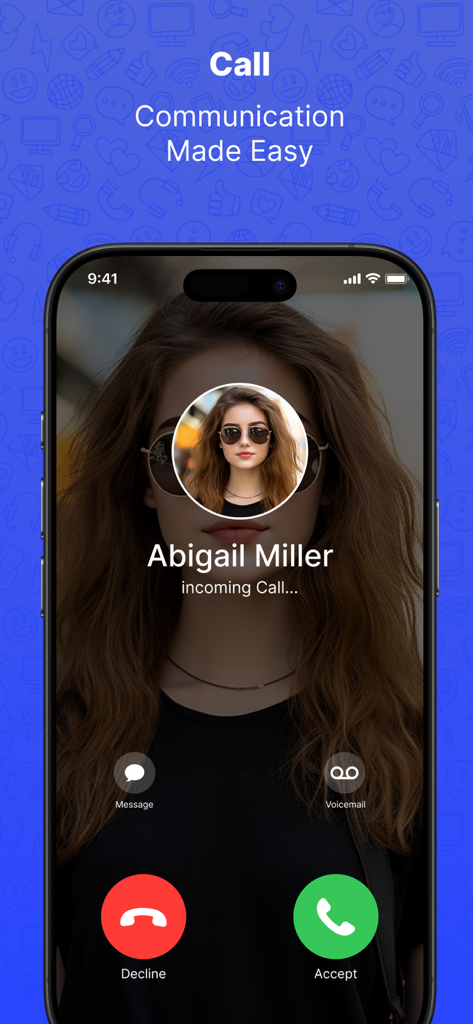
Incoming call screen showing contact name Abigail Miller with accept and decline options in the Who Called Plus app

Incoming call screen showing contact name Abigail Miller with accept and decline options in the Who Called Plus app

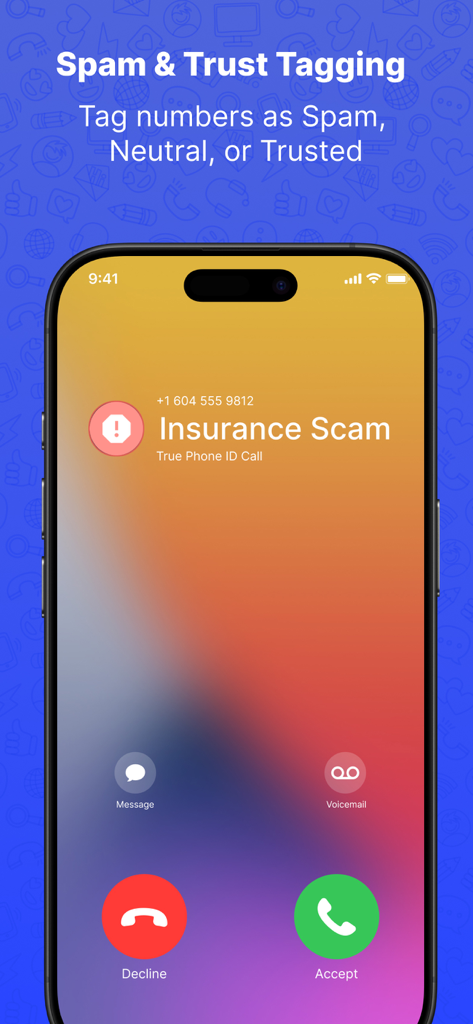
iPhone screen showing an incoming call identified as an insurance scam with options to tag numbers as spam or trusted

iPhone screen showing an incoming call identified as an insurance scam with options to tag numbers as spam or trusted

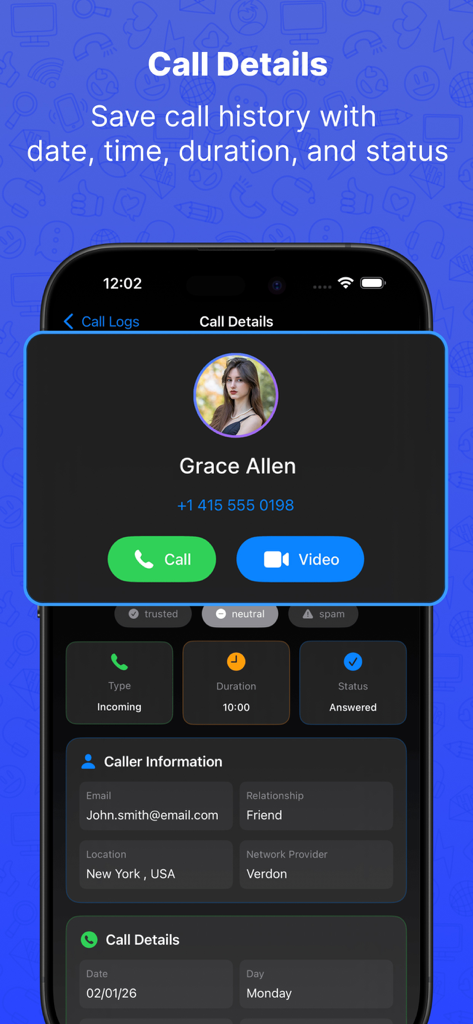
Who Called Plus app screen displaying detailed call history information for a contact

Who Called Plus app screen displaying detailed call history information for a contact

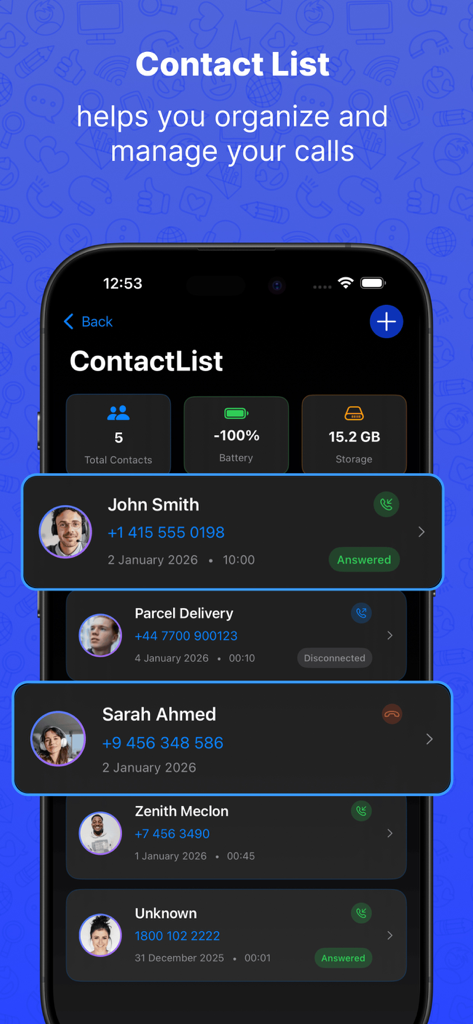
Who Called Plus mobile app interface showing contact list call history and device system insights

Who Called Plus mobile app interface showing contact list call history and device system insights

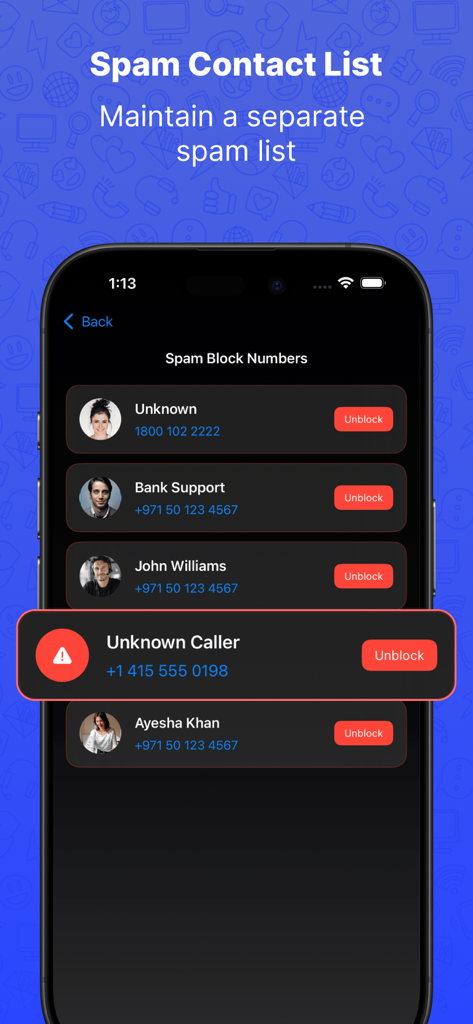
iPhone screenshot of the Who Called Plus app showing the spam contact list and blocked numbers management

iPhone screenshot of the Who Called Plus app showing the spam contact list and blocked numbers management

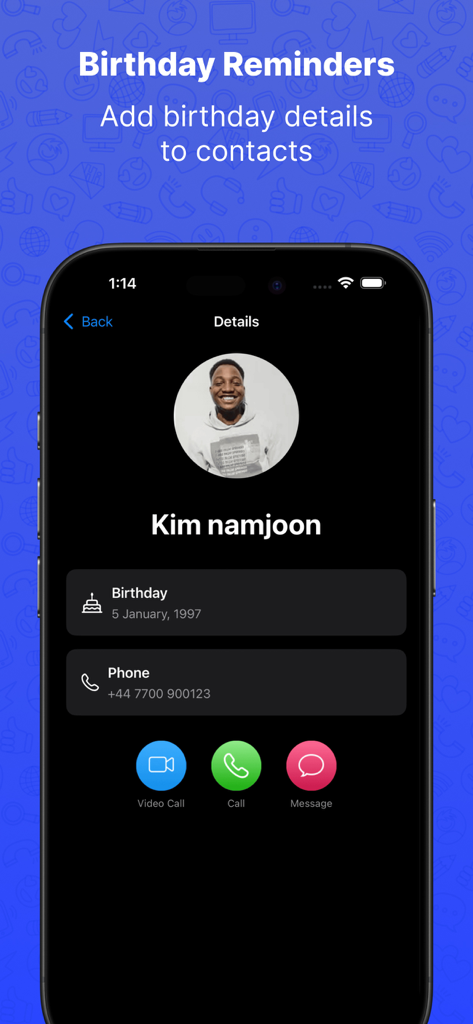
Contact details page in Who Called Plus showing a birthday reminder for a saved contact

Contact details page in Who Called Plus showing a birthday reminder for a saved contact

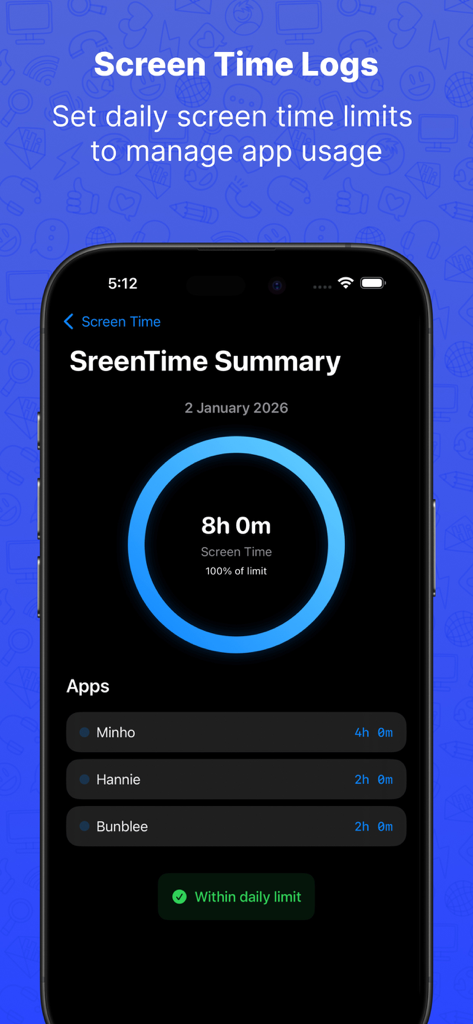
Who Called Plus app screenshot showing the Screen Time Logs feature with a daily summary and app usage breakdown

Who Called Plus app screenshot showing the Screen Time Logs feature with a daily summary and app usage breakdown

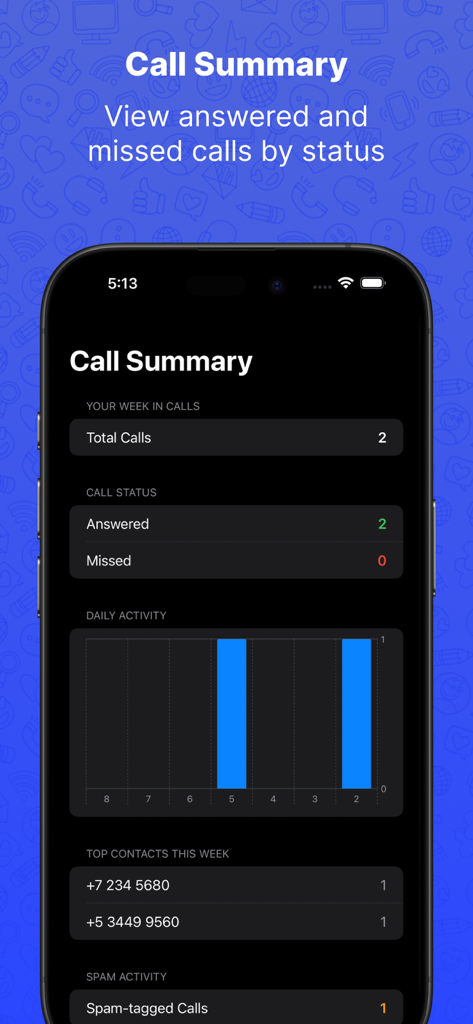
Who Called Plus app screenshot showing call summary with answered and missed calls stats and weekly activity chart

Who Called Plus app screenshot showing call summary with answered and missed calls stats and weekly activity chart

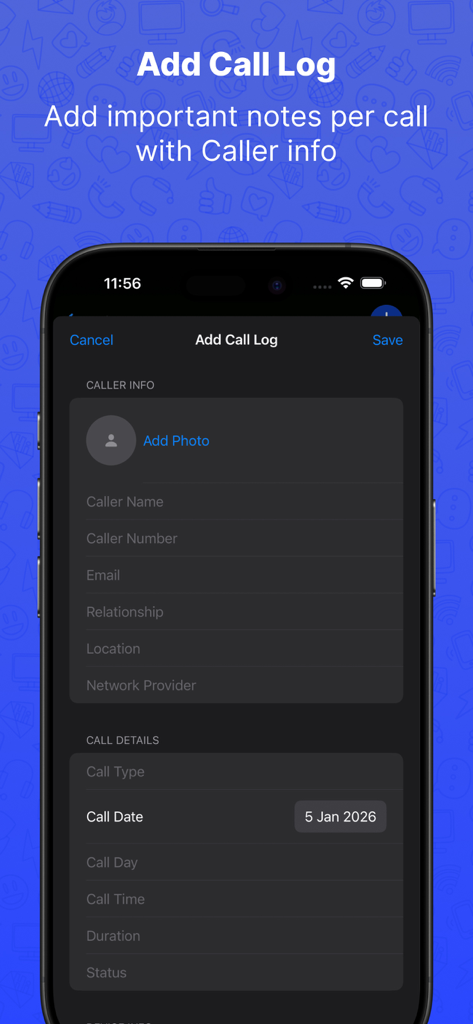
Who Called Plus app screen for adding a new call log with fields for caller information and call details

Who Called Plus app screen for adding a new call log with fields for caller information and call details

Master Your Professional Interactions

The tools that make this app stand out, trusted by 5K+ users.

📝

Deep Call Context

Go beyond simple logs. Record the purpose, urgency, and specific notes for every call to ensure you never miss a professional detail again.

🛡️

Local Privacy & Smart Tagging

Take total control of your contact list with manual Spam and Trusted tagging. All your data stays securely on your device, never in the cloud.

📊

Integrated Device Insights

Maximize productivity by tracking screen time limits alongside real-time battery and storage stats in one centralized dashboard.

About the app

Everything you need to know about Who Called Plus.

Description

Manage your calls, contacts, and device insights — all in one smart app. This app helps you organize and manage your calls with rich contact details, smart tagging, and advanced call insights. Mark trusted contacts and set birthday reminders while viewing real-time device information such as battery level, storage usage, and total contacts count. Designed for clarity and convenience, everything works together to keep you well organized. Contact & Call Log Management - Add, save and delete contact details - Save call history with date, time, duration, and status - Attach photos to contacts for easy identification Communication Made Easy - Call and video call contacts directly - Send messages with a single tap Spam & Trust Tagging - Tag numbers as Spam, Neutral, or Trusted - Maintain a separate spam list Birthday Reminders - Add birthday details to contacts - Get reminders so you never miss an important day Call Notes & Context - Add important notes per call - Store call purpose, urgency level, and category - Track disconnect reasons and background noise Device & System Insights - View current battery level in real time - View available storage Screen Time Logs - Add app names and log time spent per app - Track usage by date for better insights - Set daily screen time limits to manage app usage Call Summary - View answered and missed calls by status - See spam-tagged calls count added by you - View top contacts based on saved call entries Privacy & Security - All data is added by the user - Contacts and information are stored locally on the device

Latest Version

1.1

Size

19.0 MB

First Released

Jan 9, 2026

Master Your Calls and Device in One Place

Join organized professionals who manage contacts, track device health, and protect their privacy with secure, local storage. Take control of your digital life today.

App information, icons, screenshots, and descriptions displayed on this page are sourced from the Apple App Store and are the property of their respective developers. Download estimates and rankings are based on MWM's proprietary models and may not reflect actual figures. This page is provided for informational and analytical purposes only.

Believe this page infringes your intellectual property? File a dispute