
This page is not an official page of the app or its developer, but an independent editorial publication created for informational and commentary purposes. Unless expressly stated otherwise, neither the app nor its developer is affiliated with, endorsed by, sponsored by, authorized by, or otherwise officially connected with MWM, Apple, Google Play, the app publisher, or the app's developer, and nothing on this page implies that the app was developed using MWM's services. Any trademarks, logos, screenshots, and other content remain the property of their respective owners.
Willow Dictation & AI Keyboard
Stop typing and start talking. Transform your voice into polished emails, Slack threads, and documents instantly with enterprise-grade security and AI-powered rewriting.
Downloads
1K+User Rating
Total Ratings
500Publisher
Category
ProductivityLocales
1Latest Version
v1.3.6Size
76.0 MBFirst Released
Nov 10, 2025Turn Your Thoughts into Professional Text Instantly
Stop typing and start talking. Willow uses advanced AI to transform your voice into perfectly formatted emails, Slack messages, and documents directly within your favorite apps.
AI-Powered Polishing
Dictate naturally and let Willow instantly refine your tone, fix grammar, and remove filler words for a professional result every time.
Custom Professional Accuracy
Teach Willow your specific industry jargon, acronyms, and client names so your dictation is 100% accurate from the first word.
The following screenshots and description are sourced directly from the app's official store listing and are the property of the app developer.
App Store
Screenshots
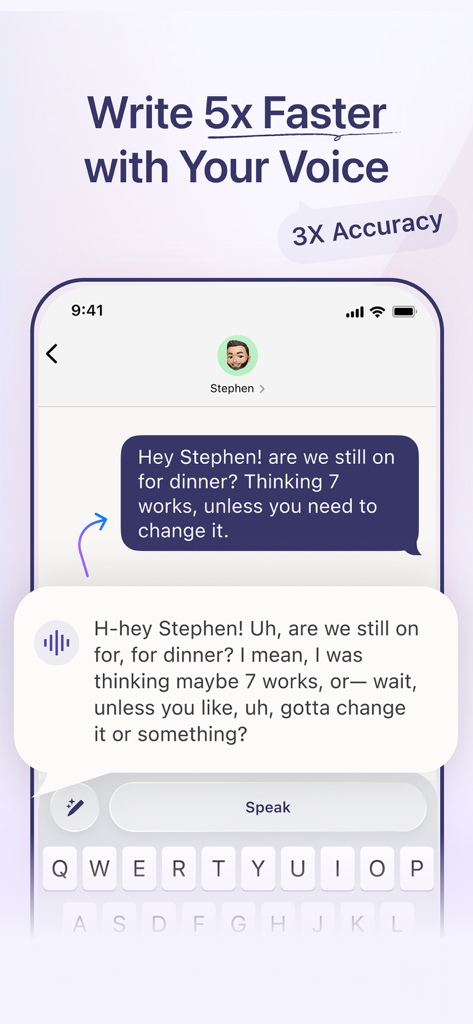
A comparison showing a rambling voice transcript being polished into a clear text message using the Willow AI keyboard
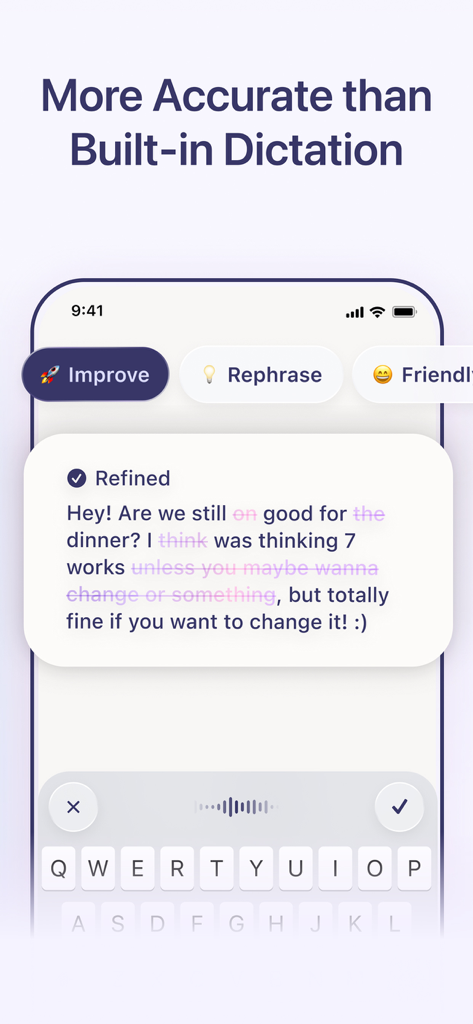
A screenshot of the Willow AI keyboard interface demonstrating how it refines and improves the accuracy of dictated text messages.
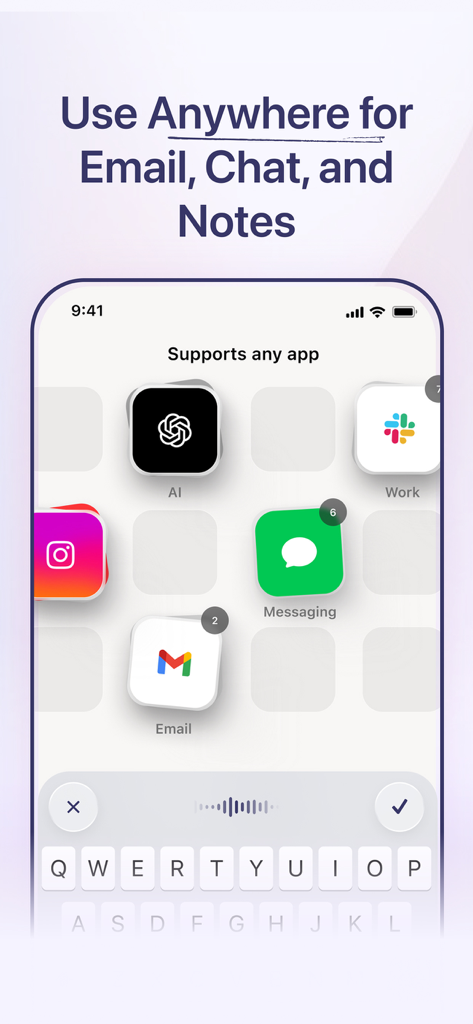
Screenshot of Willow AI Keyboard showing support for apps like Gmail, Slack, and ChatGPT for dictation.
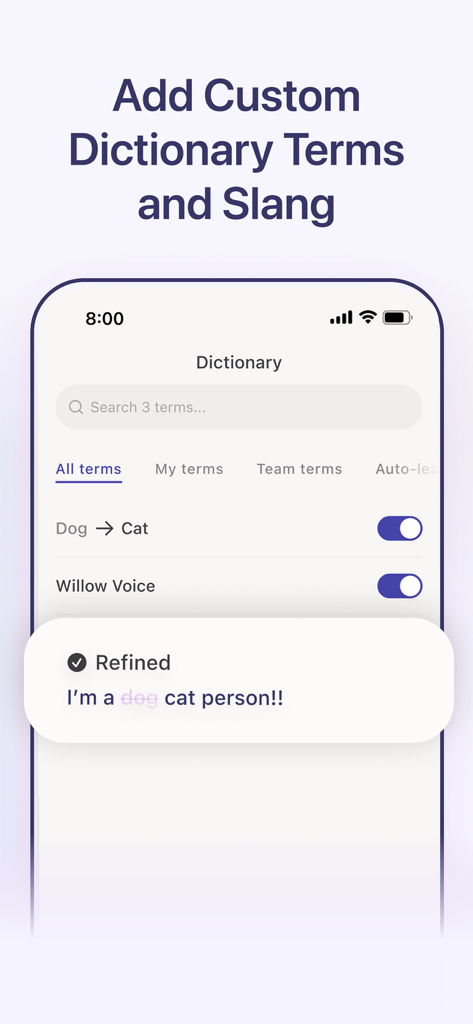
Willow AI Keyboard interface for managing custom dictionary terms and refining dictated text.
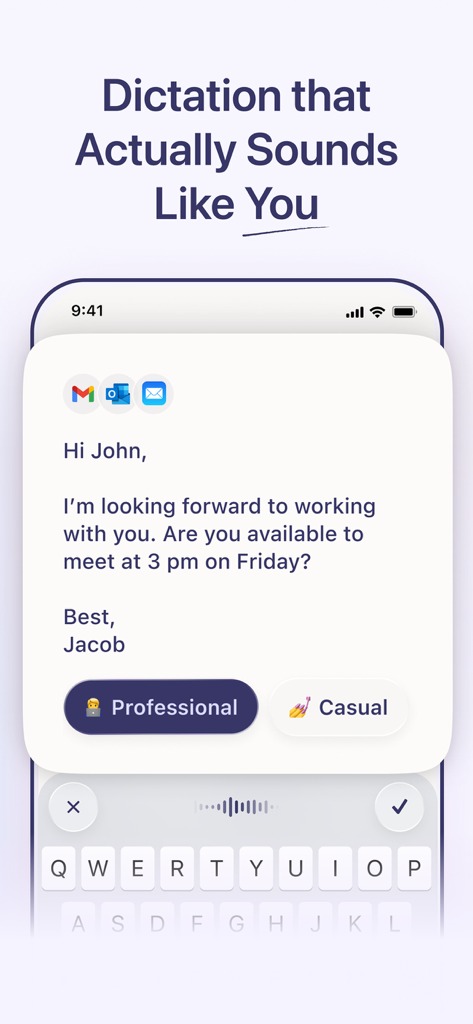
Willow AI dictation keyboard showing professional tone selection for a drafted email.
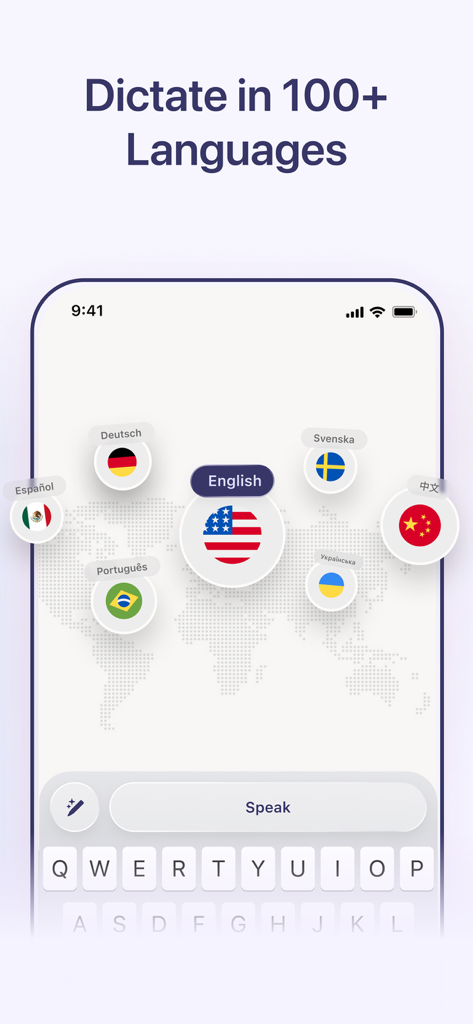
Willow Dictation app interface showing support for over 100 languages with global flag icons
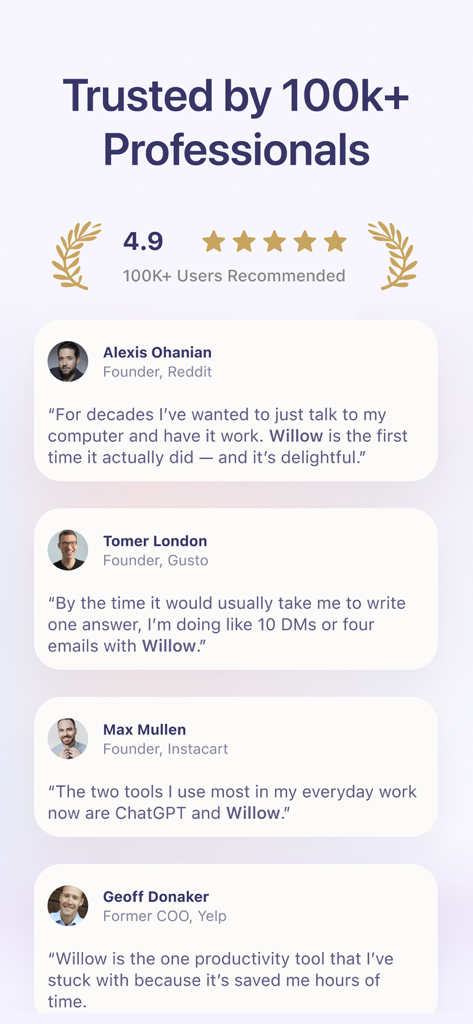
Customer testimonials from tech founders for Willow Dictation and AI Keyboard showing a 4.9 star rating
Description
Download
More Like This
Top-ranked apps in the same category

ChatGPT
OpenAI OpCo, LLC

Google Gemini
Google LLC

Claude by Anthropic
Anthropic PBC

Gmail - Email by Google
Google LLC

千问 - 阿里最强大模型官方AI助手
Shanghai Zhixin Puhui Technology Co., Ltd.

Grok - AI Chat & Video
X.AI Corporation

Google Drive
Google LLC

Microsoft Authenticator
Microsoft Corporation

Google Sheets
Google LLC
This page is not an official page of the app or its developer, but an independent editorial publication created for informational and commentary purposes. Unless expressly stated otherwise, neither the app nor its developer is affiliated with, endorsed by, sponsored by, authorized by, or otherwise officially connected with MWM, Apple, Google Play, the app publisher, or the app's developer, and nothing on this page implies that the app was developed using MWM's services. Any trademarks, logos, screenshots, and other content remain the property of their respective owners.