WOL — wake on lan

WOL — wake on lan

Download on App Store
Logo of WOL — wake on lan

WOL — wake on lan: Instant Remote Power Control for Your Network

Wake up workstations, servers, and gaming rigs from your iPhone or iPad. The professional's choice for secure magic packet delivery with full IPv6 support and multi-device management.

Publisher

Andreii Simaranov

Category

Utilities

Downloads

5K+

User Rating

1.0/5

Total Ratings

0

Locales

1

Command at a Glance

Discover the interface used by 5K+ users.
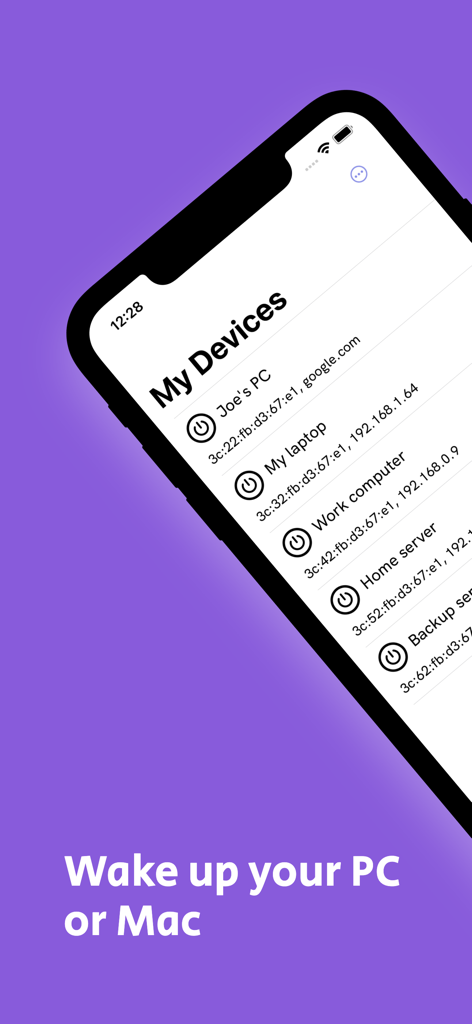
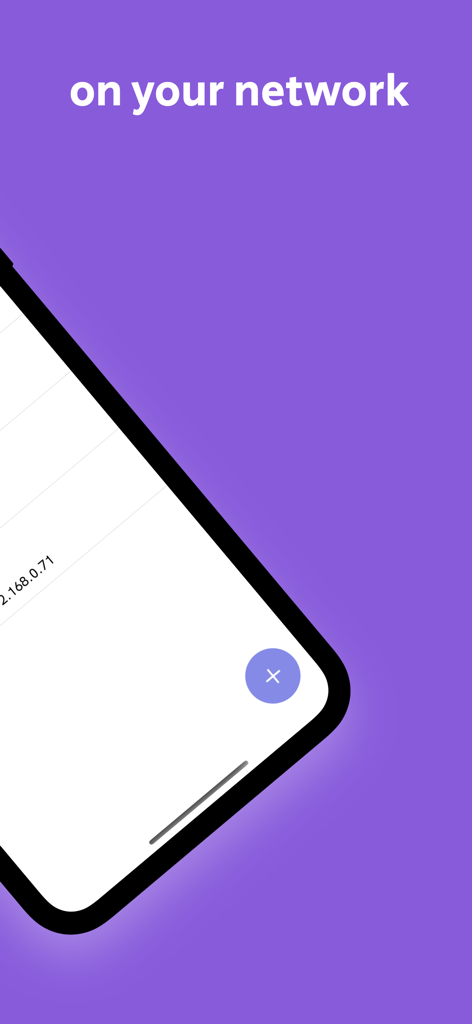
WOL app interface showing a list of network devices like Joe's PC and Work computer with power buttons to wake them up remotely.

WOL app interface showing a list of network devices like Joe's PC and Work computer with power buttons to wake them up remotely.

A smartphone showing the Wake on LAN app interface with local network devices and IP addresses

A smartphone showing the Wake on LAN app interface with local network devices and IP addresses

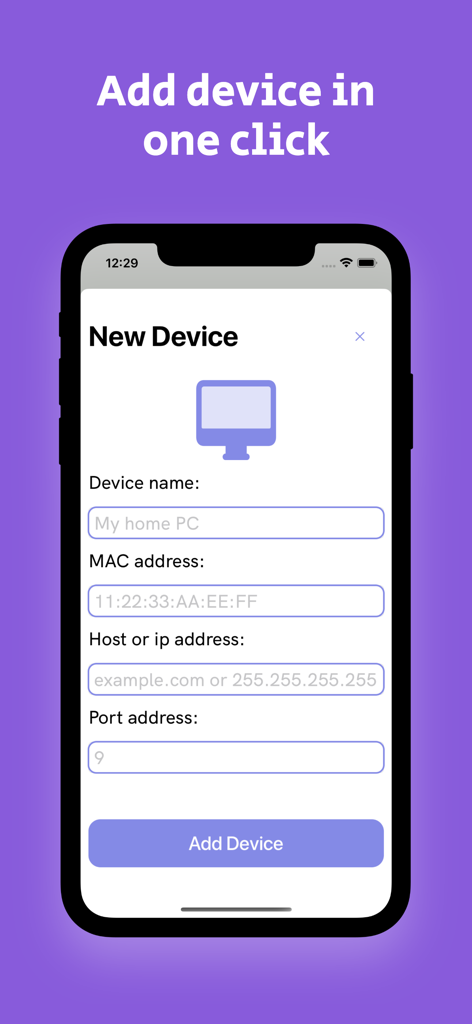
Interface for adding a new device in the WOL app showing fields for device name MAC address and IP

Interface for adding a new device in the WOL app showing fields for device name MAC address and IP

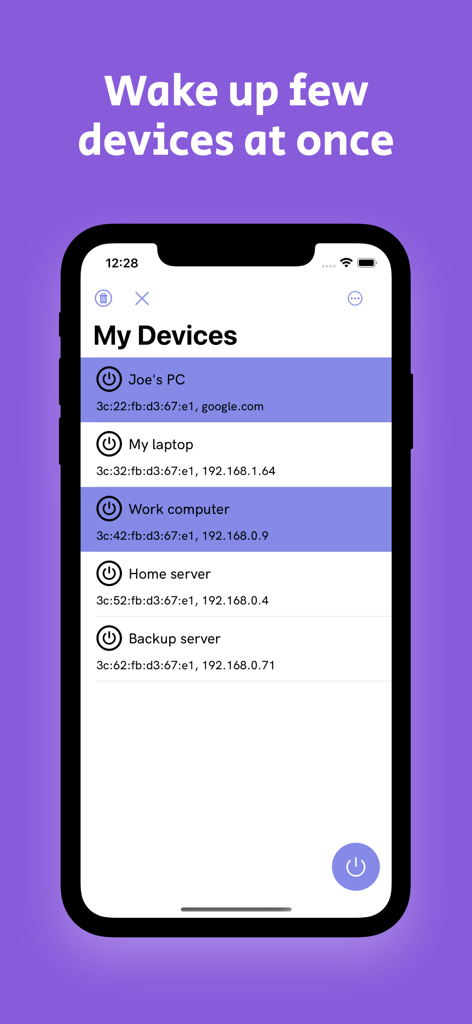
WOL app interface showing multiple devices selected for remote wake up

WOL app interface showing multiple devices selected for remote wake up

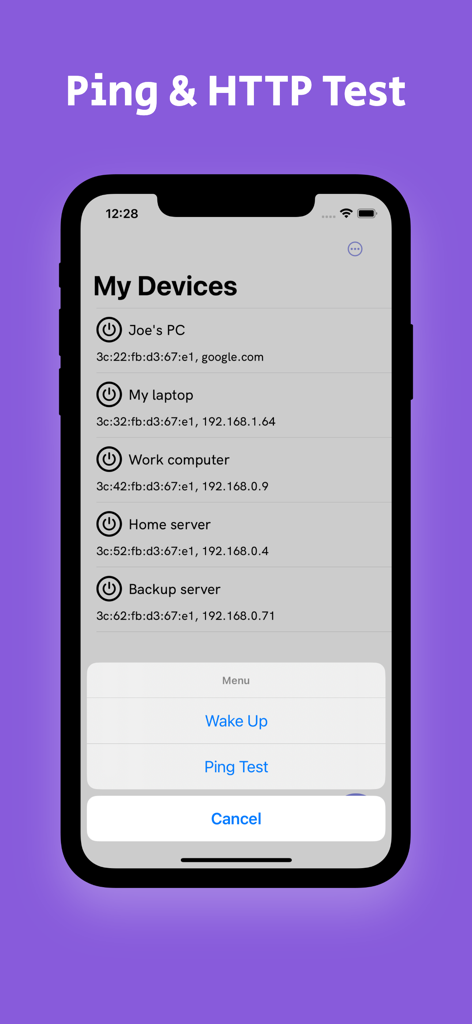
Interface of the WOL app on iPhone showing a list of network devices and a menu with options for Wake Up and Ping Test

Interface of the WOL app on iPhone showing a list of network devices and a menu with options for Wake Up and Ping Test

Master Your Hardware From Anywhere

The tools that make this app stand out, trusted by 5K+ users.

Instant Multi-Device Launch

Wake your entire workstation, server, and NAS simultaneously. Save time with bulk commands designed for complex home labs and office networks.

🌐

Next-Gen IPv6 Connectivity

Future-proof your remote management with full IPv6 support, ensuring reliable connectivity across modern ISPs and high-speed network infrastructures.

🔋

The Missing Link for RDP

Stop wasting electricity on 24/7 uptime. Keep your power-hungry PC in sleep mode and wake it only when you need to remote in or stream media.

About the app

Everything you need to know about WOL — wake on lan.

Description

Mobile Wake on LAN (WOL) app is a useful tool for remote system administrators who want to wake up computers from a distance. It is an application that uses the network interface card of the computer to send a magic packet to the target device to wake it up from sleep mode or hibernation. WOL application can be downloaded and installed on mobile devices such as smartphones or tablets, which enables the user to control the target device remotely. KEY FEATURES: - Easy to use interface: WOL application has a simple and user-friendly interface that makes it easy to use for both novice and expert users. - Multiple device support: The application can send a magic packet to multiple devices at once, which makes it more efficient when managing large networks. - IPv6 support: WOL application allows the user to set ipv6 address when they want to wake up their devices. - Multiplies devices launch: The user can also remotely one two or more devices at the same time. The WOL app is an excellent tool for remote management, providing users with an easy-to-use interface, multiple device support, and a power-off feature. It is a must-have for any remote system administrator who wants to save time and increase productivity while managing their network from a distance.

Latest Version

1.15

Size

9.2 MB

First Released

May 4, 2023

Ready to optimize your remote workflow?

Join thousands of IT professionals and power users. Download the ultimate Wake on LAN tool today to wake your servers, workstations, and home labs instantly from your pocket.

Download on App Store

App information, icons, screenshots, and descriptions displayed on this page are sourced from the Apple App Store and are the property of their respective developers. Download estimates and rankings are based on MWM's proprietary models and may not reflect actual figures. This page is provided for informational and analytical purposes only.

Believe this page infringes your intellectual property? File a dispute