Word to PDF Converter - PDFero: Create professional and secure PDFs in seconds
The fast, private, and powerful conversion tool for busy professionals and students. Transform photos, documents, and scans into high-quality PDFs directly on your device with local processing you can trust.
Publisher
Mikayil Feyzili
Category
Utilities
Downloads
100+
User Rating
4.8/5
Total Ratings
0
Locales
10
A Glimpse of Efficiency
Discover the interface used by 100+ users.
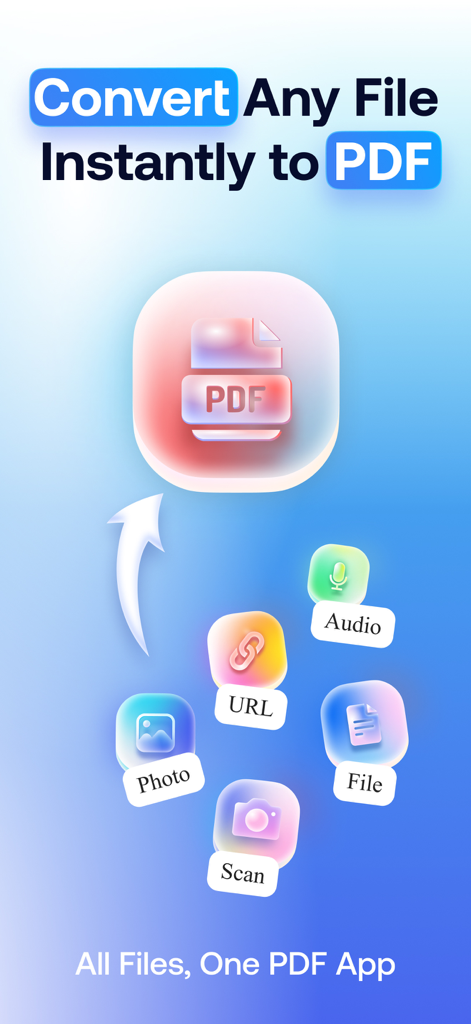
Interface of PDFero app highlighting file conversion features from various sources to PDF
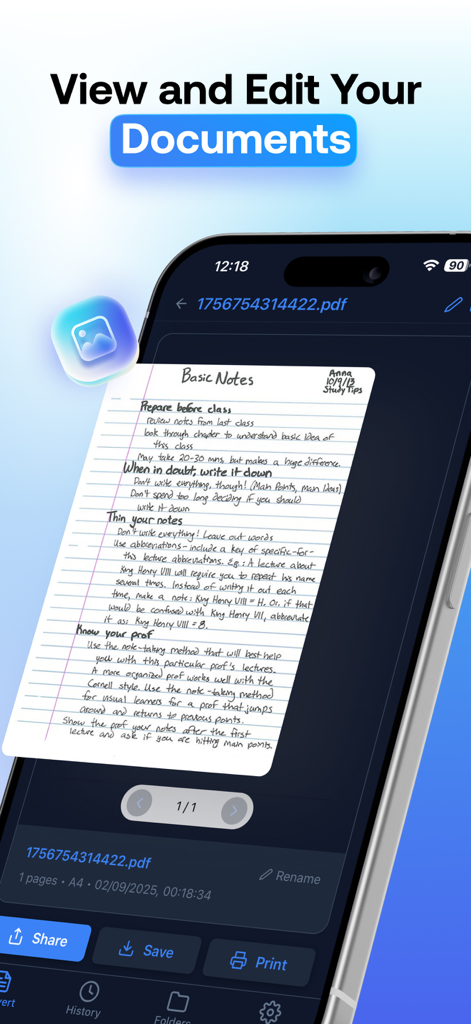
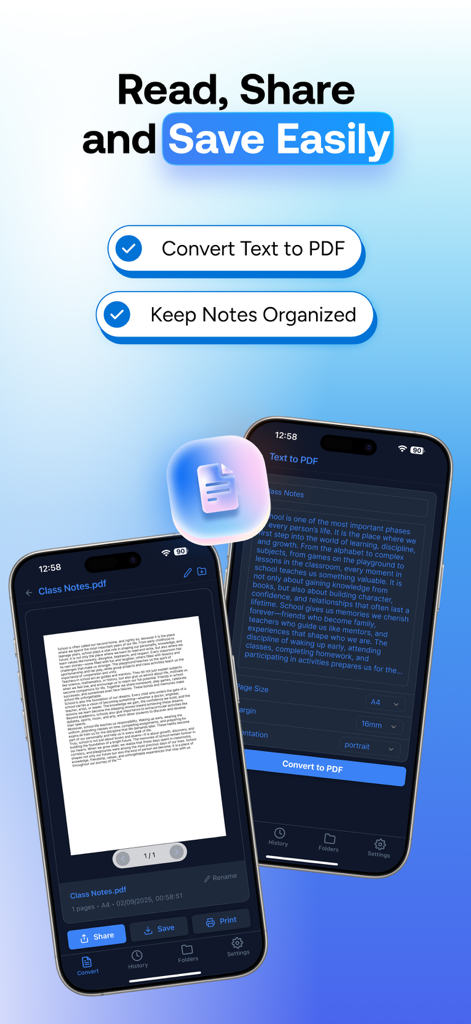
PDFero app interface showing a scanned handwritten note titled Basic Notes being viewed and edited on a smartphone
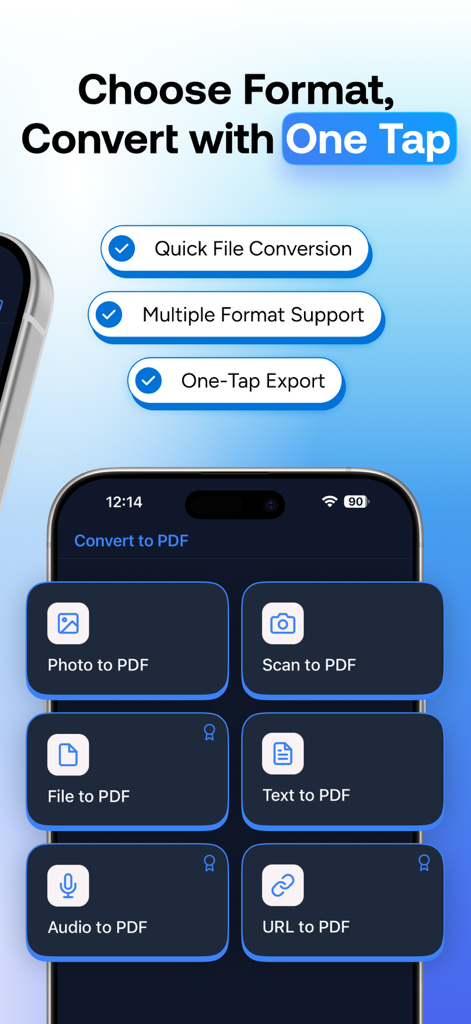
PDFero app interface showing conversion options for photos scans files text audio and URLs to PDF
iPhone screenshot showing PDFero app interface for converting text notes into PDF documents
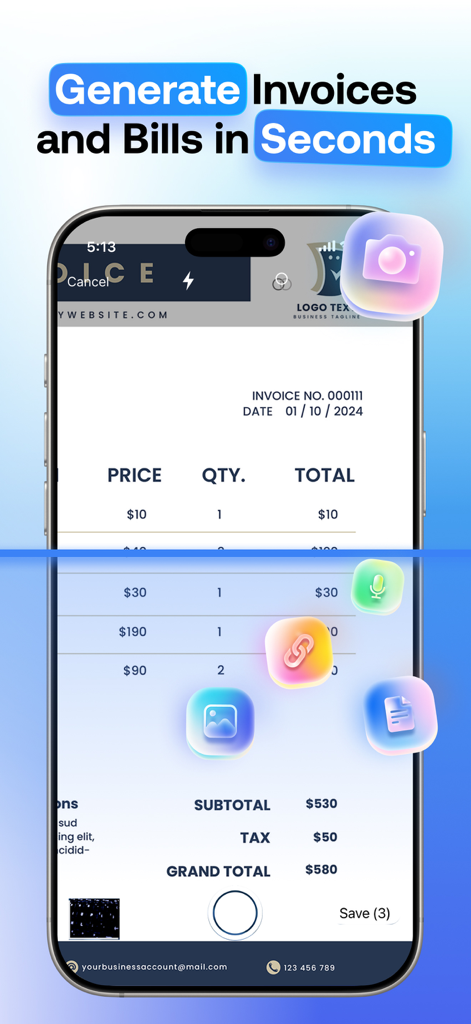
Smartphone screen using PDFero app to scan a paper invoice and convert it to a digital PDF
Professional PDF Creation, Simplified
The tools that make this app stand out, trusted by 100+ users.
📸
Instant Camera Scanner
Transform physical documents, sketches, or whiteboard notes into high-quality PDFs using your iPhone camera in seconds.
🔒
Privacy-First Conversions
Process your sensitive files locally on your device. Your data stays private, secure, and under your control at all times.
🚀
Universal File Support
Convert Word, Excel, PowerPoint, and even web URLs into professional documents ready for instant sharing and printing.
About the app
Everything you need to know about Word to PDF Converter - PDFero.
Description
Convert your photos, images, and files into secure, professional-quality PDFs in seconds.
Whether you need to turn a jpg, jpeg, png, word, excel, powerpoint, url, text, picture, photo, or scan into a PDF, PDFero makes it fast and easy.
Key Features
Photo & Image to PDF: Convert any pic, picture, or photo into a PDF file.
File to PDF: Transform Word (docx), text, and other files into PDFs for easy sharing.
Camera Scanner: Use your iPhone as a scanner and create PDFs instantly.
Export & Print: Share, email, or print your PDFs with a single tap.
Organize Files: Rename, save, and manage your PDF library with ease.
Why PDFero?
Simple yet powerful PDF creator & maker.
Designed for speed, privacy, and convenience.
Perfect for students, professionals, and everyday use.
Disclaimer
Your privacy is our top priority:
Local Conversions: Most file types (images, text, url → pdf, etc.) are processed locally on your device and never leave it.
Secure Server Conversions: For Word, Excel, PPT, and Audio conversions, files are processed via our API on secure servers. All requests are encrypted via HTTPS (SSL). Files are not stored, shared, or sold.
Transparency: No hidden data collection or unauthorized third-party access.
PRICING AND TERMS
We offer 3 subscription types:
Auto-renewal of yearly, monthly, and weekly subscriptions.
Your subscription will automatically renew at the end of each term, and you will be charged through your iTunes account. You can turn off auto-renew from your iTunes account settings, but refunds will not be provided for any unused portion of the term.
Terms of use: https://www.apple.com/legal/internet-services/itunes/dev/stdeula/
Privacy policy: https://owlly.cc/privacy
Download PDFero today and create secure, professional PDFs from your photos, images, and documents!
Latest Version
1.0.3
Size
44.1 MB
First Released
Sep 9, 2025
Ready to Transform Your iPhone into a Professional Office?
Join thousands of students and professionals who trust PDFero for secure, lightning-fast document conversion. Download today and experience the ultimate mobile scanner.
App information, icons, screenshots, and descriptions displayed on this page are sourced from the Apple App Store and are the property of their respective developers. Download estimates and rankings are based on MWM's proprietary models and may not reflect actual figures. This page is provided for informational and analytical purposes only.
Believe this page infringes your intellectual property? File a dispute