Word To PDF Converter & Reader

Word To PDF Converter & Reader

Download on App Store
Logo of Word To PDF Converter & Reader

Word To PDF Converter & Reader: Professional PDFs Made Simple

The no-nonsense mobile utility to convert, merge, and share your documents directly from your iPhone or iPad—no laptop required.

Publisher

Nitin Katrodiya

Category

Utilities

Downloads

124K+

User Rating

3.9/5

Total Ratings

500

Locales

1

A Glimpse of Efficiency

Discover the interface used by 124K+ users.
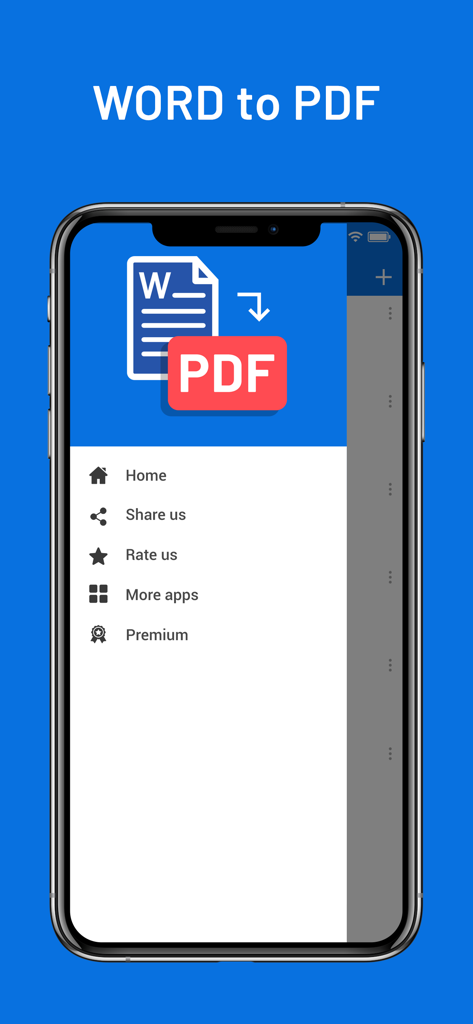
Word to PDF converter app side menu on an iPhone

Word to PDF converter app side menu on an iPhone

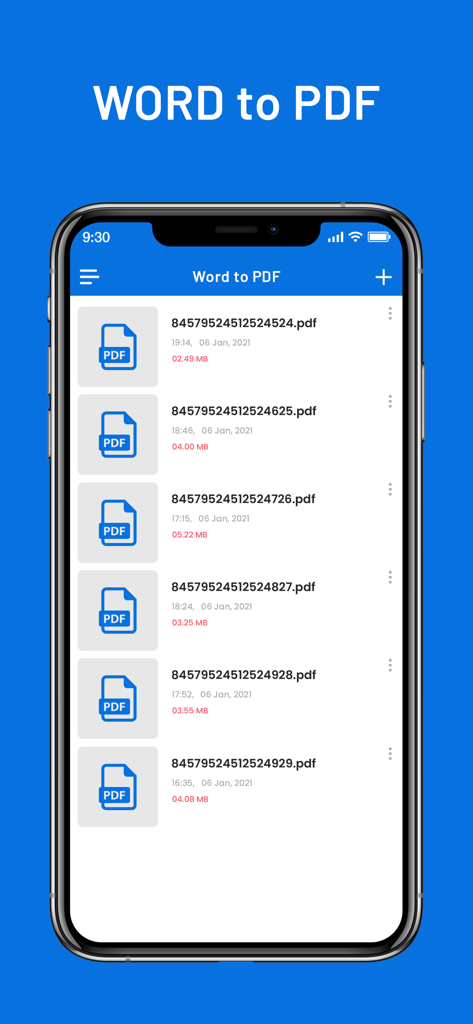
iPhone screen showing a list of converted PDF documents with file names and sizes

iPhone screen showing a list of converted PDF documents with file names and sizes

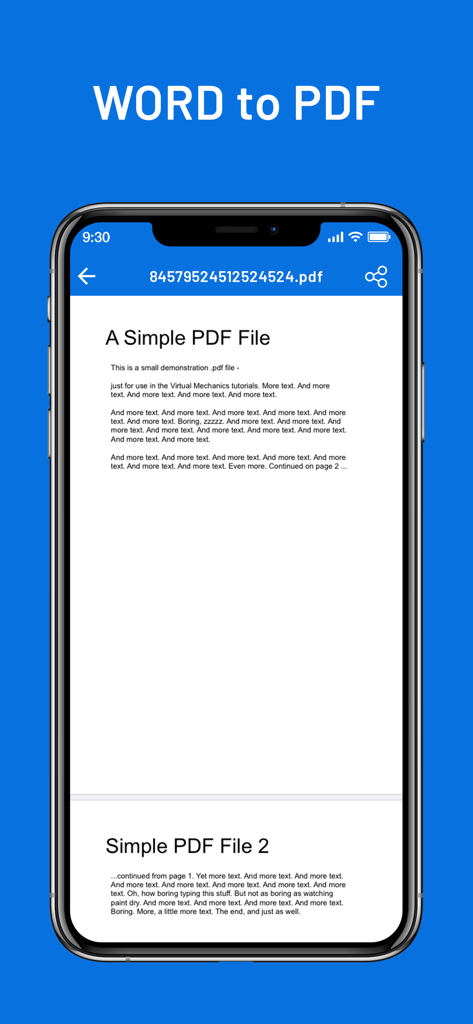
Word to PDF converter app showing a document on an iPhone screen

Word to PDF converter app showing a document on an iPhone screen

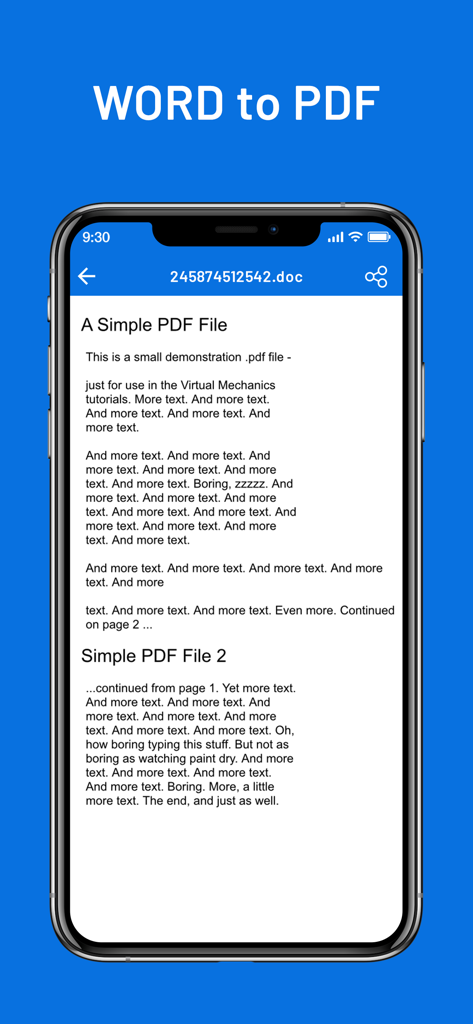
iPhone screen showing a Word to PDF converter app interface with a document preview

iPhone screen showing a Word to PDF converter app interface with a document preview

Efficiency at Your Fingertips

The tools that make this app stand out, trusted by 124K+ users.

🚀

Pro-Level Conversion

Instantly transform .doc and .docx files into pixel-perfect PDFs, ensuring your formatting stays professional and readable on any device.

🔗

Seamless Workflow Integration

Convert files directly from Mail, Safari, or cloud storage like Dropbox and Google Drive using the native iOS 'Open In' share sheet.

📑

Powerful PDF Merging

Easily combine multiple documents into a single, organized file—perfect for submitting complex assignments or archiving business contracts.

About the app

Everything you need to know about Word To PDF Converter & Reader.

Description

Word to PDF is a universal app for iPhone and iPad that can convert your MS Office Word to Adobe Acrobat PDF. After installed, Word to PDF appears in the "Open In..." list on your device. This lets you convert word from Mail, Safari, GoodReader and many other applications on your iOS device that supports this function. It's just as easy as it sounds! No need for overcomplicated apps with dozens of nonsense features. With PDF Converter app you can convert your documents to pdf or create pdf files in a matter of seconds. More Features: * Support all apple iOS devices. * Really attractive, super easy to use interface * Using "Open In..." approach, print files from many popular online storages: Dropbox, MobileMe iDisk, GoogleDocs and other cloud storage applications. * Save the following multiple word doc formats .doc, .docx to PDF. * Mail out documents as email attachments. * Copy documents to clipboard. * Send files to iBook, GoodReader, PDF Reader or other apps("Open In.." integration). * USB file transfer (iTunes file sharing). The converted PDF files could be opened in iBooks, GoodReader or Adobe Reader app for best reading experience. Also, you can send PDFs by e-mail, open in other apps and even transfer to computer. The build-in PDF Merger feature is a professional but easy-to-use PDF file Combiner & Joiner designed to merge PDF files for more convenient organizing, archiving and printing in batch. With it you can combine multiple PDF files in a order to create a new single PDF file. Several sample files have been included, you can test it right now! Any questions, suggestions and problems please let us know. We will reply ASSP, and continue to update. SUBSCRIPTION INFORMATION : - Subscribe for unlimited access to all the Premium features. - - Subscription is automatically renewed unless canceled 24 hours before the renewal - Payment will be charged to iTunes Account at confirmation of purchase - Account will be charged for renewal within 24-hours prior to the end of the current period, at the same price - Subscriptions may be managed by the user and auto-renewal may be turned off by going to the user’s Account Settings after purchase - Any unused portion of a free trial period, if offered, will be forfeited when the user purchases a subscription to that publication, where applicable Privacy Policy : https://nitinkatrodiya.wordpress.com/privacy-policy/ & Terms of Service: https://nitinkatrodiya.wordpress.com/terms-and-condition/

Latest Version

1.2

Size

12.2 MB

First Released

Jan 21, 2021

Simplify Your Workflow in One Tap

Join 124,000+ professionals and students who convert, merge, and share documents effortlessly on the go. No nonsense, just the tools you need.

Download on App Store

App information, icons, screenshots, and descriptions displayed on this page are sourced from the Apple App Store and are the property of their respective developers. Download estimates and rankings are based on MWM's proprietary models and may not reflect actual figures. This page is provided for informational and analytical purposes only.

Believe this page infringes your intellectual property? File a dispute