World Clock Timezone Converter

World Clock Timezone Converter

Download on App Store
Logo of World Clock Timezone Converter

World Clock Timezone Converter: Master Every Timezone with a Single Swipe

The essential utility for global professionals and travelers. Plan international meetings effortlessly, sync across your Apple devices, and track world time directly from your lock screen.

Publisher

Lasmit TLB Ltd

Category

Utilities

Downloads

457K+

User Rating

4.7/5

Total Ratings

50K+

Locales

4

Global Time at a Glance

Discover the interface used by 457K+ users.
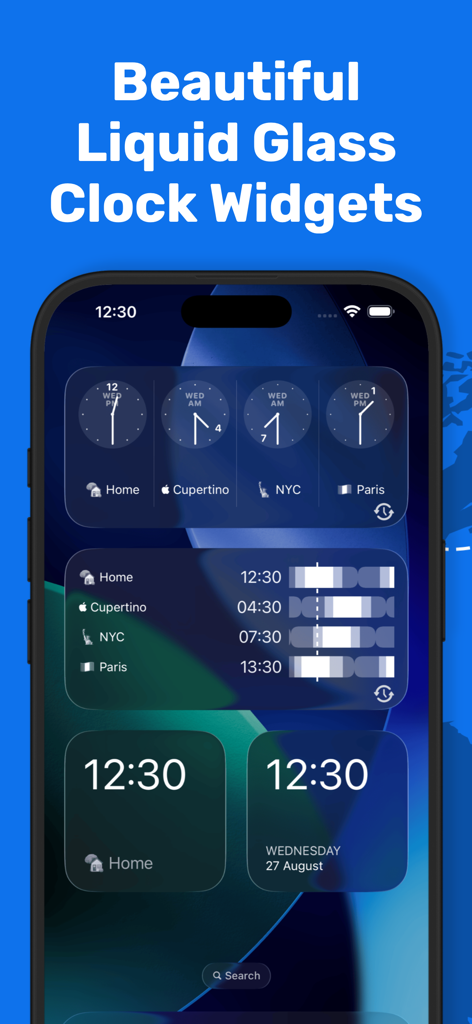
iPhone home screen displaying various liquid glass style world clock widgets for multiple timezones

iPhone home screen displaying various liquid glass style world clock widgets for multiple timezones

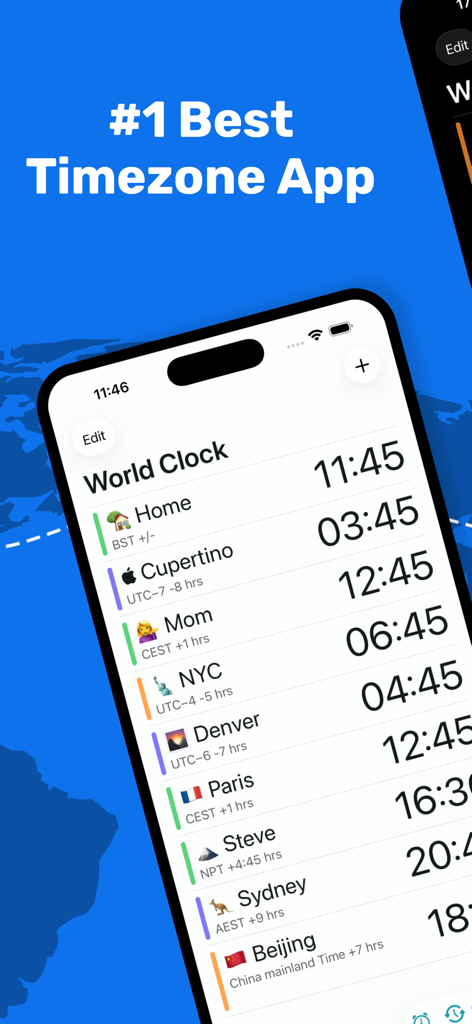
World Clock Timezone Converter app interface showing multiple global timezones on an iPhone.

World Clock Timezone Converter app interface showing multiple global timezones on an iPhone.

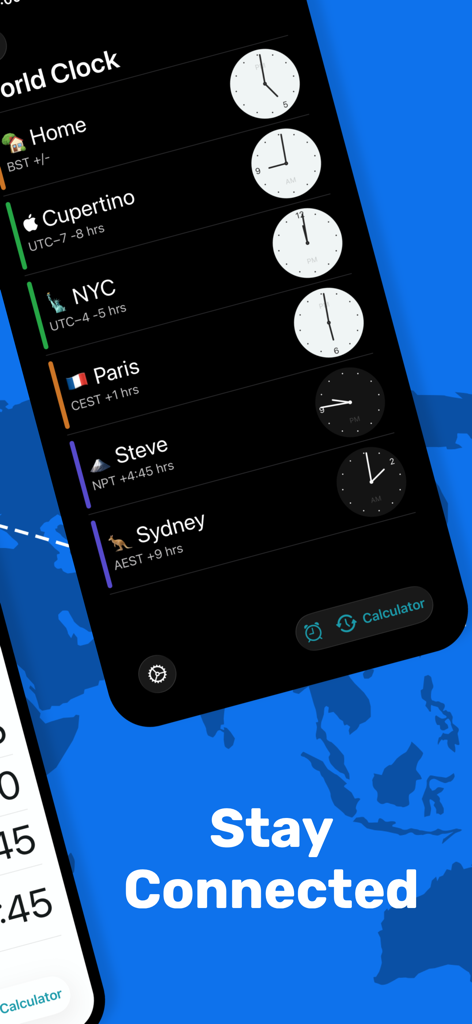
Interface of the World Clock app displaying multiple international time zones and analog clocks in dark mode

Interface of the World Clock app displaying multiple international time zones and analog clocks in dark mode

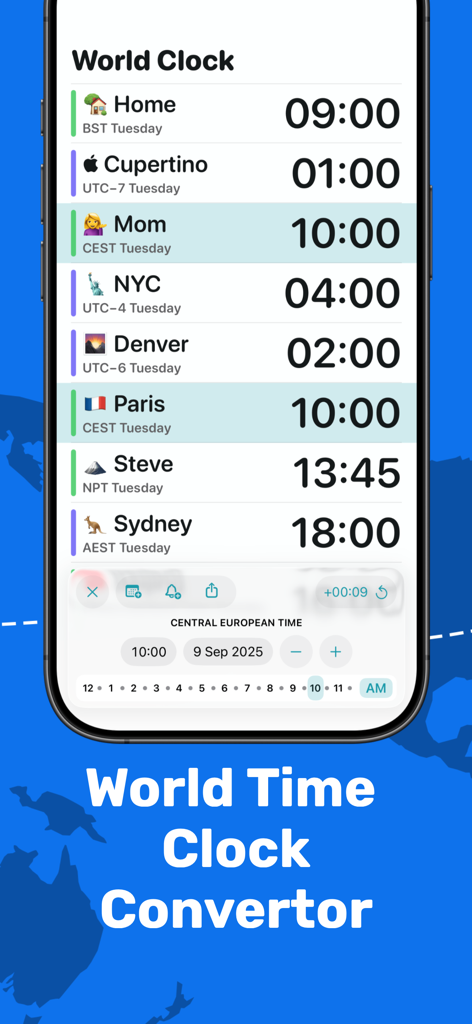
World Clock app interface showing multiple global time zones and a meeting planner feature

World Clock app interface showing multiple global time zones and a meeting planner feature

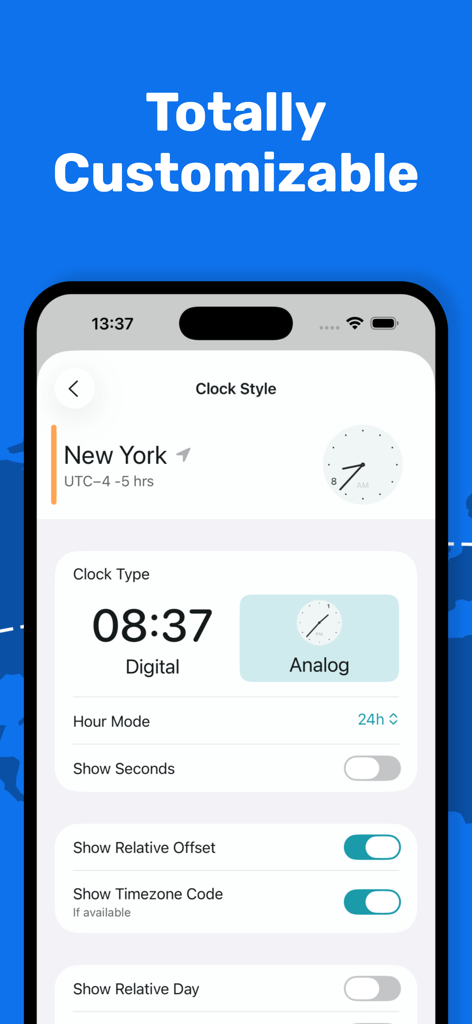
Customization screen in the World Clock app showing options for digital or analog clock styles and timezone display settings.

Customization screen in the World Clock app showing options for digital or analog clock styles and timezone display settings.

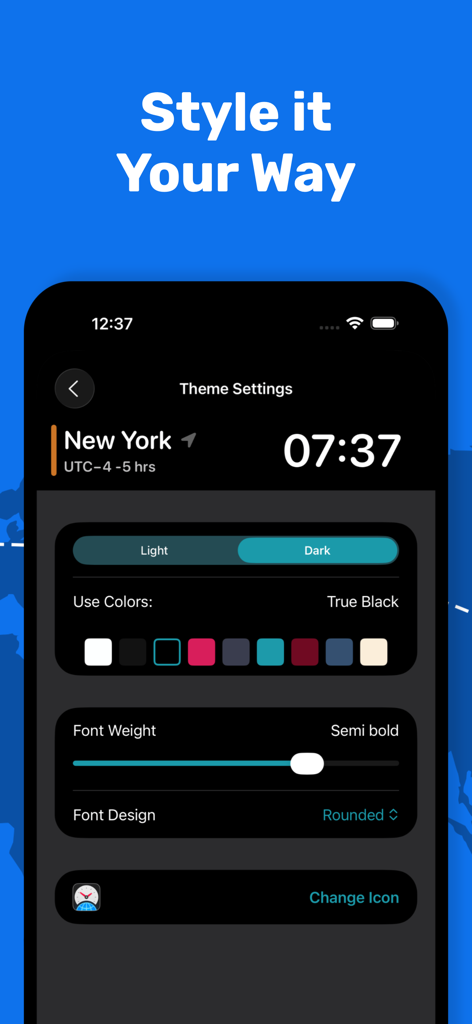
Customization screen of the World Clock app showing theme settings for colors font weight and dark mode

Customization screen of the World Clock app showing theme settings for colors font weight and dark mode

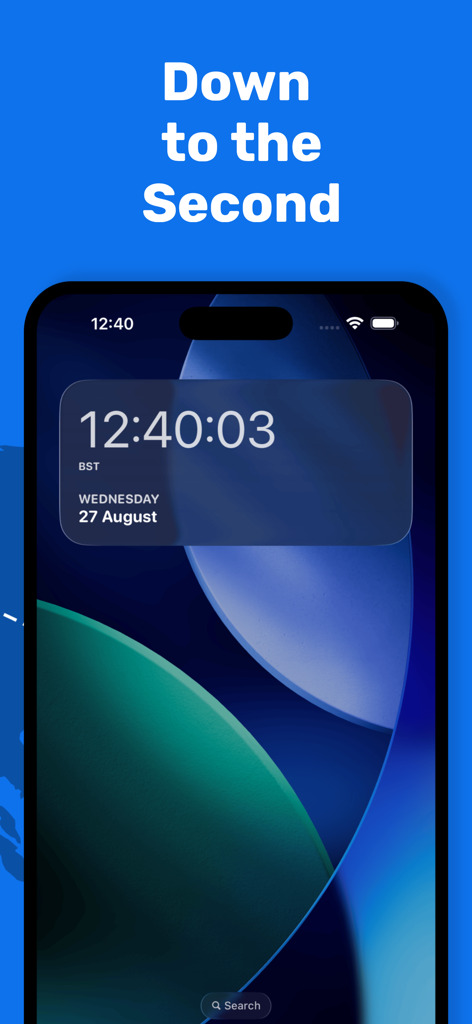
World Clock Timezone Converter widget on iPhone showing time with seconds and date

World Clock Timezone Converter widget on iPhone showing time with seconds and date

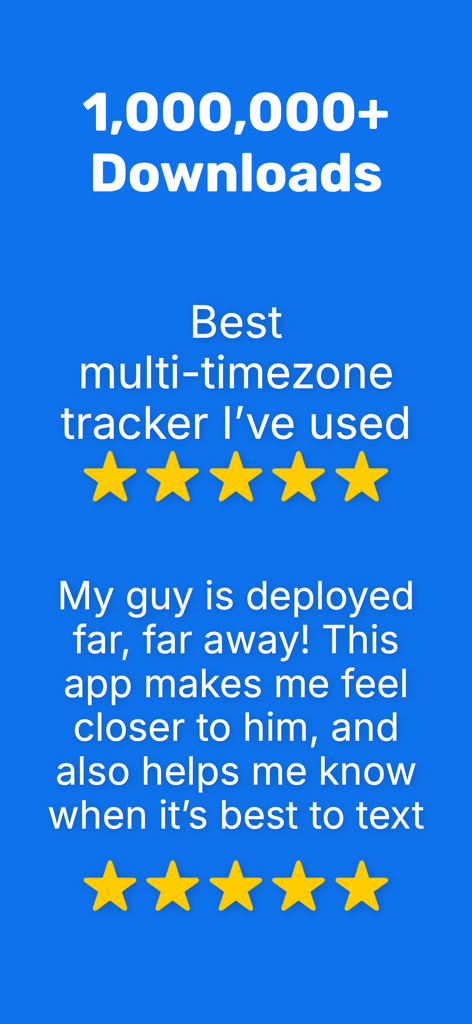
Positive user reviews and download statistics for the World Clock Timezone Converter app.

Positive user reviews and download statistics for the World Clock Timezone Converter app.

Master Your Global Schedule

The tools that make this app stand out, trusted by 457K+ users.

Instant Widget Access

Check world times directly from your lock screen or notification center. No unlocking needed—just one swipe to stay on top of global markets.

🗓️

Pro Meeting Planner

Use the unique 'Time Travel' tool to visualize future hours and coordinate international calls without the timezone math headache.

☁️

Seamless Apple Sync

Your custom locations and settings stay perfectly synchronized across your iPhone, iPad, Mac, and Apple Watch via iCloud.

About the app

Everything you need to know about World Clock Timezone Converter.

Description

Over 1,000,000 downloads and over 44,000 ratings worldwide. **Featured in "Utilities > Apps We Love" in the App Store (US)** **Featured in "Cool Clocks and Timers" of the App Store (US)** **Featured in "Enhanced for 3D Touch" in the App Store (US)** **Featured in the Best New Apps section of the App Store (UK)** **Featured in Federico Viticci's 'My Must-Have iPhone Apps' (MacStories)** World Time Widget brings the world clock to your Notification Center making it quicker and easier to see the correct time and date anywhere in the world - all within a single swipe. This app is perfect for checking timezones of international colleagues, keeping on top of world travel, or staying in touch with distant friends and family. HOW IT WORKS: iPhone / iPad widget: Just add your chosen locations to the World Time Widget app, then swipe down from the top of your device whenever you need to check the time. You can even swipe down from the lock screen to see the times - try it! Get quicker access to the timezones that matter to you with World Time Widget. Features: * ACCURATE - reliable time keeping in sync with your iOS device * COMPREHENSIVE - hundreds of cities to choose from worldwide * RELIABLE - automatic adjustment for daylight savings when applicable * CUSTOMISABLE - rename your clocks, choose 12h or 24h display, prioritise the order of your locations * COLORFUL - choose from six different themes * SECONDS - show the time to the second * CONVENIENT - see your world locations in a single swipe * USEFUL - plan meetings or calls with the handy time travel feature * CLEAR - see whether it's day or night in your chosen timezones * SYNC - Timezones sync via iCloud World Clock uses auto-renewing subscriptions. Premium Club subscription provides additional features like time travel, themes, and an ad free experience. The subscription will be charged to your iTunes account at confirmation of purchase. Subscriptions will automatically renew at the end of your subscription period and will be charged through your iTunes account. Subscriptions renew automatically unless canceled at least 24 hours prior to the end of the current period. Your account will be charged for renewal within 24 hours prior to the end of the current period. You can turn off auto-renewal at any time from your iTunes account settings. Cancellation of the current active subscription period is not allowed. Terms of Use: https://lewismakesapps.com/wtw_subscription_terms.pdf Privacy Policy: https://lewismakesapps.com/privacy/wtw/en/

Latest Version

2025.16

Size

66.9 MB

First Released

Sep 17, 2014

Ready to Master Your Global Schedule?

Join over 1,000,000 professionals and travelers who never miss a beat. Download the World Time Widget now and sync your world in a single swipe.

Download on App Store
FAQ

Frequently Asked Questions

Everything you need to know about World Clock Timezone Converter

What is the World Clock Timezone Converter app?

The World Clock Timezone Converter (also known as World Time Widget) brings world clocks to your Notification Center. It allows quick access to correct times and dates globally with a single swipe.

How do I use the World Clock Timezone Converter widget?

To use the World Clock Timezone Converter, add your chosen locations within the app. Then, swipe down from your device's top or lock screen to check the times in your Notification Center.

Does the World Clock Timezone Converter app offer customizable features?

Yes, the World Clock Timezone Converter app is highly customizable. Users can rename clocks, choose between 12h or 24h display, prioritize location order, and select from six different themes.

Does World Clock Timezone Converter automatically adjust for daylight savings?

Yes, World Clock Timezone Converter automatically adjusts for daylight savings when applicable. This ensures all displayed times remain accurate without manual intervention.

Can World Clock Timezone Converter display time with seconds?

Yes, World Clock Timezone Converter can display the time down to the second. This feature provides precise timekeeping for all your selected locations.

What features are included with the World Clock Timezone Converter Premium Club subscription?

The Premium Club subscription for World Clock Timezone Converter includes additional features. These consist of time travel functionality, various colorful themes, and an ad-free experience.

How are subscriptions managed in World Clock Timezone Converter?

World Clock Timezone Converter subscriptions are auto-renewing and charged to your iTunes account. They renew automatically unless canceled at least 24 hours before the current period ends.

Does World Clock Timezone Converter support iCloud sync for timezones?

Yes, World Clock Timezone Converter supports timezone synchronization via iCloud. This ensures your chosen world locations are consistently updated across all your iOS devices.

Can I plan meetings using World Clock Timezone Converter?

Yes, World Clock Timezone Converter features a handy time travel tool. This allows users to plan meetings or calls effectively across different timezones.

Is World Clock Timezone Converter a popular app?

Yes, World Clock Timezone Converter is a popular app with over 1,000,000 downloads. It has also been featured multiple times in the App Store, including "Utilities > Apps We Love."

App information, icons, screenshots, and descriptions displayed on this page are sourced from the Apple App Store and are the property of their respective developers. Download estimates and rankings are based on MWM's proprietary models and may not reflect actual figures. This page is provided for informational and analytical purposes only.

Believe this page infringes your intellectual property? File a dispute