
This page is not an official page of the app or its developer, but an independent editorial publication created for informational and commentary purposes. Unless expressly stated otherwise, neither the app nor its developer is affiliated with, endorsed by, sponsored by, authorized by, or otherwise officially connected with MWM, Apple, Google Play, the app publisher, or the app's developer, and nothing on this page implies that the app was developed using MWM's services. Any trademarks, logos, screenshots, and other content remain the property of their respective owners.
WPS for Pad: AI Office & PDF
Unleash Mac-class performance with AI-driven tools. From automating complex spreadsheets to generating high-impact presentations, work smarter with the zero-compromise office suite built for power users.
Downloads
0User Rating
Total Ratings
0Publisher
Category
ProductivityLocales
1Latest Version
12.1.25268Size
1.1 GBFirst Released
Apr 1, 2026Experience Desktop-Grade Power on iPad
Stop compromising on mobile productivity. WPS for Pad brings Mac-class performance and AI-driven automation to your tablet, turning it into a high-octane production engine for professionals and students.
AI-Powered Efficiency
Transform outlines into professional presentations in seconds and let AI Copilot summarize lengthy PDFs or automate complex spreadsheet formulas for you.
Mac-Class Data Handling
Run massive datasets with the exact menus, keyboard shortcuts, and advanced formula logic you expect from a desktop, optimized for a zero-learning-curve transition.
The following screenshots and description are sourced directly from the app's official store listing and are the property of the app developer.
App Store
Screenshots
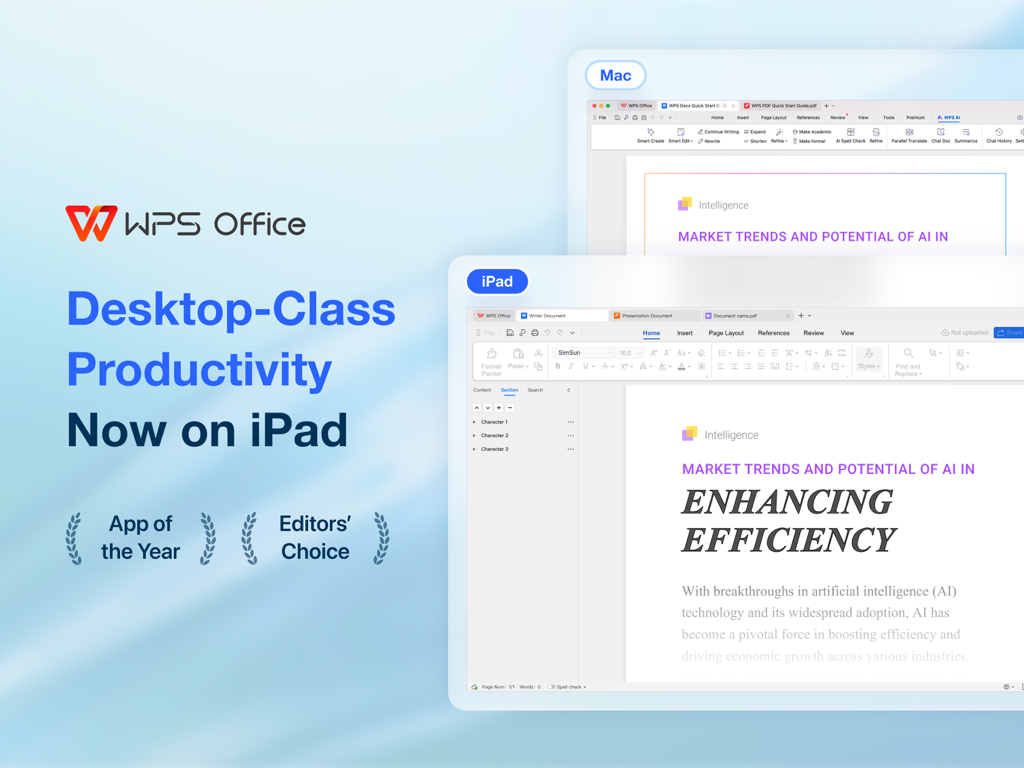
WPS Office interface comparison between Mac and iPad highlighting desktop class productivity
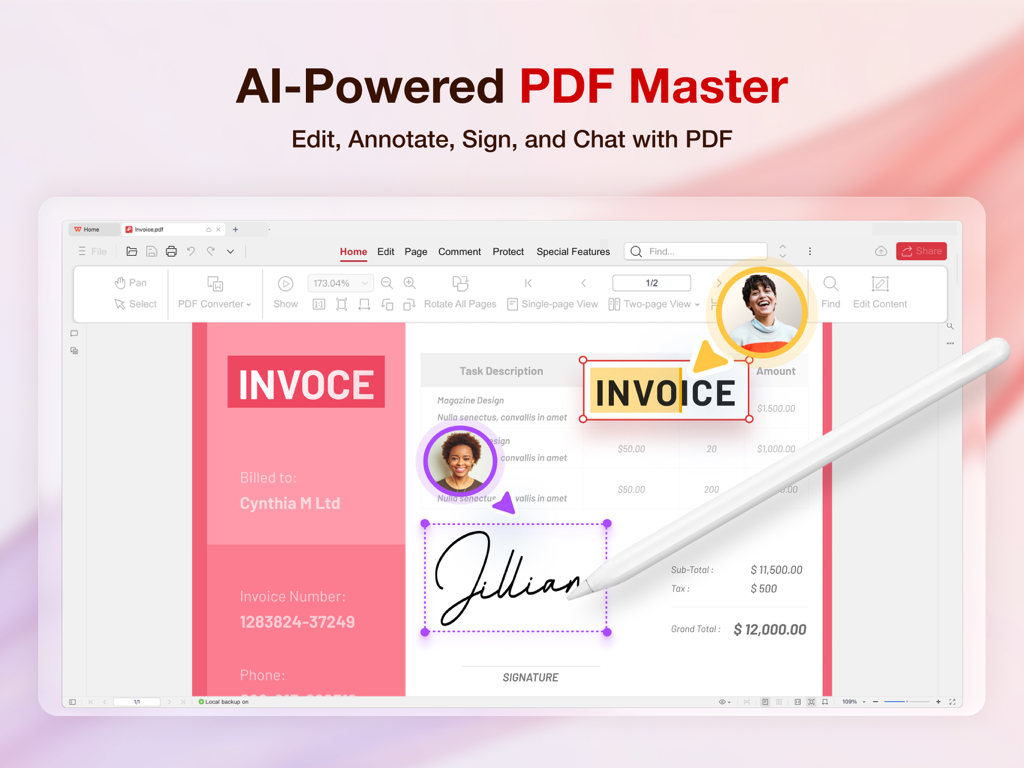
A user signing a digital invoice with an Apple Pencil in the WPS for Pad AI PDF editor interface
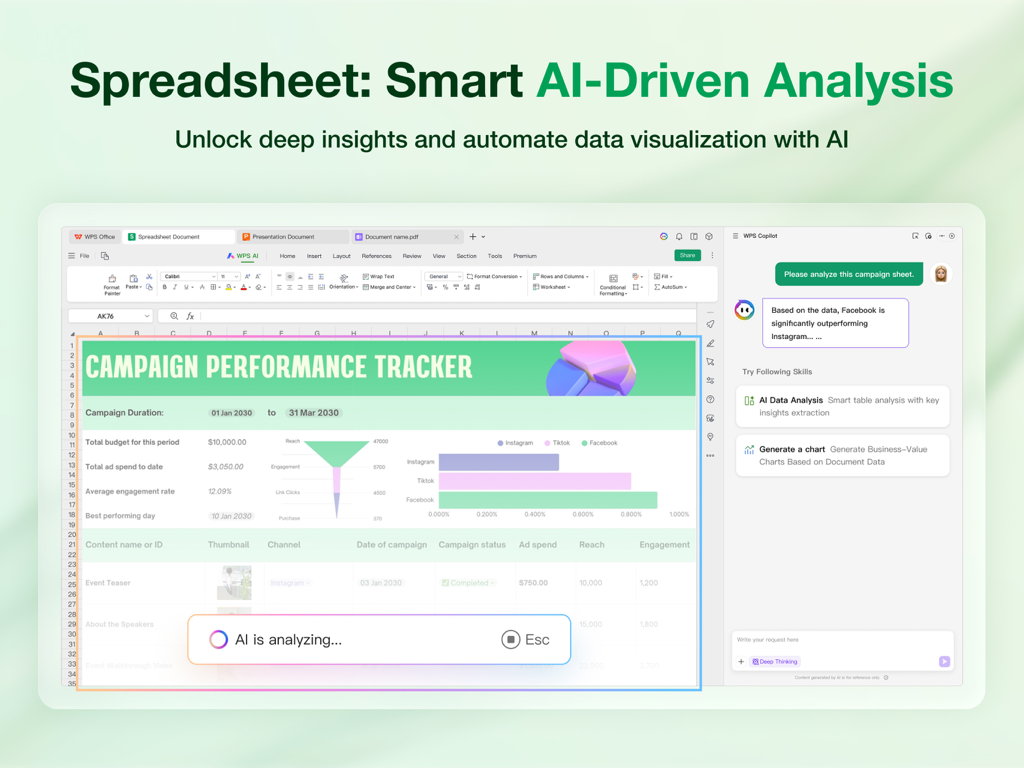
WPS for Pad spreadsheet with AI driven data analysis and campaign tracking insights

WPS for Pad interface showing AI generating a presentation from a chat prompt
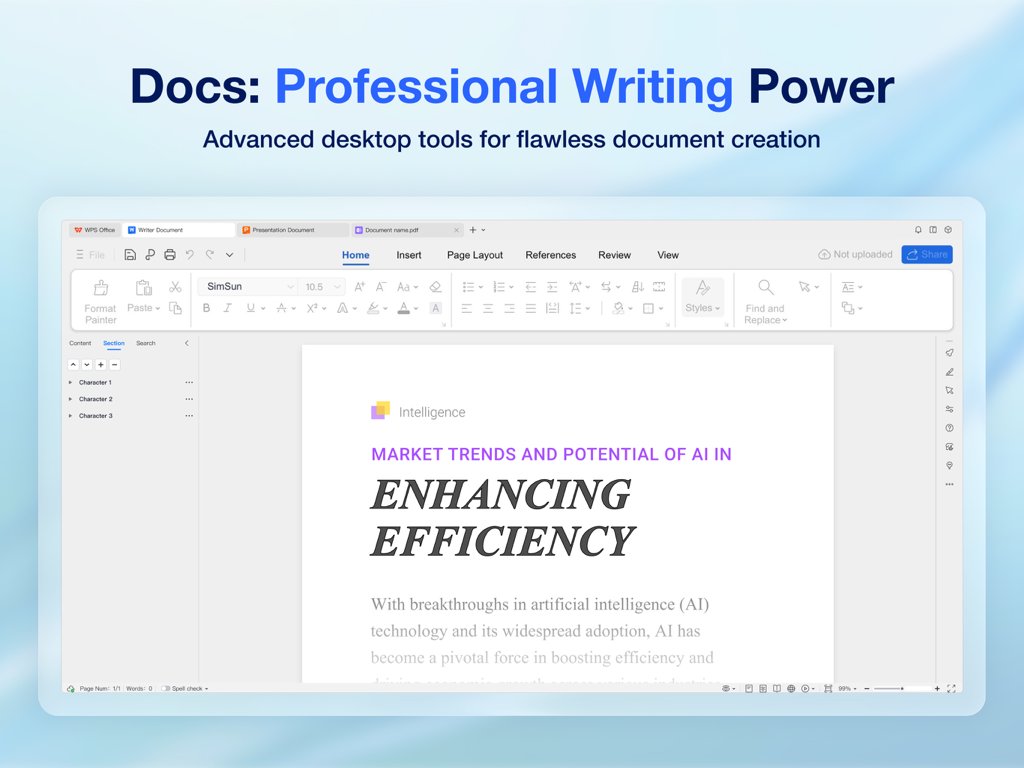
WPS for Pad professional writing interface on an iPad showing desktop-class document editing tools
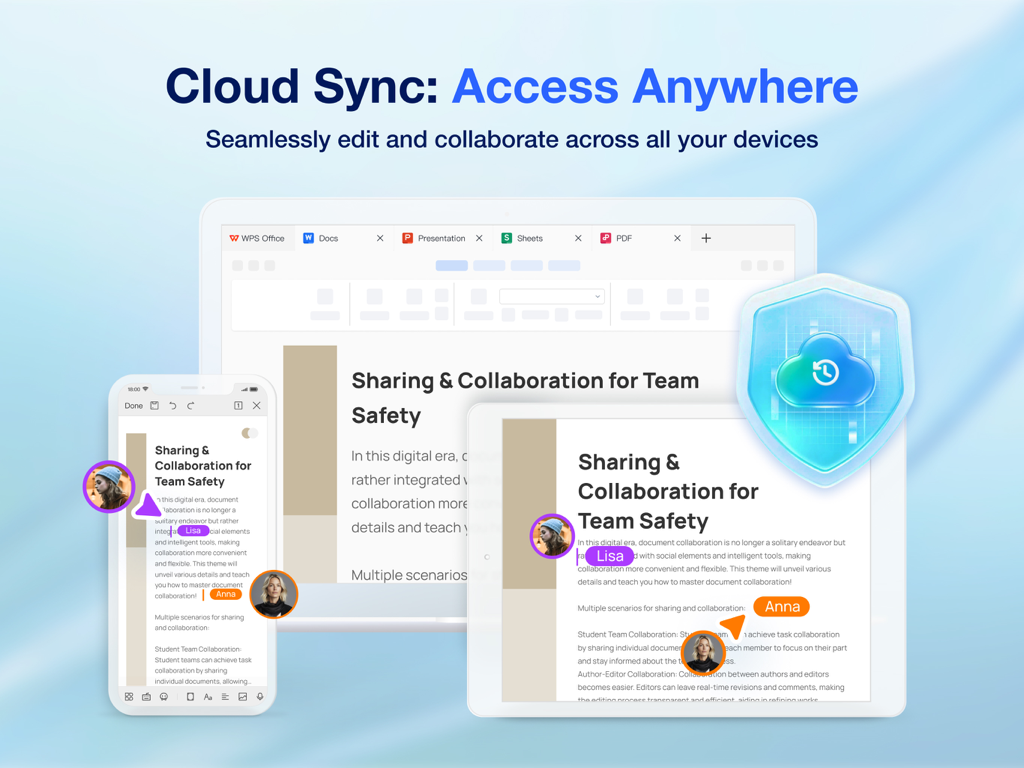
WPS Office app interface showing cloud synchronization and real time team collaboration across multiple devices
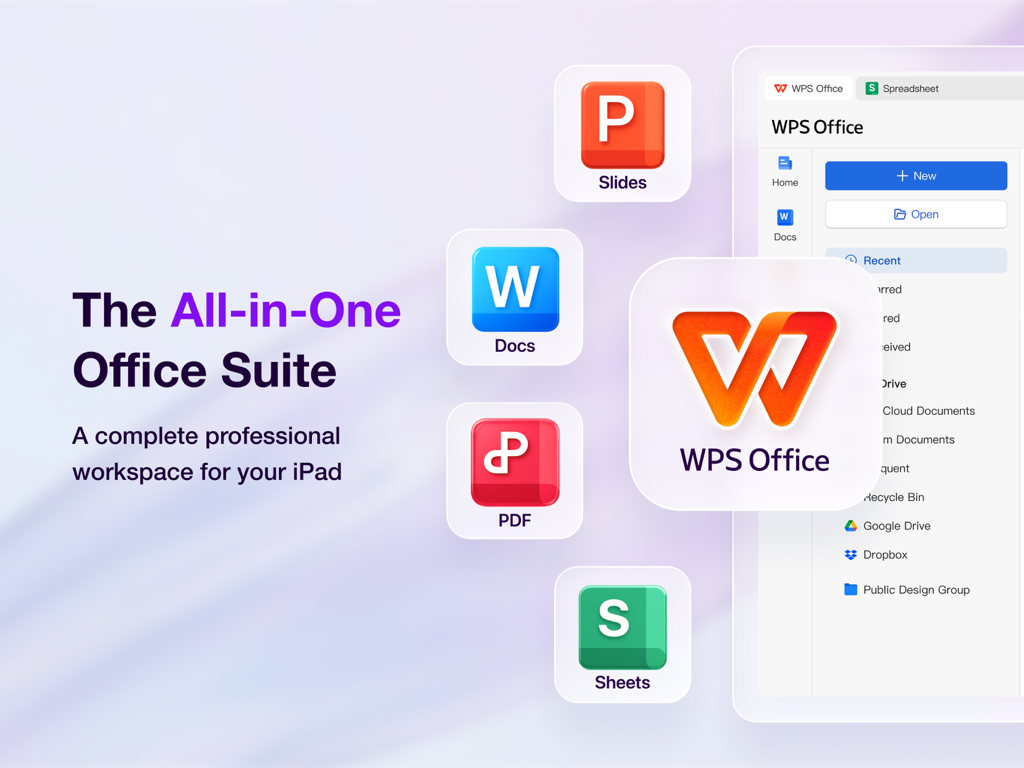
WPS Office for iPad showcasing an all-in-one workspace with integrated Docs Slides PDF and Sheets tools
Description
Download
More Like This
Top-ranked apps in the same category

Google Gemini
Google LLC

ChatGPT
OpenAI OpCo, LLC

Claude by Anthropic
Anthropic PBC

Gmail - Email by Google
Google LLC

千问 - 阿里最强大模型官方AI助手
Shanghai Zhixin Puhui Technology Co., Ltd.

Grok - AI Chat & Video
X.AI Corporation
Google Drive
Google LLC

Microsoft Authenticator
Microsoft Corporation
Google Sheets
Google LLC
This page is not an official page of the app or its developer, but an independent editorial publication created for informational and commentary purposes. Unless expressly stated otherwise, neither the app nor its developer is affiliated with, endorsed by, sponsored by, authorized by, or otherwise officially connected with MWM, Apple, Google Play, the app publisher, or the app's developer, and nothing on this page implies that the app was developed using MWM's services. Any trademarks, logos, screenshots, and other content remain the property of their respective owners.