Write on PDF: Print to PDF

Write on PDF: Print to PDF

Download on App Store
Logo of Write on PDF: Print to PDF

Write on PDF: Print to PDF – The fastest way to sign and edit documents on the go

Skip the printer and manage your paperwork instantly. Import, fill forms, add signatures, and share polished PDFs from your iPhone or iPad—anywhere, anytime.

Download on App Store

Publisher

Andrii Kulchytskyi

Category

Utilities

Downloads

0

User Rating

1.0/5

Total Ratings

0

Locales

1

Efficiency in Action

Discover the interface used by 0 users.

Promotional screen for the Write on PDF app featuring a smiling woman thinking about document management with a printer icon

Promotional screen for the Write on PDF app featuring a smiling woman thinking about document management with a printer icon

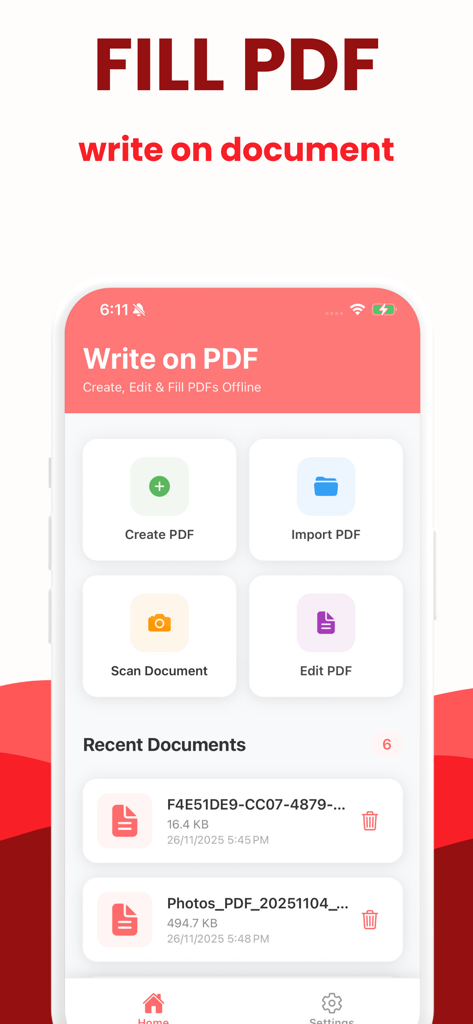
Home screen of Write on PDF app showing options to create import scan and edit documents

Home screen of Write on PDF app showing options to create import scan and edit documents

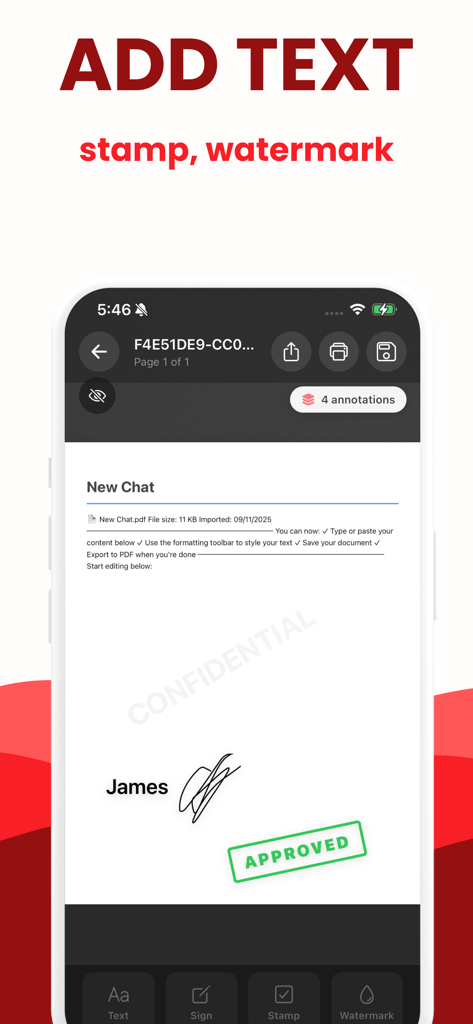
Mobile app interface showing a PDF document with an added signature, approved stamp, and confidential watermark.

Mobile app interface showing a PDF document with an added signature, approved stamp, and confidential watermark.

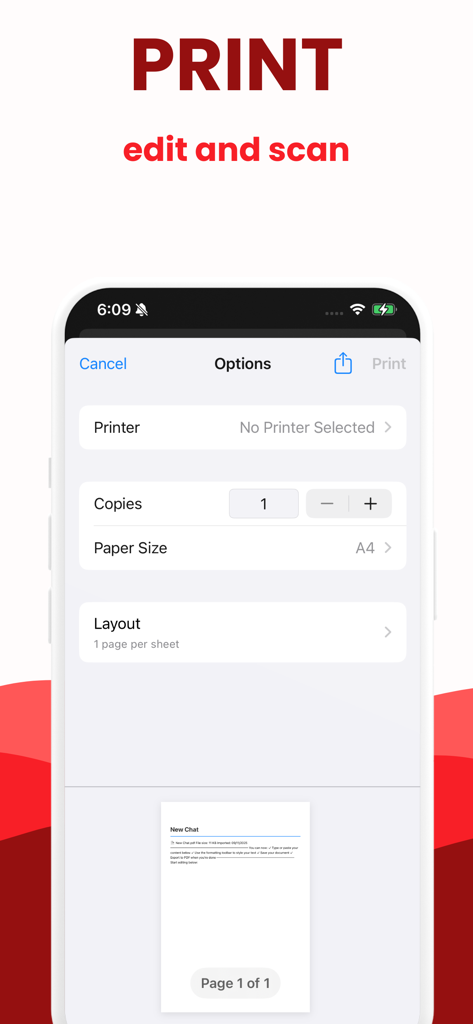
Mobile interface of the Write on PDF app showing print options like printer selection, number of copies, and paper size.

Mobile interface of the Write on PDF app showing print options like printer selection, number of copies, and paper size.

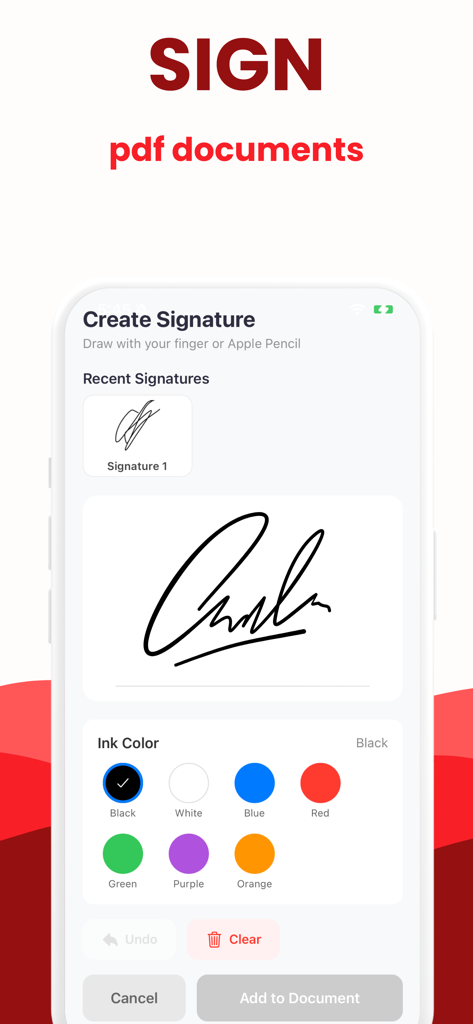
A mobile app interface showing the create signature screen with ink color options and a handwritten signature pad.

A mobile app interface showing the create signature screen with ink color options and a handwritten signature pad.

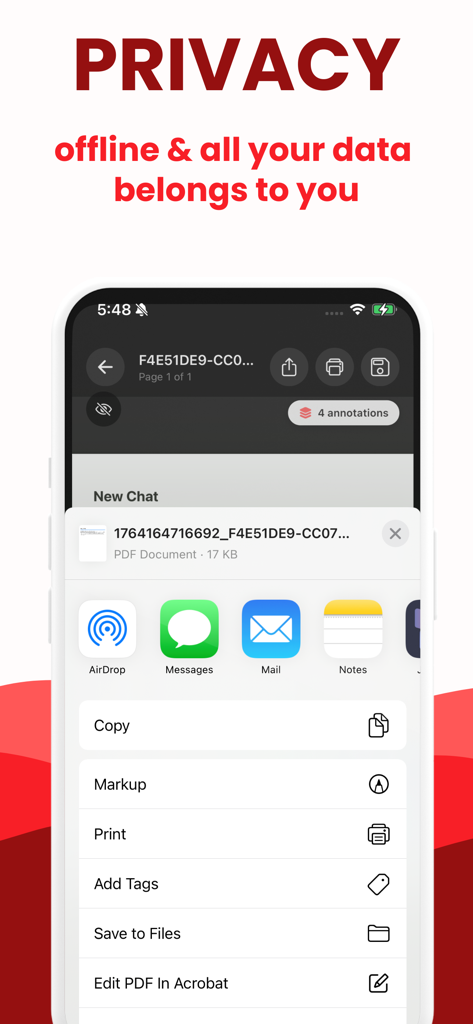
Privacy and offline document security features in the Write on PDF app

Privacy and offline document security features in the Write on PDF app

Master Your Documentation on the Go

The tools that make this app stand out, trusted by 0 users.

✍️

Instant Digital Signatures

Close deals faster without a printer. Save your signature once and securely sign contracts or agreements with a single tap from anywhere.

📝

Seamless Form Filling

Skip the manual paperwork. Effortlessly type text, add stamps, or highlight details using a touch-optimized interface built for speed and precision.

🔒

Secure Offline Workflow

Work with confidence in any environment. Edit and manage sensitive documents without an internet connection, keeping your data private and local.

About the app

Everything you need to know about Write on PDF: Print to PDF.

Description

Write on PDF makes document work effortless. Import any PDF or image, fill forms, add signatures, stamps, and watermarks, and print or share instantly. Create blank pages or templates, type and edit text with ease, and keep annotations organized by page. Offline friendly and built for speed, it’s the fastest way to edit, sign, and deliver polished PDFs. Key features: Import PDFs and images, or start from a blank page Type, edit, highlight, draw, and add stamps or watermarks Save reusable signatures; sign and send in seconds Fill forms neatly with guided text entry Print, export, or share without losing quality Manage documents offline with quick autosave Clean, touch-friendly interface for phones and tablets Terms of use: https://docs.google.com/document/d/1LFwlAZRxW27rsNmElr90fdF-Cq7TpmxZXllAyo5JX-8/edit?usp=sharing Privacy Policy: https://www.termsfeed.com/live/b737db52-72f1-4c0c-a4de-9b312f9f33d7

Latest Version

1.0

Size

45.8 MB

First Released

Dec 1, 2025

Ready to Sign and Send in Seconds?

Join the on-the-go professionals reclaiming their time. Edit, sign, and deliver polished PDFs directly from your iPhone or iPad—no printer required.

Download on App Store

App information, icons, screenshots, and descriptions displayed on this page are sourced from the Apple App Store and are the property of their respective developers. Download estimates and rankings are based on MWM's proprietary models and may not reflect actual figures. This page is provided for informational and analytical purposes only.

Believe this page infringes your intellectual property? File a dispute