
This page is not an official page of the app or its developer, but an independent editorial publication created for informational and commentary purposes. Unless expressly stated otherwise, neither the app nor its developer is affiliated with, endorsed by, sponsored by, authorized by, or otherwise officially connected with MWM, Apple, Google Play, the app publisher, or the app's developer, and nothing on this page implies that the app was developed using MWM's services. Any trademarks, logos, screenshots, and other content remain the property of their respective owners.


一键生成小红薯文案
专为小红书创作者与博主打造。输入简单想法,AI助你秒出爆款文案。内置多种文风与文本处理方式,让你的留学生活、美食推荐和穿搭分享更具吸引力,一键复制跳转,开启高效涨粉之旅。
Downloads
100User Rating
Total Ratings
0Publisher
Category
ProductivityLocales
1Latest Version
1.2Size
2.6 MBFirst Released
May 16, 2025Craft the Perfect Xiaohongshu Vibe
Our AI-powered assistant handles the writing, so you can focus on capturing the beauty of your life in the US with captions that trend.
AI-Powered Aesthetic
Automatically generate catchy hooks and emoji-rich captions that perfectly match the unique visual style of the Xiaohongshu community.
Tailored for Every Moment
Whether it is an OOTD, a brunch review, or a travel log, choose the perfect tone to make your overseas life stories pop.
The following screenshots and description are sourced directly from the app's official store listing and are the property of the app developer.
App Store
Screenshots
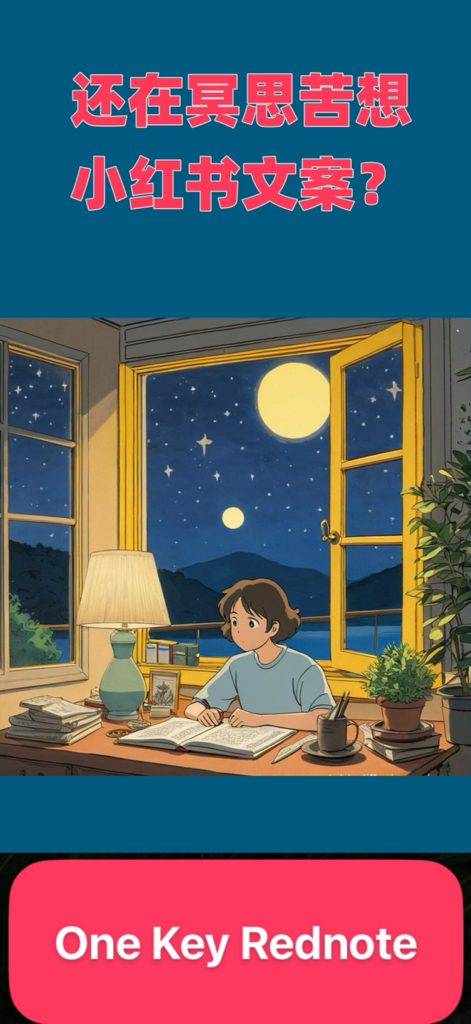
Introductory screen for OneKeyRednote AI app featuring an illustration of a student writing at night under a moonlit sky.
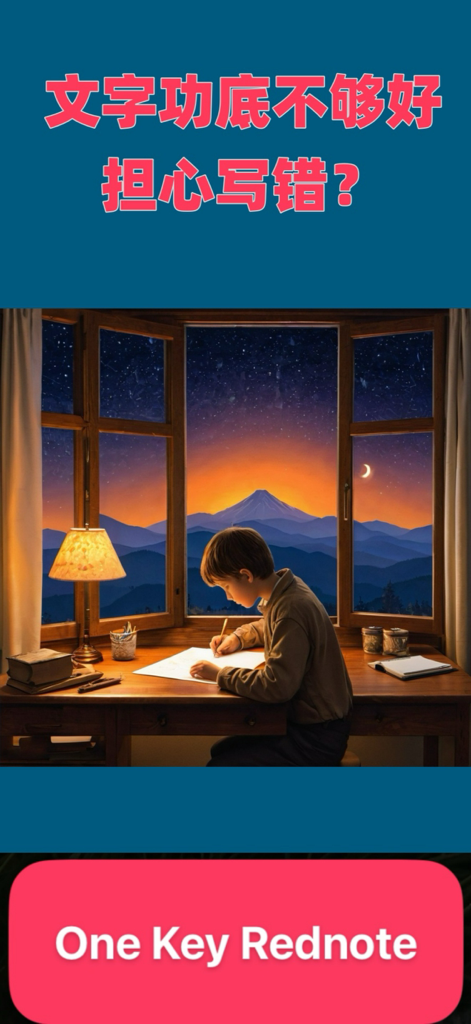
An aesthetic illustration of a boy writing at a desk under a starry night sky for the One Key Rednote app.
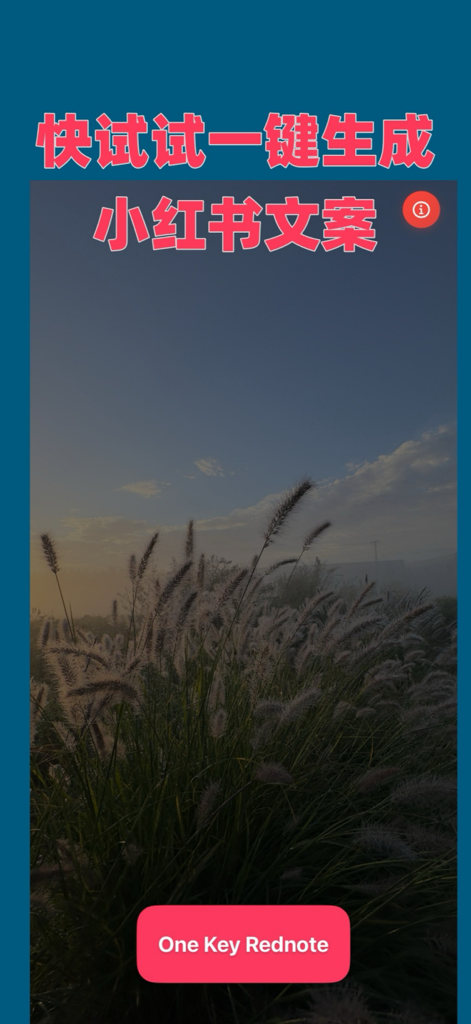
Splash screen of OneKeyRednote app with a scenic field background and a red button for one-click Xiaohongshu copy generation
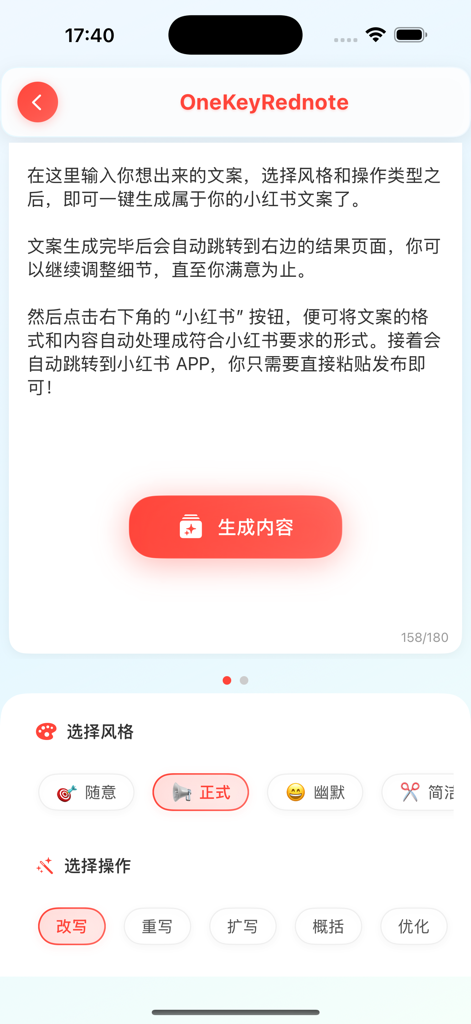
Mobile interface of the OneKeyRednote app showing options to select writing styles and AI operations for generating social media captions.
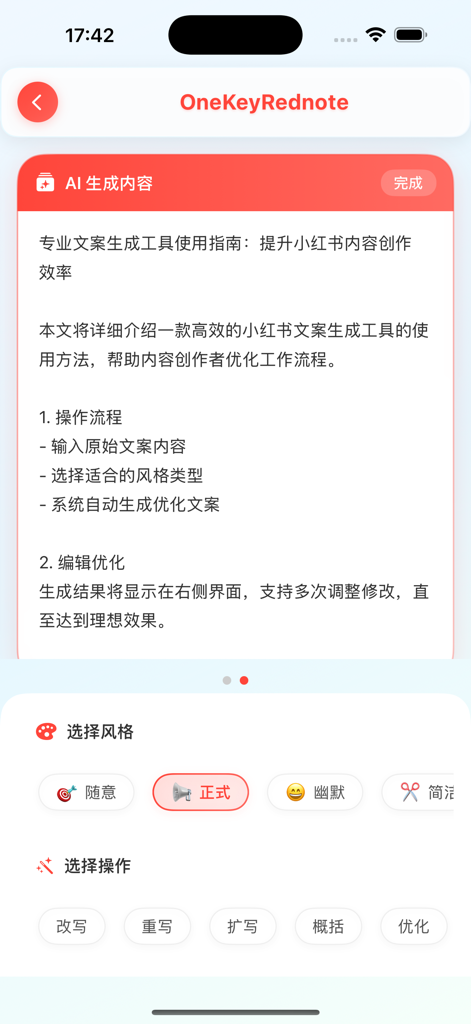
Mobile app interface of OneKeyRednote showing AI generated text and options for selecting writing styles and operations.
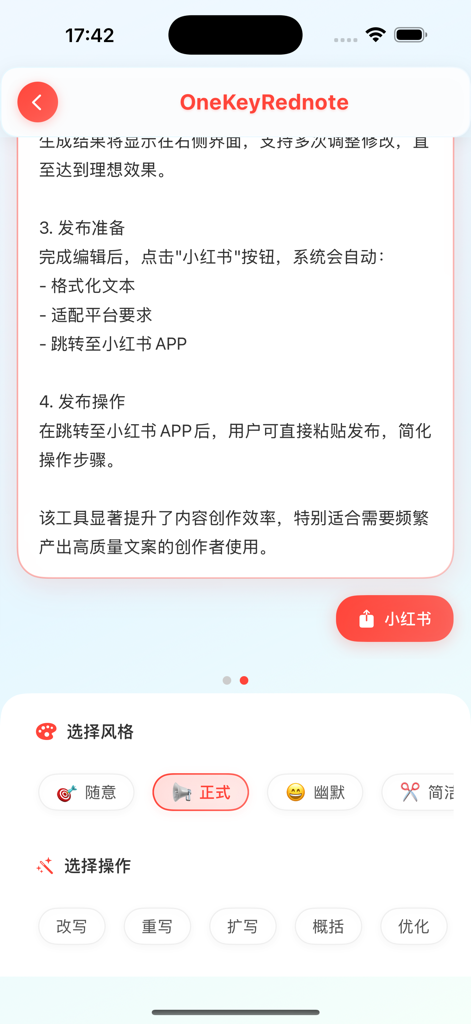
OneKeyRednote app interface showing instructions for publishing content to Xiaohongshu and options to select AI writing styles like formal or casual.
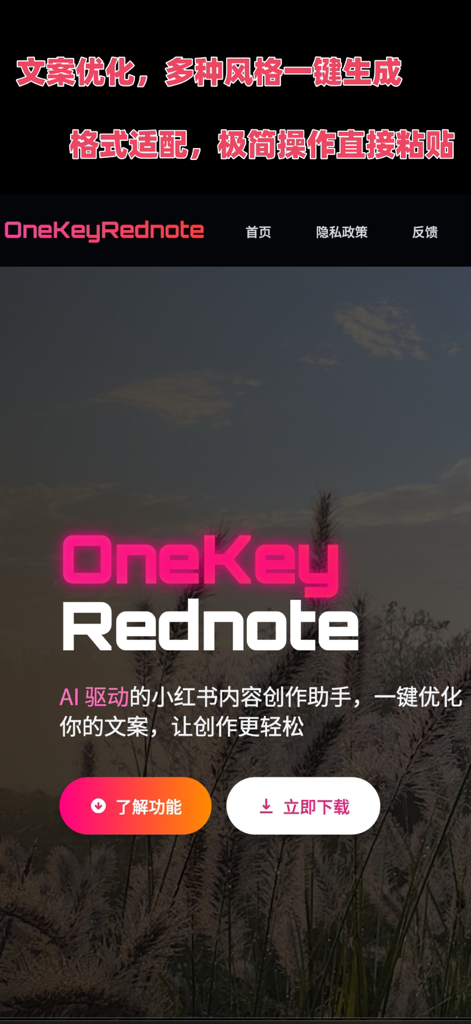
OneKeyRednote app landing page showing AI driven Xiaohongshu content creation assistant with download and features buttons
Description
Download
More Like This
Top-ranked apps in the same category

ChatGPT
OpenAI OpCo, LLC

Google Gemini
Google LLC

Grok
X.AI Corporation

Gmail - Email by Google
Google LLC

千问 - 阿里最强大模型官方AI助手
Shanghai Zhixin Puhui Technology Co., Ltd.

Google Drive
Google LLC

Microsoft Authenticator
Microsoft Corporation

Google Sheets
Google LLC

Google Docs
Google LLC
This page is not an official page of the app or its developer, but an independent editorial publication created for informational and commentary purposes. Unless expressly stated otherwise, neither the app nor its developer is affiliated with, endorsed by, sponsored by, authorized by, or otherwise officially connected with MWM, Apple, Google Play, the app publisher, or the app's developer, and nothing on this page implies that the app was developed using MWM's services. Any trademarks, logos, screenshots, and other content remain the property of their respective owners.