Zulu Time

Zulu Time

Download on App Store
Logo of Zulu Time

Zulu Time: Precise UTC Coordination for Pilots and Professionals

Eliminate mental math with glanceable Zulu and local time offsets. Essential widgets and Apple Watch complications designed for flight planning, ham radio logging, and mission-critical precision.

Publisher

DEREK SPEARS

Category

Utilities

Downloads

81K+

User Rating

4.8/5

Total Ratings

2K+

Locales

2

Precision at a Glance

Discover the interface used by 81K+ users.
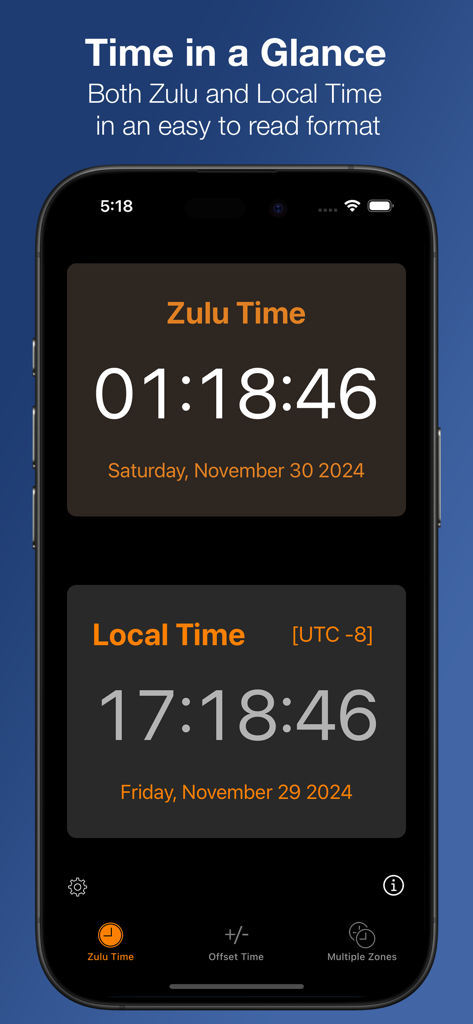
iPhone screen showing Zulu and Local time simultaneously in a clean interface

iPhone screen showing Zulu and Local time simultaneously in a clean interface

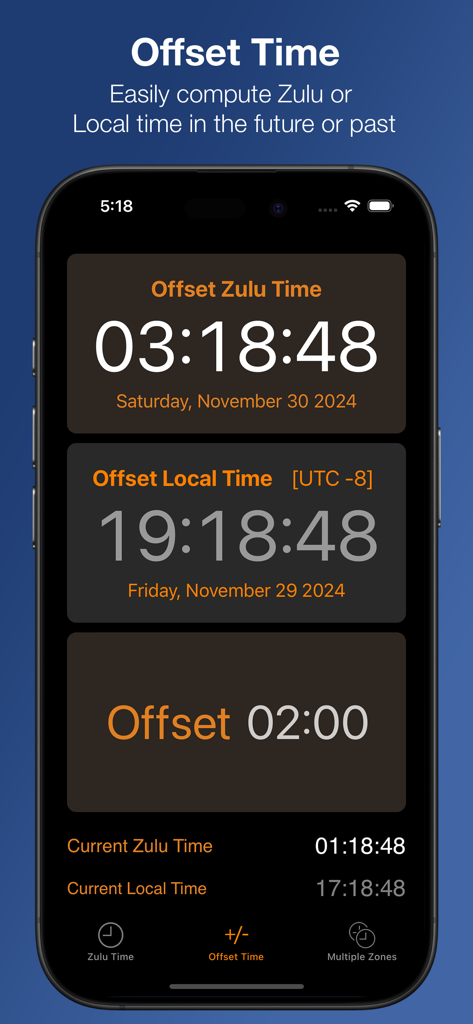
Zulu Time app interface showing the Offset Time feature to calculate UTC and local time in the future or past

Zulu Time app interface showing the Offset Time feature to calculate UTC and local time in the future or past

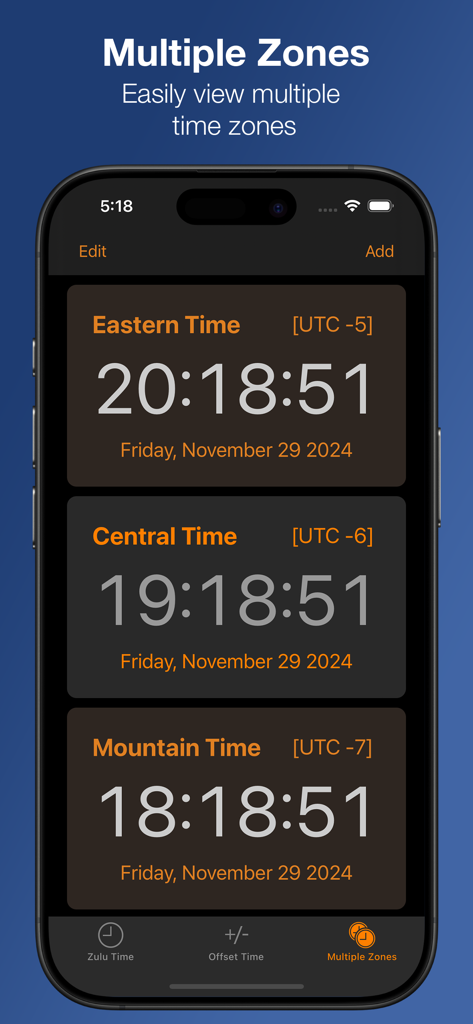
Zulu Time app screenshot showing multiple US time zones with UTC offsets and current times

Zulu Time app screenshot showing multiple US time zones with UTC offsets and current times

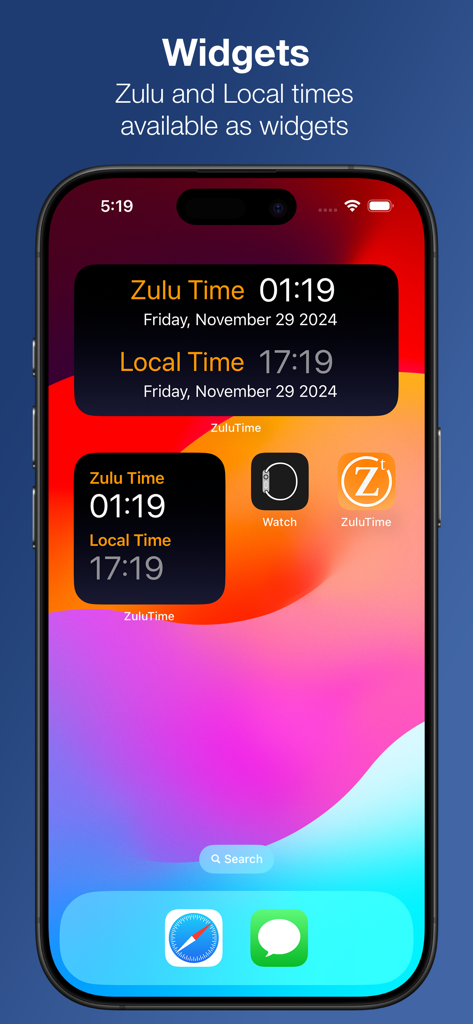
iPhone home screen showing two Zulu Time app widgets displaying both Zulu and Local times at a glance.

iPhone home screen showing two Zulu Time app widgets displaying both Zulu and Local times at a glance.

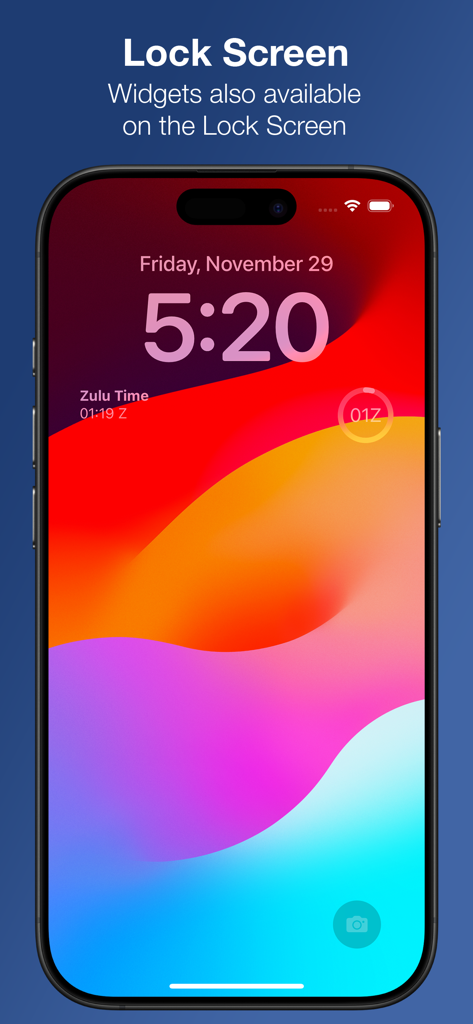
iPhone lock screen featuring Zulu Time UTC clock widgets

iPhone lock screen featuring Zulu Time UTC clock widgets

Precision Timing for Every Mission

The tools that make this app stand out, trusted by 81K+ users.

Glanceable Watch Complications

Keep Zulu time on your wrist. Access UTC instantly via Apple Watch complications and iPhone widgets for high-pressure environments.

✈️

Smart Offset Planning

Calculate future flight plans or log past radio contacts with ease. Sync local and Zulu times perfectly by adjusting any time offset.

🌐

Global Multi-Zone Tracking

Monitor unlimited time zones in one view. Perfect for coordinating international operations without worrying about Daylight Savings.

About the app

Everything you need to know about Zulu Time.

Description

An iPhone, Apple Watch and iPad app to see Local and Zulu time (GMT) or multiple time zones in a single glance. Includes Widgets for both the iPhone and Apple Watch. Useful for pilots in getting weather briefings and filing flight plans, or Ham radio operators to do timezone conversions. No more worrying about getting the timezone offset correct or Daylight Savings Time conversions. Easily convert from different time zones, including times in the future or past. On the iPhone: - Home and Lock Screen widgets - The Zulu Time page gives a quick view of both Zulu and Local times - The Offset Time page allows you to see Zulu and local time either in the future or past by entering an offset via the Offset button. Tapping either Zulu or Local times will allow you to enter a time in the future or past, synchronizing both Local and Zulu times with that offset. The offset only applies to this view (except on the iPad the offset applies to everything on the page) - The Multiple Zones page allows you to add as many time zones as you wish in a scrolling view. Clicking on any Time Zone will allow you to change it. on iPad: All information is combined on one screen. You have user customizable time zones on the right hand side. On the left, you have Zulu and Local time and one customizable time zone. The offset to see future or past time can be done via the Offset button or tapping any of either the Zulu, Local or Custom time buttons on the left. On the Watch: Complications available in all watch faces making for glanceable ZuluTime and access to the app, which gives offset able time computation.

Latest Version

3.7.0

Size

15.4 MB

First Released

Jun 19, 2010

Never Miss a Flight Plan or Radio Contact Again

Join over 81,000 professionals who rely on mission-critical accuracy. Get the ultimate Zulu time utility for your iPhone, iPad, and Apple Watch today.

Download on App Store

App information, icons, screenshots, and descriptions displayed on this page are sourced from the Apple App Store and are the property of their respective developers. Download estimates and rankings are based on MWM's proprietary models and may not reflect actual figures. This page is provided for informational and analytical purposes only.

Believe this page infringes your intellectual property? File a dispute