ArchiTouch 3D - Home Design
Download on App Store

This page is not an official page of the app or its developer, but an independent editorial publication created for informational and commentary purposes. Unless expressly stated otherwise, neither the app nor its developer is affiliated with, endorsed by, sponsored by, authorized by, or otherwise officially connected with MWM, Apple, Google Play, the app publisher, or the app's developer, and nothing on this page implies that the app was developed using MWM's services. Any trademarks, logos, screenshots, and other content remain the property of their respective owners.


Logo of ArchiTouch 3D - Home Design
Download on App Store

ArchiTouch 3D - Home Design

Bridge the gap between DIY and professional design with instant 2D-to-3D navigation. Create precise floor plans, complex roofing, and site outlines on iPad or Mac with a pro-grade tool that respects your privacy and budget.

Key Figures

Downloads

793K+

User Rating

4.0/5

Total Ratings

2K+

Publisher

GELYSOFT

Category

Productivity

Locales

4

Latest Version

4.15

Size

44.1 MB

First Released

Jun 22, 2014
Features

Architectural Design with Professional Precision

ArchiTouch 3D combines technical CAD power with mobile ease of use, allowing you to design complete floor plans and visualize them in 3D without the steep learning curve of desktop software.

Instant 2D/3D Navigation

Seamlessly switch between precision floor plans and immersive 3D views. Every change is updated in real-time, allowing you to visualize volumes and catch design flaws before construction starts.

Advanced Technical Control

Go beyond simple room layouts. Master complex architectural elements like sloped walls, mezzanines, and multi-pitched roofing with automated dimension and angle adjustments.

The following screenshots and description are sourced directly from the app's official store listing and are the property of the app developer.

App Store

Screenshots
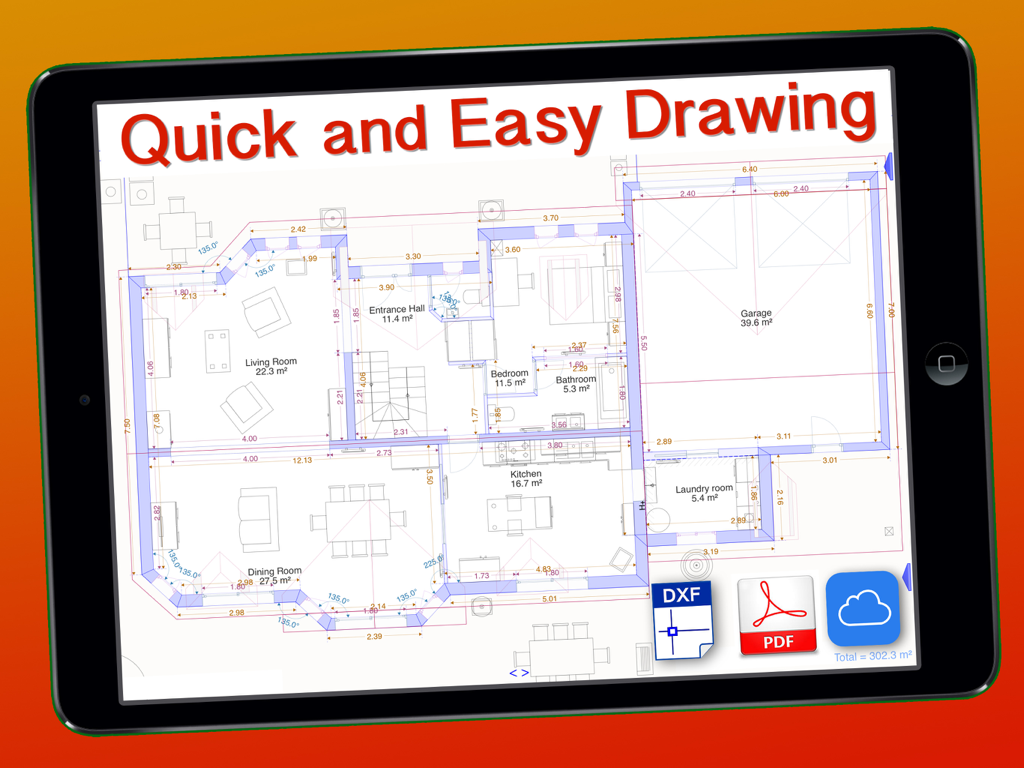
ArchiTouch 3D - Home Design - Detailed architectural 2D floor plan displayed on an iPad screen
Detailed architectural 2D floor plan displayed on an iPad screen

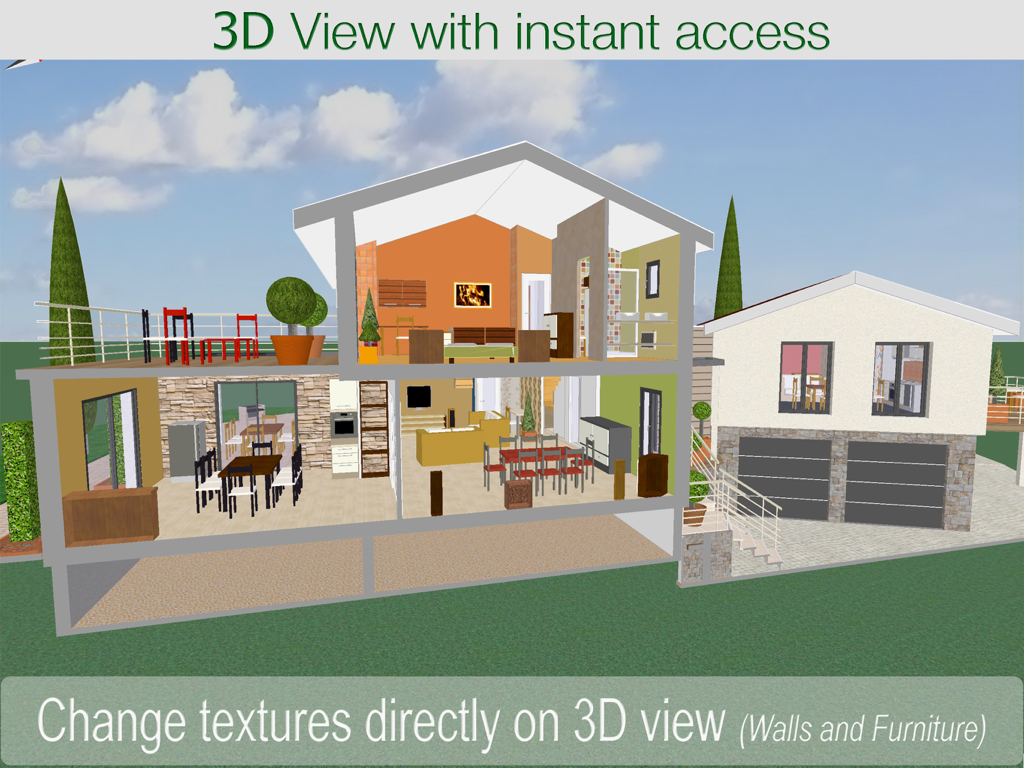
ArchiTouch 3D - Home Design - A 3D cross-section of a multi-story house design showing interior furniture and textures
A 3D cross-section of a multi-story house design showing interior furniture and textures

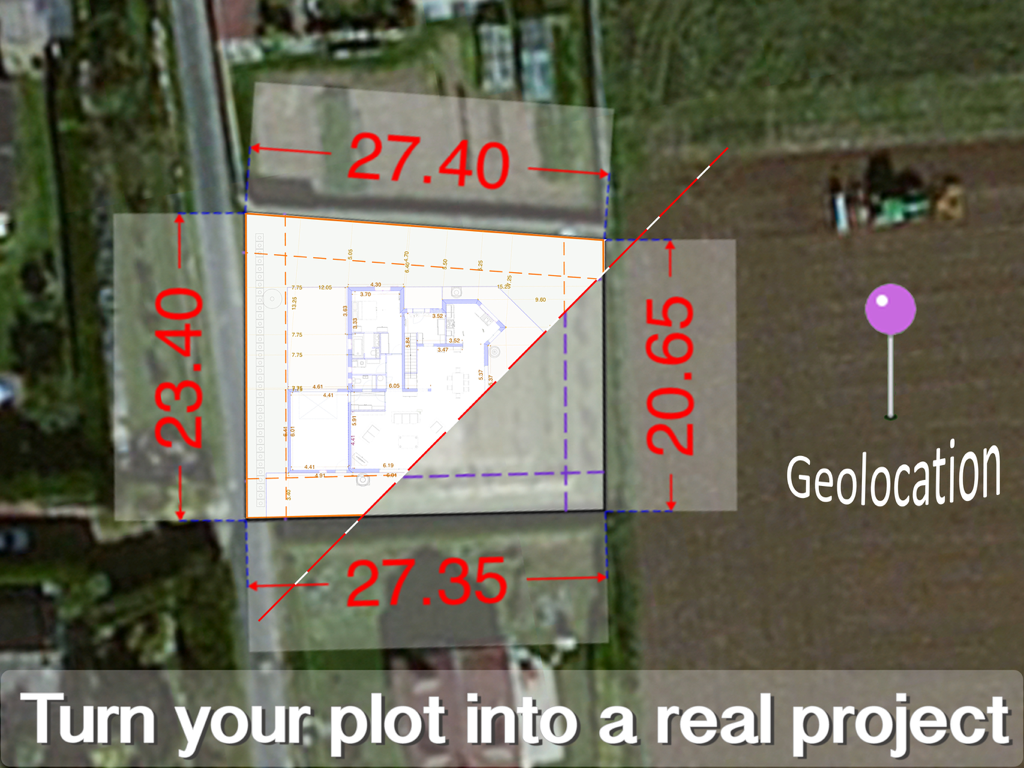
ArchiTouch 3D - Home Design - A floor plan overlay on a satellite map showing plot dimensions and geolocation for a home design project.
A floor plan overlay on a satellite map showing plot dimensions and geolocation for a home design project.

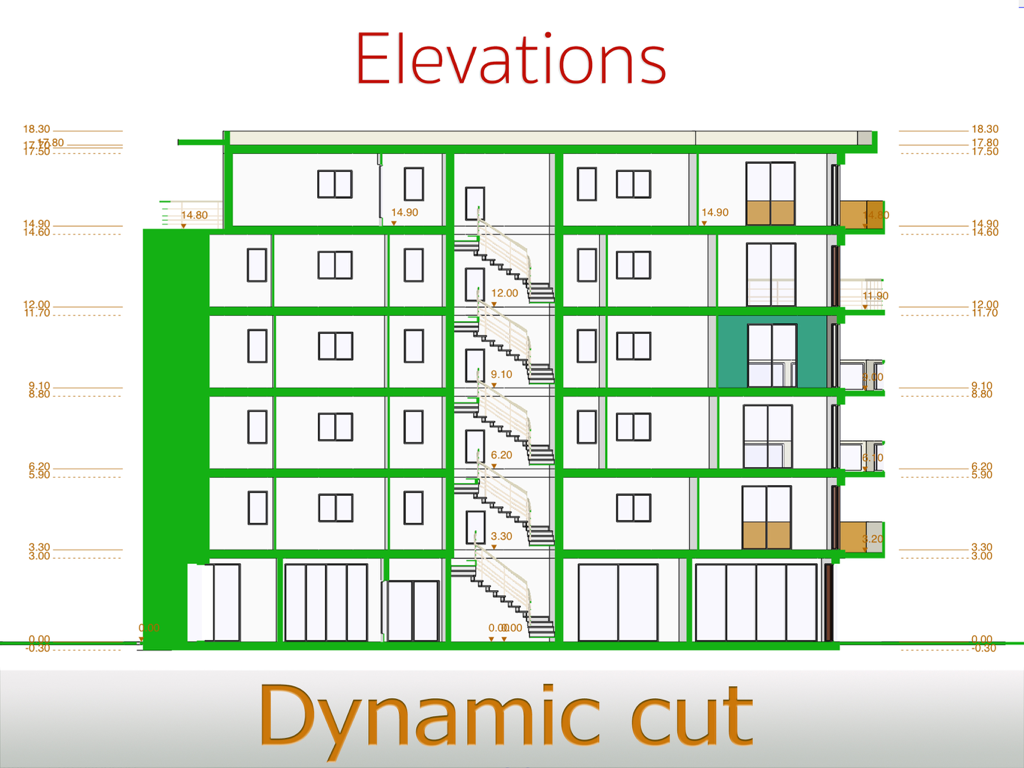
ArchiTouch 3D - Home Design - Technical building elevation showing a dynamic cross section of multiple floors with height measurements.
Technical building elevation showing a dynamic cross section of multiple floors with height measurements.

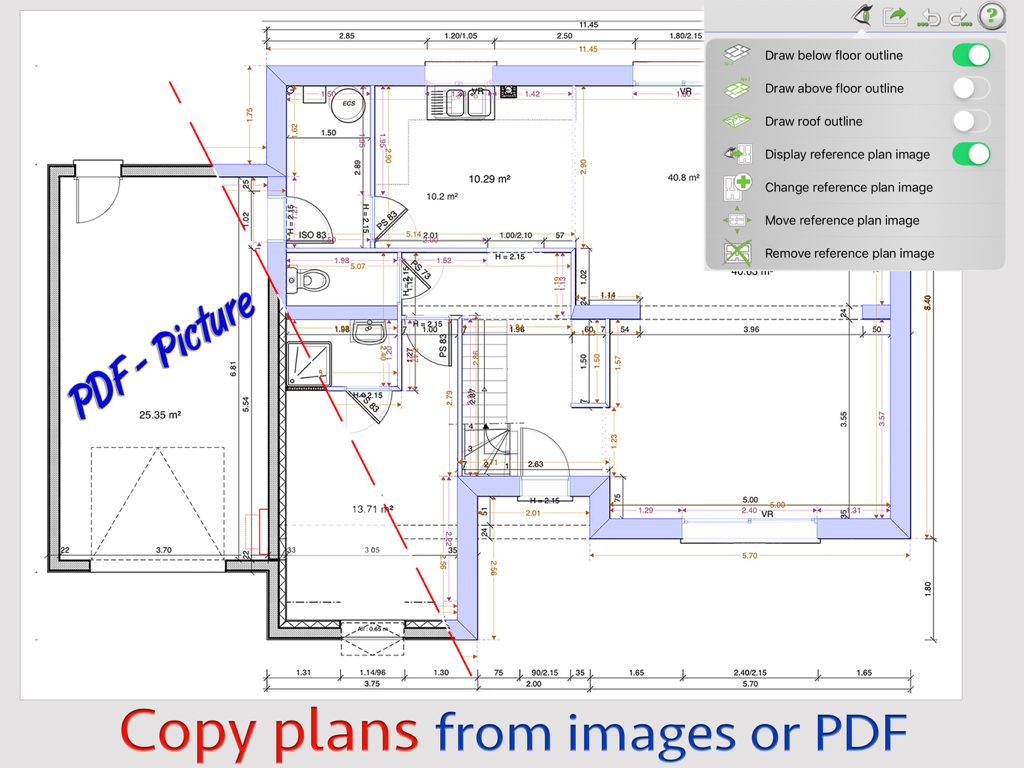
ArchiTouch 3D - Home Design - Architecture app interface for copying floor plans from PDF and image reference files
Architecture app interface for copying floor plans from PDF and image reference files

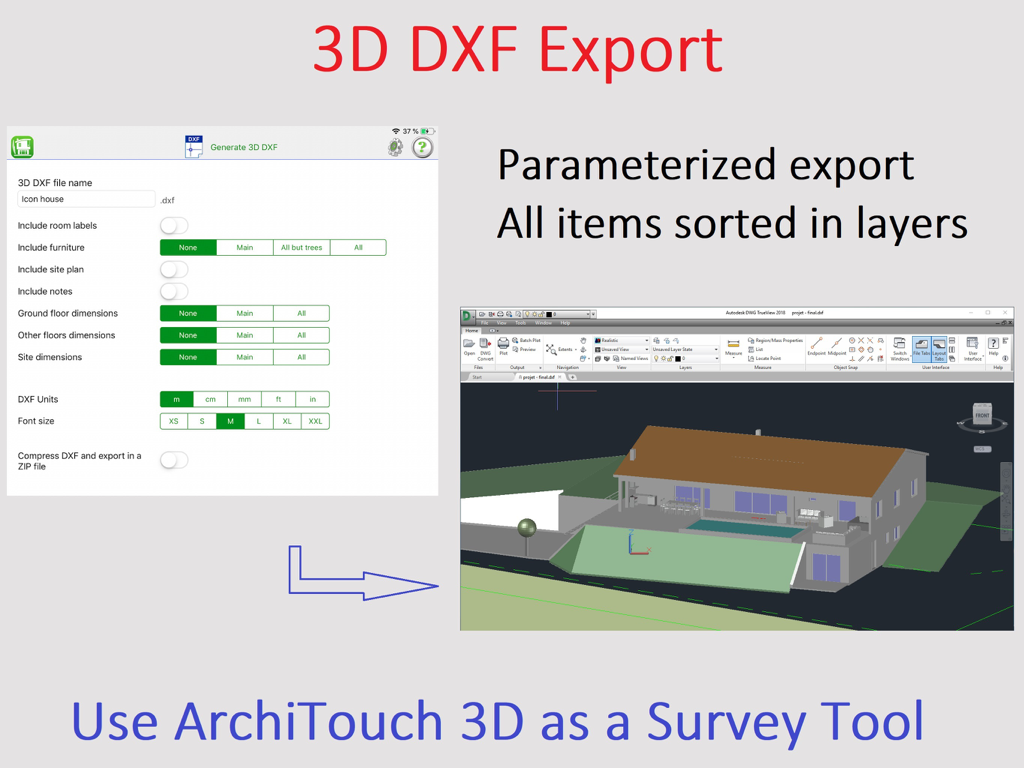
ArchiTouch 3D - Home Design - ArchiTouch 3D app interface for 3D DXF export with a rendered home design model

ArchiTouch 3D app interface for 3D DXF export with a rendered home design model

Description

Enjoy Creative Architecture with ArchiTouch 3D ! You are looking for an Architecture design app combining efficiency and creative freedom ? ArchiTouch 3D is made for you! Feature-rich and easy to use, ArchiTouch 3D gives shape to your ideas. Every change is fast and easy, at any stage of your project. Instant navigation between 2D and 3D makes ArchiTouch 3D unique. Above all, ArchiTouch 3D is the most complete Architecture Design App available on both Mac and iPad. You can store your plans in iCloud and work on them anywhere. ● Design complete floor plans with doors, windows, staircases, different wall sizes and any angle. All dimensions, angles and surfaces are adjusted in real time. ● Adapt ceiling heights and floor levels with a simple input and all impacted elements are automatically positioned. ● Define slab level shifts, sloped walls, mezzanines… ● Create customized roofing. Roofs can be flat, mono or multi pitched but also Mansard, jointed and even curved, with dormers or roof windows… Your architectural choices have no limits! ● Draw an outline of your property directly on the satellite map and insert a site plan image to ease this process. This way, it becomes very easy to draw on top of the image to copy the exact property shape and dimensions. ● Design terraces and exterior items to see your project globally. ● Visualize volumes and control design flaws using the horizontal and vertical 3D cross sections in real time. ● Unlimited undo/redo feature provides a visual feedback. … All that at your fingertips ! ArchiTouch 3D contains a complete help system with illustrated examples. And our technical support is at your disposal for more specific questions. Send us an email and we will answer in a few hours. WHAT’S FREE: ● A trial project to explore all ArchiTouch 3D’s design features (changes are not saved). ● A single floor plan, complete with furniture, 3D view, all dimensions, angles, surfaces… Free floor plan generation in JPG or PDF is reserved for personal use (discrete watermark included). ● Viewing projects received by email or shared in the Cloud is free. Only project author needs a subscription. IN-APP PURCHASES (SUBSCRIPTIONS): ● Purchase only the needed duration. ● No automatic renewal: you are not committed to renew subscriptions. ● You can purchase a lifetime subscription (unlike a software license purchase, a lifetime subscription means no fee when updating to future versions) Subscriptions give you access to: ● All complete features ● Unlimited number of projects ● Professional and high-quality blueprints generation in JPEG or PDF ● DXF 2D and 3D file export. A subscription purchased on your iPad also activates ArchiTouch 3D for Mac, and vice versa. If you decide not to renew at the end of the subscription period you can choose a single project which will remain editable without time limit. However, you will need a new subscription to work on multiple projects, generate final plans or export DXF files. ArchiTouch 3D does not include advertising, requires no login and does not request your e-mail address – even when using only the free floor plan.

Download

Download on App Store

This page is not an official page of the app or its developer, but an independent editorial publication created for informational and commentary purposes. Unless expressly stated otherwise, neither the app nor its developer is affiliated with, endorsed by, sponsored by, authorized by, or otherwise officially connected with MWM, Apple, Google Play, the app publisher, or the app's developer, and nothing on this page implies that the app was developed using MWM's services. Any trademarks, logos, screenshots, and other content remain the property of their respective owners.








