Compress Photos & Pictures
ダウンロード: App Store

このページはアプリまたはその開発者の公式ページではなく、情報提供および論評を目的として作成された独立した編集出版物です。明示的に別段の記載がない限り、アプリおよびその開発者は、MWM、Apple、Google Play、アプリのパブリッシャー、またはアプリの開発者と提携、承認、後援、認可、またはその他の公式的な関係はなく、このページのいかなる内容も、アプリがMWMのサービスを使用して開発されたことを意味するものではありません。すべての商標、ロゴ、スクリーンショット、その他のコンテンツはそれぞれの所有者の財産です。


ロゴ: Compress Photos & Pictures
ダウンロード: App Store

Compress Photos & Pictures

品質を犠牲にすることなく、iPhoneのストレージ容量を最大90%節約。大切な思い出をすべて保存し、今日からクラウドストレージの追加料金を払い続けるのをやめましょう。

主要数値

ダウンロード

2M+

ユーザー評価

4.7/5

評価数

48K+

開発元

New Marketing Lab, Inc

カテゴリ

Photo & Video

対応言語

1

最新バージョン

3.3

サイズ

9.5 MB

リリース日

2019年2月16日
機能

もう思い出を削除する必要はありません

お気に入りの家族写真やビデオの品質を犠牲にすることなく、iPhoneやiPadのギガバイト単位のストレージを節約できます。

瞬時にストレージを解放

数回のタップで写真ライブラリのサイズを最大90%圧縮し、「ストレージ容量不足」アラートを停止します。

鮮明な画質

インテリジェント圧縮エンジンが、目に見える品質を損なうことなくファイルサイズを削減します。

FAQ

よくある質問

について知っておくべきこと Compress Photos & Pictures

Compress Photos & Pictures の主な機能は何ですか?

Compress Photos & Pictures は、画像のファイルサイズを縮小して、iPhone や iPad のストレージ容量を節約します。写真の画質を低下させることなく、これを実現します。

Compress Photos & Pictures は元の画質を維持しますか?

はい、Compress Photos & Pictures は画質を維持します。インテリジェントな圧縮エンジンにより、肉眼ではほとんど違いがわからないレベルで、ファイルサイズを 90% 以上に大幅に縮小します。

Compress Photos & Pictures はどのような画像ファイル形式をサポートしていますか?

Compress Photos & Pictures は、PNG、JPEG、HEIF、HEIC の画像ファイルをサポートしています。これにより、Apple デバイスで一般的に使用される写真形式との互換性が確保されます。

以下のスクリーンショットと説明は、アプリの公式ストアリスティングから直接取得されたものであり、アプリ開発者の所有物です。

アプリストア

スクリーンショット
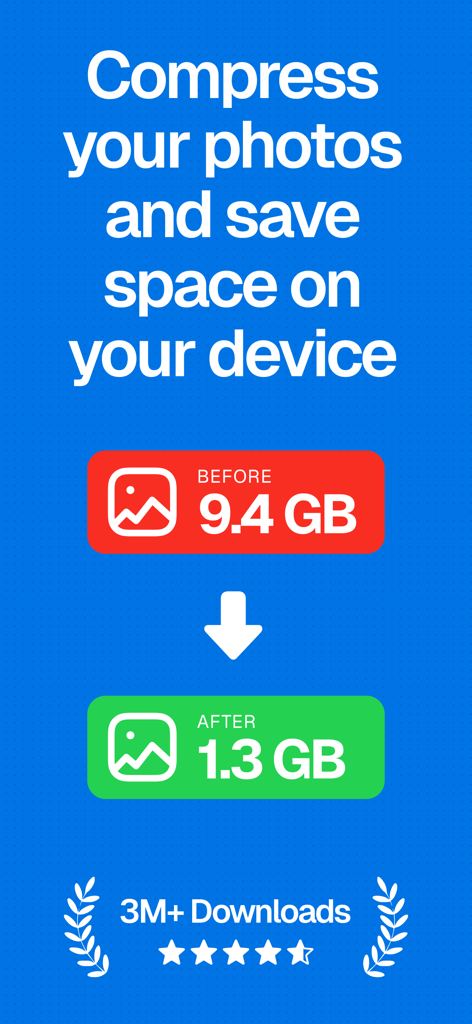
Compress Photos & Pictures - 写真のストレージが9.4GBから1.3GBに削減されたことを示すグラフィック、ダウンロード数300万、評価5つ星
写真のストレージが9.4GBから1.3GBに削減されたことを示すグラフィック、ダウンロード数300万、評価5つ星

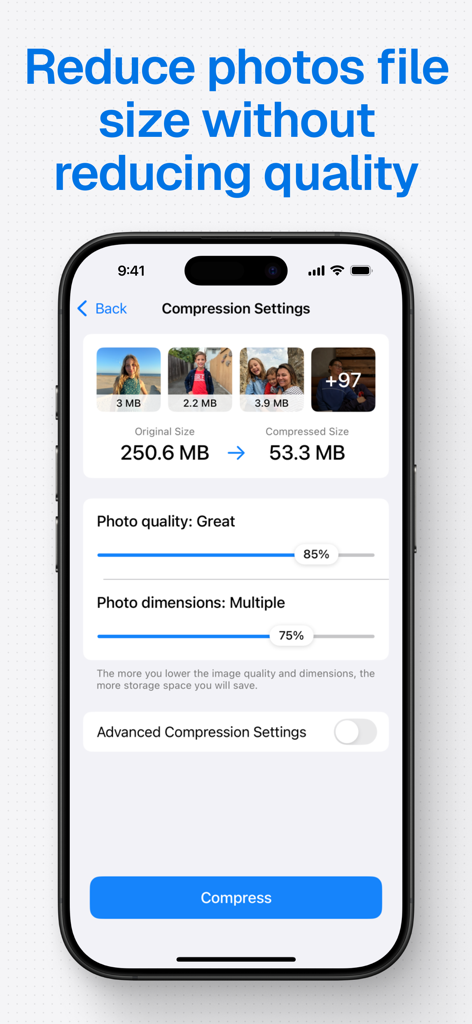
Compress Photos & Pictures - iPhoneのストレージ容量を節約するために写真のファイルサイズを縮小するアプリの設定画面
iPhoneのストレージ容量を節約するために写真のファイルサイズを縮小するアプリの設定画面

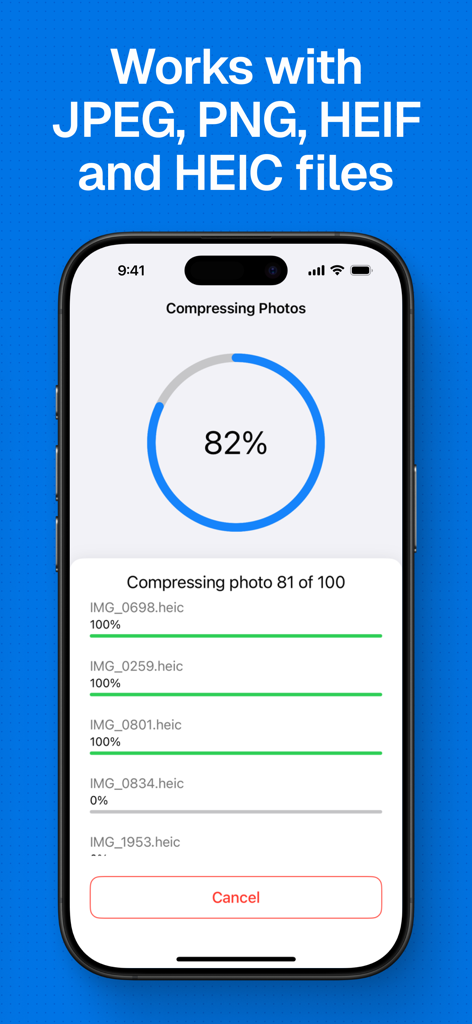
Compress Photos & Pictures - JPEG、PNG、HEIC写真ファイルのバッチ圧縮の進捗状況を示すスマートフォンの画面
JPEG、PNG、HEIC写真ファイルのバッチ圧縮の進捗状況を示すスマートフォンの画面

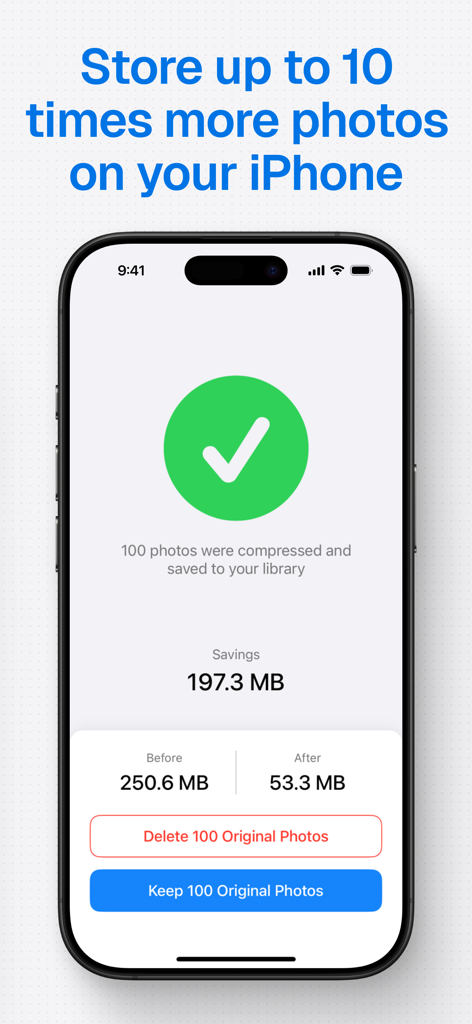
Compress Photos & Pictures - iPhoneで写真を圧縮した後に節約されたストレージ容量を示すスクリーンショット
iPhoneで写真を圧縮した後に節約されたストレージ容量を示すスクリーンショット

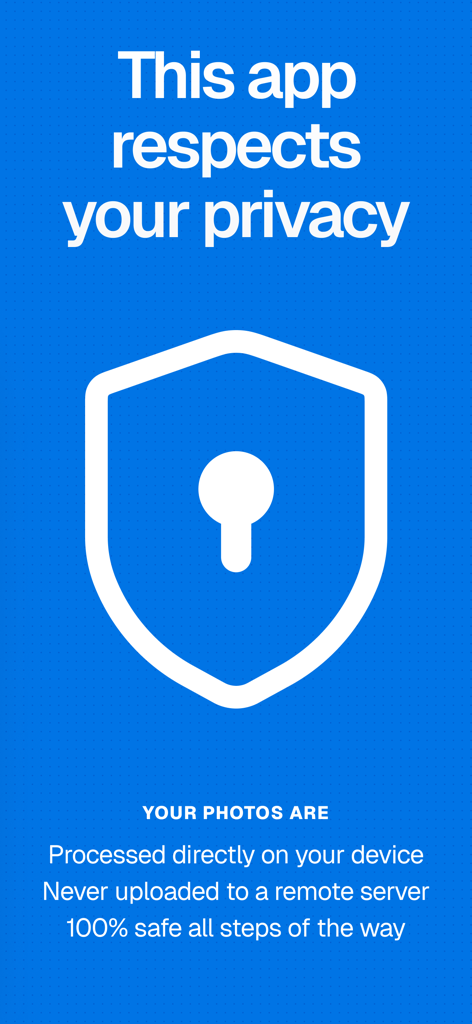
Compress Photos & Pictures - ユーザーのデバイス上で直接プライベートな写真処理を強調するアプリのインターフェース

ユーザーのデバイス上で直接プライベートな写真処理を強調するアプリのインターフェース

説明

Save storage space on your iPhone or iPad by compressing your photos and reducing their size without reducing their quality. 6 REASONS TO USE COMPRESS PHOTOS - Save space on your iPhone or iPad by reducing photos file size - Optimized for best image quality possible - Shrink photos to share them faster with friends and family - Quickly compress photos before posting them to social media - Very easy to use - Highly rated with an average of 4.5 stars REVIEWS FROM USERS "Thank God for this app. It is easy to use. Does what it says. And gives great results." by mazmac747 "Tested with 2 images that took up 18 Mb reduced to 0.68 Mb and clear. Works great." by Capt Jack Sparrow POTC "Absolutely brilliant Application that speedily compresses your photos for storage, sharing and export. Thanks!" by Rebsolar SAVE SPACE ON YOUR iPHONE Are you plagued by the “Storage almost full” alert on your iPhone or iPad? If so, this app can help! Use Compress Photos to shrink the file size of photos and regain storage space on your device. When applied to all your pictures, Compress Photos can help you store up to 10 times more photos on your iPhone or iPad. KEEP IMAGE QUALITY SHARP Compress Photos is easy to use but it is incredibly powerful. The intelligent compression engine allows you to reduce the file size of photos without reducing their quality. With two compression settings to choose from, Compress Photos can easily shrink photos by 90% or more without a notable difference. EASILY LOCATE COMPRESSED PHOTOS Compressed photos are saved to both your main library and a dedicated album conveniently called “Compressed Photos” on your device, allowing you to easily locate processed pictures. This new album is automatically created when you run the app and save compressed photos to your device. SUPPORTED FILE TYPES Compress Photos works with all PNG, JPEG, HEIF, and HEIC image files. BEFORE AND AFTER SAMPLES Before: 2.3MB — After: 207kb (91% smaller) Before: 4.1MB — After: 492kb (88% smaller) Before: 4.8MB — After: 384kb (92% smaller) For best results, we recommend setting both compression settings to 80%, which should significantly reduce the file size without a noticeable difference to the naked eye. ADVANCED COMPRESSION TOOLS Take full control of your photo compression with powerful advanced tools designed to provide more flexibility while keeping the app simple to use. Decide whether to keep or strip metadata and location details for better privacy and cleaner sharing. Choose your desired export format—perfect for compatibility across different platforms and use cases. And with smart file size estimation, you’ll know exactly how much space you’re saving before you even hit “Compress.” PRO VERSION Upgrade to the Pro version of Compress Photos to remove ads, access advanced compression settings, and compress more than 3 photos at once. Payment will be charged to your iTunes account at confirmation of purchase and will auto-renew at the same price every year, unless canceled in your iTunes account settings at least 24 hours before the end of the current period. Subscriptions may be managed and auto-renewal may be turned off at any time by going to your account settings after purchase. Terms of use: https://www.sixstarapps.com/terms/ Privacy policy: https://www.sixstarapps.com/privacy/

Download

ダウンロード: App Store

このページはアプリまたはその開発者の公式ページではなく、情報提供および論評を目的として作成された独立した編集出版物です。明示的に別段の記載がない限り、アプリおよびその開発者は、MWM、Apple、Google Play、アプリのパブリッシャー、またはアプリの開発者と提携、承認、後援、認可、またはその他の公式的な関係はなく、このページのいかなる内容も、アプリがMWMのサービスを使用して開発されたことを意味するものではありません。すべての商標、ロゴ、スクリーンショット、その他のコンテンツはそれぞれの所有者の財産です。








