
このページはアプリまたはその開発者の公式ページではなく、情報提供および論評を目的として作成された独立した編集出版物です。明示的に別段の記載がない限り、アプリおよびその開発者は、MWM、Apple、Google Play、アプリのパブリッシャー、またはアプリの開発者と提携、承認、後援、認可、またはその他の公式的な関係はなく、このページのいかなる内容も、アプリがMWMのサービスを使用して開発されたことを意味するものではありません。すべての商標、ロゴ、スクリーンショット、その他のコンテンツはそれぞれの所有者の財産です。

Parental Control App Kids360
パワーゲームを終わらせ、子供たちが学習や運動を通してプレイ時間を獲得できるようにしましょう。アプリを管理し、GPS位置を追跡し、子供たちが実際に気に入るペアレンタルコントロールアプリでデジタルな安全を確保しましょう。
ダウンロード
3M+ユーザー評価
評価数
48K+開発元
カテゴリ
Utilities対応言語
31最新バージョン
1.78.3サイズ
215.5 MBリリース日
2022年1月21日スクリーンタイムをポジティブな習慣に変える
お子様が学習や運動を通してプレイ時間を獲得できるようにし、リアルタイムの位置情報とスマートな安全フィルターで常に接続を保ちましょう。
獲得したプレイ時間
毎日の口論をインセンティブに置き換えましょう。子供たちは教育的なタスクや論理パズルを完了することでゲーム時間を獲得し、貴重な時間管理スキルを学びます。
アクティブなスクリーン休憩
当社のAIモーション追跡技術は、身体活動に対して追加の電話時間で報い、子供たちがデジタルプレイ中もアクティブで健康的であることを保証します。
よくある質問
について知っておくべきこと Parental Control App Kids360
Kids360アプリとは何ですか?
Kids360は、保護者が子供のスクリーンタイムを管理し、アプリをブロックし、位置情報を追跡し、インターネットの安全を確保するのに役立つペアレンタルコントロールアプリです。子供は、教育的および身体的なタスクを完了することで、追加のスクリーンタイムを獲得できます。
Kids360ペアレンタルコントロールアプリのインストールと使用方法を教えてください。
まず、お使いの携帯電話にKids360をインストールします。次に、お子様の携帯電話にAlli360をインストールし、Kids360に表示されるコードを入力します。最後に、Kids360アプリ内でスマートフォン監視を有効にします。
Kids360では、子供の携帯電話上の特定のアプリケーションをブロックできますか?
はい、Kids360では、保護者が不要なアプリへのアクセスを完全に制限できます。この機能は、子供が携帯電話に費やす時間が多すぎる場合のスクリーンタイム管理の一部です。
Kids360アプリを使用して子供のGPS位置を追跡できますか?
はい、Kids360はGPSジオロケーションを提供し、地図上で子供の位置をリアルタイムで確認できます。これにより、お子様の居場所を常に把握できます。
Kids360ペアレンタルコントロールアプリには、どのようなインターネット安全機能が含まれていますか?
Kids360は、ブラウザやYouTubeの履歴を表示するなど、安全なインターネット機能を提供します。また、危険なサイトや18歳以上のコンテンツをお子様の携帯電話でブロックします。
子供はKids360アプリを使って追加のスクリーンタイムを獲得できますか?
子供は、論理的演習や数学の問題などの教育的なタスクを完了することで、追加のスクリーンタイムを獲得できます。AIが動きを認識する身体的な運動を実行して、プレイタイムを獲得することもできます。
Kids360アプリをインストールするために子供の同意は必要ですか?
はい、Kids360はインストールに子供の同意を厳密に必要とします。アプリケーションは秘密裏にインストールすることはできず、個人データの保存はGDPRポリシーに準拠しています。
Kids360アプリは、携帯電話がサイレントモードの場合でも、大音量の信号を送信できますか?
はい、Kids360には大音量信号機能があります。お子様の携帯電話に大音量の通話を送信し、サイレントモードをオーバーライドして、いつでも連絡が取れるようにします。
Kids360ペアレンタルコントロールアプリは、どのような特定の権限を要求しますか?
Kids360は、「他のアプリの上に描画」(ブロック用)、「特別なアクセス」(スクリーンタイム制限用)、「使用状況データ」(統計用)、「自動起動」(トラッカー用)、「デバイス管理者」(削除からの保護用)などの権限を要求します。
Kids360は、子供の毎日のアプリ使用状況を監視し、統計情報を提供できますか?
はい、Kids360はデジタルアクティビティを監視し、ゲームやアプリの統計情報を提供します。日次および週次の使用状況の内訳を表示し、保護者がスクリーンタイムを追跡できるようにします。
以下のスクリーンショットと説明は、アプリの公式ストアリスティングから直接取得されたものであり、アプリ開発者の所有物です。
アプリストア
スクリーンショット
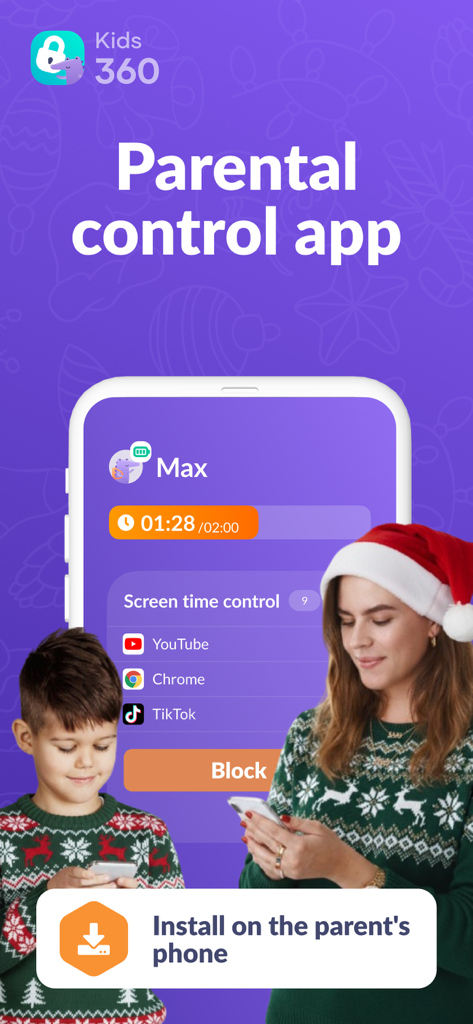
母親と息子がKids360ペアレンタルコントロールアプリを使用して、ホリデーシーズンのスクリーンタイムを管理している様子
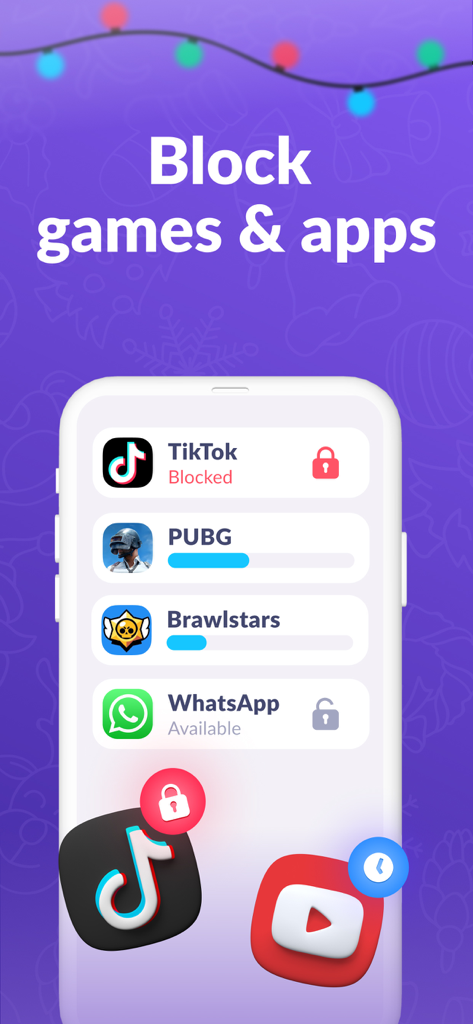
Kids360アプリのモバイルインターフェース。ブロックおよび制限されたゲームとソーシャルメディアアプリケーションのリストが表示されている。
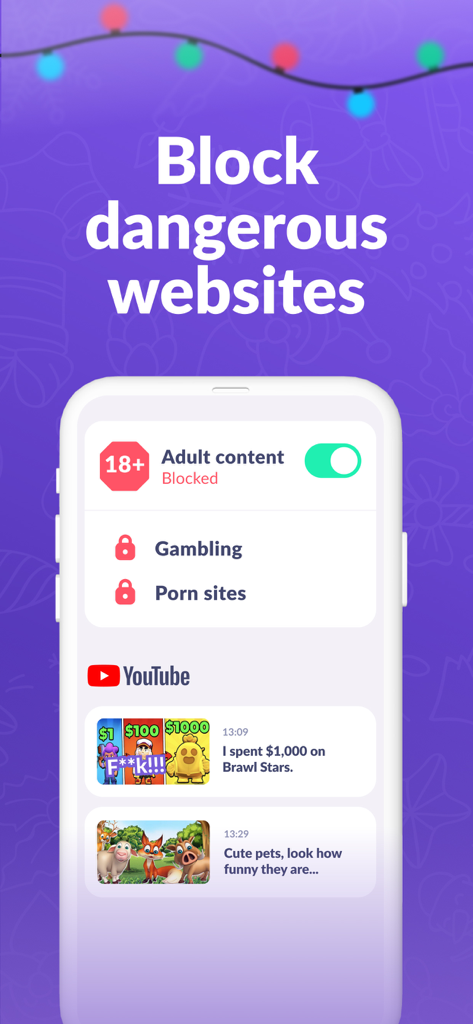
Kids360アプリのインターフェース。アダルトコンテンツをブロックし、子供のYouTube履歴を監視する方法を示している。
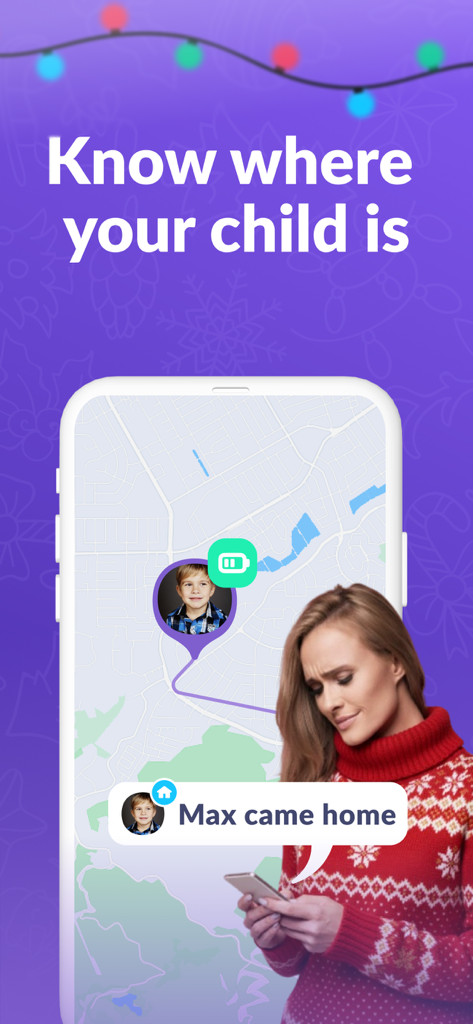
Kids360アプリのGPS追跡マップと、子供が家に到着したという通知が表示されているスマートフォンの画面
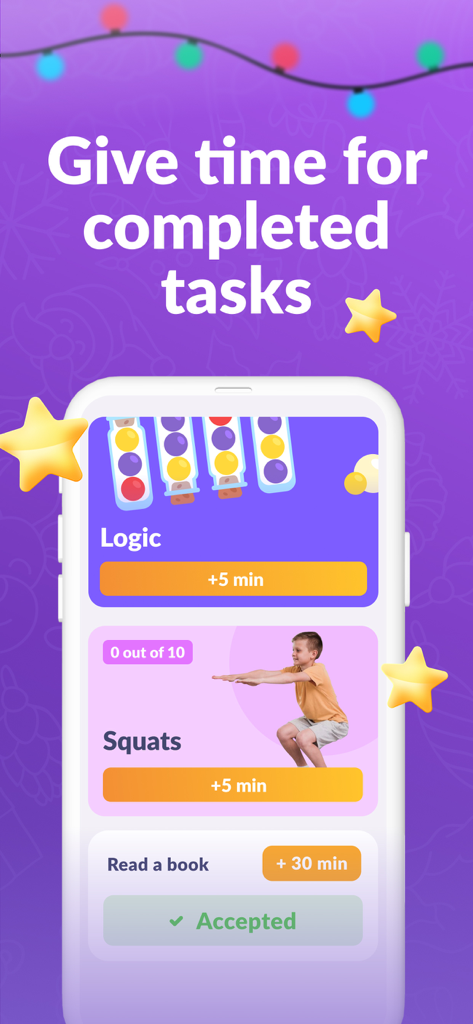
Kids360アプリのインターフェース。身体的および教育的なタスクに対するスクリーンタイムの報酬が表示されている。
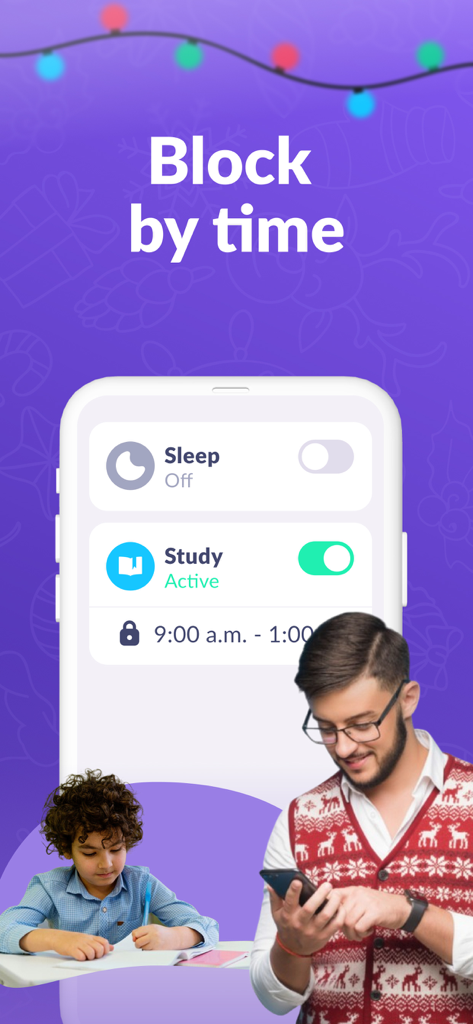
保護者がKids360アプリを使用して、子供が勉強している間にスクリーンタイムをスケジュールしている様子
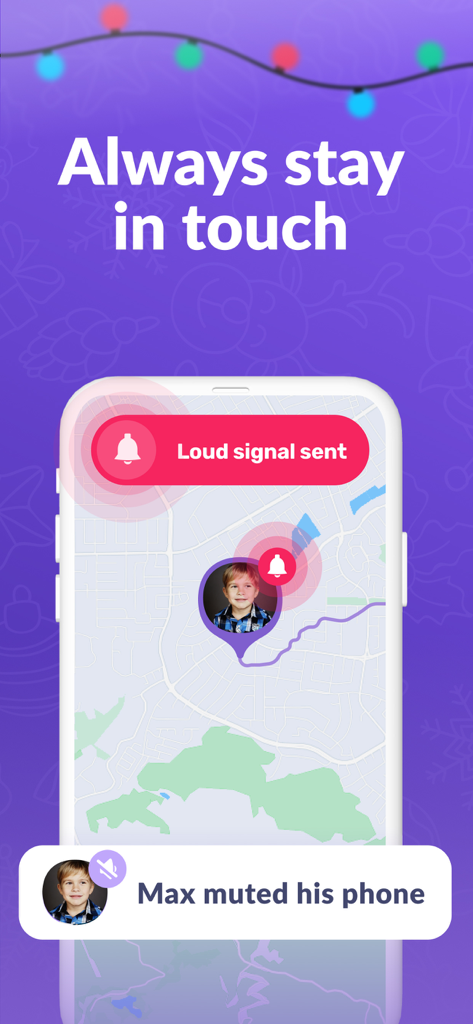
Kids360アプリのスマートフォンの画面。サイレントモードの子供の携帯電話にマップ上でラウドシグナルを送信している。
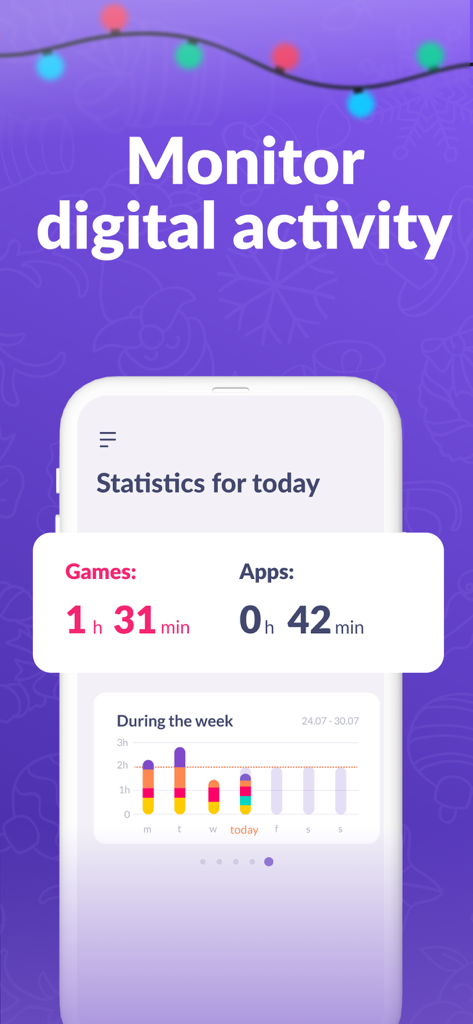
Kids360アプリのインターフェース。ゲームとアプリの毎日のおよび週次のスクリーンタイム統計が表示されている。
説明
Download
類似アプリ
似た機能とユーザー体験を持つアプリ

Findos - Find My Device
Pollux Bilisim Teknolojileri Sanayi ve Ticaret Limited Sirketi

Boost Family Guard
Smith Micro Software, Inc.

Google Family Link
Google LLC

Findmykids: GPS Phone Tracker
LETEM LTD

Nintendo Switch Parental Cont…
Nintendo Co., Ltd.

JusTalk Kids - Safe Messenger
Ningbo Jus Internet Technology Co., Ltd.

FlashGet Kids:parental control
HONGKONG FLASHGET NETWORK TECHNOLOGY CO., LIMITED

Parental Control App: AirDroid
SAND STUDIO CORPORATION LIMITED

Parental Control App - Kidsee
Alenrom sp. z o.o.
このページはアプリまたはその開発者の公式ページではなく、情報提供および論評を目的として作成された独立した編集出版物です。明示的に別段の記載がない限り、アプリおよびその開発者は、MWM、Apple、Google Play、アプリのパブリッシャー、またはアプリの開発者と提携、承認、後援、認可、またはその他の公式的な関係はなく、このページのいかなる内容も、アプリがMWMのサービスを使用して開発されたことを意味するものではありません。すべての商標、ロゴ、スクリーンショット、その他のコンテンツはそれぞれの所有者の財産です。