
This page is not an official page of the app or its developer, but an independent editorial publication created for informational and commentary purposes. Unless expressly stated otherwise, neither the app nor its developer is affiliated with, endorsed by, sponsored by, authorized by, or otherwise officially connected with MWM, Apple, Google Play, the app publisher, or the app's developer, and nothing on this page implies that the app was developed using MWM's services. Any trademarks, logos, screenshots, and other content remain the property of their respective owners.


Pingers - Network Tools
Master your network with a comprehensive toolkit built for speed and privacy. No subscriptions, no ads, and no data collection—just the powerful utilities you need for iPhone and iPad.
Downloads
0User Rating
Total Ratings
0Publisher
Category
UtilitiesLocales
1Latest Version
1.240Size
15.4 MBFirst Released
Sep 1, 2021No-Nonsense Diagnostics for Network Pros
Built for the CCNA community and IT professionals, Pingers delivers deep-dive analytics and essential troubleshooting tools in a privacy-focused, subscription-free package.
Deep-Dive Latency Stats
Analyze packet loss, average RTT, and sent/received packets with unlimited packet support for comprehensive network stress testing.
Field-Ready Toolkit
Perform Traceroutes, DNS lookups, and WHOIS queries instantly. Optimized for iPad and iPhone with full Dark Mode support for late-night maintenance.
The following screenshots and description are sourced directly from the app's official store listing and are the property of the app developer.
App Store
Screenshots
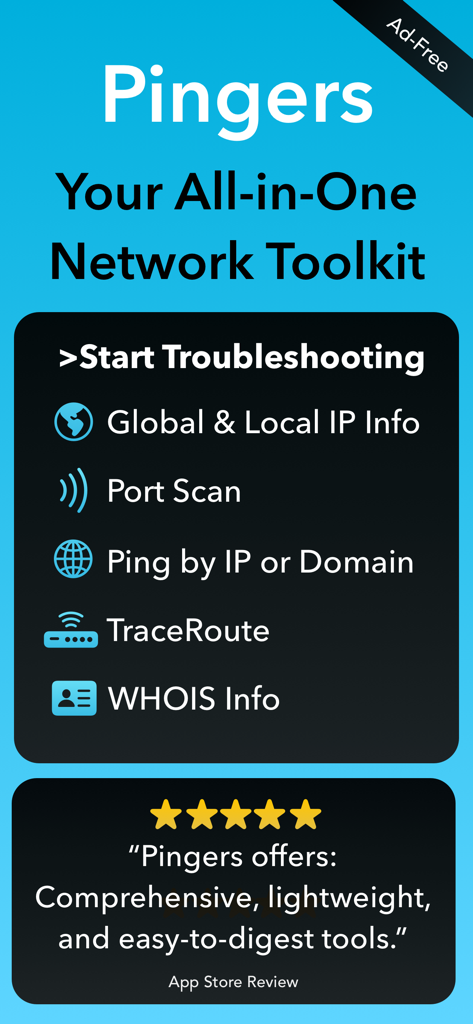
Pingers mobile app screen showing network troubleshooting tools including IP info Port Scan Ping TraceRoute and WHOIS info with a five star user review.
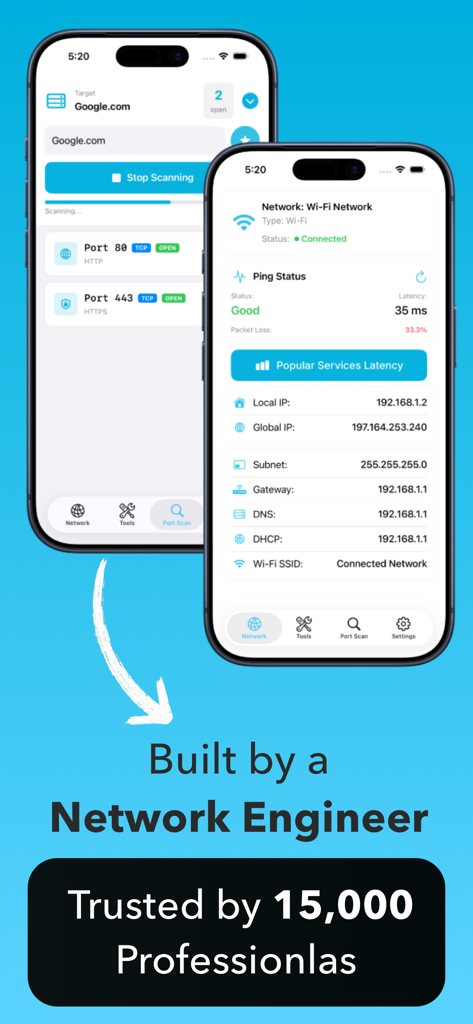
Pingers app interface showing port scanning and network status on iPhones
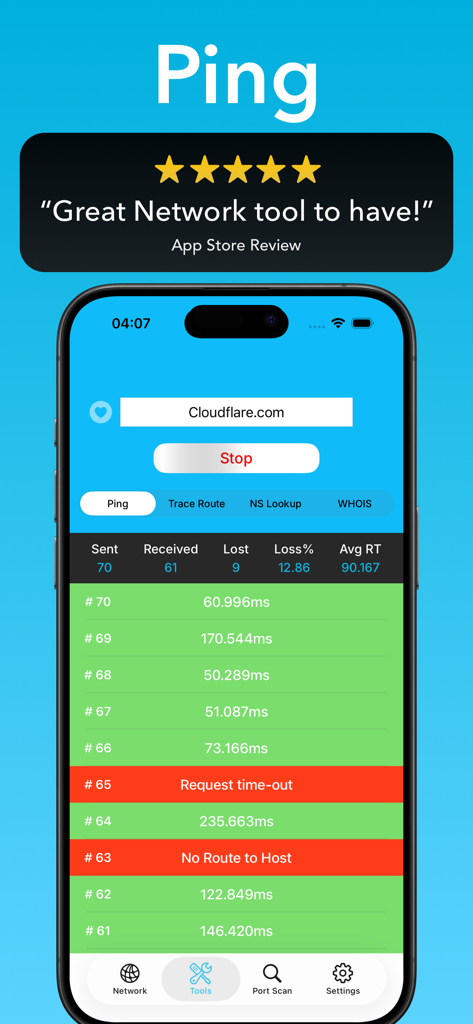
Pingers mobile app interface displaying live ping test results and packet loss statistics
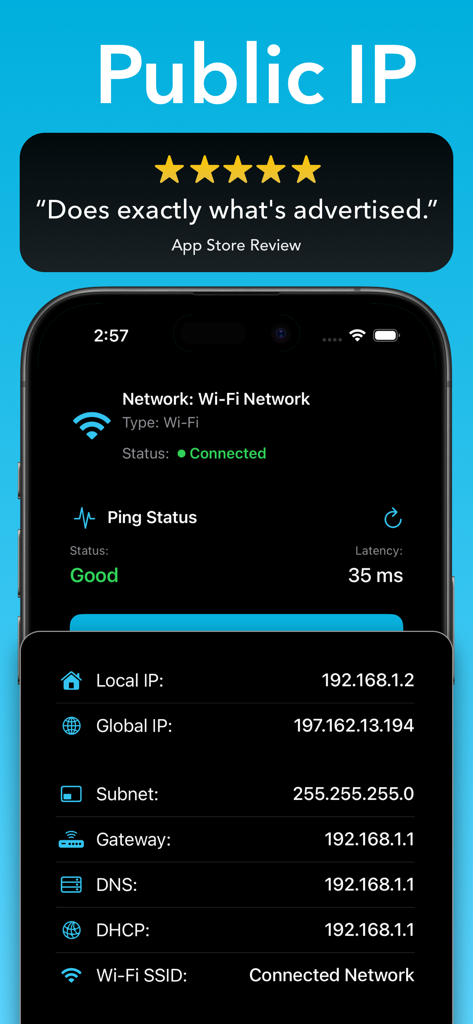
Pingers app interface showing local and global IP addresses with network connection status
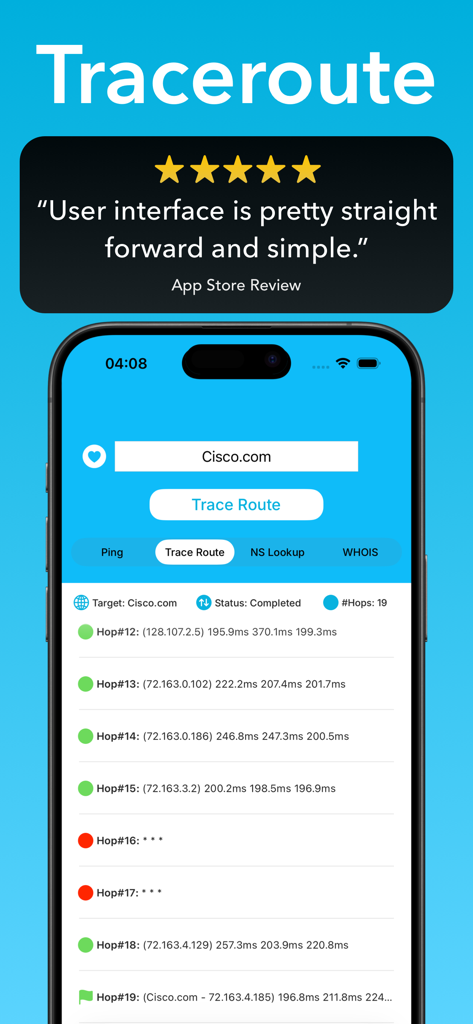
Pingers app traceroute feature displaying network hops and latency on iPhone
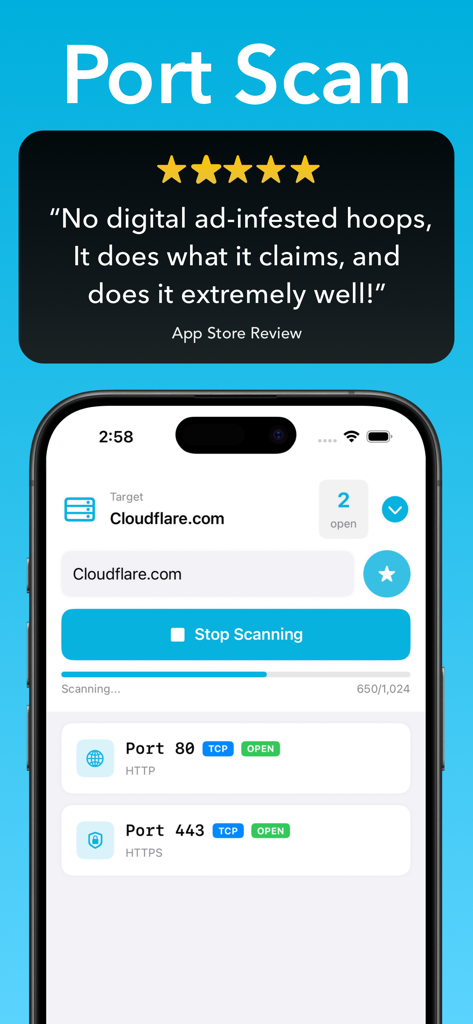
Pingers mobile app interface showing a port scan feature on an iPhone with open port results for a domain
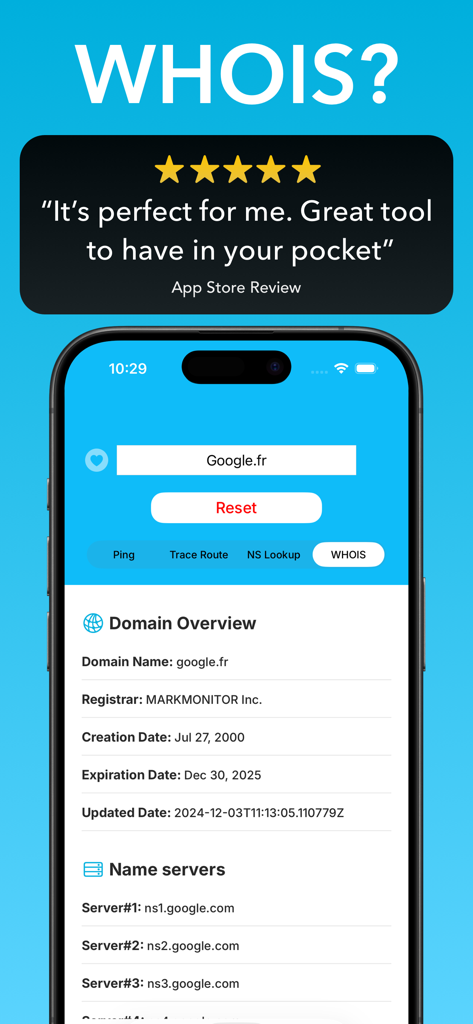
Pingers app showing WHOIS domain lookup information for google.fr on an iPhone
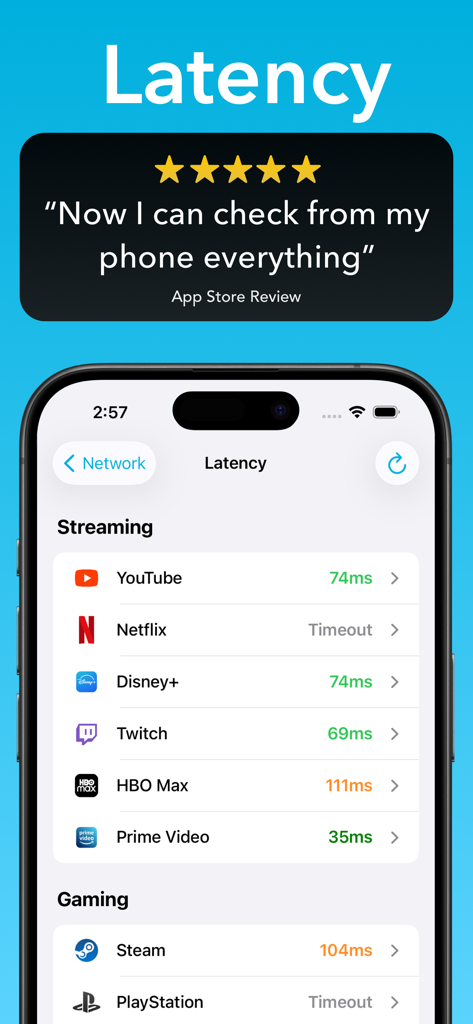
Pingers app interface displaying network latency for streaming and gaming platforms
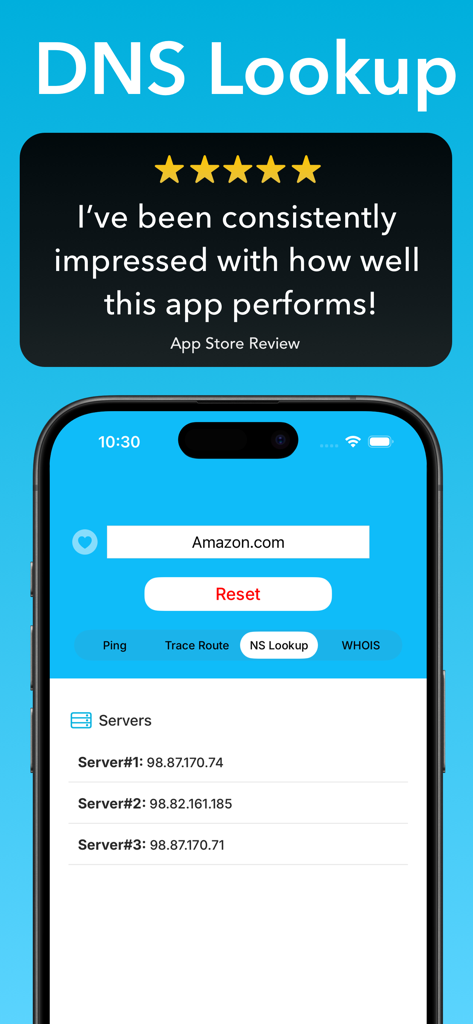
Pingers app DNS lookup screen displaying server IP addresses and a five star user review
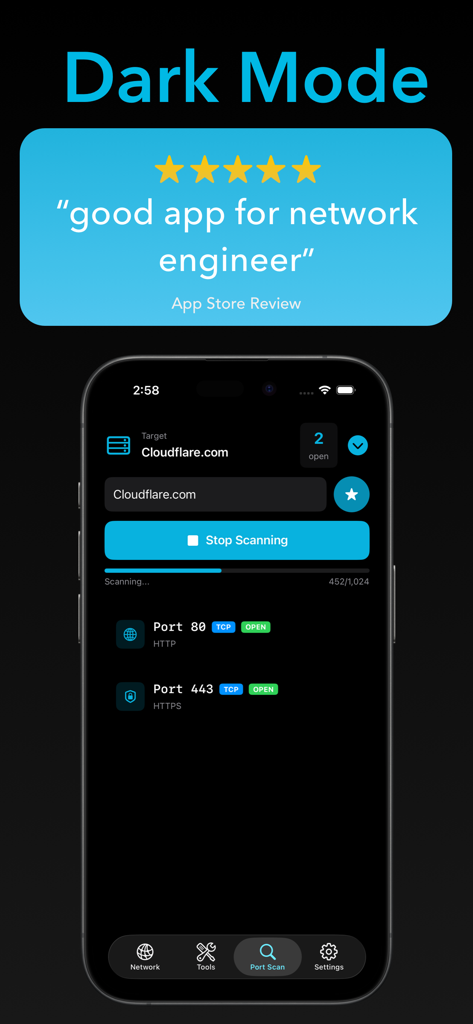
Pingers app interface showing a port scanner in dark mode on an iPhone
Description
Download
More Like This
Top-ranked apps in the same category

Google LLC

Google Chrome
Google LLC

中国移动(手机营业厅)
China Mobile Online Services Co., Ltd.

Google Authenticator
Google LLC

gov.br
Servicos e Informacoes do Brasil

Buddy VPN
Frederic Hennes Sprl

Cleanup: Phone Storage Cleaner
DEEP FLOW SOFTWARE SERVICES - FZCO

中国电信-全国统一官方服务平台
CHINA TELECOM Corporation Ltd.

Meu Social - Gás do Povo
Servicos e Informacoes do Brasil
This page is not an official page of the app or its developer, but an independent editorial publication created for informational and commentary purposes. Unless expressly stated otherwise, neither the app nor its developer is affiliated with, endorsed by, sponsored by, authorized by, or otherwise officially connected with MWM, Apple, Google Play, the app publisher, or the app's developer, and nothing on this page implies that the app was developed using MWM's services. Any trademarks, logos, screenshots, and other content remain the property of their respective owners.