
This page is not an official page of the app or its developer, but an independent editorial publication created for informational and commentary purposes. Unless expressly stated otherwise, neither the app nor its developer is affiliated with, endorsed by, sponsored by, authorized by, or otherwise officially connected with MWM, Apple, Google Play, the app publisher, or the app's developer, and nothing on this page implies that the app was developed using MWM's services. Any trademarks, logos, screenshots, and other content remain the property of their respective owners.


Vector Q by Imaengine
Transform pixel-based photos into infinitely scalable SVG and PDF art in seconds. Experience desktop-class precision with powerful vector translation and advanced editing tools designed for your mobile workflow.
Downloads
595K+User Rating
Total Ratings
9K+Publisher
Category
Photo & VideoLocales
1Latest Version
7.9Size
19.7 MBFirst Released
Mar 22, 2013Professional Vector Power, Mobile Freedom
Transform your photos into scalable art with the most powerful vector engine on iOS, designed for creators who demand desktop-class precision on the go.
Instant High-Fidelity Vectorization
Turn pixelated photos into crisp, infinitely scalable vector paths. Perfect for creating stencils, low-poly art, or professional logos in seconds.
Precision iPad Editing Suite
Harness the power of color curves, perspective tools, and nested masks. Built for the Apple Pencil to give you granular control over every path.
The following screenshots and description are sourced directly from the app's official store listing and are the property of the app developer.
App Store
Screenshots
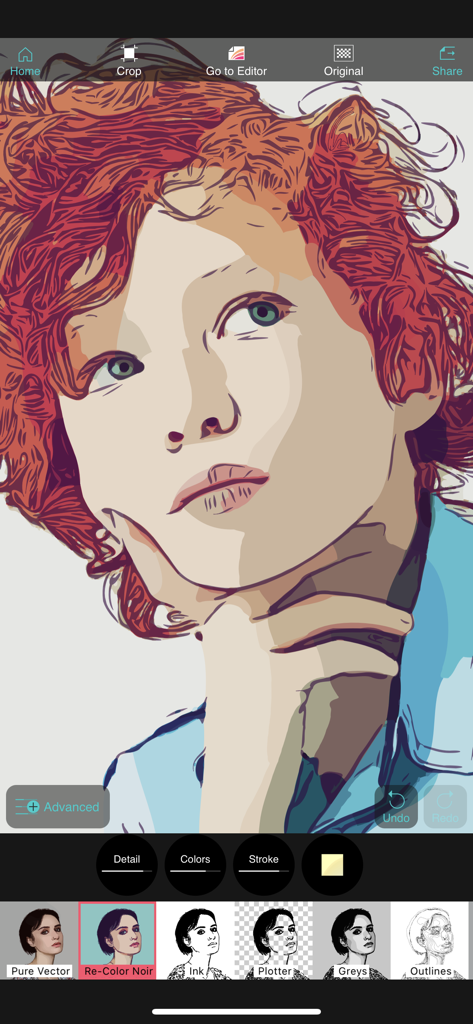
Vector Q mobile app interface displaying a vectorized portrait with creative filters and editing tools
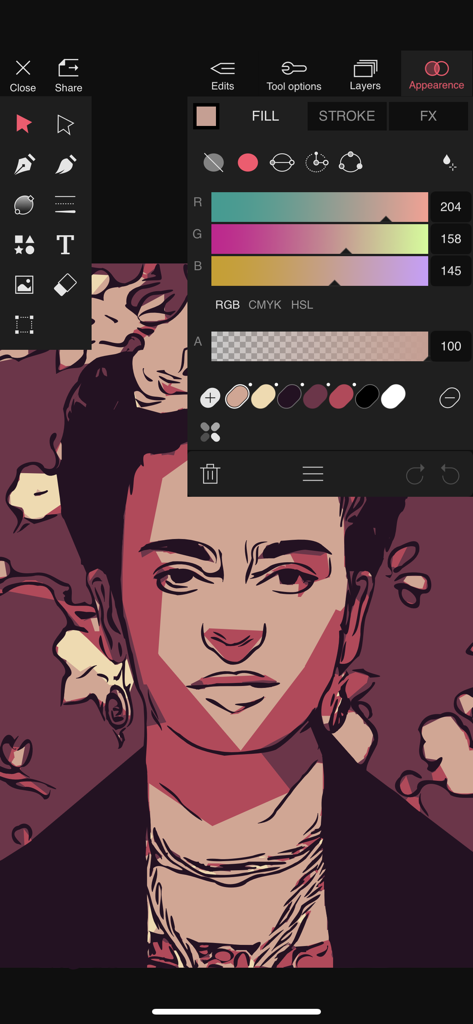
Vector Q app interface showing color adjustments on a vector art portrait
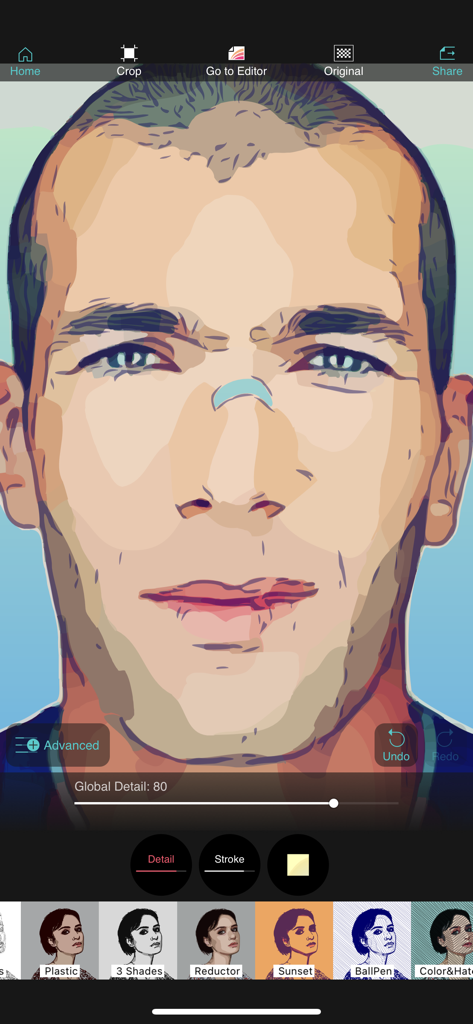
Vector Q app interface showing a vectorized portrait with editing tools and filter options
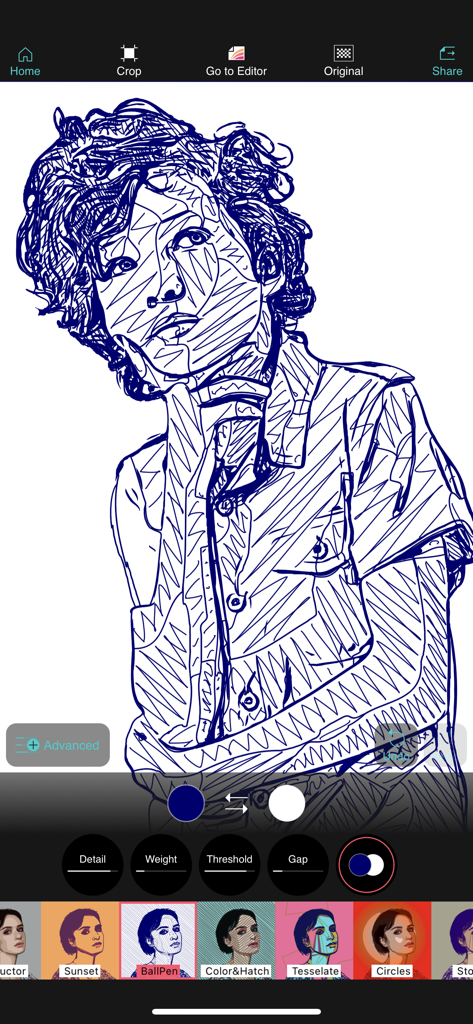
A portrait edited with the ballpoint pen filter in the Vector Q app
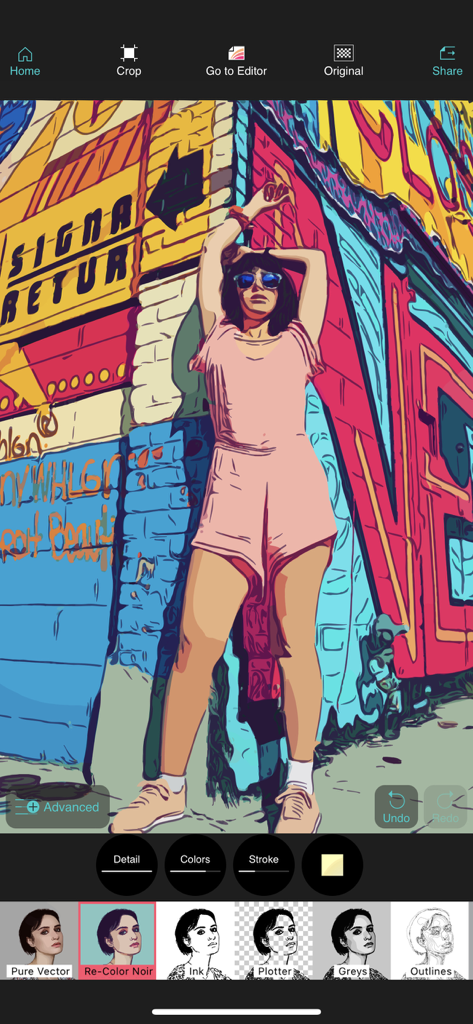
A smartphone screenshot of Vector Q app displaying a photo transformed into a colorful pop-art vector illustration.
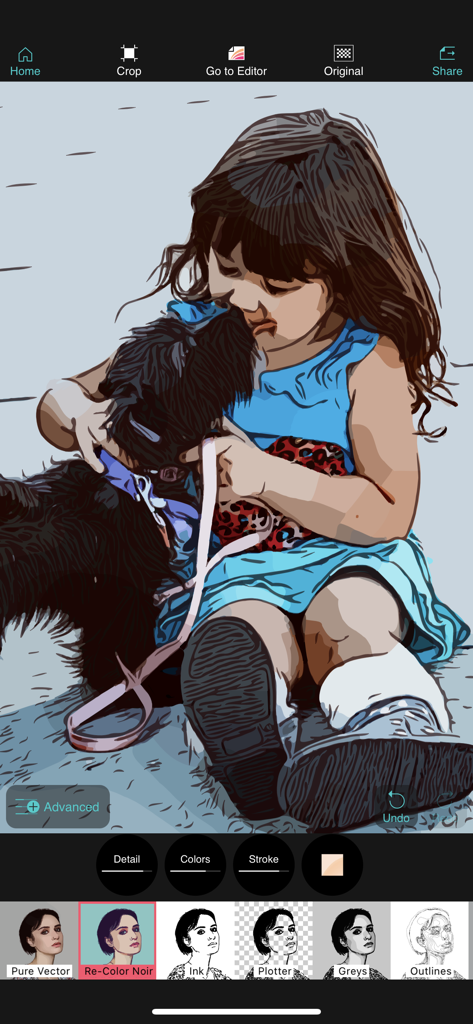
Vector Q mobile app interface showing a vector art conversion of a photo of a child and a dog with editing tools and filter presets.
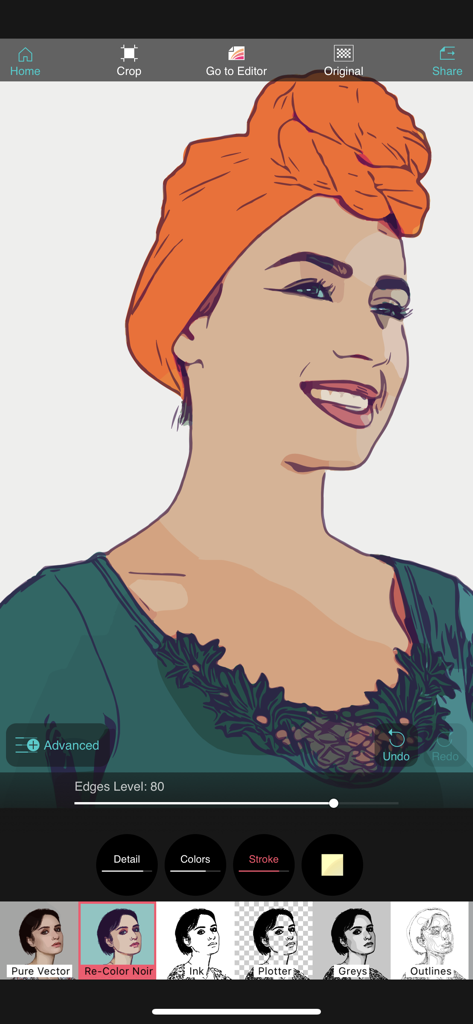
A woman's portrait being edited in Vector Q app using the Re-Color Noir vector filter
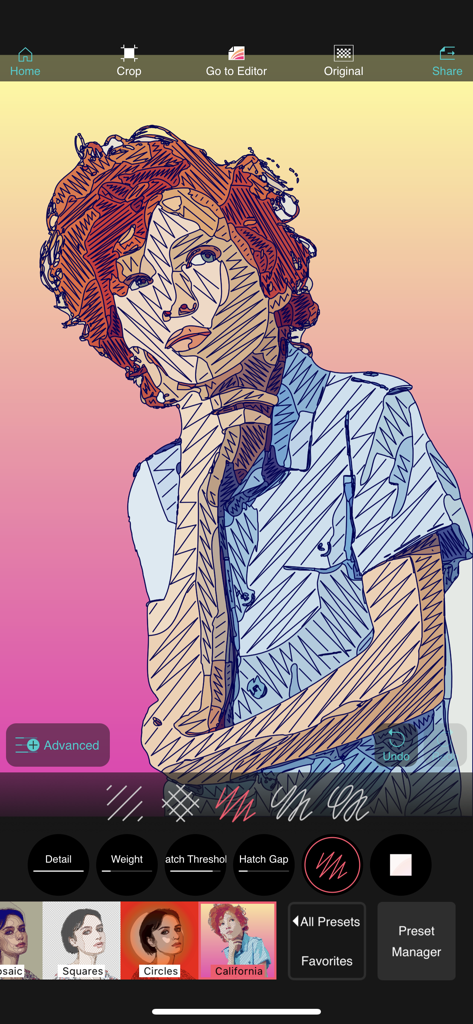
Vector Q app interface displaying a portrait transformed into a vector sketch with hatching line effects
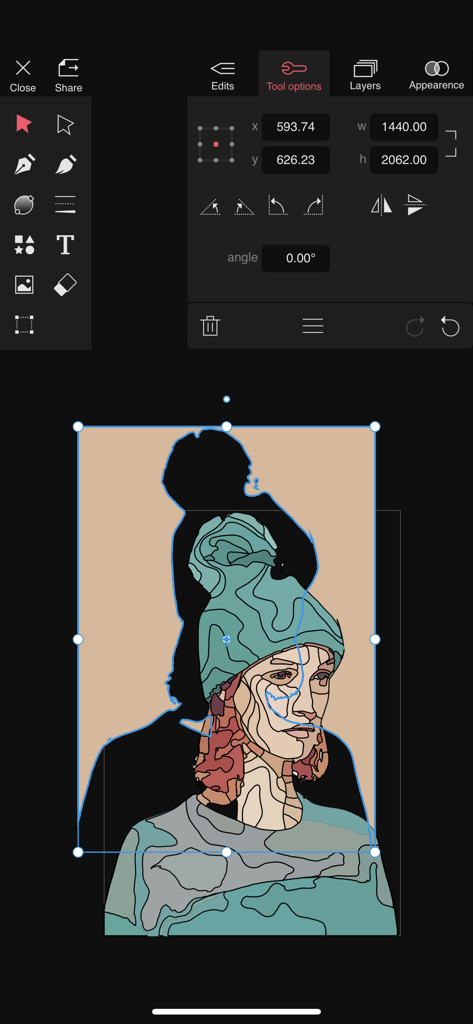
Vector Q app interface showing a stylized vector illustration of a person being edited with professional design tools
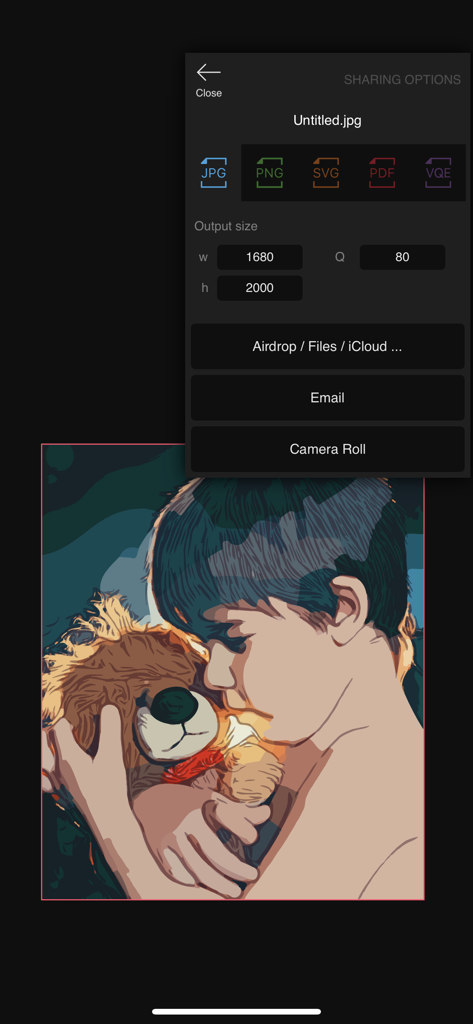
Vector Q app export menu showing SVG and PDF format options for a vectorized portrait
Description
Download
More Like This
Top-ranked apps in the same category

CapCut: Photo & Video Editor
BYTEDANCE PTE. LTD.

Instagram, Inc.

YouTube
Google LLC

Canva: AI Photo & Video Editor
Canva Pty Ltd

Snapchat
Snap, Inc.

快手
Beijing Kwai Technology Co., Ltd.

Edits: Video Editor
Instagram, Inc.

Meitu- AI Photo & Video Editor
Xiamen Meitu Technology Co., Ltd.

Google Photos: Backup & Edit
Google LLC
This page is not an official page of the app or its developer, but an independent editorial publication created for informational and commentary purposes. Unless expressly stated otherwise, neither the app nor its developer is affiliated with, endorsed by, sponsored by, authorized by, or otherwise officially connected with MWM, Apple, Google Play, the app publisher, or the app's developer, and nothing on this page implies that the app was developed using MWM's services. Any trademarks, logos, screenshots, and other content remain the property of their respective owners.