VILO: Video Editor Reel Maker

VILO: Video Editor Reel Maker

ダウンロード: App Store
ロゴ: VILO: Video Editor Reel Maker

VILO:プロレベルのビデオ編集でリールを格上げ

次世代クリエイターのために設計されたオールインワンエディタ。トレンドのテンプレート、シネマティックエフェクト、シームレスなソーシャルメディア共有で、生のクリップをバイラルコンテンツに変えましょう。

ダウンロード: App Store

開発元

MK APPS PRIVATE LIMITED

カテゴリ

Photo & Video

ダウンロード

256K+

ユーザー評価

4.4/5

評価数

700

対応言語

11

生からバイラルへ

このインターフェースを利用する 256K+ 人のユーザー.

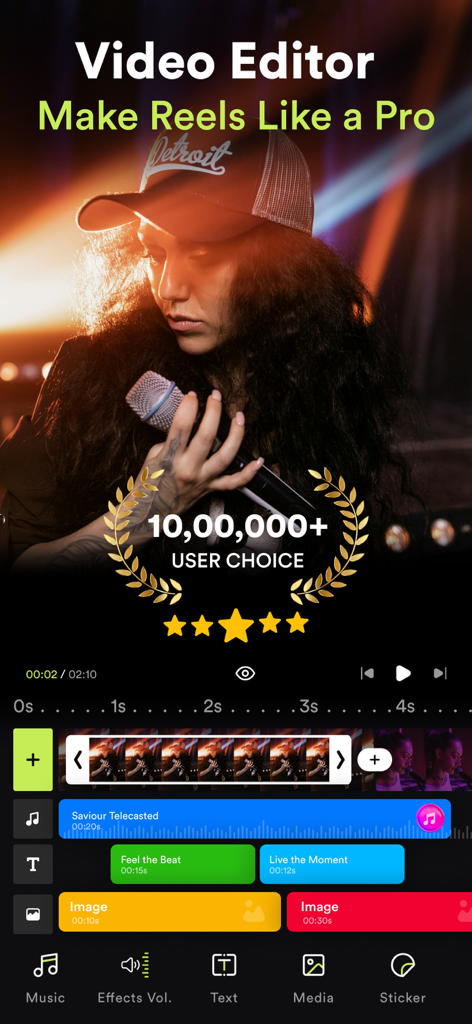
VILOビデオエディタアプリのインターフェース。プロのリール作成機能とマルチレイヤータイムラインが表示されています。
VILOビデオエディタアプリのインターフェース。プロのリール作成機能とマルチレイヤータイムラインが表示されています。

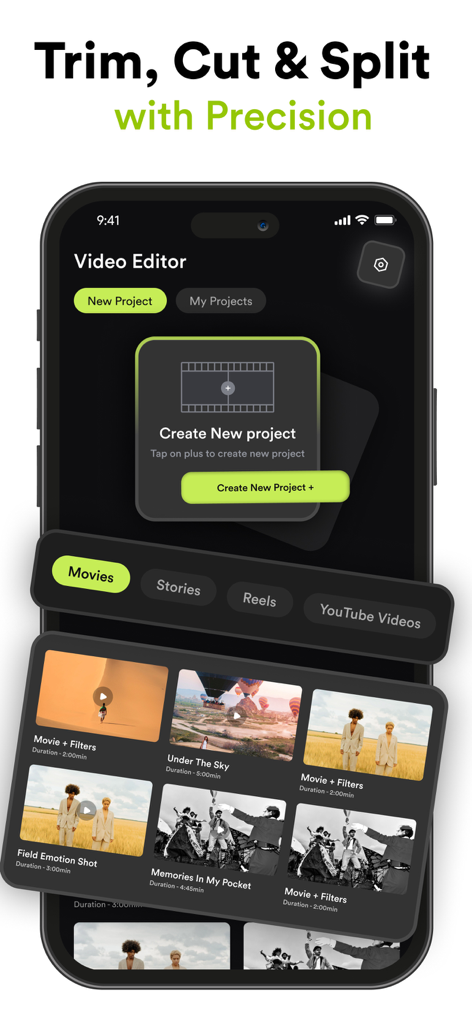
新しいプロジェクトを作成し、ソーシャルメディアビデオテンプレートを管理するためのVILOビデオエディタアプリのインターフェース。
新しいプロジェクトを作成し、ソーシャルメディアビデオテンプレートを管理するためのVILOビデオエディタアプリのインターフェース。

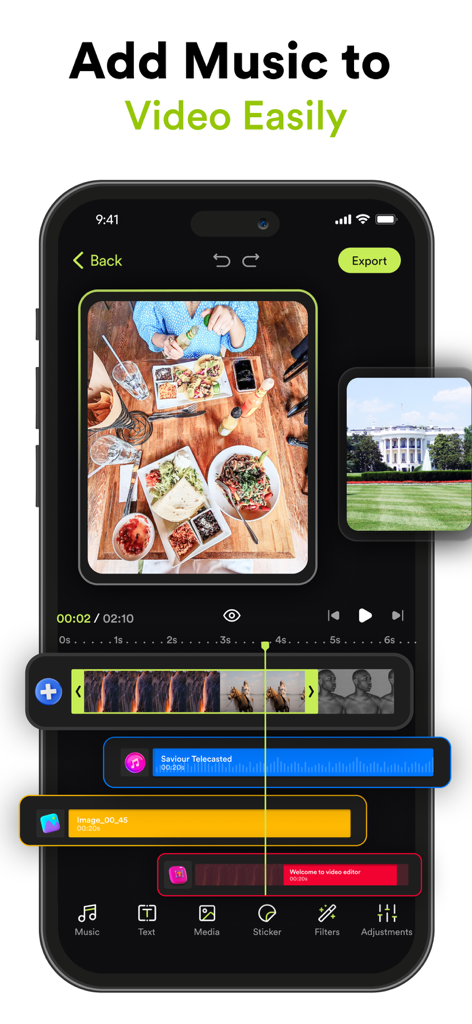
音楽とビデオクリップを含むマルチトラックタイムラインを表示するVILOのモバイルビデオ編集インターフェース。
音楽とビデオクリップを含むマルチトラックタイムラインを表示するVILOのモバイルビデオ編集インターフェース。

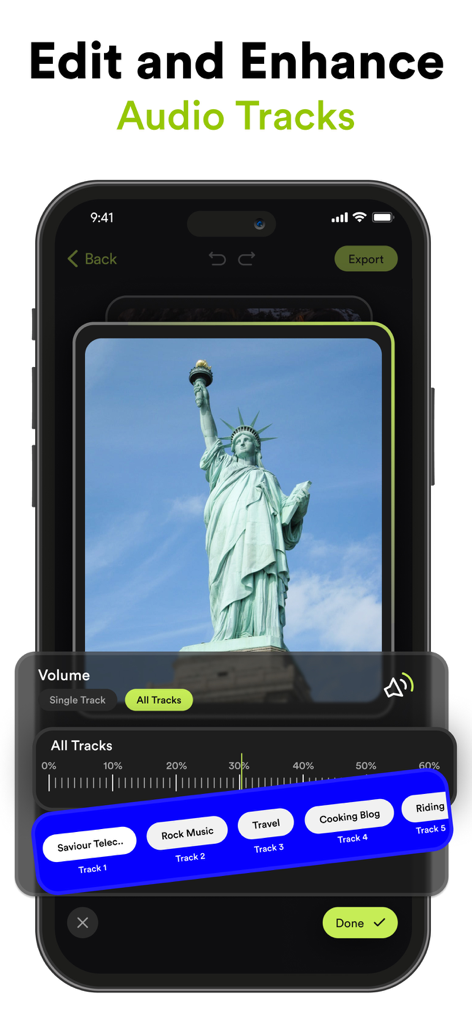
ビデオのオーディオトラックエディタと音量コントロールを表示するVILOアプリのインターフェース。
ビデオのオーディオトラックエディタと音量コントロールを表示するVILOアプリのインターフェース。

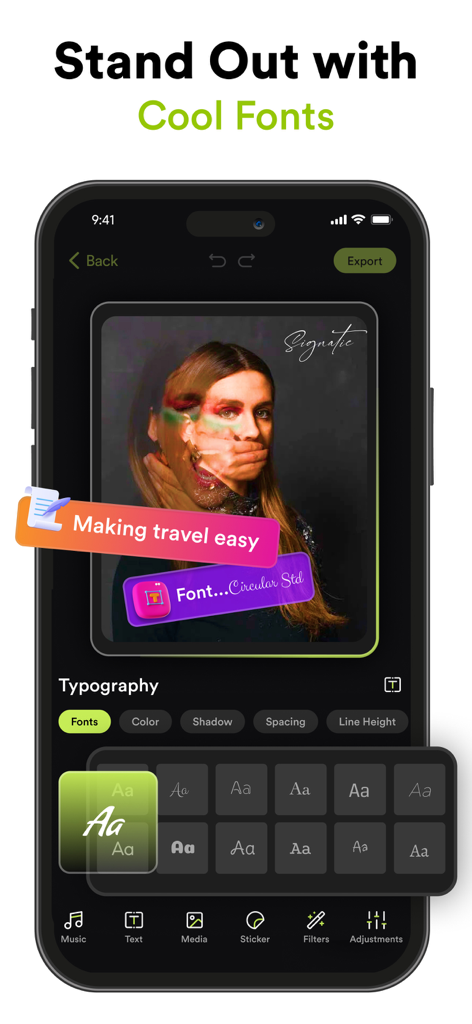
VILOアプリから、ビデオテキストオーバーレイをカスタマイズするためのスタイリッシュなフォントとタイポグラフィツールの多様な選択肢を示すモバイル画面。
VILOアプリから、ビデオテキストオーバーレイをカスタマイズするためのスタイリッシュなフォントとタイポグラフィツールの多様な選択肢を示すモバイル画面。

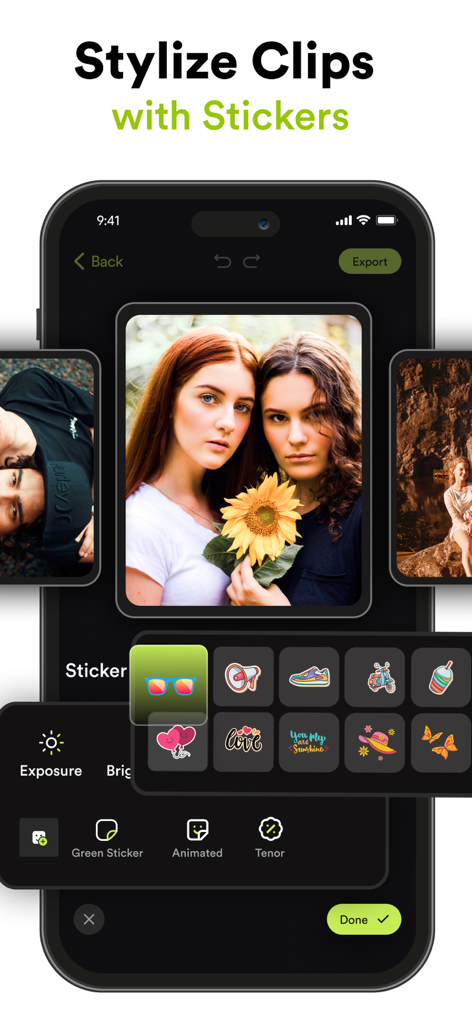
ビデオクリップのスタイリングのためのカラフルなステッカーとアニメーションアイコンのメニューを表示するVILOモバイルアプリのインターフェース。
ビデオクリップのスタイリングのためのカラフルなステッカーとアニメーションアイコンのメニューを表示するVILOモバイルアプリのインターフェース。

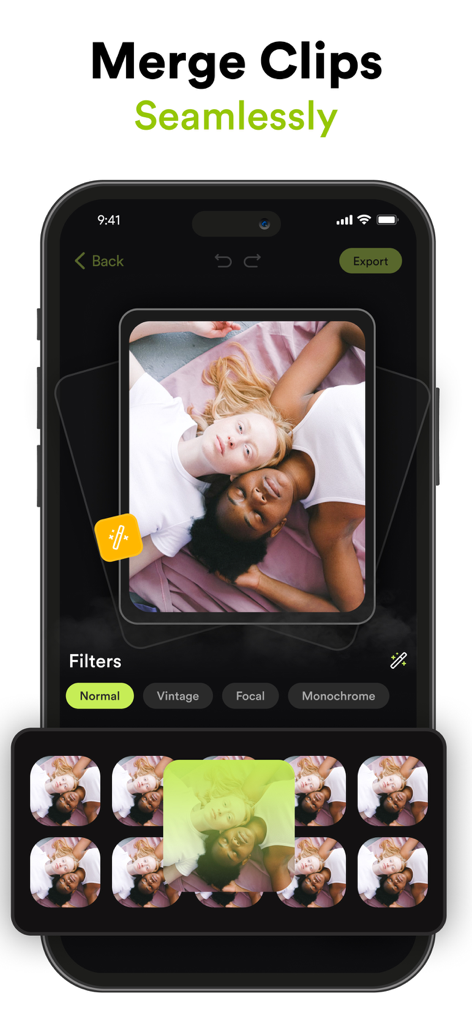
ソーシャルメディアリールのためのクリップのマージとフィルターの適用方法を示すVILOビデオエディタのインターフェース。
ソーシャルメディアリールのためのクリップのマージとフィルターの適用方法を示すVILOビデオエディタのインターフェース。

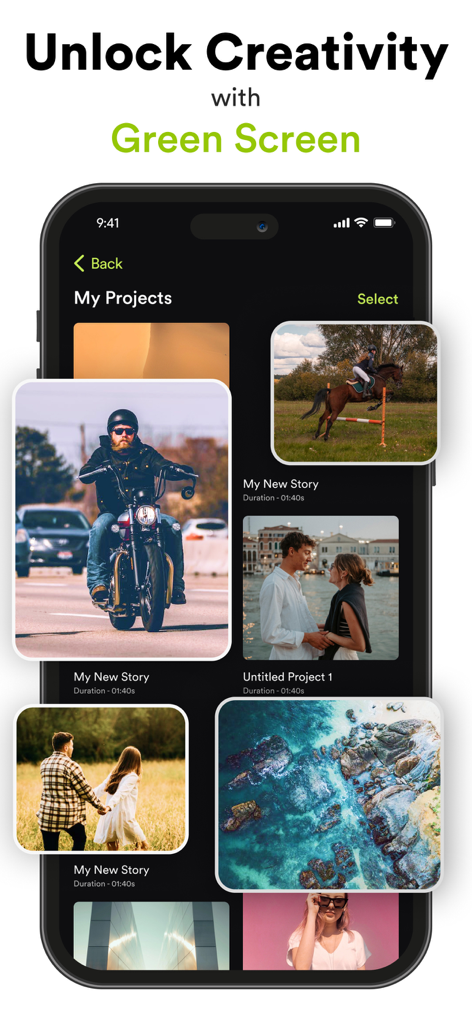
多様なビデオサムネイルとグリーンバック機能の見出しが表示されたViloビデオエディタのプロジェクトギャラリーを表示するスマートフォン。
多様なビデオサムネイルとグリーンバック機能の見出しが表示されたViloビデオエディタのプロジェクトギャラリーを表示するスマートフォン。

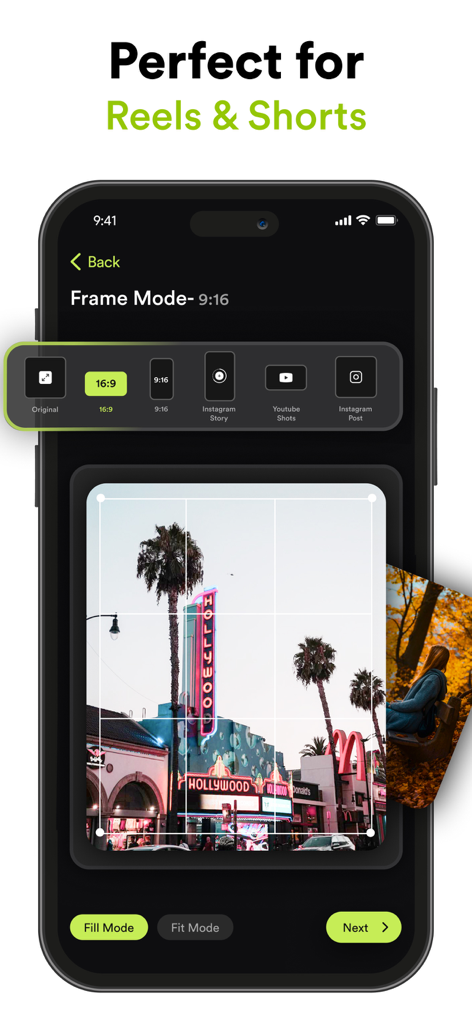
InstagramリールやYouTubeショート向けのフレームモードオプションと様々なアスペクト比プリセットを表示するVILOアプリ画面。
InstagramリールやYouTubeショート向けのフレームモードオプションと様々なアスペクト比プリセットを表示するVILOアプリ画面。

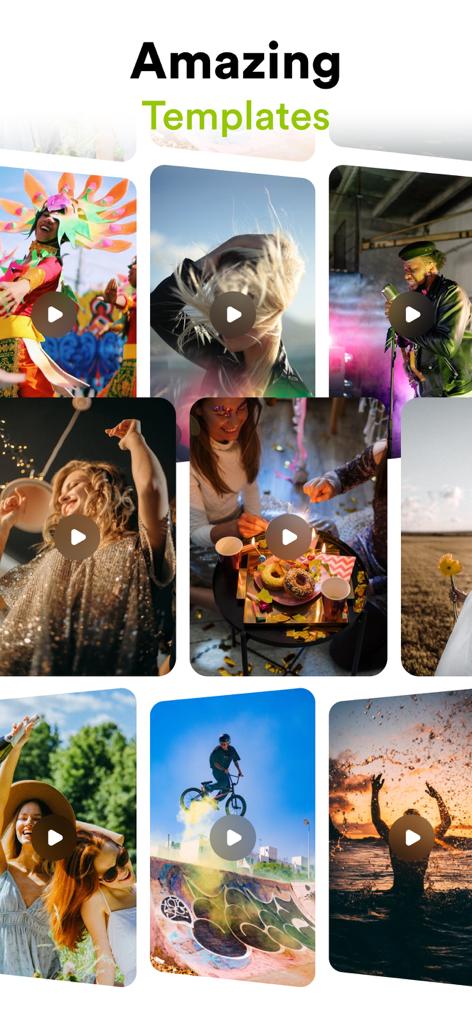
ソーシャルメディアコンテンツ用のライフスタイルやアクションクリップをフィーチャーした、Viloアプリの様々なビデオテンプレートの鮮やかなグリッド。

ソーシャルメディアコンテンツ用のライフスタイルやアクションクリップをフィーチャーした、Viloアプリの様々なビデオテンプレートの鮮やかなグリッド。

プロレベルの編集が簡単に

このアプリを際立たせるツール、 256K+ 人のユーザーが選択.

バイラル対応テンプレート

InstagramやTikTok向けの事前デザインされたレイアウトで、次のトレンドを打ち出しましょう。プロフェッショナルなペース配分とトランジションが、ワンタップで利用可能です。

🎬

シネマティックビジュアルツール

高度なカラーグレーディング、グリーンバックマジック、被写界深度ぼかしで、あなたの美的感覚をマスターし、ハイエンドなプロダクションルックを実現しましょう。

🔊

完璧なオーディオ同期

厳選された音楽ライブラリと正確なオーディオツールで、あなたのストーリーに命を吹き込みましょう。すべてのビートドロップが、視聴者が期待するタイミングに正確にヒットするようにします。

アプリについて

について知っておくべきこと VILO: Video Editor Reel Maker.

説明

Transform Your Videos with Video Editor – The Ultimate Video Editing Experience! Are you ready to elevate your video content to the next level? Whether you’re an aspiring influencer, a social media enthusiast, or just someone who loves creating memorable videos, Video Editor is here to turn your vision into reality. Packed with powerful features and intuitive tools, our app is designed to make professional video editing accessible and fun. Download now and discover the endless possibilities! Key Features: Seamless Clip Merging Combine multiple clips effortlessly into one smooth video. Create stunning montages, highlight reels, or just piece together your favorite moments with our easy-to-use merging tool. Add Music & Audio Effects Enhance your videos with a vast library of music tracks and sound effects. Adjust the volume, add audio effects, and sync your soundtrack perfectly with your visuals to create a captivating experience. Social Media-Ready Orientations Get your content noticed across all platforms! Change your video orientation to fit Instagram Stories, YouTube, or any other social media format with just a few taps. Customize with Text, Stickers, & Media Express yourself with customizable text overlays, trendy stickers, and additional media. Personalize your videos to reflect your style and make your content stand out. Professional Color Grading & Adjustments Bring your footage to life with advanced color grading tools. Adjust brightness, contrast, saturation, and more to give your videos a cinematic look. Green Screen Magic Take your creativity to new heights with our green screen feature. Easily replace backgrounds, add exciting new elements, and transport your videos to any setting you imagine. Precision Trimming & Splitting Trim and split your clips with precision. Remove unwanted sections, focus on key moments, and seamlessly edit your footage to get the perfect cut every time. Speed Control & Opacity Adjustments Play with speed effects to create dramatic slow-motion or fast-paced sequences. Adjust the opacity to blend scenes or highlight key elements in your video. Stunning Blur Effects Add depth and focus to your videos with our blur effects. Create professional-looking bokeh backgrounds or emphasize specific areas with customizable blur. Instagram Stories & YouTube Templates Save time and effort with our pre-designed templates for Instagram Stories and YouTube. Easily add text, media, and effects to make your posts look polished and engaging. Why Choose Video Editor? - User-Friendly Interface: Enjoy a sleek and intuitive design that makes video editing a breeze, even if you’re a beginner. - High-Quality Output: Export your videos in stunning HD quality, ensuring they look their best on any device or platform. - Regular Updates: We’re always adding new features and improvements to keep your editing experience fresh and exciting. - Community Support: Join our vibrant community of creators. Share tips, get inspiration, and connect with fellow video enthusiasts. Subscription Details: Video Editor by MK offers premium features through auto-renewable subscriptions. Payment will be charged to your Apple ID account upon confirmation of purchase. Subscriptions automatically renew unless canceled at least 24 hours before the end of the current period. You can manage your subscription and turn off auto-renewal in your account settings. For more details on managing subscriptions, visit: https://support.apple.com/en-us/HT202039 Privacy Policy: https://videoeditor.mkapps.app/VideoEditorMK/terms/privacy Terms of Use: https://videoeditor.mkapps.app/VideoEditorMK/terms/terms Ready to Create Amazing Videos? Download Video Editor now and unlock your creative potential! Transform your raw footage into polished masterpieces with just a few taps. Your next viral video is just a download away!

最新バージョン

2.10

サイズ

141.6 MB

リリース日

2021年6月14日

今日からあなたのバイラル時代を始めよう

すでに25万人以上のクリエイターが、数秒で魅力的なリールやTikTokを作成しています。あなたの次の傑作は、タップひとつで完成します。

ダウンロード: App Store

App information, icons, screenshots, and descriptions displayed on this page are sourced from the Apple App Store and are the property of their respective developers. Download estimates and rankings are based on MWM's proprietary models and may not reflect actual figures. This page is provided for informational and analytical purposes only.

Believe this page infringes your intellectual property? File a dispute