WeVideo - Video Editor & Maker
ダウンロード: App Store

このページはアプリまたはその開発者の公式ページではなく、情報提供および論評を目的として作成された独立した編集出版物です。明示的に別段の記載がない限り、アプリおよびその開発者は、MWM、Apple、Google Play、アプリのパブリッシャー、またはアプリの開発者と提携、承認、後援、認可、またはその他の公式的な関係はなく、このページのいかなる内容も、アプリがMWMのサービスを使用して開発されたことを意味するものではありません。すべての商標、ロゴ、スクリーンショット、その他のコンテンツはそれぞれの所有者の財産です。

ロゴ: WeVideo - Video Editor & Maker
ダウンロード: App Store

WeVideo - Video Editor & Maker

クリエイター、教育者、ビジネス向けのオールインワンエディター。大規模なロイヤリティフリーのストックライブラリ、グリーンバックエフェクト、TikTok、Instagram、YouTubeへの簡単な共有機能で、あなたのアイデアを素晴らしい4Kコンテンツに変えましょう。

主要数値

ダウンロード

1M+

ユーザー評価

4.5/5

評価数

40K+

開発元

Wevideo, Inc.

カテゴリ

Photo & Video

対応言語

1

最新バージョン

5.8.12

サイズ

73.0 MB

リリース日

2013年3月22日
機能

あなたの内なるクリエイターを解き放つ

ソーシャルメディア、学校、ビジネス向けに設計された直感的なエディターで、あなたのアイデアを高品質動画に変えましょう。プロの経験は不要です。

あらゆるプラットフォームに対応

9:16、1:1、16:9のレイアウトを瞬時に切り替え、品質を損なうことなくTikTok、Instagram、YouTubeに最適化できます。

プロ級のストックライブラリ

数百万ものロイヤリティフリーのクリップ、音楽、写真にアクセスし、自身の映像がなくてもハイエンドなコンテンツを作成できます。

ハリウッド級エフェクト

グリーンバックツール、4K Ultra HDエクスポート、スピードコントロールで、あなたの動画をプロの制作物のように見せましょう。

以下のスクリーンショットと説明は、アプリの公式ストアリスティングから直接取得されたものであり、アプリ開発者の所有物です。

アプリストア

スクリーンショット
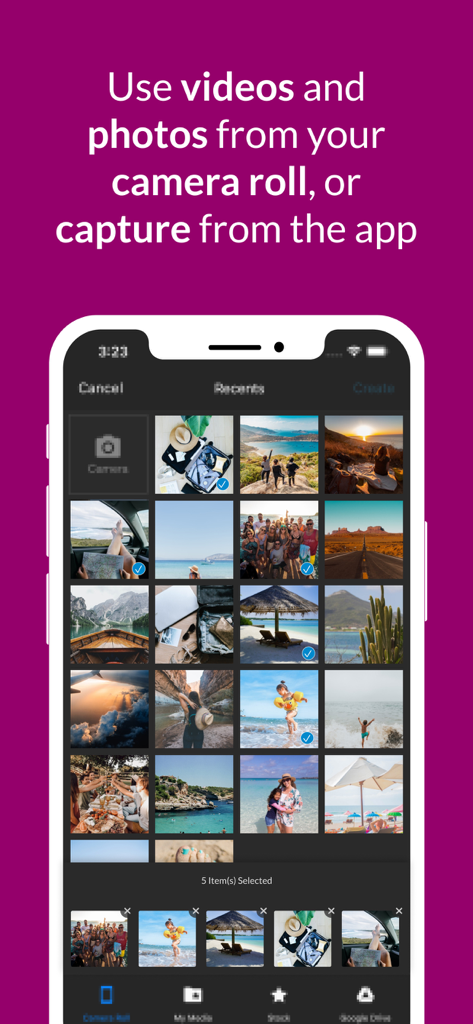
WeVideo - Video Editor & Maker - WeVideoアプリ画面、カメラロールから写真や動画を選択している様子

WeVideoアプリ画面、カメラロールから写真や動画を選択している様子

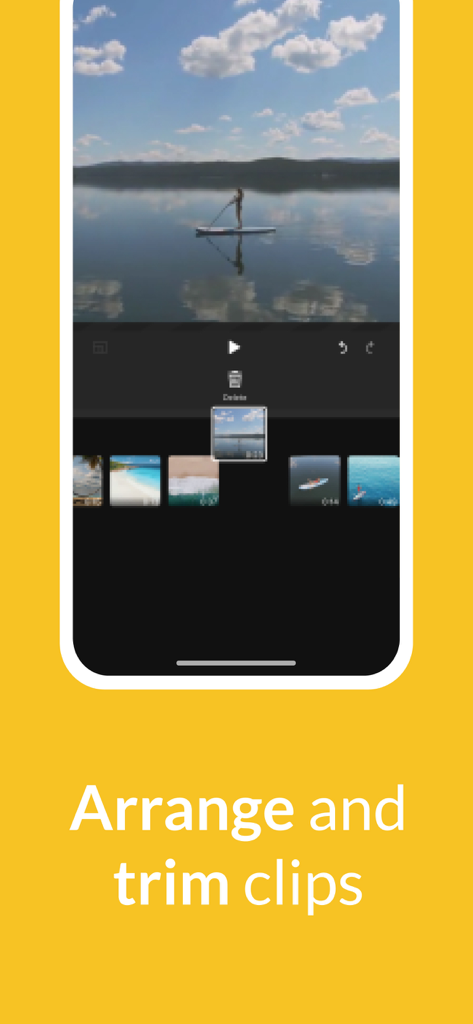
WeVideo - Video Editor & Maker - WeVideoモバイルアプリのインターフェース、タイムライン上で動画クリップを並べ替えたりトリミングしたりしているユーザー
WeVideoモバイルアプリのインターフェース、タイムライン上で動画クリップを並べ替えたりトリミングしたりしているユーザー

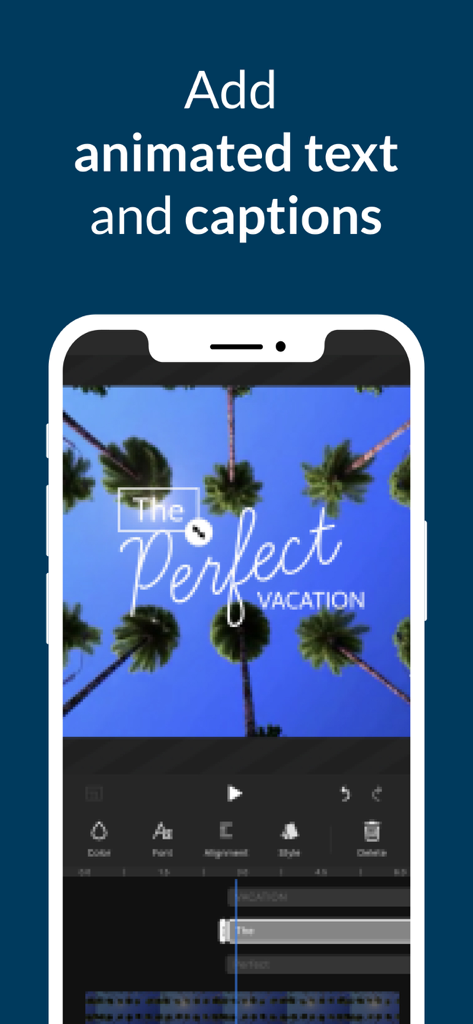
WeVideo - Video Editor & Maker - WeVideoアプリのインターフェース、モバイル動画プロジェクトにアニメーションテキストやキャプションを追加する様子
WeVideoアプリのインターフェース、モバイル動画プロジェクトにアニメーションテキストやキャプションを追加する様子

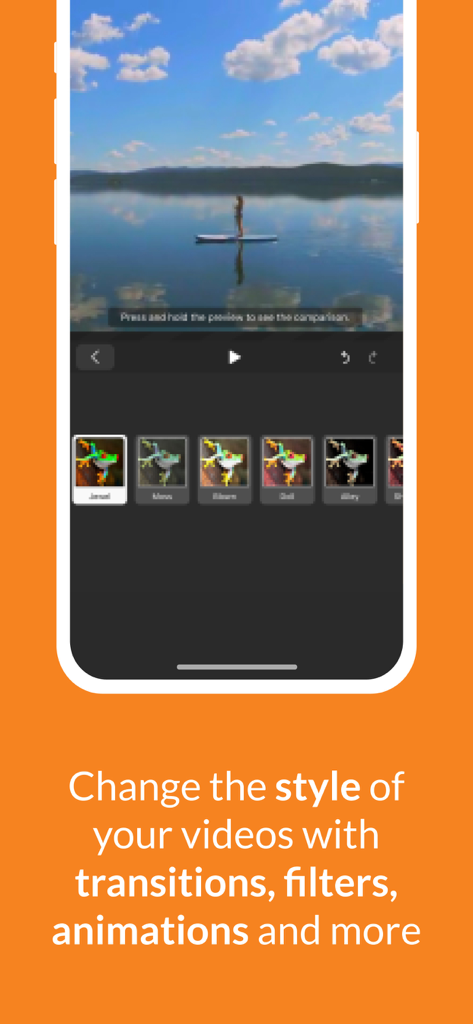
WeVideo - Video Editor & Maker - WeVideoモバイルアプリのインターフェース、動画フィルターオプションとパドルボードに乗る女性
WeVideoモバイルアプリのインターフェース、動画フィルターオプションとパドルボードに乗る女性

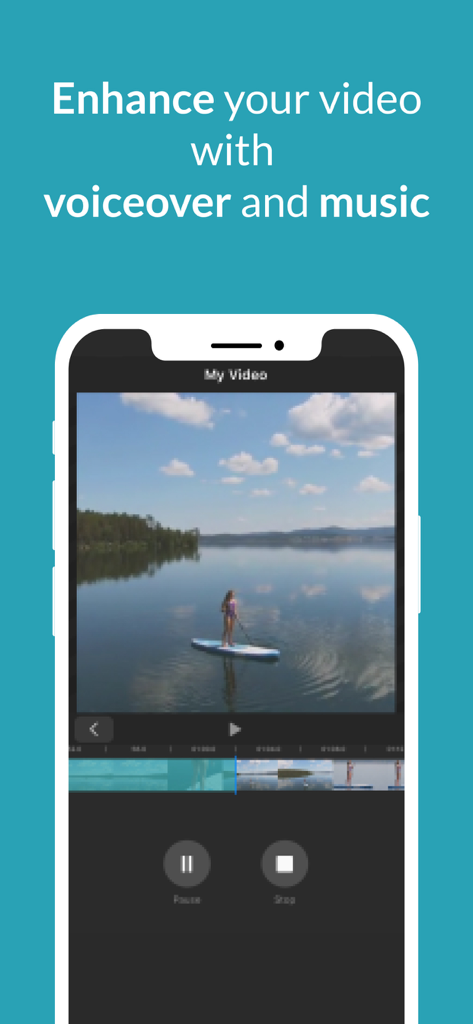
WeVideo - Video Editor & Maker - WeVideoアプリ画面、動画クリップの上にボイスオーバーと音楽編集ツールを表示
WeVideoアプリ画面、動画クリップの上にボイスオーバーと音楽編集ツールを表示

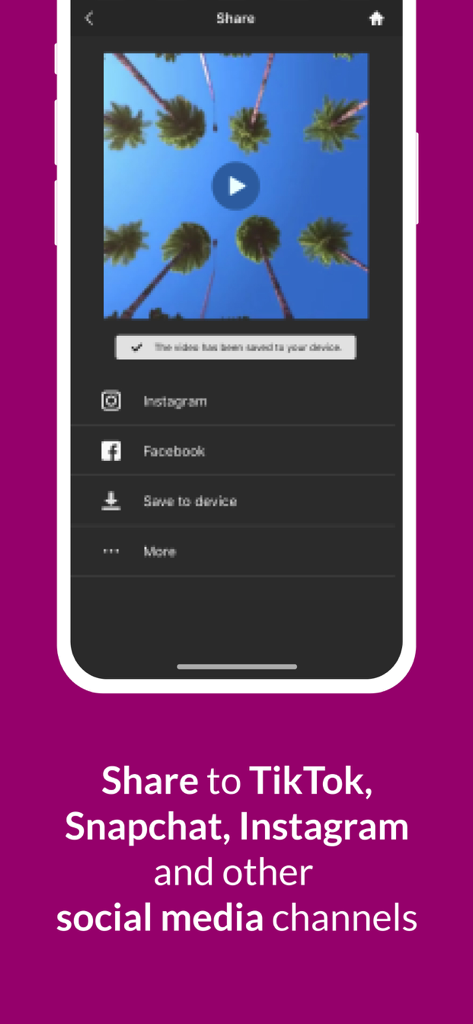
WeVideo - Video Editor & Maker - WeVideoアプリの共有画面、InstagramやFacebookのようなソーシャルメディアプラットフォームへの動画エクスポートオプションを表示

WeVideoアプリの共有画面、InstagramやFacebookのようなソーシャルメディアプラットフォームへの動画エクスポートオプションを表示

説明

Capture, edit and share incredible videos - anywhere, anytime - for your personal life, school work, and your business with WeVideo’s video editor for iOS. With WeVideo and your iPhone or iPad, you don’t need to be a professional to create and share compelling, high-quality videos. EASY-TO-USE VIDEO EDITOR: • Use videos and photos from your camera roll on your phone, or capture them from your camera • Arrange and trim clips • Add text titles and captions • Change the style of your videos with transitions, filters, animations and more • Enhance your video with voiceover and music tracks • Share to TikTok, Snapchat, Instagram and other social media channels FEATURES • EASY ACCESS AND CAPTURE Access photos and videos from your photo library or capture them from your device’s camera • CUT AND TRIM Trim video clips and arrange them in the order you want • TEXT TITLES AND CAPTIONS Emphasize key points by adding text titles and captions • AUDIO: MUSIC, SOUND EFFECTS AND VOICEOVER Enhance your video with voiceover narration, music tracks and sound effects* • EXTENSIVE CONTENT LIBRARY* Leverage the WeVideo stock library that includes: ⁃ Royalty-free video clips ⁃ Royalty-free music tracks ⁃ Royalty-free photos and illustrations ⁃ Motion titles ⁃ Sound effects ⁃ Transitions ⁃ Font ⁃ Filters • STUNNING VIDEO EFFECTS ⁃ Photo animations - Use the Ken Burns effect to make photos come alive ⁃ Speed control - Alter the speed of your video with effects like slow motion ⁃ Background blur - Use blurred background to enhance your vertical videos ⁃ Green screen - Use Hollywood-style green screen (chroma key) tools to change the background of your video to give the appearance that you’re anywhere (paid plans) ⁃ Remove the WeVideo watermark (paid plans) • EASY TO STORE, EXPORT, PUBLISH AND SHARE ⁃ Publish your videos in up to 4K Ultra HD* ⁃ Format your videos in vertical or landscape (9:16, 1:1, 16:9) for easy viewing on any device ⁃ Save to your device or store in the cloud* ⁃ Share directly to social media sites like: TikTok Snapchat Instagram Facebook * Dependent on your plan type FLEXIBLE SUBSCRIPTION OPTIONS • Free** • Mobile Pass ($5.99 month/ $49.99annual) ** • Power ($9.99 month/ $59.99 annual)*** • Unlimited ($15.99 month/ $95.99 annual)*** • Professional ($35.99 month/ $214.99 annual)*** • Business ($59.99 month/ $349.99 annual)*** ** Mobile only *** includes WeVideo online video editor Your iTunes account will be charged once you confirm your purchase. Manage your subscriptions or turn off auto-renew in your Apple ID account settings at any time after purchase. Your subscription automatically renews unless auto-renew is turned off at least 24 hours before the end of the current period. Love the WeVideo video editor? Like us on Facebook: http/www.facebook.com/wevideo Follow us on Twitter: http://twitter.com/wevideo Privacy policy: https//www.wevideo.com/privacy Terms of use: https://www.wevideo.com/terms-of-use

Download

ダウンロード: App Store

このページはアプリまたはその開発者の公式ページではなく、情報提供および論評を目的として作成された独立した編集出版物です。明示的に別段の記載がない限り、アプリおよびその開発者は、MWM、Apple、Google Play、アプリのパブリッシャー、またはアプリの開発者と提携、承認、後援、認可、またはその他の公式的な関係はなく、このページのいかなる内容も、アプリがMWMのサービスを使用して開発されたことを意味するものではありません。すべての商標、ロゴ、スクリーンショット、その他のコンテンツはそれぞれの所有者の財産です。