
このページはアプリまたはその開発者の公式ページではなく、情報提供および論評を目的として作成された独立した編集出版物です。明示的に別段の記載がない限り、アプリおよびその開発者は、MWM、Apple、Google Play、アプリのパブリッシャー、またはアプリの開発者と提携、承認、後援、認可、またはその他の公式的な関係はなく、このページのいかなる内容も、アプリがMWMのサービスを使用して開発されたことを意味するものではありません。すべての商標、ロゴ、スクリーンショット、その他のコンテンツはそれぞれの所有者の財産です。

XLS Sheet: XLS Viewer & Editor
外出先でExcelファイルを閲覧・編集するための、軽量・高速ソリューション。Googleドライブ、Dropbox、iCloudとシームレスに同期し、摩擦のないモバイルワークフローを実現します。
ダウンロード
62K+ユーザー評価
評価数
100開発元
カテゴリ
Business対応言語
17最新バージョン
1.0.15サイズ
116.0 MBリリース日
2024年1月9日外出先でデータをマスターする
スピードとモビリティのために設計されたプロフェッショナルグレードの表計算ソリューション。従来のオフィススイートの肥大化なしに複雑なファイルを管理できます。
モバイルファースト編集
デスクトップレベルのタスクを数秒で実行できる、タッチ最適化インターフェースで数式を編集し、セルを更新します。
統合されたクラウドアクセス
iCloud、Googleドライブ、Dropboxに接続し、すべてのプロフェッショナル表計算を単一の安全なハブからアクセスします。
よくある質問
について知っておくべきこと XLS Sheet: XLS Viewer & Editor
XLS Sheet: Excel Viewer & Editor とは何ですか?
XLS Sheet は、Excel スプレッドシートをシームレスに表示および編集するために設計された iOS アプリです。クラウド統合、オフライン アクセス、強力な編集ツールなどの機能を提供します。
XLS Sheet アプリで Excel ファイルを編集できますか?
はい、XLS Sheet は強力な編集ツールを提供します。ユーザーは iOS デバイスから直接スプレッドシートを変更、更新、および洗練することができ、幅広い Excel 関数をサポートしています。
XLS Sheet は Excel ファイルのオフライン アクセスをサポートしていますか?
はい、XLS Sheet を使用すると、インターネット接続がない場合でも Excel ファイルで作業できます。このオフライン アクセシビリティにより、いつでも生産性を確保できます。
XLS Sheet はどのクラウド サービスと統合されていますか?
XLS Sheet は、iCloud、Google Drive、Dropbox などの人気のあるクラウド サービスとシームレスに統合されています。これにより、ユーザーはどのデバイスからでもシートにアクセスできます。
XLS Sheet: Excel Viewer & Editor の無料トライアルはありますか?
はい、XLS Sheet は 3 日間の無料トライアルを提供しています。このトライアルではすべての有料機能にアクセスでき、ユーザーはいつでも義務なくキャンセルできます。
XLS Sheet のサブスクリプション料金はいくらですか?
XLS Sheet は、月額プラン(599 ルピー/月)と年額プラン(1999 ルピー/年)を提供しています。サブスクリプションは App Store を通じて請求され、キャンセルされない限り自動的に更新されます。
XLS Sheet はさまざまな Excel ファイル形式を処理できますか?
はい、XLS Sheet はさまざまな Excel ファイル形式との互換性を保証します。この機能により、さまざまなプラットフォーム間での共同作業と共有が柔軟に行えます。
XLS Sheet で新しいスプレッドシートを作成できますか?
はい、XLS Sheet を使用すると、新しいスプレッドシートを作成できます。アプリのインターフェイスには、ホーム画面に直接「新規作成」オプションが含まれています。
XLS Sheet を使用して Excel ファイルを PDF に変換できますか?
はい、XLS Sheet は Excel ファイルを PDF に変換する機能を提供します。この変換機能は、アプリのインターフェイス内で利用できます。
XLS Sheet アプリで設定をカスタマイズできますか?
はい、XLS Sheet はカスタマイズ可能な設定を提供します。ユーザーは、独自のワークフローと好みに合わせてアプリを調整し、効率を高めることができます。
XLS Sheet はスプレッドシートのテンプレートを提供していますか?
はい、XLS Sheet はさまざまな Excel テンプレートを提供しています。これには、ユーザーの利便性のために、空白シート、ToDo リスト、月次予算、年次予算などのオプションが含まれます。
XLS Sheet を使用する場合、データは安全ですか?
はい、XLS Sheet はデータのセキュリティを優先します。アプリは、ユーザーが Excel ファイルを管理する際に機密情報を保護するための堅牢なセキュリティ対策を実装しています。
以下のスクリーンショットと説明は、アプリの公式ストアリスティングから直接取得されたものであり、アプリ開発者の所有物です。
アプリストア
スクリーンショット
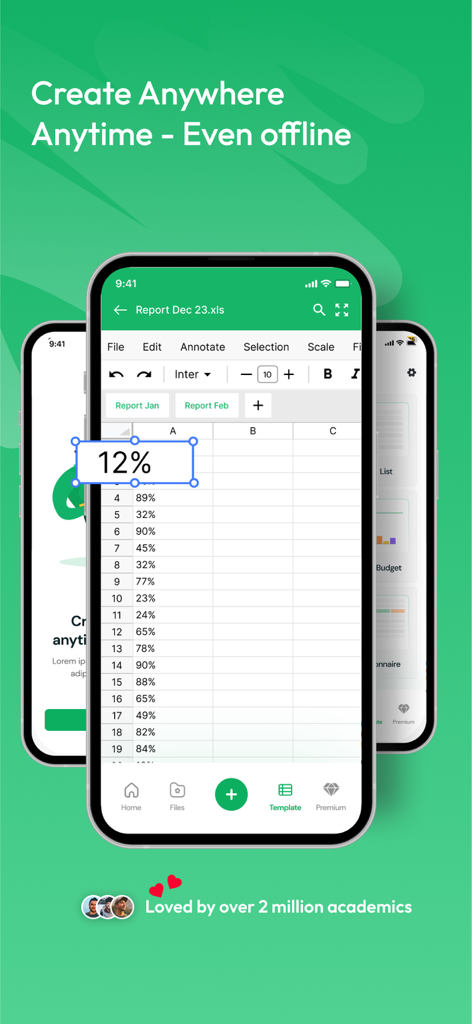
XLS Sheetモバイルアプリインターフェース、オフラインでスプレッドシートを編集するため
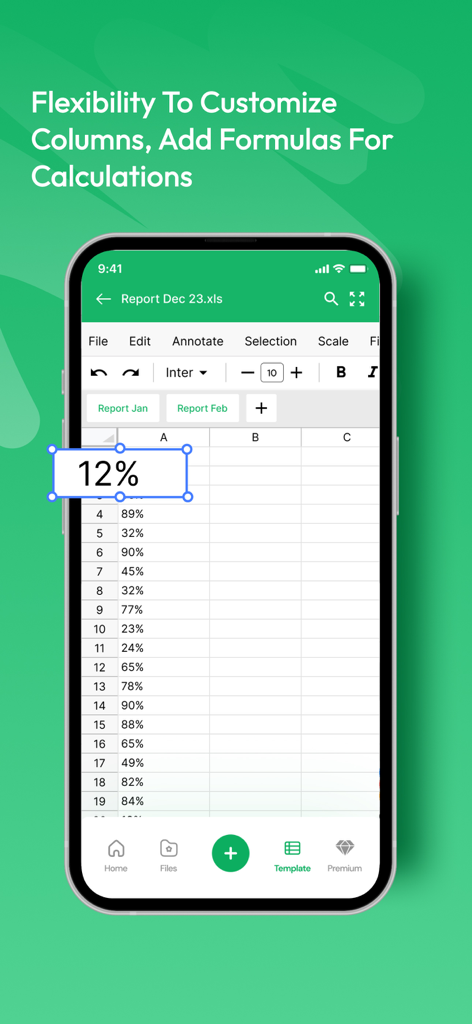
モバイルスプレッドシートエディターインターフェース、パーセンテージとデータ列が表示されたセルをハイライト
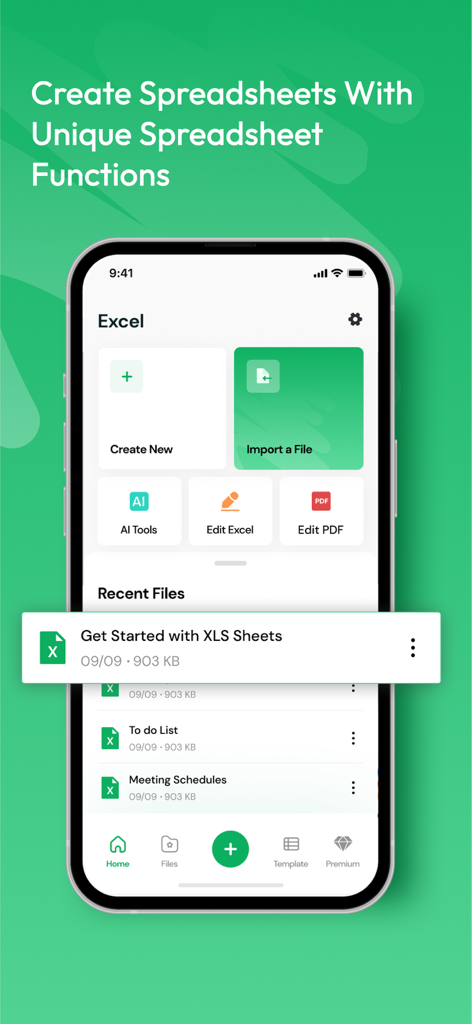
XLS Sheetモバイルアプリのホーム画面、スプレッドシートの作成またはインポート、最近のファイルを表示するオプション付き
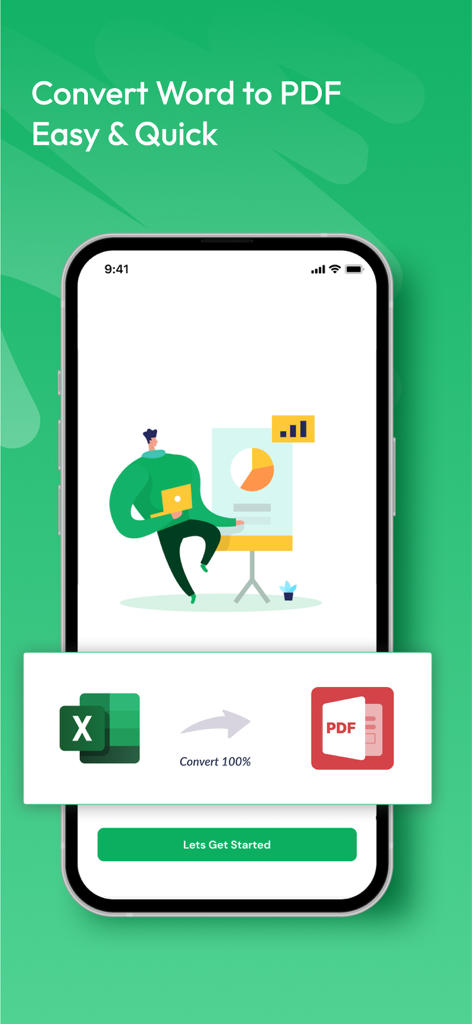
XLS Sheetアプリインターフェース、Excelスプレッドシートを簡単なワンクリックプロセスでPDFドキュメントに変換する機能を表示
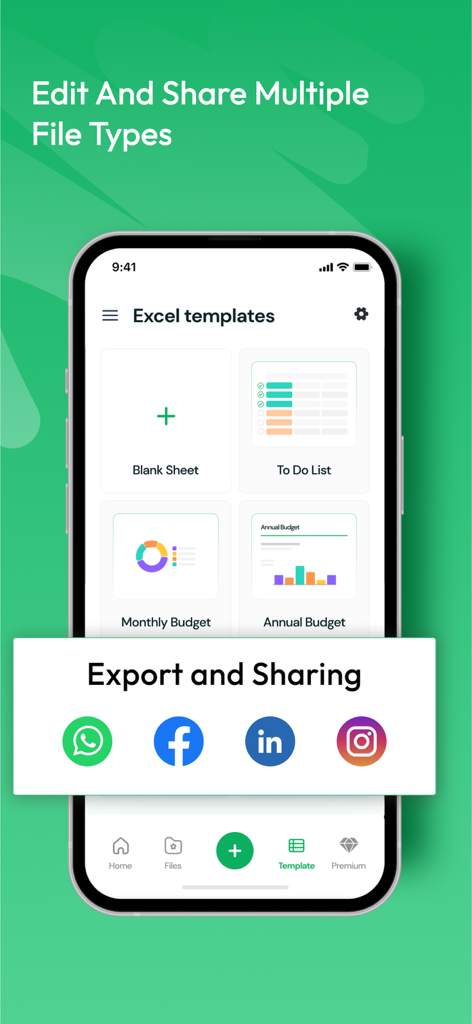
XLS Sheetアプリインターフェース、さまざまなスプレッドシートテンプレートとソーシャルメディア共有用のクイックエクスポートオプションを表示
説明
Download
類似アプリ
似た機能とユーザー体験を持つアプリ

Google Sheets
Google LLC

Table Notes Spreadsheet Excel
Vivek Agarwal

Microsoft Excel
Microsoft Corporation

Spreadsheets
SMM service, s.r.o.

Spreadsheet-xlsx&csv editor
BEST MUSIC VIDEO & IMAGE MAKER LIMITED

XLSX Sheets: Edit Spreadsheet
Rhophi Analytics LLP

Sheets - Spreadsheet
CODE HARMONY LIMITED

Simple Spreadsheet:view & edit
WEN WU LI

Zoho Sheet: Spreadsheet App
Zoho Corporation
このページはアプリまたはその開発者の公式ページではなく、情報提供および論評を目的として作成された独立した編集出版物です。明示的に別段の記載がない限り、アプリおよびその開発者は、MWM、Apple、Google Play、アプリのパブリッシャー、またはアプリの開発者と提携、承認、後援、認可、またはその他の公式的な関係はなく、このページのいかなる内容も、アプリがMWMのサービスを使用して開発されたことを意味するものではありません。すべての商標、ロゴ、スクリーンショット、その他のコンテンツはそれぞれの所有者の財産です。