Add Music to Video Voice Over
다운로드: App Store

이 페이지는 앱이나 개발자의 공식 페이지가 아니며, 정보 제공 및 논평을 목적으로 작성된 독립 편집 간행물입니다. 명시적으로 달리 언급되지 않는 한, 해당 앱이나 개발자는 MWM, Apple, Google Play, 앱 퍼블리셔 또는 앱 개발자와 제휴, 보증, 후원, 승인 또는 공식적으로 연결되어 있지 않으며, 이 페이지의 어떤 내용도 해당 앱이 MWM의 서비스를 사용하여 개발되었음을 의미하지 않습니다. 모든 상표, 로고, 스크린샷 및 기타 콘텐츠는 해당 소유자의 자산입니다.


로고: Add Music to Video Voice Over
다운로드: App Store

Add Music to Video Voice Over

완벽한 트랙을 레이어링하고 맞춤 보이스오버를 쉽게 녹음하세요. 전문적인 오디오 컨트롤을 사용하여 TikTok, Instagram, YouTube에서 돋보이는 매력적인 동영상을 만드세요.

주요 수치

다운로드

1M+

사용자 평점

4.4/5

총 평가 수

18K+

개발사

Brain Craft Ltd

카테고리

Photo & Video

지원 언어

1

최신 버전

2.1

크기

59.7 MB

출시일

2017년 8월 31일
기능

몇 초 만에 전문적인 동영상 제작

크리에이터와 스토리텔러를 위한 최고의 오디오 툴킷입니다. 음악을 추가하고, 보이스오버를 녹음하고, 바이럴 콘텐츠를 쉽게 제작하세요.

프로급 보이스오버

정밀한 볼륨 조절과 부드러운 페이드인/페이드아웃 효과로 동영상 위에 직접 내레이션을 녹음하여 세련된 마무리를 만드세요.

방대한 음악 라이브러리

수천 개의 인기 트랙 중에서 선택하거나 직접 가져오세요. 오디오를 루프하고 다듬어 콘텐츠의 모든 비트에 완벽하게 맞추세요.

다음 스크린샷과 설명은 앱의 공식 스토어 목록에서 직접 가져온 것이며 앱 개발자의 자산입니다.

앱 스토어

스크린샷
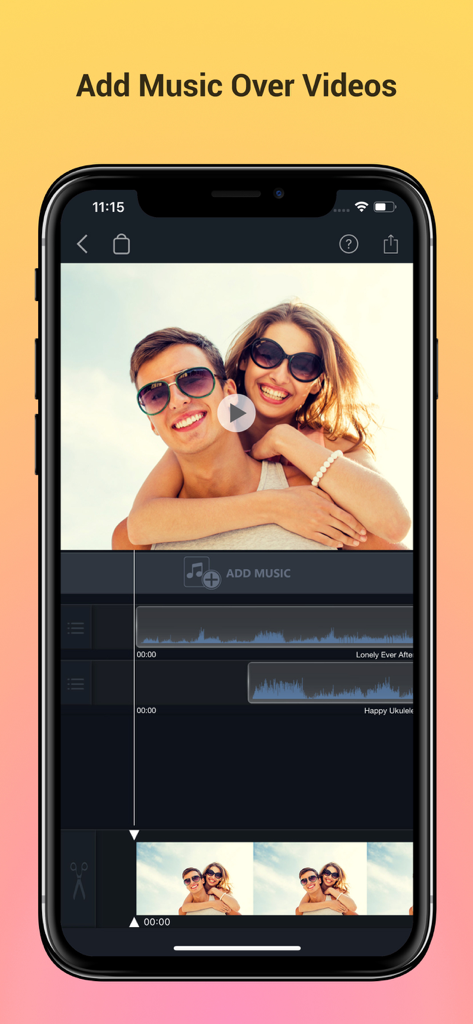
Add Music to Video Voice Over - 오디오 트랙 레이어링 및 동영상 미리보기를 보여주는 모바일 동영상 편집 인터페이스.
오디오 트랙 레이어링 및 동영상 미리보기를 보여주는 모바일 동영상 편집 인터페이스.

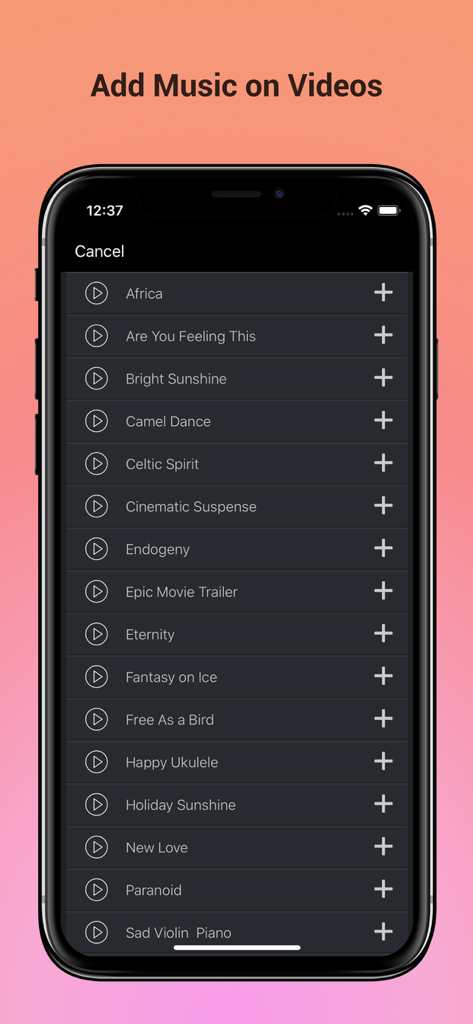
Add Music to Video Voice Over - 동영상에 배경 오디오로 추가할 수 있는 엄선된 음악 트랙 목록을 보여주는 모바일 앱 인터페이스.
동영상에 배경 오디오로 추가할 수 있는 엄선된 음악 트랙 목록을 보여주는 모바일 앱 인터페이스.

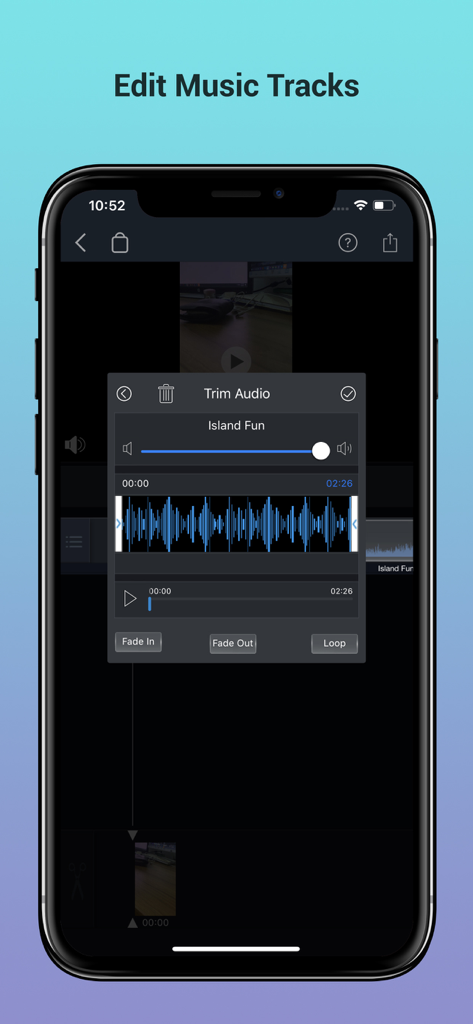
Add Music to Video Voice Over - 파형 및 페이드 컨트롤이 있는 오디오 트리밍 기능을 보여주는 스마트폰 화면.
파형 및 페이드 컨트롤이 있는 오디오 트리밍 기능을 보여주는 스마트폰 화면.

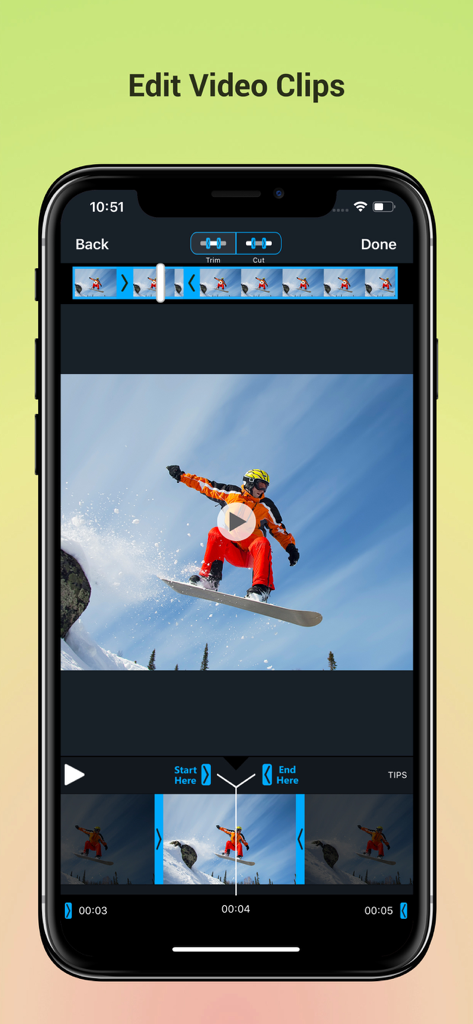
Add Music to Video Voice Over - 스노보딩 클립에 트리밍 및 자르기 도구가 있는 동영상 편집 앱 인터페이스를 보여주는 스마트폰 화면
스노보딩 클립에 트리밍 및 자르기 도구가 있는 동영상 편집 앱 인터페이스를 보여주는 스마트폰 화면

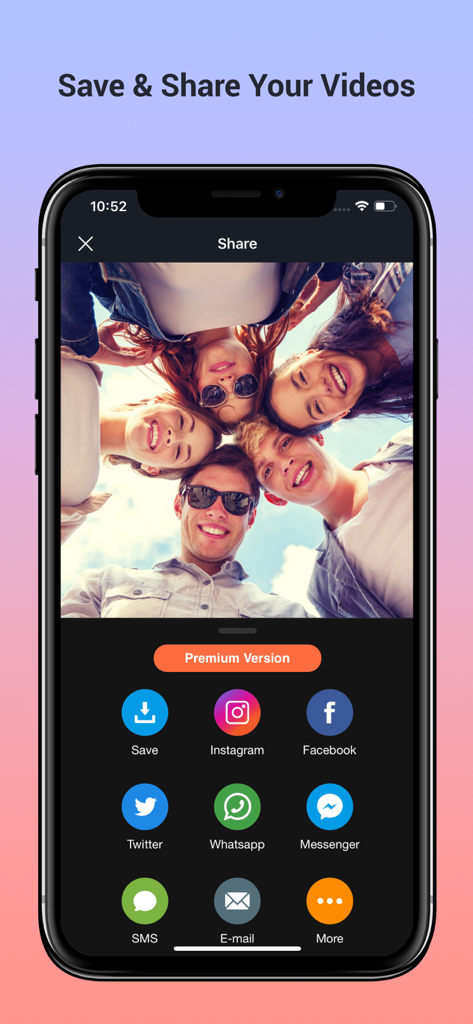
Add Music to Video Voice Over - 인스타그램, 페이스북, 트위터 소셜 미디어 아이콘이 있는 모바일 동영상 편집 앱의 공유 화면

인스타그램, 페이스북, 트위터 소셜 미디어 아이콘이 있는 모바일 동영상 편집 앱의 공유 화면

설명

Best App to Add Background Music & Sound Effects on Your Videos. Record your own voice over video. Create slideshow with your moments & add music on it to make it live. • Add background music to videos. • Make your own music videos. • Record your own voice over video. • Make slideshow with music • Make funny Dubsmush videos. • Give life to your videos. • Get more likes & views on Youtube, Instagram, Facebook or Vine. Key Features: ========== - Add Music Tracks on Videos. - Record Your Own Voice Over Video. - Huge Collection of Awesome Music Tracks. - Make Slideshow With Your Photos - Edit Video: Trim & Cut frame by frame. Remove any unwanted part of your video. - Edit Audio: Trim, Fade-in, Fade-out & Loop options. - Volume Control For Audios. - Video Mute/UnMute. - Huge Collection of Slideshow Transitions. - Minimum Processing Time. - Beautiful Ui With Stunning Design. - Very Easy to use. Premium Features: - Premium Music Tracks - Add Unlimited Music - Select Unlimited Photos - Premium Slideshow Styles - Premium Filtes - Ads Free Version - Unlock Everything Fade-in Means: Gradually increase the level of audio volume at the beginning. Fade-out Means: Gradually decrease the level of audio volume at its end. Audio Loop Means: Repeating section of audio at whole video. Payment & Subscription Terms: Choose between the following options for unlimited access to all features: • Weekly Subscription with 3-day free trial; • Yearly Subscription. Subscriptions are billed weekly or annually at the rate selected depending on the selected plan. Subscription automatically renews unless auto-renew is turned off at least 24 - hours before the end of the current period. - payment will be charged to iTunes Account at confirmation of purchase. - Account will be charged for renewal within 24-hours prior to the end of the current period. - No cancellation of the current subscription is allowed during active subscription period. - Subscriptions may be managed by the user and auto-renewal may be turned off by going to the user's Account Settings after purchase. - Any unused portion of a free trail period will forfeited when the user purchases a subscription. ## Subscriptions may be managed by the user and auto-renewal may be turned off by going to the user's iTunes Account Settings after purchase. ## Subscription can be cancelled during its free trial period via the subscription setting through your iTunes account. This must be done 24 hours before the end of the subscription period to avoid being charged. Privacy Policy, Terms of Service: https://braincraftapps.com/apps/i/add-music-to-videos/privacy-policy/ https://braincraftapps.com/apps/i/add-music-to-videos/terms/ Found any bug? or Have any suggestions? or Wanna new features? Please mail me at: support@braincraftapps.com Keep in touch to receive all updates. Thank You.

Download

다운로드: App Store

이 페이지는 앱이나 개발자의 공식 페이지가 아니며, 정보 제공 및 논평을 목적으로 작성된 독립 편집 간행물입니다. 명시적으로 달리 언급되지 않는 한, 해당 앱이나 개발자는 MWM, Apple, Google Play, 앱 퍼블리셔 또는 앱 개발자와 제휴, 보증, 후원, 승인 또는 공식적으로 연결되어 있지 않으며, 이 페이지의 어떤 내용도 해당 앱이 MWM의 서비스를 사용하여 개발되었음을 의미하지 않습니다. 모든 상표, 로고, 스크린샷 및 기타 콘텐츠는 해당 소유자의 자산입니다.