AI PDF Converter: Files to PDF
다운로드: App Store

이 페이지는 앱이나 개발자의 공식 페이지가 아니며, 정보 제공 및 논평을 목적으로 작성된 독립 편집 간행물입니다. 명시적으로 달리 언급되지 않는 한, 해당 앱이나 개발자는 MWM, Apple, Google Play, 앱 퍼블리셔 또는 앱 개발자와 제휴, 보증, 후원, 승인 또는 공식적으로 연결되어 있지 않으며, 이 페이지의 어떤 내용도 해당 앱이 MWM의 서비스를 사용하여 개발되었음을 의미하지 않습니다. 모든 상표, 로고, 스크린샷 및 기타 콘텐츠는 해당 소유자의 자산입니다.

로고: AI PDF Converter: Files to PDF
다운로드: App Store

AI PDF Converter: Files to PDF

데스크톱을 찾아 헤매지 마세요. AI 기반의 정확성으로 iPhone에서 모든 파일을 손쉽게 스캔, 서명 및 변환하세요. 최신 이동식 워크플로우를 위해 설계된 전문가급 도구 모음입니다.

주요 수치

다운로드

7K+

사용자 평점

1.0/5

총 평가 수

0

개발사

AQUAWOOD PTE. LTD.

카테고리

Productivity

지원 언어

15

최신 버전

1.0.4

크기

31.1 MB

출시일

2025년 3월 13일
기능

당신의 올인원 모바일 오피스

앱 간에 이동하지 마세요. 문서를 관리, 변환 및 보호하는 데 필요한 모든 것이 한곳에 있습니다.

범용 파일 변환

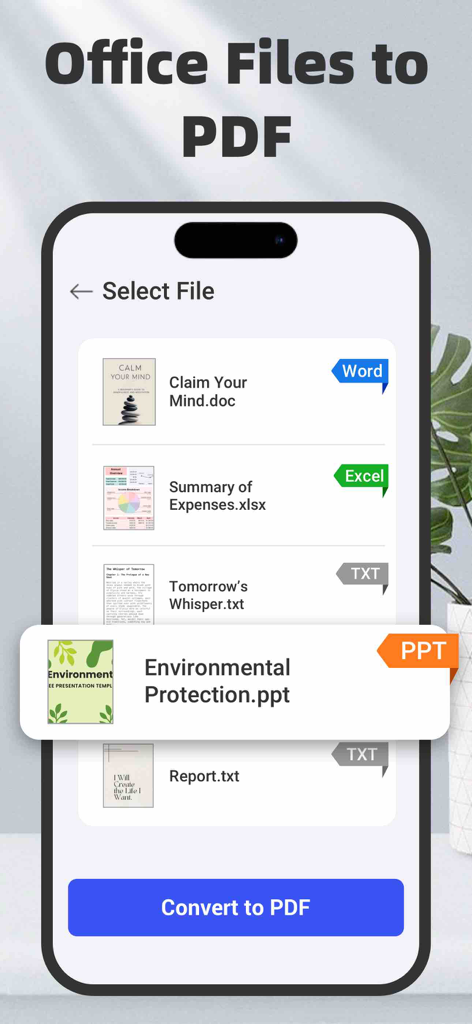
Word, Excel, PowerPoint 파일을 모든 레이아웃 세부 정보를 유지하면서 전문적인 PDF로 즉시 전환합니다.

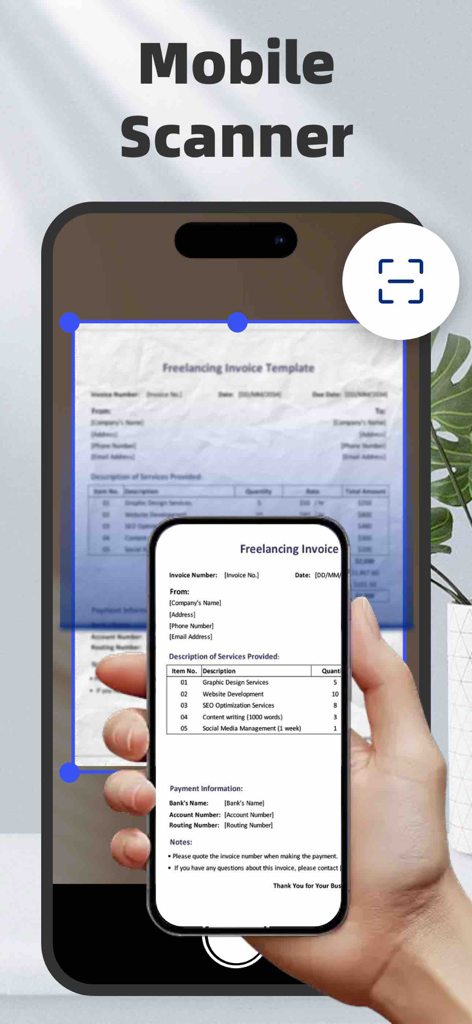
AI 기반 가장자리 감지 및 스마트 필터를 사용하여 영수증 및 계약서를 디지털화하여 선명한 결과를 얻으세요.

FAQ

자주 묻는 질문

에 대해 알아야 할 모든 것 AI PDF Converter: Files to PDF

AI PDF 변환기 앱은 무엇인가요?

AI PDF 변환기는 PDF를 변환, 스캔, 병합, 서명하고 생성하는 iOS 앱입니다. 다양한 문서, 스프레드시트, 프레젠테이션 및 이미지 형식을 고품질 PDF로 변환합니다.

AI PDF 변환기 앱은 어떤 파일 형식을 PDF로 변환할 수 있나요?

AI PDF 변환기 앱은 DOC, DOCX, TXT, RTF, ODT, WPS, XLS, XLSX, CSV, ODS, PPT, PPTX, PPS, PPSX, ODP, JPG, PNG, SVG, BMP, GIF, TIFF, HEIC 및 WEBP 파일을 PDF로 변환합니다.

AI PDF 변환기가 종이 문서를 스캔할 수 있나요?

네, AI PDF 변환기 앱에는 내장 스캐너가 포함되어 있습니다. 영수증 및 송장과 같은 종이 문서를 명확한 PDF 파일로 디지털화하며, 전문적인 결과를 위해 자동 가장자리 감지 및 스마트 향상 기능을 제공합니다.

다음 스크린샷과 설명은 앱의 공식 스토어 목록에서 직접 가져온 것이며 앱 개발자의 자산입니다.

앱 스토어

스크린샷
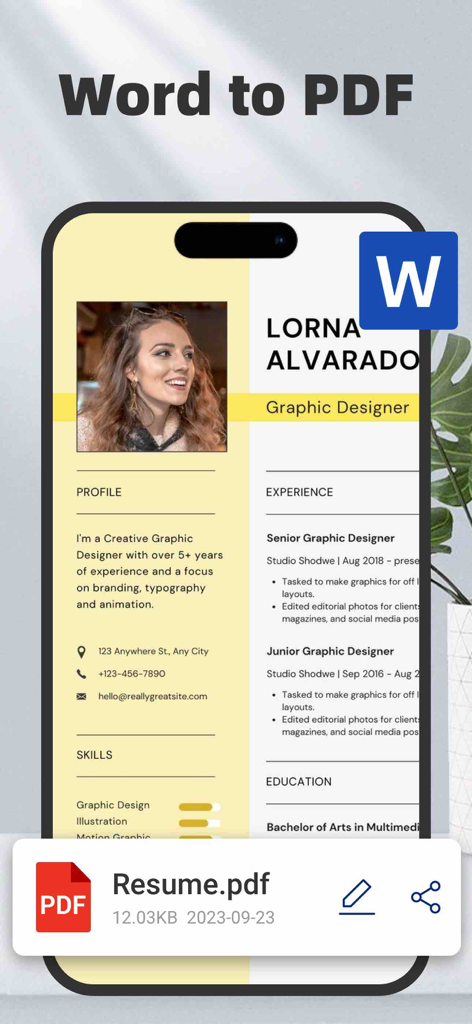
AI PDF Converter: Files to PDF - 전문적인 Word 문서 이력서가 PDF 파일로 변환되는 과정을 보여주는 스마트폰 인터페이스
전문적인 Word 문서 이력서가 PDF 파일로 변환되는 과정을 보여주는 스마트폰 인터페이스

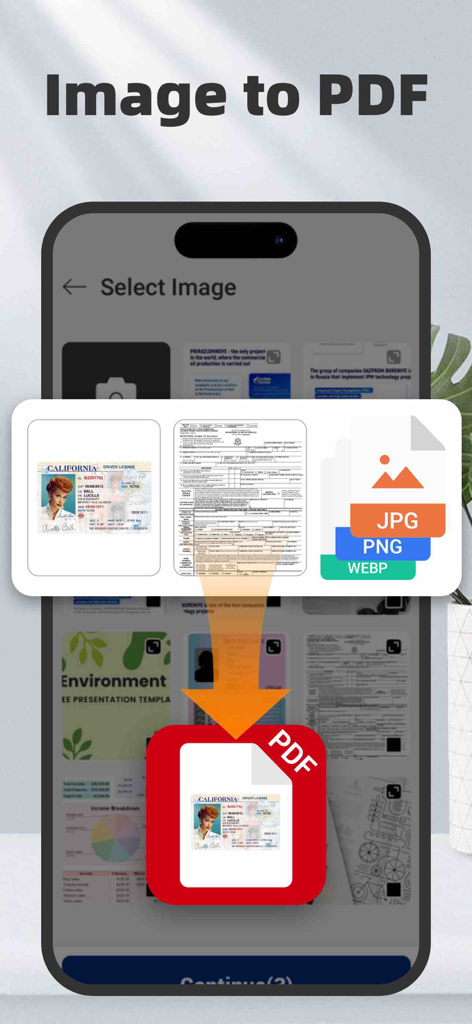
AI PDF Converter: Files to PDF - 이미지와 신분증 사진을 PDF 문서로 변환하는 과정을 보여주는 모바일 앱 화면
이미지와 신분증 사진을 PDF 문서로 변환하는 과정을 보여주는 모바일 앱 화면

AI PDF Converter: Files to PDF - AI PDF 변환기 앱이 iPhone에서 자동 가장자리 감지를 사용하여 종이 송장을 스캔하는 모습
AI PDF 변환기 앱이 iPhone에서 자동 가장자리 감지를 사용하여 종이 송장을 스캔하는 모습

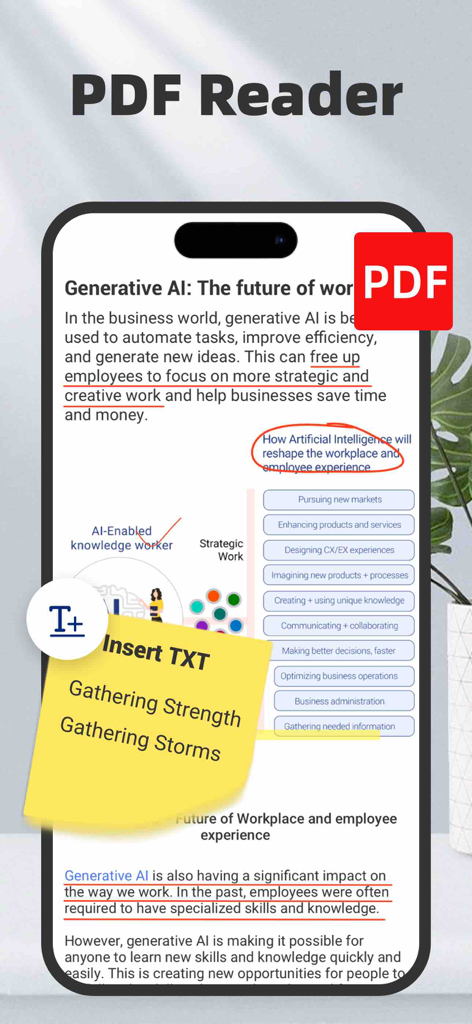
AI PDF Converter: Files to PDF - 텍스트 주석과 노란색 디지털 메모가 있는 PDF 리더 인터페이스를 보여주는 iPhone 화면
텍스트 주석과 노란색 디지털 메모가 있는 PDF 리더 인터페이스를 보여주는 iPhone 화면

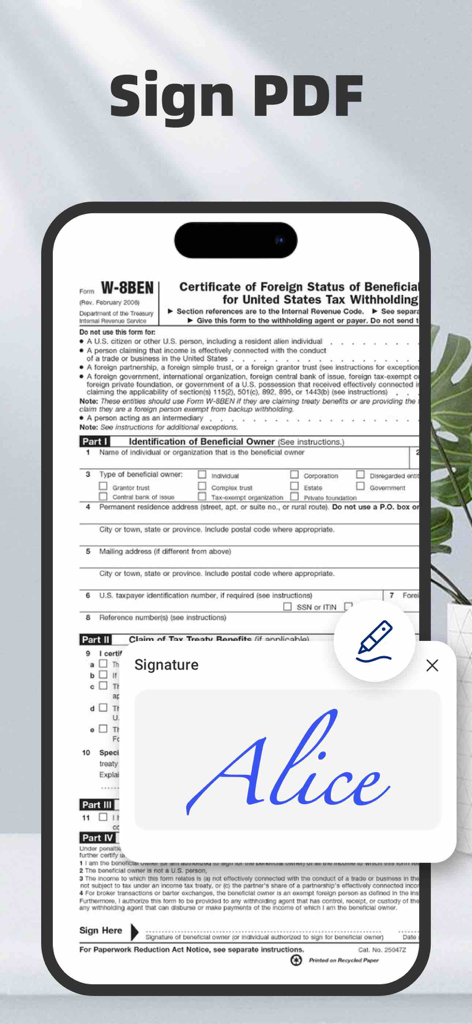
AI PDF Converter: Files to PDF - PDF 문서에서 디지털 서명 기능을 보여주는 모바일 앱 화면

PDF 문서에서 디지털 서명 기능을 보여주는 모바일 앱 화면

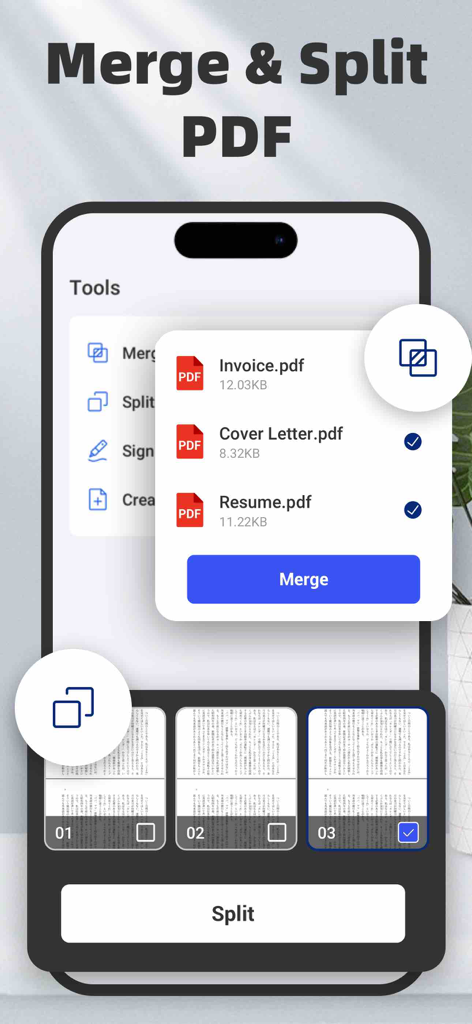
AI PDF Converter: Files to PDF - iPhone에서 여러 PDF 파일을 병합하고 문서 페이지를 분할하는 방법을 보여주는 모바일 앱 인터페이스
iPhone에서 여러 PDF 파일을 병합하고 문서 페이지를 분할하는 방법을 보여주는 모바일 앱 인터페이스

AI PDF Converter: Files to PDF - AI PDF 변환기 앱 인터페이스에서 PDF 변환을 위해 Word, Excel, PowerPoint 파일을 선택하는 모습

AI PDF 변환기 앱 인터페이스에서 PDF 변환을 위해 Word, Excel, PowerPoint 파일을 선택하는 모습

설명

PDF Converter – Convert, Scan, Merge, Sign & Create PDFs Easily! Turn any document into a high-quality PDF in seconds with the most powerful PDF converter for iOS! Whether you need to convert files, scan to PDF, merge or split PDFs, or add e-signatures, this all-in-one tool simplifies document management on your iPhone. Convert Files to PDFs – The Ultimate PDF Toolkit Effortlessly convert Word, Excel, PowerPoint, and text documents into professional-grade PDFs in just a few taps. PDF Converter supports a wide range of formats, including: - Documents: DOC, DOCX, TXT, RTF, ODT, WPS - Spreadsheets: XLS, XLSX, CSV, ODS - Presentations: PPT, PPTX, PPS, PPSX, ODP - Images: JPG, PNG, SVG, BMP, GIF, TIFF, HEIC, WEBP Seamlessly import files from iCloud, your device gallery, then share, save, or print instantly! Scan to PDF – Digitize Documents with Ease Easily scan paper documents and turn them into crisp, clear PDF files. Whether it’s receipts, contracts, invoices, or handwritten notes, the built-in scanner uses auto edge detection and smart enhancement for professional results. - Auto-crop & enhance scans for the best quality - Batch scanning to convert multiple pages at once - Apply professional filters to improve visibility & readability Image to PDF – Convert & Enhance Photos Before Saving Need to save images as PDFs? Convert JPG, PNG, HEIC, WEBP, and more into high-quality PDF files in a flash. Perfect for organizing photos, screenshots, and scanned images in a document format. Enhance your images before conversion! - Crop & rotate images for perfect alignment - Apply professional filters to improve visibility & readability - Optimize image quality for sharper PDF output Add E-Signatures – Sign Documents Digitally Sign contracts, invoices, and agreements directly on your iPhone! - Draw or import electronic signatures - Save multiple signatures for future use - Quickly sign and share legally binding documents Merge, Split & Create PDFs – Full PDF Editing Suite - Merge PDFs: Combine multiple PDFs into one file effortlessly - Split PDFs: Extract pages from PDFs and save them as separate files - Create PDFs: Generate new PDFs from documents, images, and scanned files Security and Privacy: Certain conversions are processed on a secure cloud server and require an internet connection. By using this app, you consent to the transmission of your files to our cloud server for conversion. We prioritize your privacy and ensure that all files are handled securely. Both the original and converted files are automatically deleted from the cloud immediately upon conversion task completion. Furthermore, this app offers auto-renewing subscription, granting you unlimited access to all premium features throughout the subscription period. About subscription: payment will be charged to iTunes Account at confirmation of purchase. Subscriptions automatically renew unless auto-renew is turned off at least 24 hours before the end of the current period. Your account will be charged for renewal within 24 hours prior to the end of the current period. You can manage your subscriptions and turn off auto-renewal by going to your Account Settings after purchase. Any unused portion of a free trial period (if provided) will be forfeited upon purchasing a subscription (if applicable). For more information, please see our Privacy Policy and Terms of Service. Terms of Service: https://xtrustai.github.io/tos Privacy Policy: https://xtrustai.github.io/privacy.html

Download

다운로드: App Store

이 페이지는 앱이나 개발자의 공식 페이지가 아니며, 정보 제공 및 논평을 목적으로 작성된 독립 편집 간행물입니다. 명시적으로 달리 언급되지 않는 한, 해당 앱이나 개발자는 MWM, Apple, Google Play, 앱 퍼블리셔 또는 앱 개발자와 제휴, 보증, 후원, 승인 또는 공식적으로 연결되어 있지 않으며, 이 페이지의 어떤 내용도 해당 앱이 MWM의 서비스를 사용하여 개발되었음을 의미하지 않습니다. 모든 상표, 로고, 스크린샷 및 기타 콘텐츠는 해당 소유자의 자산입니다.