AI Text to Speech & TTS Reader

AI Text to Speech & TTS Reader

다운로드: App Store
로고: AI Text to Speech & TTS Reader

AI 텍스트 음성 변환 및 TTS 리더: 모든 콘텐츠를 생산적인 오디오로 전환

이동 중에 독서 목록을 정복하세요. PDF, 문서, 심지어 사진까지 자연스러운 AI 음성으로 변환하여 통근, 운동 또는 일상 루틴 중에 멀티태스킹을 마스터하세요.

다운로드: App Store

개발사

Tausif Akram

카테고리

Productivity

다운로드

400

사용자 평점

1.0/5

총 평가 수

0

지원 언어

33

이동 중 생산성

이 인터페이스를 사용하는 400 명의 사용자.

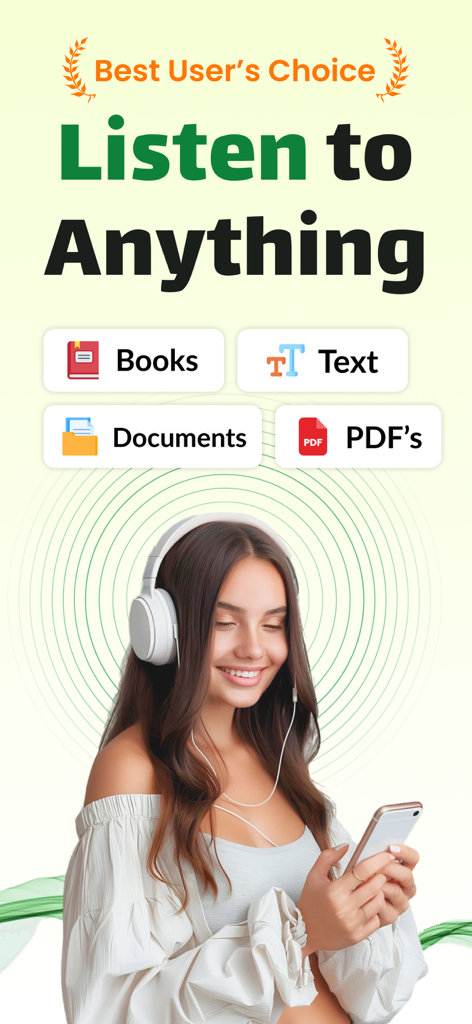
여성이 헤드폰을 끼고 AI 음성 리더 앱으로 스마트폰에서 문서와 책을 듣고 있는 모습
여성이 헤드폰을 끼고 AI 음성 리더 앱으로 스마트폰에서 문서와 책을 듣고 있는 모습

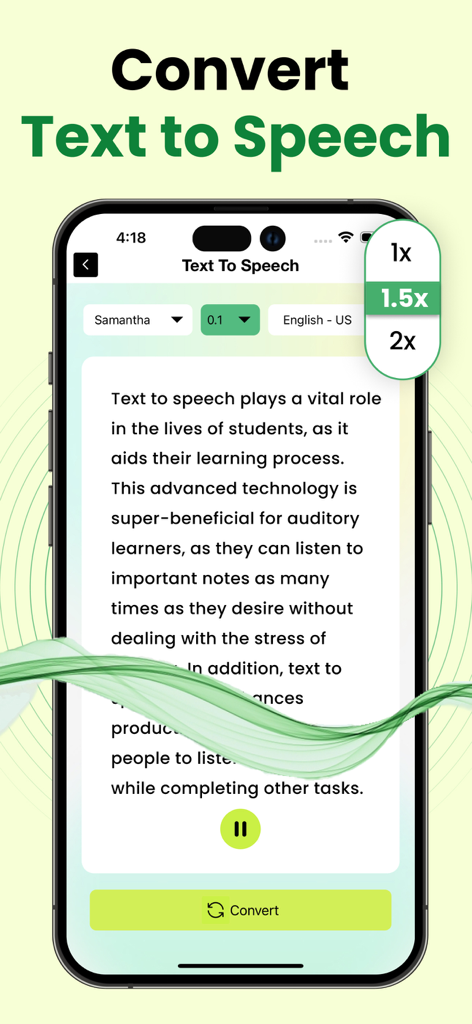
재생 속도 및 음성 옵션이 있는 AI 텍스트 음성 변환 앱을 보여주는 스마트폰
재생 속도 및 음성 옵션이 있는 AI 텍스트 음성 변환 앱을 보여주는 스마트폰

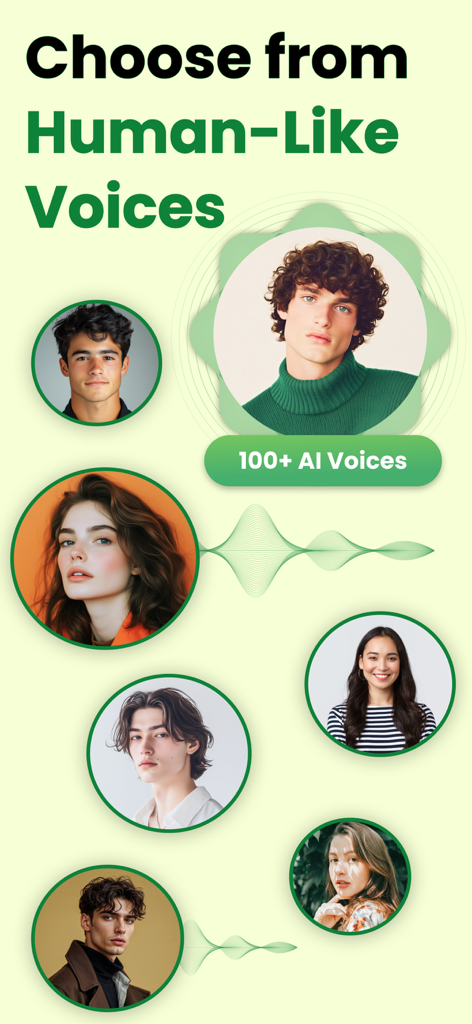
고품질 텍스트 음성 변환을 위한 다양한 사람 같은 AI 음성 선택
고품질 텍스트 음성 변환을 위한 다양한 사람 같은 AI 음성 선택

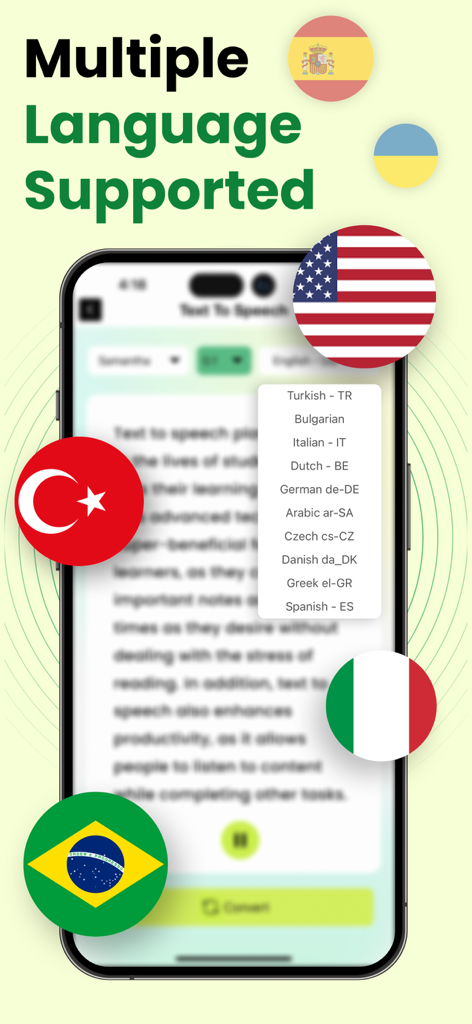
여러 언어 지원 및 국제 국기를 보여주는 AI 텍스트 음성 변환 앱 화면
여러 언어 지원 및 국제 국기를 보여주는 AI 텍스트 음성 변환 앱 화면

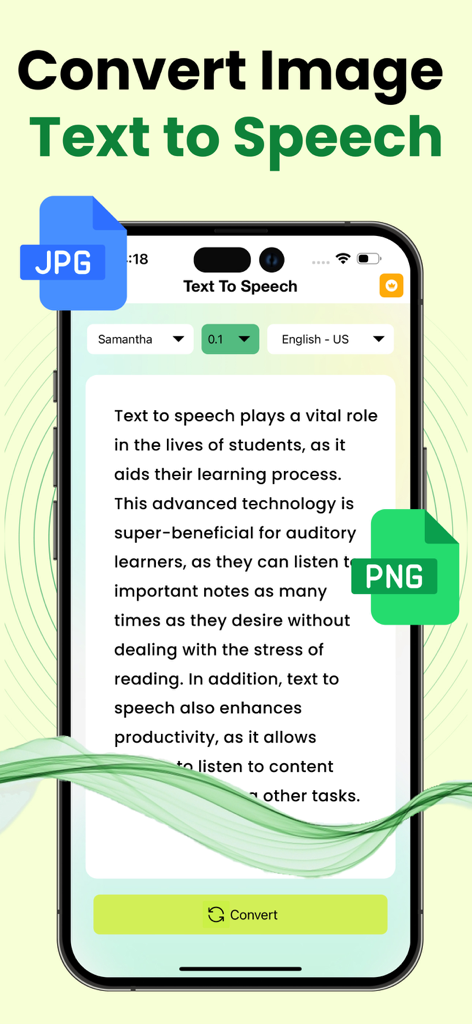
AI 음성을 사용하여 JPG 및 PNG 이미지에서 텍스트를 음성으로 변환하는 방법을 보여주는 앱 인터페이스.
AI 음성을 사용하여 JPG 및 PNG 이미지에서 텍스트를 음성으로 변환하는 방법을 보여주는 앱 인터페이스.

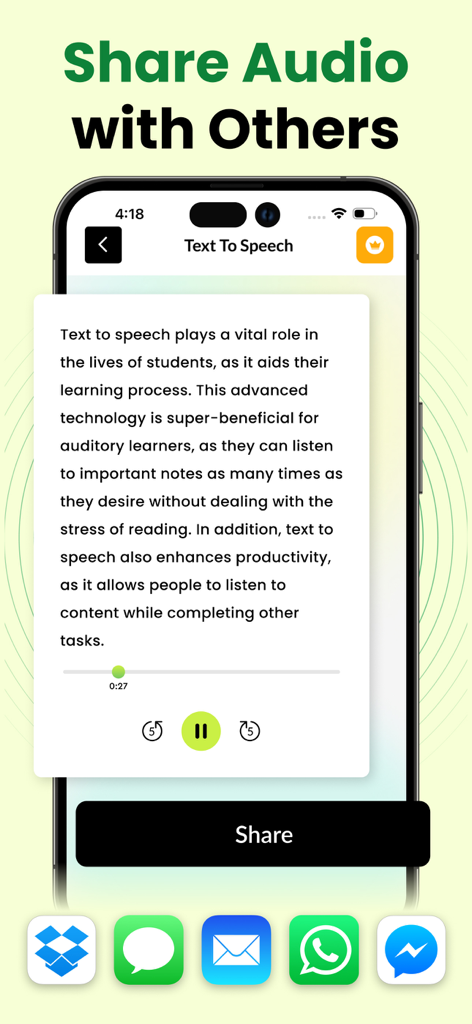
메시징 및 클라우드 앱을 통해 변환된 텍스트 음성 오디오를 공유하는 방법을 보여주는 인터페이스

메시징 및 클라우드 앱을 통해 변환된 텍스트 음성 오디오를 공유하는 방법을 보여주는 인터페이스

독서를 행동으로 전환하세요

이 앱을 돋보이게 하는 도구, 400 명의 사용자가 선택.

🎧

자연스러운 AI 내레이션

인지 부하를 줄이고 긴 청취 세션을 쉽게 만들어주는 수정처럼 맑고 사람 같은 목소리를 경험하세요.

📸

스마트 이미지-오디오 변환

모든 물리적 페이지 또는 문서의 사진을 찍으세요. 당사의 고급 OCR 기술은 텍스트를 즉시 디지털화하고 소리 내어 읽어줍니다.

원활한 파일 통합

이메일 또는 클라우드 스토리지에서 PDF, Doc, Txt 파일을 가져오세요. 이동 중에 많은 작업량을 관리하는 학생 및 전문가에게 완벽합니다.

앱 소개

에 대해 알아야 할 모든 것 AI Text to Speech & TTS Reader.

설명

The text to speech app is an advanced app designed to facilitate users looking forward to transforming any kind of textual information into audible files. Have you ever tried to listen to your documents, emails, or articles on the go? Do you struggle with reading or suffer from a lack of time to go through written stuff thoroughly? In either case, our text to speech converter can prove to be the handy solution! The text to speech app can transform your textual content into crystal-clear audio files within a matter of seconds. This application is backed by advanced assistive technology that reads digital text using artificial intelligence. How to Convert Text to Speech? If you are worried about the hassle involved in the process of converting text to speech, then this app brings the good news for you. You can convert text to speech by following a simple procedure. All you are required to do is upload the text you wish to convert into speech. This app offers you multiple options to submit text, which include typing or pasting the text in the text editor and uploading a Txt, Doc, or PDF file. But our text to speech converter doesn’t stop here! If the text you wish to convert is contained in an image, then you can simply submit the picture to this app. Its built-in OCR technology will fetch the text from the image and then convert it into an audio file. Range of Voices! Our text to speech app offers you the option to select your desired voice from the available options. You can click on the drop-down voice option to choose any of its natural-sounding voices and personalize your listening experience. You can try out different voice options before settling on one with the play feature of this text to speech converter, which allows you to listen to the audio within the app after the completion of the conversion process. Quick Processing! The text to speech application just takes a few seconds to transfer the audio file crafted from your text to your device’s local storage. All you need to do is click on the download icon! Text to Speech is a Perfect app for: Busy professionals Students Visually impaired users Audio learning enthusiasts Language learners The first 2 initial conversions are free for every user. After that, subscription is required for further conversions. Note: Payment will be charged to your iTunes account at confirmation of purchase. Your subscription will automatically renew unless auto-renew is turned off at least 24-hours before the end of the current subscription period. Your account will be charged for renewal within 24-hours prior to the end of the current subscription period. Automatic renewals will cost the same price you were originally charged for the subscription. You can manage your subscriptions and turn off auto-renewal by going to your Account Settings on the App Store after purchase. Read our terms of service and Privacy Policy for more information. Privacy Policy: https://www.contentarcade.com/privacy Terms of Use: https://www.contentarcade.com/terms

최신 버전

1.5

크기

39.9 MB

출시일

2024년 4월 16일

시간을 되찾을 준비가 되셨나요?

문서, 이미지, PDF를 자연스러운 오디오로 변환하는 수천 명의 전문가 및 학생들과 함께하세요. 지금 바로 이동 중에 듣기를 시작하세요.

다운로드: App Store

App information, icons, screenshots, and descriptions displayed on this page are sourced from the Apple App Store and are the property of their respective developers. Download estimates and rankings are based on MWM's proprietary models and may not reflect actual figures. This page is provided for informational and analytical purposes only.

Believe this page infringes your intellectual property? File a dispute