AirDrive - Wireless Hard Drive
다운로드: App Store

이 페이지는 앱이나 개발자의 공식 페이지가 아니며, 정보 제공 및 논평을 목적으로 작성된 독립 편집 간행물입니다. 명시적으로 달리 언급되지 않는 한, 해당 앱이나 개발자는 MWM, Apple, Google Play, 앱 퍼블리셔 또는 앱 개발자와 제휴, 보증, 후원, 승인 또는 공식적으로 연결되어 있지 않으며, 이 페이지의 어떤 내용도 해당 앱이 MWM의 서비스를 사용하여 개발되었음을 의미하지 않습니다. 모든 상표, 로고, 스크린샷 및 기타 콘텐츠는 해당 소유자의 자산입니다.


로고: AirDrive - Wireless Hard Drive
다운로드: App Store

AirDrive - Wireless Hard Drive

케이블과 아이튠즈는 이제 그만. Wi-Fi를 통해 휴대폰과 모든 컴퓨터 간에 파일을 손쉽게 전송, 관리 및 보안하세요.

주요 수치

다운로드

325K+

사용자 평점

2.3/5

총 평가 수

0

개발사

Sebastien BUET

카테고리

Productivity

지원 언어

2

최신 버전

2.4

크기

9.7 MB

출시일

2014년 1월 18일
기능

파일을 위한 궁극의 무선 브릿지

아이폰을 강력한 외장 하드 드라이브로 변환하세요. 케이블, 구독, 클라우드 없이 순수한 생산성과 원활한 전송만 제공합니다.

빠른 크로스 플랫폼 전송

아이튠즈와 케이블을 건너뛰세요. Wi-Fi만 사용하여 아이폰과 모든 Windows 또는 Mac 컴퓨터 간에 대용량 동영상, 사진, 문서를 즉시 이동하세요.

프라이버시 우선 로컬 저장소

클라우드 구독료를 지불하지 마세요. 암호 잠금 보호 기능과 안전한 로컬 네트워크 전용 공유 기능을 통해 기기에 민감한 데이터를 안전하게 보관하세요.

다음 스크린샷과 설명은 앱의 공식 스토어 목록에서 직접 가져온 것이며 앱 개발자의 자산입니다.

앱 스토어

스크린샷
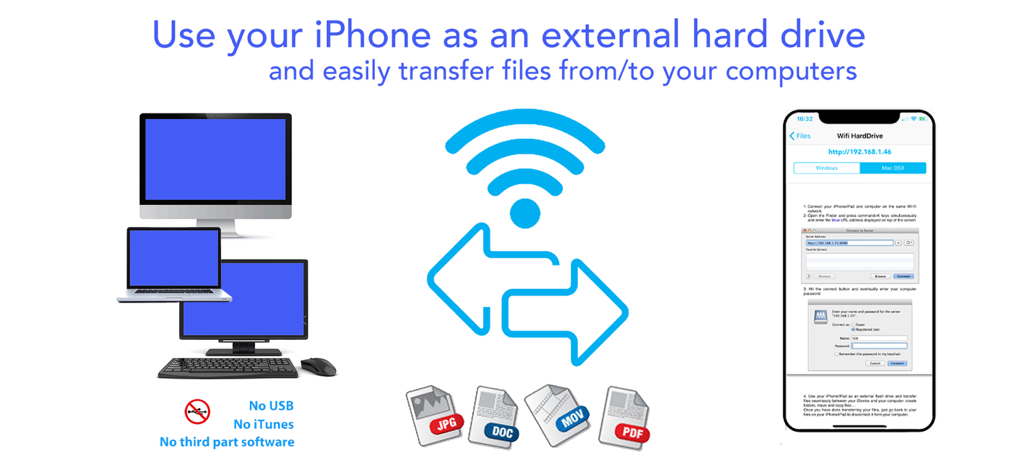
AirDrive - Wireless Hard Drive - JPG, DOC, MOV와 같은 파일을 USB나 아이튠즈 없이 컴퓨터로 전송하기 위해 아이폰을 무선 외장 하드 드라이브로 사용하는 방법을 보여주는 인포그래픽.
JPG, DOC, MOV와 같은 파일을 USB나 아이튠즈 없이 컴퓨터로 전송하기 위해 아이폰을 무선 외장 하드 드라이브로 사용하는 방법을 보여주는 인포그래픽.

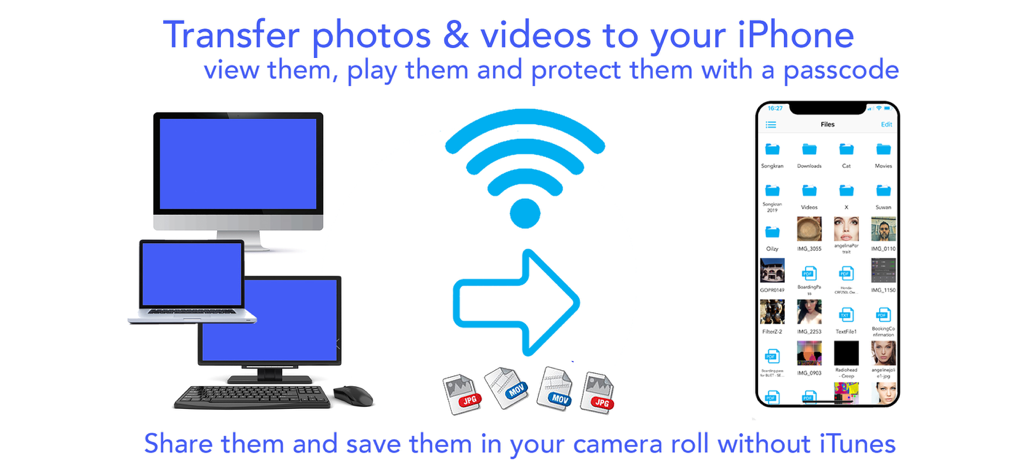
AirDrive - Wireless Hard Drive - AirDrive 앱을 사용하여 아이튠즈 없이 컴퓨터에서 아이폰으로 사진과 동영상을 무선 전송하는 모습.
AirDrive 앱을 사용하여 아이튠즈 없이 컴퓨터에서 아이폰으로 사진과 동영상을 무선 전송하는 모습.

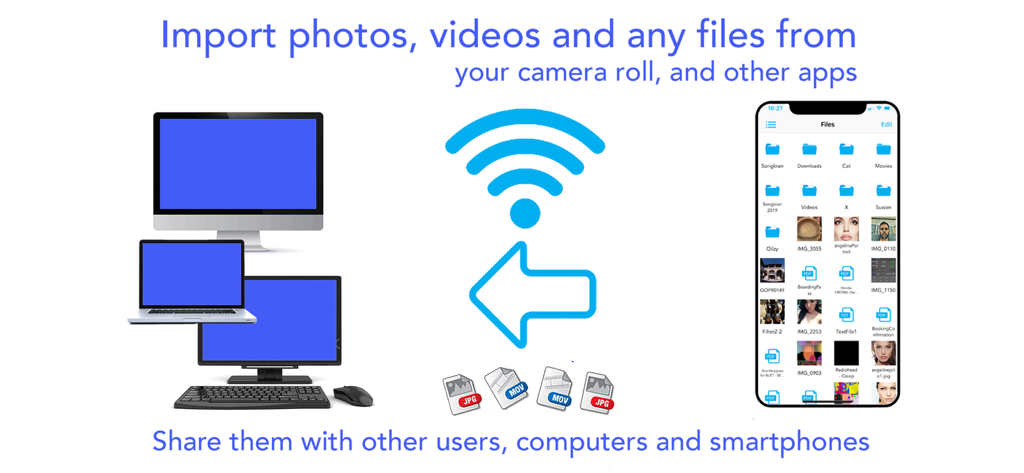
AirDrive - Wireless Hard Drive - 데스크톱 및 노트북을 포함한 다양한 컴퓨터와 아이폰 간의 무선 파일 전송을 보여주는 인포그래픽.
데스크톱 및 노트북을 포함한 다양한 컴퓨터와 아이폰 간의 무선 파일 전송을 보여주는 인포그래픽.

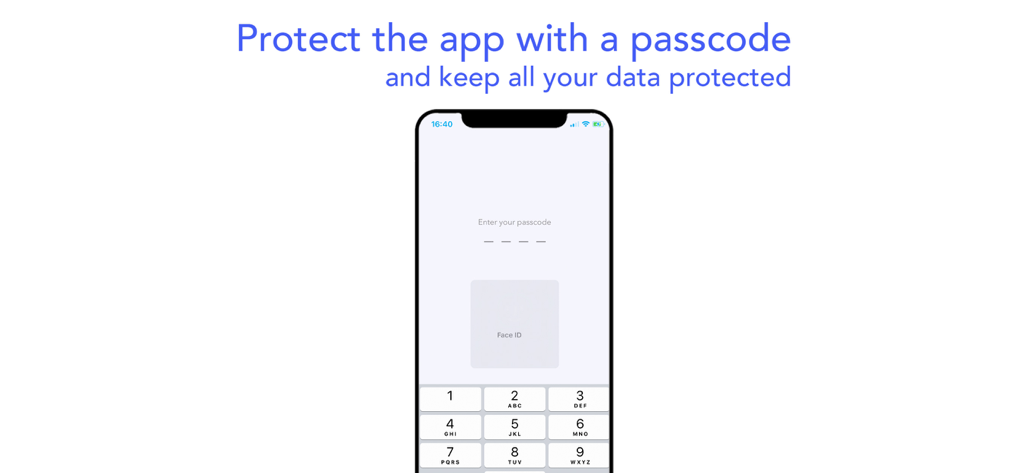
AirDrive - Wireless Hard Drive - AirDrive 앱의 암호 및 Face ID 인증을 보여주는 모바일 화면.
AirDrive 앱의 암호 및 Face ID 인증을 보여주는 모바일 화면.

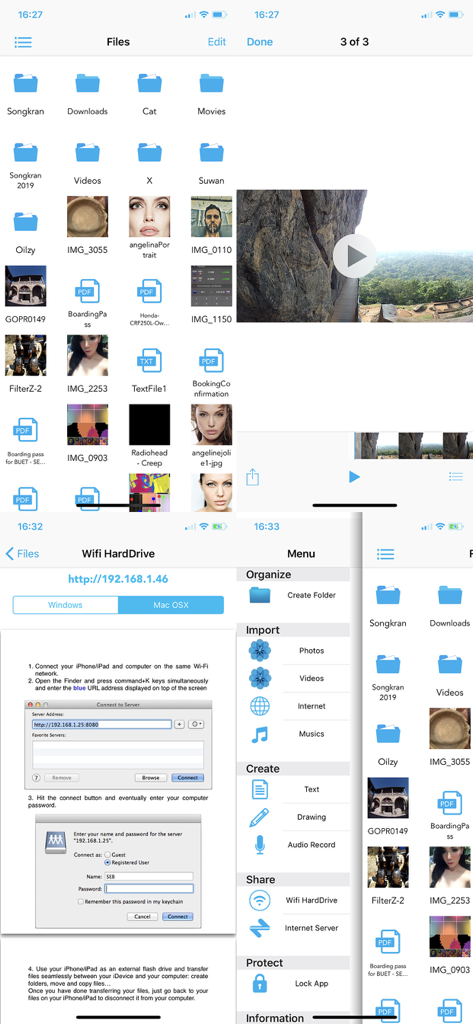
AirDrive - Wireless Hard Drive - AirDrive 앱 인터페이스에서 무선 파일 관리 및 전송 기능 표시

AirDrive 앱 인터페이스에서 무선 파일 관리 및 전송 기능 표시

설명

Finally use your iPhone/iPad/iPod as an external hard drive; view and share your photos, videos, musics and other documents on the go. Connect your iDevices to computers and smart phones without iTunes or other third part software, and share files easily. Download musics, videos and other stuffs on the internet. Protect all your data with a pass lock… AirDrive does it all ! AirDrive combines wifi server features with a powerful file manager; it is now easy to connect your iPhone* to computers and smart phones, and use it as an external hard drive, to share files and view them on the go. No need for iTunes, special cables or other software to connect your iPhone: the only thing required is an internet wifi connection. Simply share photos, videos and musics with your friends when you see them. Import several photos and videos at once from your camera roll and albums and share them with your friends. Import musics from your iPod library and share them too! Your friends can also upload their photos, videos, musics and other files to your iPhone* and you can then view/play them and save the photos in videos all at once in your camera roll. Import files from any other apps that support file sharing (mail attachments, file manager apps, editing apps…): view them and protect them into the app with a pass lock. Download files on the internet and in other files sharing apps; download several files in the background while seeing photos/videos or creating notes. Let your friends download your files with their computers and smart phones. And so many other features that we could continue for hours ..! Main app features: - Connect your iPhone* to computers as an external hard drive and easily transfer files, create folders to organize them, view them and share them on the go. Works with Mac and Windows computers. - Connect your iPhone* to computers and smart phones by simply entering the app server url: let your friends download your files and upload theirs without itunes, special cables or software. - Import several photos and videos into the app to protect them or share them. - Import musics from your iPod library play and share them ! - Organize your files on the go: create folders, rename your files, copy, move them at specific locations, delete and save them. - Create drawing, audio and text notes directly in the app. -Of course you can also transfer file with iTunes and its file sharing feature. - Protect all your data with a pass lock. - Share all your files by email, with other apps and on social networks. If you have issues with the app, write us an email at support@seb-appstore.com. If you report a problem in your review, unfortunately we can not contact you and help you out. Check out many great other apps at www.SEB-AppStore.com iPhone*: iPhone, iPod and iPad devices

Download

다운로드: App Store

이 페이지는 앱이나 개발자의 공식 페이지가 아니며, 정보 제공 및 논평을 목적으로 작성된 독립 편집 간행물입니다. 명시적으로 달리 언급되지 않는 한, 해당 앱이나 개발자는 MWM, Apple, Google Play, 앱 퍼블리셔 또는 앱 개발자와 제휴, 보증, 후원, 승인 또는 공식적으로 연결되어 있지 않으며, 이 페이지의 어떤 내용도 해당 앱이 MWM의 서비스를 사용하여 개발되었음을 의미하지 않습니다. 모든 상표, 로고, 스크린샷 및 기타 콘텐츠는 해당 소유자의 자산입니다.








