Aloud!, text to speech reader

Aloud!, text to speech reader

다운로드: App Store
로고: Aloud!, text to speech reader

Aloud! 텍스트 음성 변환 리더: 독서 목록을 개인 팟캐스트로 전환

PDF, 전자책, 웹페이지를 어디서든 들으면서 생산성을 극대화하세요. 통근 중이든, 운동 중이든, 난독증을 관리 중이든, Aloud!는 모든 문서를 원활한 오디오 경험으로 바꿔줍니다.

개발사

Chun Kai Lau

카테고리

Productivity

다운로드

940K+

사용자 평점

4.1/5

총 평가 수

2K+

지원 언어

34

내부 모습 살짝 보기

이 인터페이스를 사용하는 940K+ 명의 사용자.

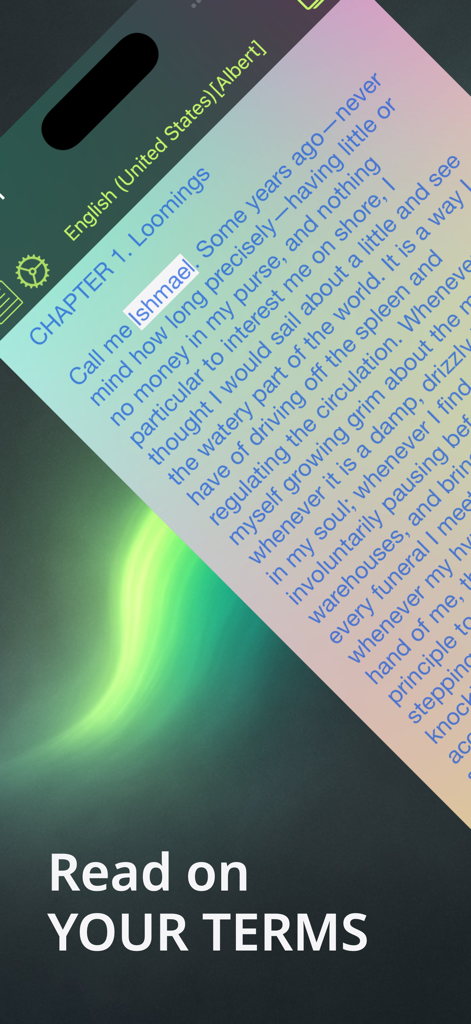
Aloud! 앱 인터페이스는 텍스트 음성 변환 읽기를 위한 동기화된 단어 강조 표시를 보여줍니다.
Aloud! 앱 인터페이스는 텍스트 음성 변환 읽기를 위한 동기화된 단어 강조 표시를 보여줍니다.

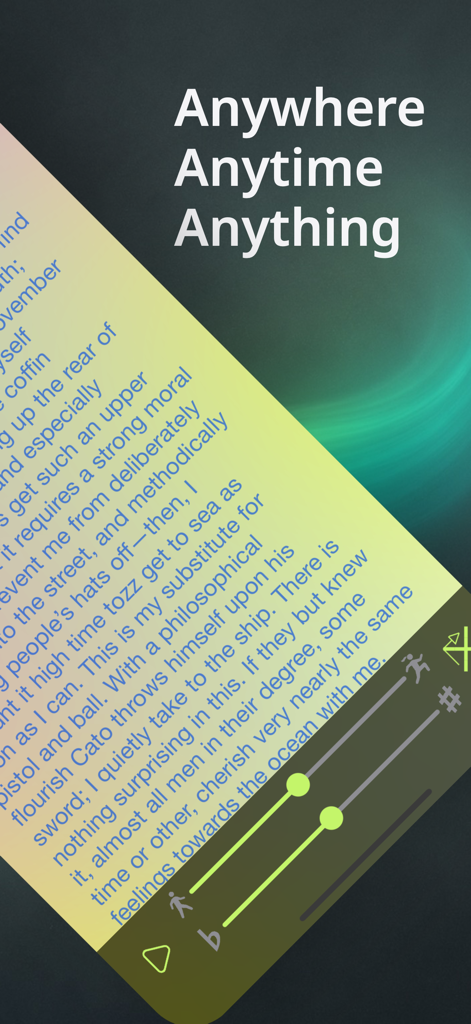
Aloud! 텍스트 음성 변환 인터페이스는 동기화된 단어 강조 표시와 조절 가능한 음성 속도 및 피치 컨트롤이 있는 문서를 보여줍니다.
Aloud! 텍스트 음성 변환 인터페이스는 동기화된 단어 강조 표시와 조절 가능한 음성 속도 및 피치 컨트롤이 있는 문서를 보여줍니다.

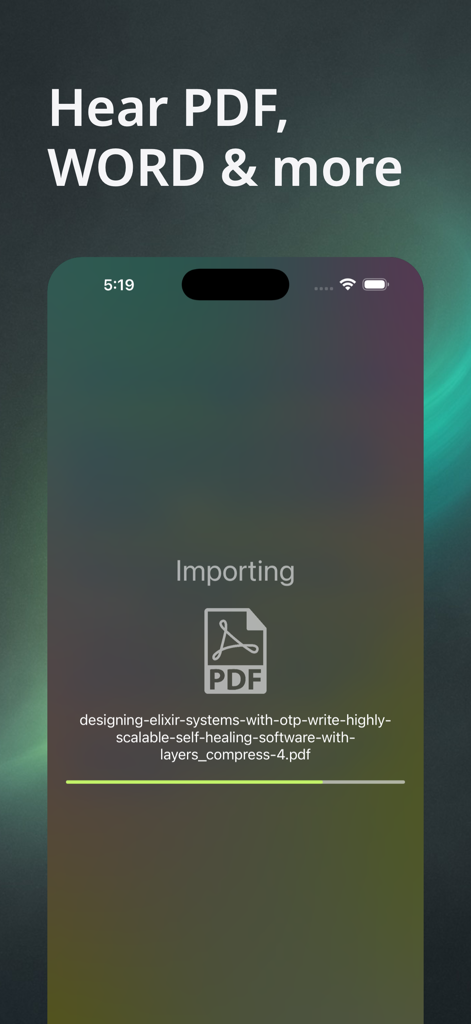
Aloud 앱의 인터페이스는 'PDF, Word 등을 들어보세요'라는 헤드라인과 함께 PDF 문서를 가져옵니다.
Aloud 앱의 인터페이스는 'PDF, Word 등을 들어보세요'라는 헤드라인과 함께 PDF 문서를 가져옵니다.

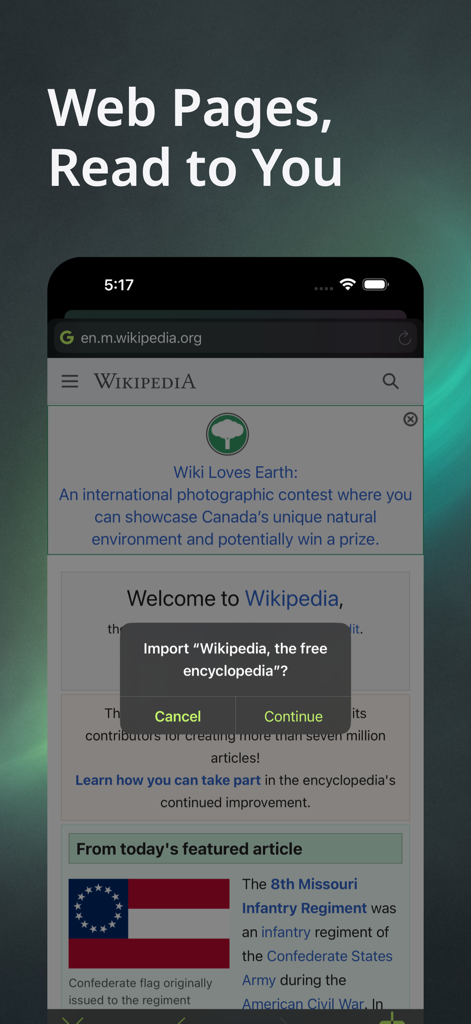
Aloud 앱은 텍스트 음성 변환을 사용하여 읽을 Wikipedia 기사를 가져옵니다.
Aloud 앱은 텍스트 음성 변환을 사용하여 읽을 Wikipedia 기사를 가져옵니다.

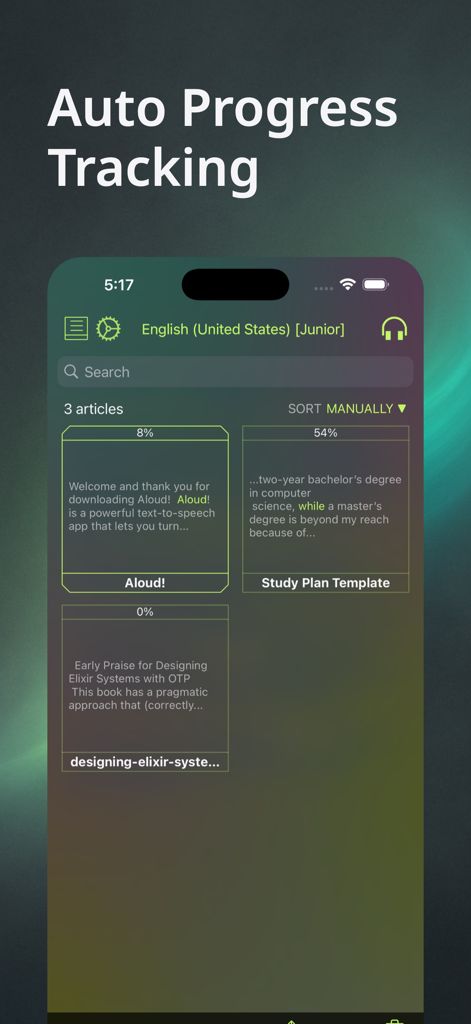
Aloud 앱 화면에는 읽기 진행률 백분율이 있는 기사 라이브러리가 표시됩니다.
Aloud 앱 화면에는 읽기 진행률 백분율이 있는 기사 라이브러리가 표시됩니다.

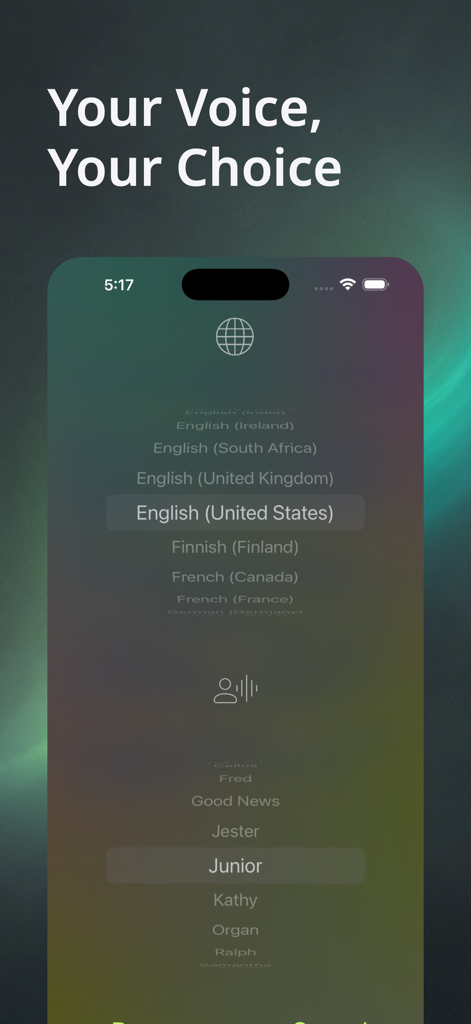
Aloud 텍스트 음성 변환 리더의 언어 및 음성 선택 인터페이스는 영어 미국 및 주니어 음성 옵션을 보여줍니다.
Aloud 텍스트 음성 변환 리더의 언어 및 음성 선택 인터페이스는 영어 미국 및 주니어 음성 옵션을 보여줍니다.

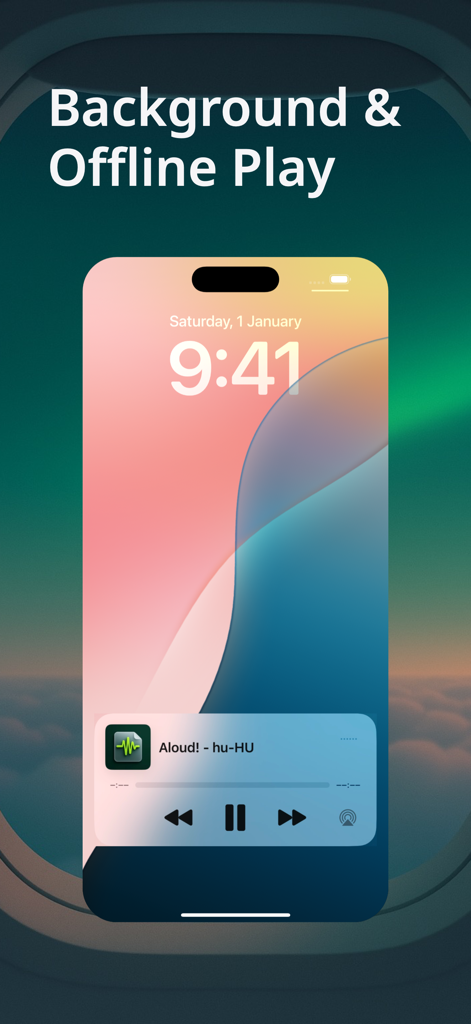
비행 중 백그라운드에서 재생되는 Aloud 텍스트 음성 변환 리더를 보여주는 iPhone 잠금 화면

비행 중 백그라운드에서 재생되는 Aloud 텍스트 음성 변환 리더를 보여주는 iPhone 잠금 화면

독서 목록을 재생 목록으로 전환

이 앱을 돋보이게 하는 도구, 940K+ 명의 사용자가 선택.

📚

모든 파일 형식 지원

PDF, Word 문서, 전자책, 웹페이지를 직접 가져오세요. 모든 전문 및 학술 라이브러리가 하나의 앱에 있습니다.

🚗

바쁜 이동을 위해 제작됨

오프라인 및 백그라운드 재생으로 통근 또는 운동 시간을 극대화하세요. 화면 없이 중요한 보고서를 들을 수 있습니다.

🧠

집중력 및 기억력 향상

동기화된 단어 강조 표시로 복잡한 주제를 마스터하세요. 청각 학습자와 난독증 또는 ADHD를 관리하는 사용자에게 적합합니다.

앱 소개

에 대해 알아야 할 모든 것 Aloud!, text to speech reader.

설명

Reading on YOUR TERMS - Anywhere, Anytime, Anything Welcome to Aloud!, the ultimate Text-to-Speech (TTS) reader that transforms your content into audio. Turn your documents, articles, and eBooks into a personal audio library. Aloud! is the perfect voice reader for your commute, workout, or study session. It’s a powerful accessibility tool for anyone who needs reading support, and an essential productivity app for those who want to give their eyes a rest. ■ HEAR PDF, DOCX, EPUB & WEB PAGES Finally, a reader that handles everything. From critical PDF reports and Word (DOCX) documents to your favorite EPUB or Mobi eBook. Use our integrated browser to instantly import and listen to web pages, saving them for offline access. No more format juggling. ■ BACKGROUND & OFFLINE PLAY Aloud! works where you do. With true offline playback for all saved files, you're never limited by a connection. Continue listening with your screen locked or while using other apps—your audio plays seamlessly in the background. ■ AUTO PROGRESS TRACKING Never lose your place. Aloud! automatically remembers your position in every document and article. Pick up right where you left off, every single time. ■ YOUR VOICE, YOUR CHOICE Tailor your listening experience. Adjust the speech rate and pitch to find a voice that's perfect for you. Follow along with synchronized word highlighting, an essential tool for study, proofreading, and improving reading comprehension. THE ALOUD! ADVANTAGE: • Trusted Since 2014: A decade of continuous improvement and user-focused updates. • Universal Format Support: Our powerful engine supports PDF, Microsoft Office (DOC, DOCX, PPT, PPTX), iWorks Pages, OpenOffice (ODT, ODP), EPUB, MOBI, AZW, FB2, TXT, RTF, HTML, and even files inside ZIP, RAR, & 7Z archives. • Accessibility Focused: A vital tool for users with dyslexia, visual impairments, and other reading challenges. Stop reading, start listening. Download Aloud! today and reimagine your content.

최신 버전

1.15.4

크기

54.0 MB

출시일

2014년 4월 12일

읽기를 멈추고 듣기를 시작하세요.

거의 100만 명의 사용자와 함께 PDF, 전자책, 웹페이지를 개인 오디오 라이브러리로 만들어 보세요. Aloud!를 다운로드하여 눈을 쉬게 하고 시간을 되찾으세요.

다운로드: App Store

App information, icons, screenshots, and descriptions displayed on this page are sourced from the Apple App Store and are the property of their respective developers. Download estimates and rankings are based on MWM's proprietary models and may not reflect actual figures. This page is provided for informational and analytical purposes only.

Believe this page infringes your intellectual property? File a dispute