Audify read aloud web browser

Audify read aloud web browser

다운로드: App Store
로고: Audify read aloud web browser

Audify: 모든 웹 페이지와 문서를 개인 팟캐스트로 변환

시간을 되찾고 눈을 편안하게 하세요. 통근, 운동 또는 하루를 마무리하는 동안 뉴스, 전자책, PDF를 손으로 듣지 않고 들으세요.

개발사

Tangerine Software House

카테고리

Productivity

다운로드

79K+

사용자 평점

4.6/5

총 평가 수

900

지원 언어

27

당신의 웹, 이제 소리로 듣는다

이 인터페이스를 사용하는 79K+ 명의 사용자.

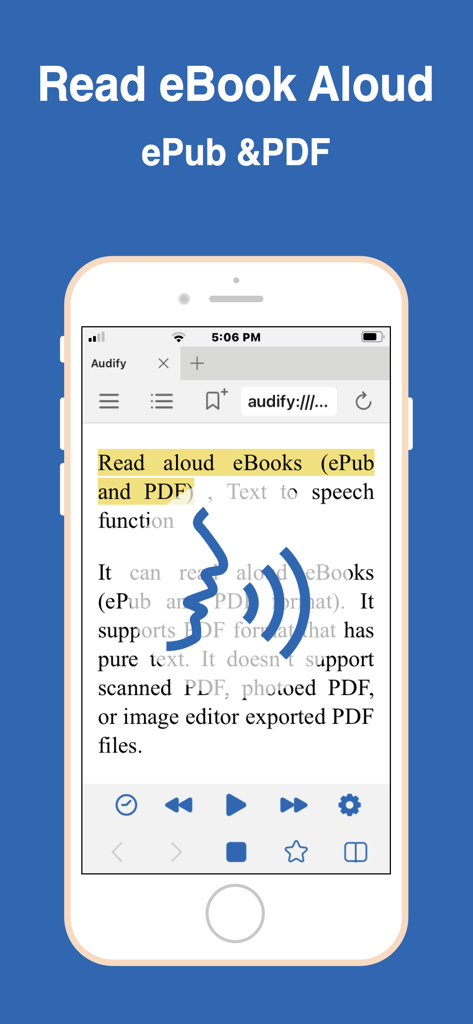
Audify 앱이 텍스트 음성 변환 컨트롤을 사용하여 전자책을 소리 내어 읽는 것을 보여주는 스마트폰
Audify 앱이 텍스트 음성 변환 컨트롤을 사용하여 전자책을 소리 내어 읽는 것을 보여주는 스마트폰

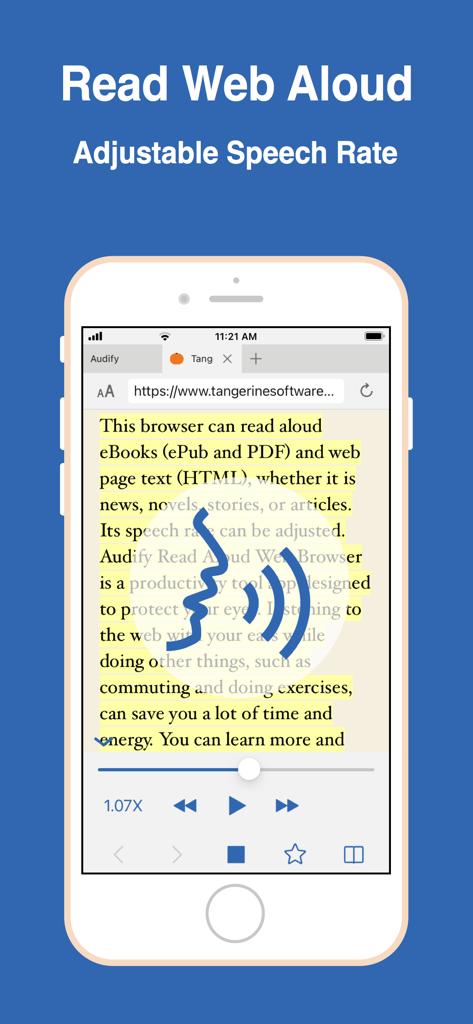
Audify 모바일 앱 인터페이스에 음성 속도 조절 기능이 있는 웹 페이지가 소리 내어 읽히는 모습
Audify 모바일 앱 인터페이스에 음성 속도 조절 기능이 있는 웹 페이지가 소리 내어 읽히는 모습

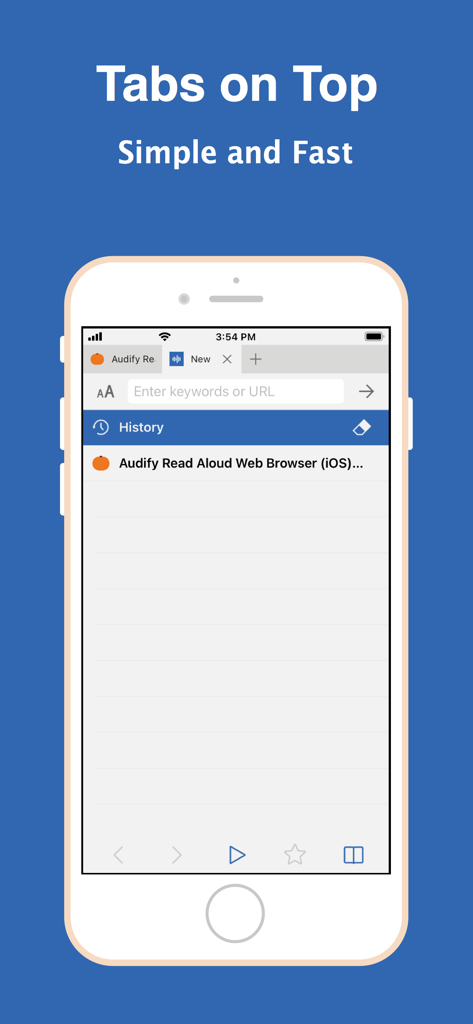
Audify 소리 내어 읽기 웹 브라우저 인터페이스, 상단에 탭 표시
Audify 소리 내어 읽기 웹 브라우저 인터페이스, 상단에 탭 표시

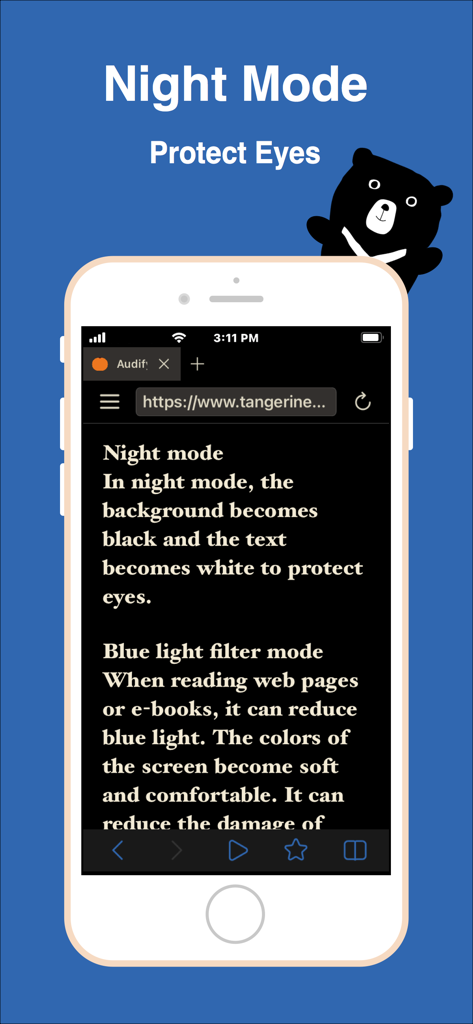
눈 보호를 위한 야간 모드 및 블루 라이트 필터 기능이 있는 Audify 모바일 브라우저 인터페이스
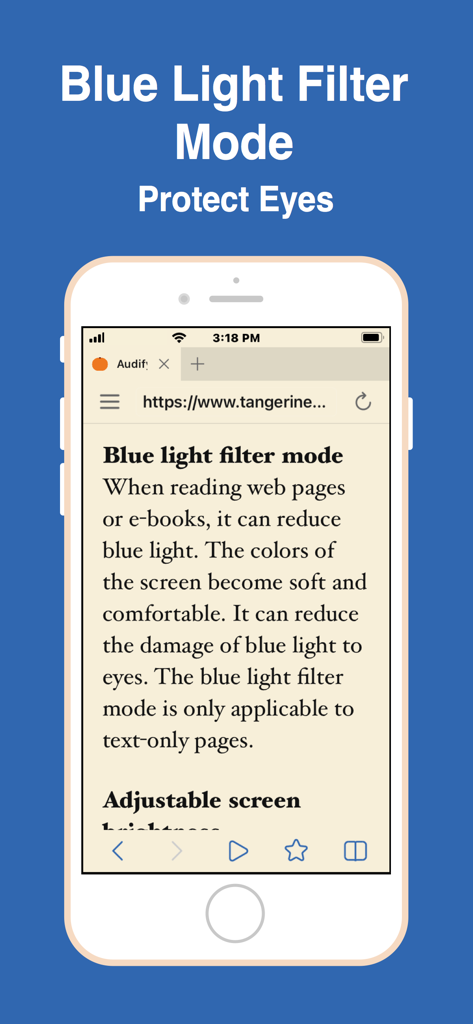
눈 보호를 위한 야간 모드 및 블루 라이트 필터 기능이 있는 Audify 모바일 브라우저 인터페이스

디지털 눈의 피로로부터 눈을 보호하기 위한 Audify 앱의 블루 라이트 필터 모드를 보여주는 스마트폰 화면
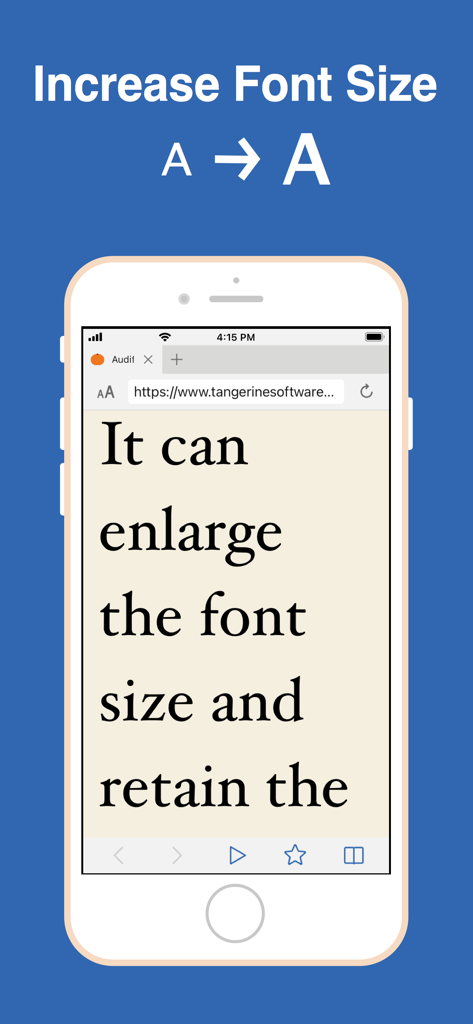
디지털 눈의 피로로부터 눈을 보호하기 위한 Audify 앱의 블루 라이트 필터 모드를 보여주는 스마트폰 화면

웹 페이지 가독성 향상을 위한 글꼴 크기 확대 기능을 보여주는 Audify 앱 인터페이스
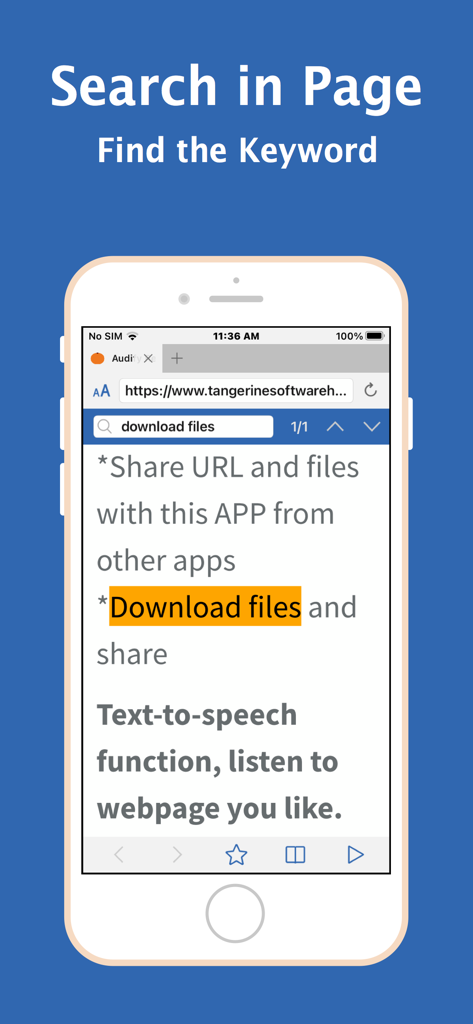
웹 페이지 가독성 향상을 위한 글꼴 크기 확대 기능을 보여주는 Audify 앱 인터페이스

텍스트에서 키워드가 강조 표시된 페이지 내 검색 기능을 보여주는 Audify 앱 스크린샷
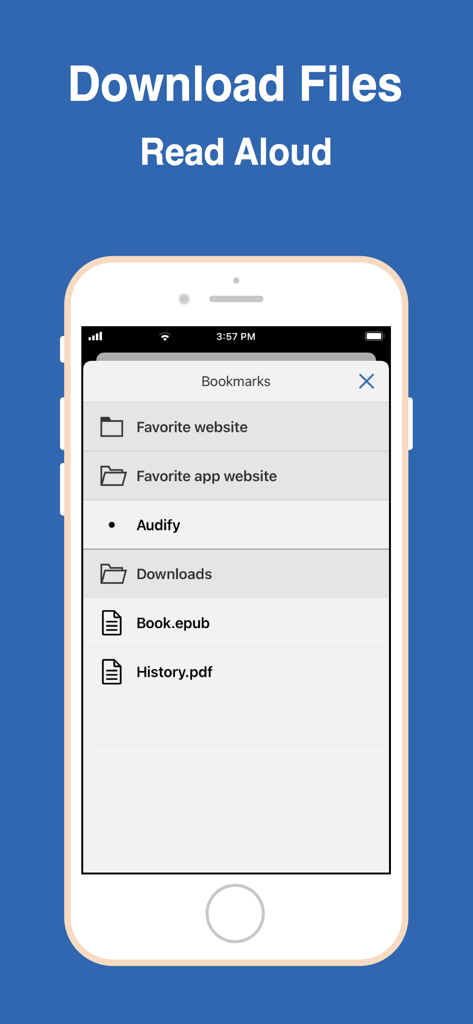
텍스트에서 키워드가 강조 표시된 페이지 내 검색 기능을 보여주는 Audify 앱 스크린샷

소리 내어 읽을 준비가 된 다운로드된 ePub 및 PDF 파일을 보여주는 Audify 앱의 북마크 메뉴
소리 내어 읽을 준비가 된 다운로드된 ePub 및 PDF 파일을 보여주는 Audify 앱의 북마크 메뉴

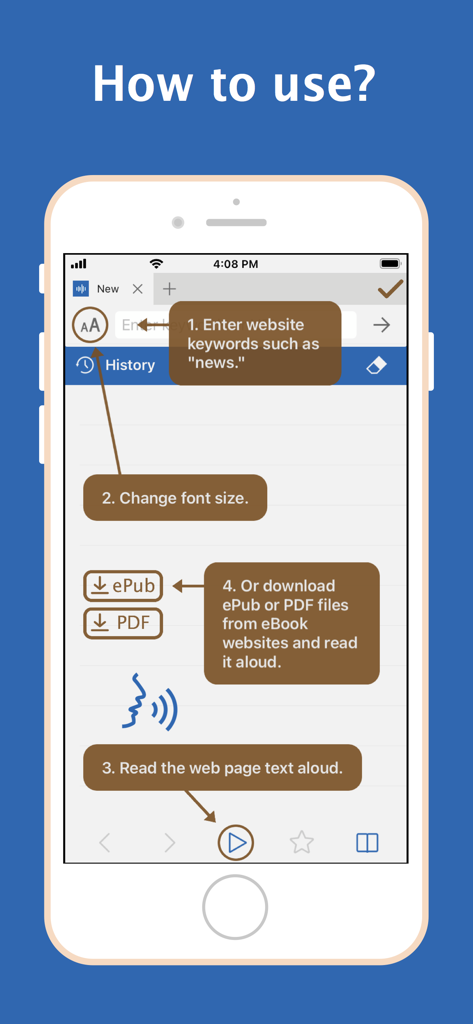
웹사이트 검색, 글꼴 크기 변경, 텍스트 또는 전자책 파일 소리 내어 읽기 방법을 보여주는 Audify 앱 튜토리얼

웹사이트 검색, 글꼴 크기 변경, 텍스트 또는 전자책 파일 소리 내어 읽기 방법을 보여주는 Audify 앱 튜토리얼

모든 기사를 개인 팟캐스트로 변환

이 앱을 돋보이게 하는 도구, 79K+ 명의 사용자가 선택.

🎧

이동 중에도 생산성 향상

통근 또는 운동 시간을 되찾으세요. 이동 중에 뉴스, 전문 보고서, 블로그를 들으면서 '죽은 시간'을 학습 시간으로 바꾸세요.

👁️

디지털 눈의 피로 해소

내장된 블루 라이트 필터와 야간 모드로 화면 피로를 줄이세요. 밝은 화면을 보지 않고도 좋아하는 소설이나 기사를 들으세요.

📂

만능 문서 리더

iCloud에서 PDF 및 ePub을 손쉽게 가져오세요. 연구 논문부터 웹 소설까지, 읽기에서 듣기로의 원활한 전환을 즐기세요.

앱 소개

에 대해 알아야 할 모든 것 Audify read aloud web browser.

설명

Audify is a text to speech app, web browser and PDF, ePub reader app. Audify can read aloud (TTS) web page text (HTML) and eBooks (ePub and PDF), whether it is news, novels, stories, or articles. Audify is designed to save your time and energy, and also protect your eyes. You can listen to the web page content while doing other things, such as commuting or doing exercises. You can learn more and get more knowledge. It can be switched to night mode, blue light filter mode, and the brightness can be dimmed. Font size can also be changed to become very large. It can translate languages, search in page, sleep timer (sleep story) and it has a couple of other useful features. Features: * Read aloud (text to speech, TTS) eBooks (ePub and PDF) * Read aloud (text to speech, TTS) web page text (HTML) * Different voices can be selected * Translate * Adjustable speech rate. Learn English and other languages (Spanish, German, French, etc.) * New webpage tabs are displayed at the top of the screen * Blue light filter mode * Night mode * Adjustable screen brightness * User-defined bookmark categories * Font size can be enlarged or reduced * Search in page * Share URL and files with this APP from other apps * Download files * Import files from iCloud and folders * Sleep timer (sleep story) * Choose search engines * Bold text * Full screen * Hide web page pictures It can read aloud eBooks (ePub and PDF format). It supports PDF format that has pure text. It doesn't support photoed PDF, or image editor exported PDF files. Conveniently download ePub and PDF files from websites and read them aloud. Q:How to start reading aloud in the middle of a page? A:(1)Scroll the web page to the position you want to read, and press the play button. Or (2)Double click the paragraph you want to read (You can enable this feature in the Audify settings page.) Audify can read aloud from there. Q: It cannot read aloud when I use it for the first time. A: You can: 1. Swipe to close the app and reopen it, 2. Try a new web page, 3. Choose a different voice for reading aloud, 4. Reboot the phone, 5. Restore the phone to factory settings . Usually after doing the first step it will return to normal. Q: After the app is updated, an abnormal situation occurs. A: You can: 1. Swipe to close the app and reopen it, 2. Reboot the phone, 3. Remove the app and download it again. Usually after doing the first step, it can return to normal. If you encounter a strange situation, please write to let us know. To be able to provide long-term maintenance and updates, Audify needs more users. If you like Audify, please 1. give a five star rating, 2. write a review 3. share 4. buy developer a cup of coffee 5. remove ads. We need your support. Thank you!

최신 버전

8.0

크기

20.4 MB

출시일

2021년 2월 15일

읽고 싶은 목록을 개인 팟캐스트로 변환

시간을 되찾고 눈을 보호하는 79,000명 이상의 사용자와 함께하세요. Audify를 다운로드하여 이동 중에 웹, PDF, 전자책을 들어보세요.

다운로드: App Store

App information, icons, screenshots, and descriptions displayed on this page are sourced from the Apple App Store and are the property of their respective developers. Download estimates and rankings are based on MWM's proprietary models and may not reflect actual figures. This page is provided for informational and analytical purposes only.

Believe this page infringes your intellectual property? File a dispute