Audio Converter: convert mp3

Audio Converter: convert mp3

다운로드: App Store
로고: Audio Converter: convert mp3

오디오 변환기: MP3 변환 — 빠르고 고품질의 파일 변환

비디오를 오디오로 원활하게 변환하고 몇 초 안에 20가지 이상의 형식 간에 전환하세요. 이동 중에 즉각적인 호환성이 필요한 크리에이터, 전문가 및 학생을 위해 설계되었습니다.

다운로드: App Store

개발사

Minimodev Technologies LTD

카테고리

Productivity

다운로드

55K+

사용자 평점

4.7/5

총 평가 수

1K+

지원 언어

1

내부 보기

이 인터페이스를 사용하는 55K+ 명의 사용자.

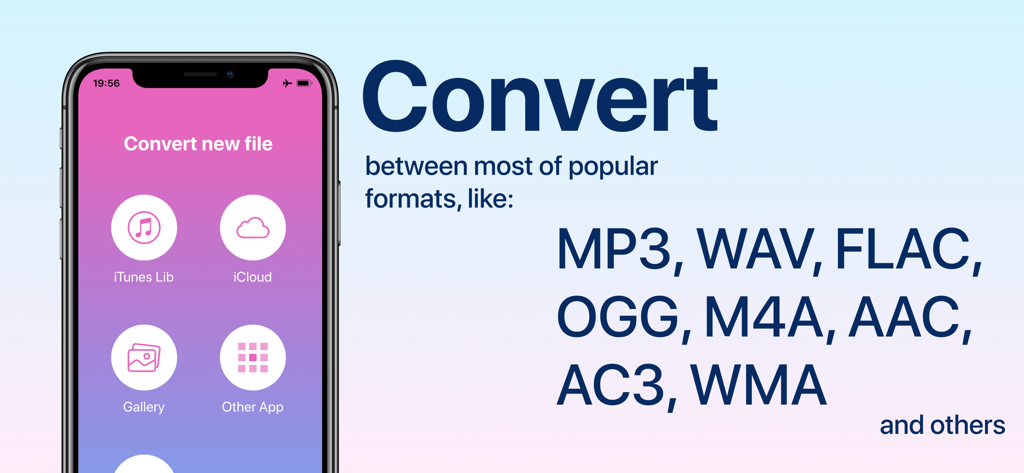
오디오 변환기 앱 인터페이스와 MP3 및 WAV와 같은 지원 파일 형식 목록이 표시된 iPhone 화면.
오디오 변환기 앱 인터페이스와 MP3 및 WAV와 같은 지원 파일 형식 목록이 표시된 iPhone 화면.

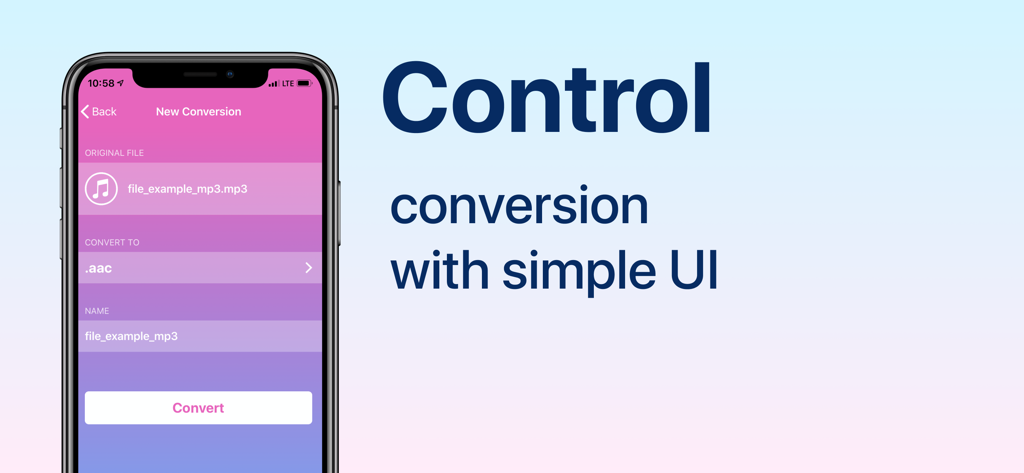
크고 변환 버튼이 있는 간단한 오디오 파일 변환 사용자 인터페이스를 보여주는 iPhone 화면.
크고 변환 버튼이 있는 간단한 오디오 파일 변환 사용자 인터페이스를 보여주는 iPhone 화면.

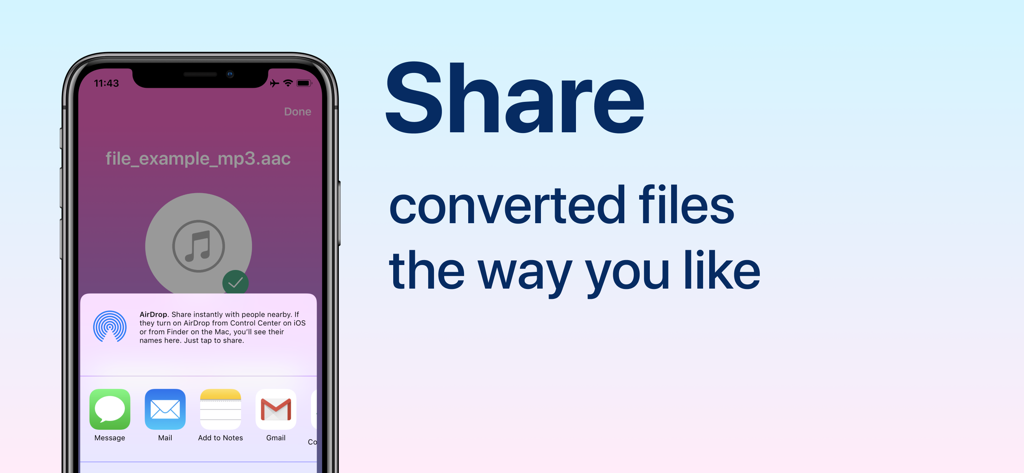
변환된 오디오 파일에 대한 공유 옵션을 보여주는 iPhone 화면
변환된 오디오 파일에 대한 공유 옵션을 보여주는 iPhone 화면

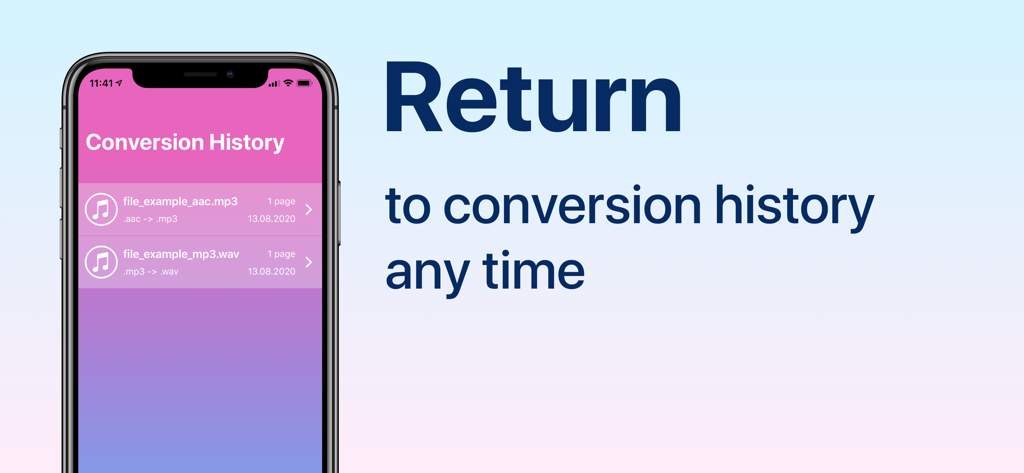
오디오 변환기 앱의 변환 기록 탭에 변환된 오디오 파일 목록을 보여주는 iPhone 디스플레이
오디오 변환기 앱의 변환 기록 탭에 변환된 오디오 파일 목록을 보여주는 iPhone 디스플레이

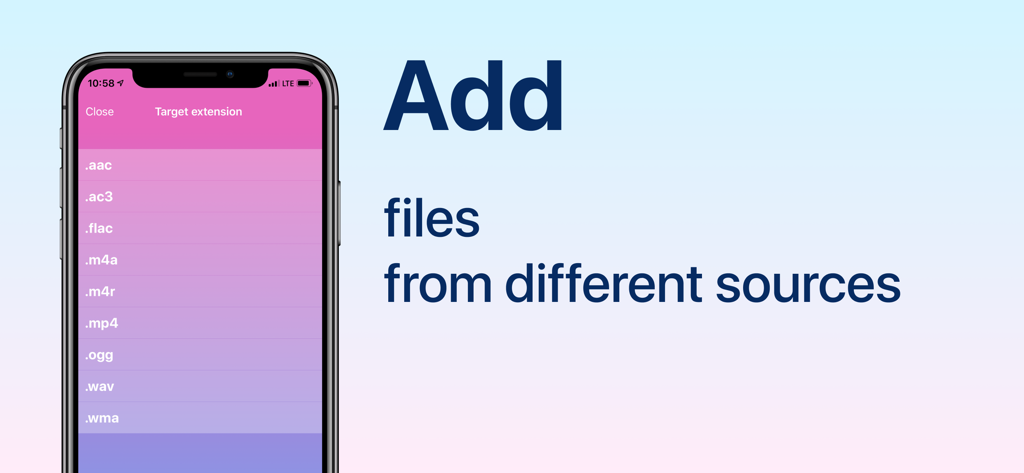
오디오 변환기 앱의 모바일 인터페이스에 변환을 위한 대상 파일 확장자 목록 표시

오디오 변환기 앱의 모바일 인터페이스에 변환을 위한 대상 파일 확장자 목록 표시

손끝에서 펼쳐지는 전문가 수준의 오디오 변환

이 앱을 돋보이게 하는 도구, 55K+ 명의 사용자가 선택.

🎥

즉각적인 비디오-오디오 추출

화면 녹화, TikTok, Reels를 고품질 MP3로 쉽게 변환하세요. 마감 기한이 촉박한 팟캐스터 및 소셜 미디어 관리자에게 적합합니다.

🔄

범용 형식 지원

FLAC, WAV, WMA, OGG를 포함한 30가지 이상의 형식 지원으로 호환성 장벽을 극복하세요. 기술적인 부분은 저희가 처리해 드립니다.

원활한 워크플로 통합

iCloud, 사진 또는 기타 앱에서 직접 공유 시트를 통해 가져오세요. 몇 초 안에 변환하고 파일을 필요한 곳으로 내보내세요.

앱 소개

에 대해 알아야 할 모든 것 Audio Converter: convert mp3.

설명

Convert your audio files between popular formats in a few steps: 1. Select your input file - you may chose between different sources like iCloud, gallery or iTunes Library. You may also share file from other apps 2. Choose output format from available ones 3. Convert! It will take only a few seconds 4. Share converted file the way you like or save it to Files app on iPhone Access your conversion history - there is a related tab in the app. There you may also repeat sharing of converted files or delete those you don't need anymore. Supported file formats (not all pairs available): 3ga, aac, ac3, flac, m4a, m4r, mp3, ogg, wav, wma, ra, 3g2, 3gp, 3gpp, mov, mkv, avi, mp4, m4v, mpg, rm, wmv, flv and more to come! Some conversions are done on a secure cloud server so you must have an internet connection to use this app. You should be aware that by using this app, you agree that your files will be sent over the internet from the app to the cloud server for conversion. Information about the auto-renewal of subscription: - Payment will be charged to iTunes Account at confirmation of purchase; – Subscriptions are billed weekly, monthly, quarterly, or annually at the rate based on the subscription plan; - Subscription automatically renews unless auto-renew is turned off at least 24-hours before the end of the current period; - The account will be charged for renewal within 24-hours before the end of the current period. The cost depends on the selected plan; - Subscriptions may be managed by the user and auto-renewal may be turned off by going to the user’s Account Settings after purchase; Note: price may vary depending on location. Privacy Policy: https://minimodev.com/audio/privacy Terms of Use: https://minimodev.com/audio/terms For any questions or inquiries, please get in touch: audio.converter.info@gmail.com

최신 버전

1.1.10

크기

29.3 MB

출시일

2020년 8월 14일

몇 초 안에 오디오를 변환할 준비가 되셨나요?

MP3에서 FLAC까지 모든 형식을 처리하기 위해 오디오 변환기를 신뢰하는 55,000명 이상의 크리에이터 및 전문가와 함께하세요. 지금 다운로드하고 파일 호환성 문제로 다시는 속도가 느려지지 마세요.

다운로드: App Store

App information, icons, screenshots, and descriptions displayed on this page are sourced from the Apple App Store and are the property of their respective developers. Download estimates and rankings are based on MWM's proprietary models and may not reflect actual figures. This page is provided for informational and analytical purposes only.

Believe this page infringes your intellectual property? File a dispute