ByeNoise - Video Audio Editor

ByeNoise - Video Audio Editor

다운로드: App Store
로고: ByeNoise - Video Audio Editor

ByeNoise - 전문가 수준의 AI 오디오 클리닝 및 편집

배경 소음을 즉시 제거하고 목소리를 향상시키세요. 모든 영상 및 팟캐스트에서 스튜디오 품질의 사운드를 얻을 수 있는 크리에이터를 위한 올인원 모바일 스튜디오.

다운로드: App Store

개발사

Ofir Yagil

카테고리

Photo & Video

다운로드

201K+

사용자 평점

4.4/5

총 평가 수

3K+

지원 언어

2

선명함의 엿보기

이 인터페이스를 사용하는 201K+ 명의 사용자.

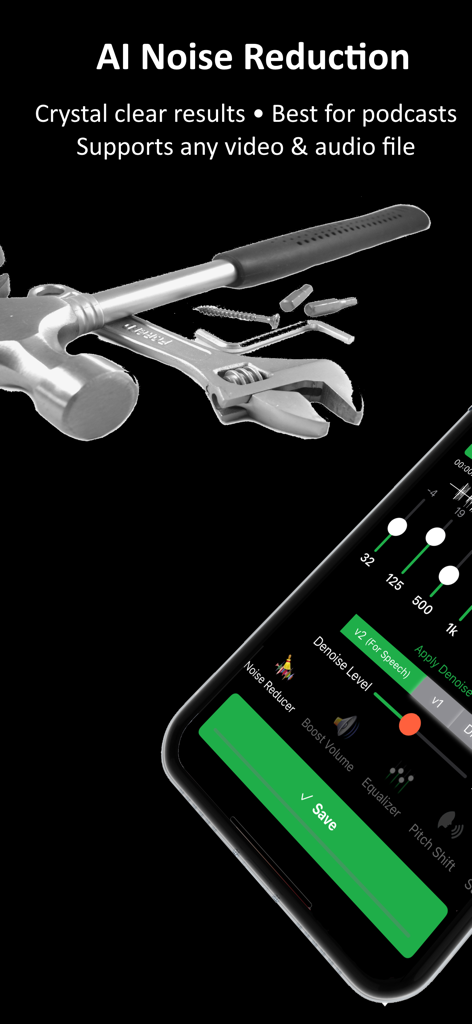
AI 노이즈 감소 설정과 오디오 편집 도구를 보여주는 ByeNoise 앱 인터페이스
AI 노이즈 감소 설정과 오디오 편집 도구를 보여주는 ByeNoise 앱 인터페이스

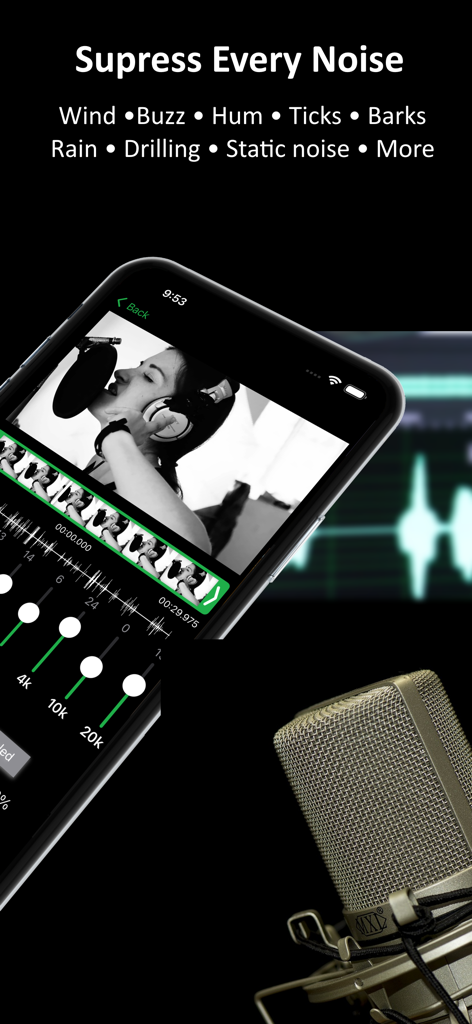
배경 소음 억제 및 비디오 오디오 편집 도구를 보여주는 ByeNoise 앱 인터페이스
배경 소음 억제 및 비디오 오디오 편집 도구를 보여주는 ByeNoise 앱 인터페이스

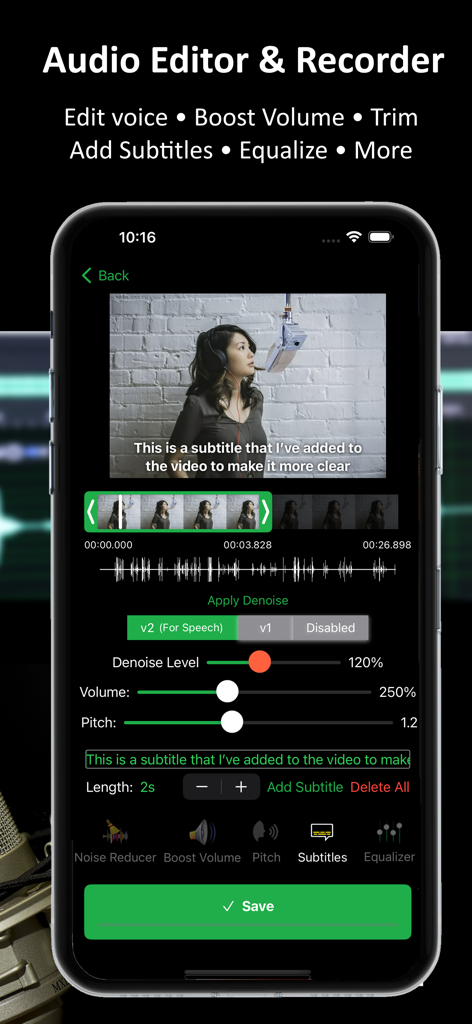
비디오 오디오 편집 및 자막 추가를 위한 ByeNoise 앱 인터페이스를 보여주는 스마트폰 화면
비디오 오디오 편집 및 자막 추가를 위한 ByeNoise 앱 인터페이스를 보여주는 스마트폰 화면

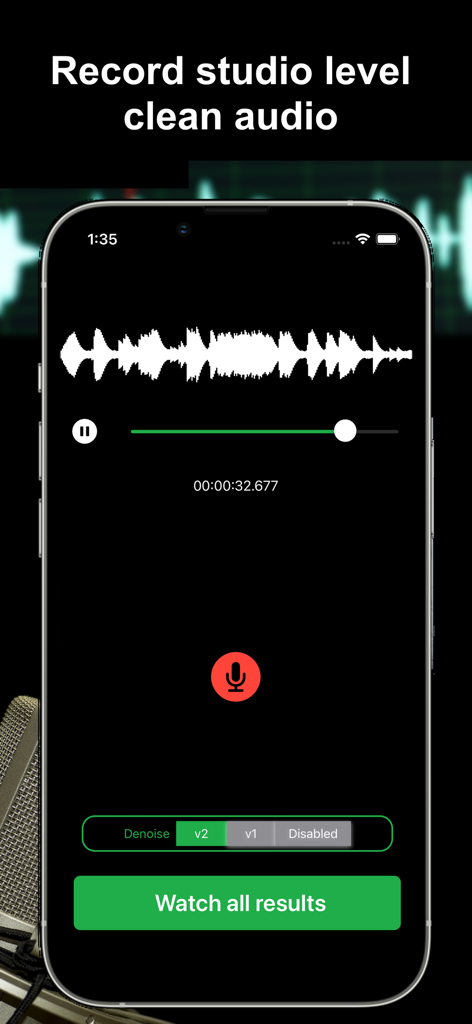
AI 노이즈 감소 기능으로 스튜디오 품질의 깨끗한 오디오를 녹음하는 ByeNoise 앱 화면
AI 노이즈 감소 기능으로 스튜디오 품질의 깨끗한 오디오를 녹음하는 ByeNoise 앱 화면

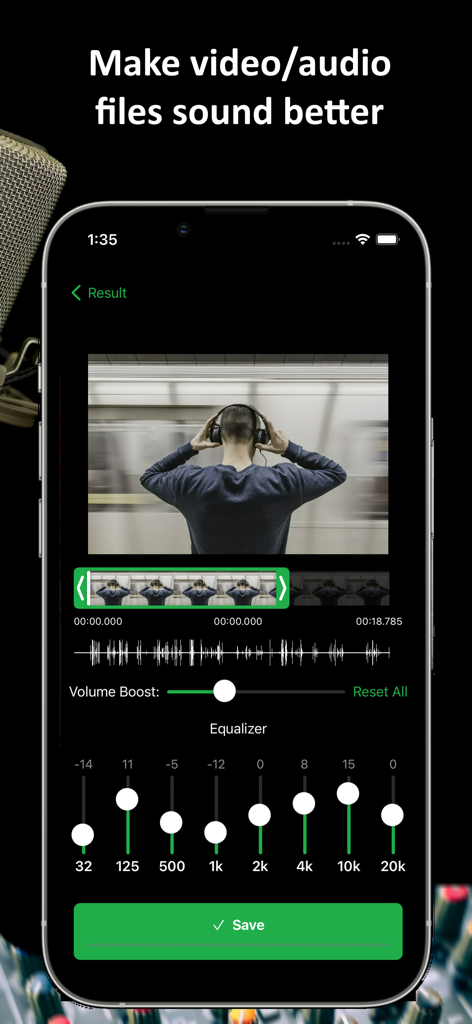
비디오 및 오디오 편집을 위한 그래픽 이퀄라이저 및 볼륨 부스터 기능을 갖춘 ByeNoise 앱 인터페이스
비디오 및 오디오 편집을 위한 그래픽 이퀄라이저 및 볼륨 부스터 기능을 갖춘 ByeNoise 앱 인터페이스

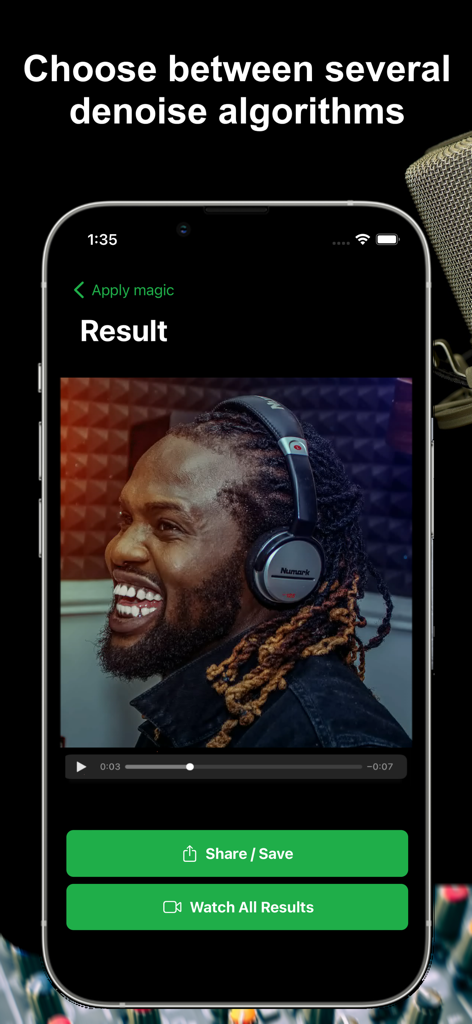
헤드폰을 착용한 남성과 공유 및 저장 버튼이 있는 ByeNoise 앱의 비디오 결과 페이지 스크린샷
헤드폰을 착용한 남성과 공유 및 저장 버튼이 있는 ByeNoise 앱의 비디오 결과 페이지 스크린샷

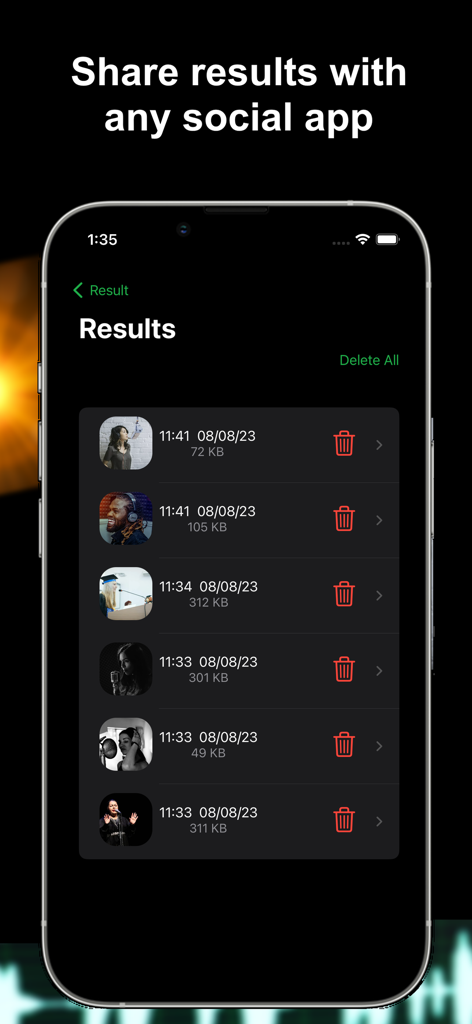
타임스탬프와 파일 크기를 보여주는 ByeNoise 앱 인터페이스의 처리된 오디오 및 비디오 결과 목록

타임스탬프와 파일 크기를 보여주는 ByeNoise 앱 인터페이스의 처리된 오디오 및 비디오 결과 목록

어디서든 전문가 수준의 오디오 품질

이 앱을 돋보이게 하는 도구, 201K+ 명의 사용자가 선택.

🪄

프로 AI 노이즈 감소

바람 소리, 교통 소음, 배경 웅웅거림을 즉시 제거합니다. 탭 한 번으로 AI 클리닝하여 시끄러운 환경에서 푸티지를 구하세요.

🎙️

음성 초점 기술

목소리를 분리하고 산만한 주변 소음을 제거합니다. 명확하게 들려야 하는 크리에이터, 팟캐스터, 블로거에게 완벽합니다.

🛠️

올인원 크리에이티브 스위트

단순한 클리너 이상입니다. 오디오를 자르고, 볼륨을 높이고, 자막을 추가하여 몇 분 만에 소셜 미디어용으로 바로 사용할 수 있는 영상을 만드세요.

앱 소개

에 대해 알아야 할 모든 것 ByeNoise - Video Audio Editor.

설명

ByeNoise is a powerful audio editor and noise reduction tool that perfectly cleans the sound of your audio/video files from unwanted background noise. It also works as an audio editor that lets you edit your audio, trim, cut, increase volume, add subtitles, change voice, adjust sound frequencies, boost volume and more. Built in audio recorder to record crystal clean audio and perform AI denoising algorithms on the recordings. Easily clean your audio/video files from unwanted background noise (wind, hums, whistles, buzzes, hiss, whines, fan noise and more) and enhance the important sound (like the speaker, singer or the guitar). Then easily share the clean results with your friends. “...I was surprised by the results and found no traces of noise in my audio recording” (iGeeksBlog) AI NOISE REDUCTION: * Remove background noise from audio/video files with a single tap * Clean noises like wind, hums, whistles, buzzes, hiss, whines, fan noise and more * Load files from photo library, Files app or iCloud * Eliminate static or electrical noise * Choose between a few different smart AI noise reduction algorithms ALL IN ONE AUDIO EDITOR: * Smart graphic equalizer to get better audio quality * Trim, cut and perform other video/audio adjustments * Voice changer * Volume booster * Embed subtitles into the video SMART AUDIO RECORDER: * Audio recorder with AI Noise Reduction that works great for podcasts * Get crystal clear recordings and share with your friends * Create audiobooks or speeches using our recorder to get clean recordings SPEECH ENHANCEMENT FEATURE: * Choose "Speech Only" to remove everything but the speaker * Everything that is not human voice will be removed (if you choose v2-Speech Only) * If you want to keep other important sounds except for noises, choose v1 BOOST VOLUME: * After performing noise reduction you can also boost the important sounds in the video/audio * You can also use the app as a simple volume booster or equalizer to increase file's volume regardless to the iPhone's volume SUPPORTS COMMON VIDEO/AUDIO FORMATS: * Load video formats of MOV, MP4, M4V, FLV, MKV, MPG, 3GP and more * Load audio formats of WAV, MP3, M4A, M4B, AAC, AC3, WMA and more * Or just create your own recordings using our great audio recorder DISCLAIMER: This program was tested and trained with many audio/video files, but it is an impossible task to automatically remove all noises for all kind of videos. It is going to work for most videos/audios but for some it might simply fail (videos with just too many noises or when the main speaker can barely be heard). Note: The free version of this app lets you denoise only the first 30 seconds of your videos (or videos shorter than that). If you enjoy the app, consider subscribing to the pro version and get unlimited features. Please read our terms of service and privacy policy before using the application: * Terms of service - https://ofirapps.blogspot.com/2021/03/video-noise-cleaner-terms-and-conditions.html * Privacy Policy - https://ofirapps.blogspot.com/2021/03/video-noise-cleaner-privacy-policy.html

최신 버전

1.3.33

크기

43.8 MB

출시일

2021년 3월 26일

어디서든 전문가처럼 들리게 하세요

배경 소음 때문에 콘텐츠가 방해받지 않도록 하세요. 200,000명 이상의 크리에이터와 함께 ByeNoise를 사용하여 탭 한 번으로 스튜디오 품질의 오디오를 제공하세요.

다운로드: App Store

App information, icons, screenshots, and descriptions displayed on this page are sourced from the Apple App Store and are the property of their respective developers. Download estimates and rankings are based on MWM's proprietary models and may not reflect actual figures. This page is provided for informational and analytical purposes only.

Believe this page infringes your intellectual property? File a dispute