이 페이지는 앱이나 개발자의 공식 페이지가 아니며, 정보 제공 및 논평을 목적으로 작성된 독립 편집 간행물입니다. 명시적으로 달리 언급되지 않는 한, 해당 앱이나 개발자는 MWM, Apple, Google Play, 앱 퍼블리셔 또는 앱 개발자와 제휴, 보증, 후원, 승인 또는 공식적으로 연결되어 있지 않으며, 이 페이지의 어떤 내용도 해당 앱이 MWM의 서비스를 사용하여 개발되었음을 의미하지 않습니다. 모든 상표, 로고, 스크린샷 및 기타 콘텐츠는 해당 소유자의 자산입니다.
Doc Scanner- PDF Document Scan
iPhone을 고해상도 스캐너로 변환하세요. 지능형 자동 자르기 및 OCR 기술을 사용하여 이동 중에도 전문적인 문서를 손쉽게 스캔, 전자 서명 및 공유하세요.
주요 수치
다운로드
9K+
사용자 평점
3.9/5
총 평가 수
0
개발사
Vishal Chatterjee
카테고리
Productivity
지원 언어
1
최신 버전
1.2
크기
20.7 MB
출시일
2020년 9월 24일
기능
모든 사무실을 주머니에 담으세요
이동 중에 서류 작업을 처리하는 더 빠르고 스마트한 방법을 위해 평판 스캐너를 포기한 수천 명의 전문가와 함께하세요.
AI 기반 즉석 스캔
모서리 조정에 시간을 낭비하지 마세요. 당사의 지능형 가장자리 감지 및 자동 보정 기능은 몇 초 만에 선명하고 전문적인 PDF를 제공합니다.
실시간 서명 및 보안
iPhone에서 직접 전자 서명 및 사용자 정의 워터마크를 추가하여 거래를 더 빨리 성사시키세요. 프린터나 펜이 필요 없습니다.
다음 스크린샷과 설명은 앱의 공식 스토어 목록에서 직접 가져온 것이며 앱 개발자의 자산입니다.
앱 스토어
스크린샷
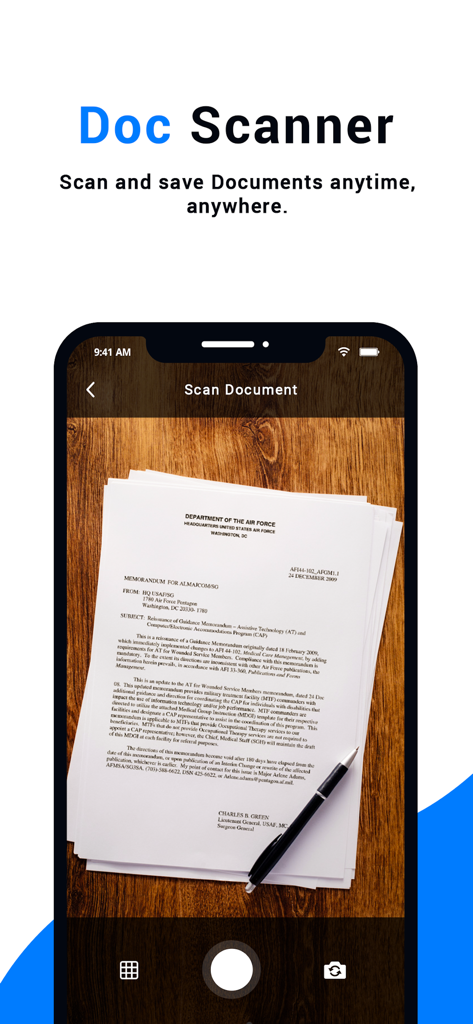
나무 테이블 위의 종이 문서를 스캔하는 Doc Scanner 앱 인터페이스를 보여주는 스마트폰 화면
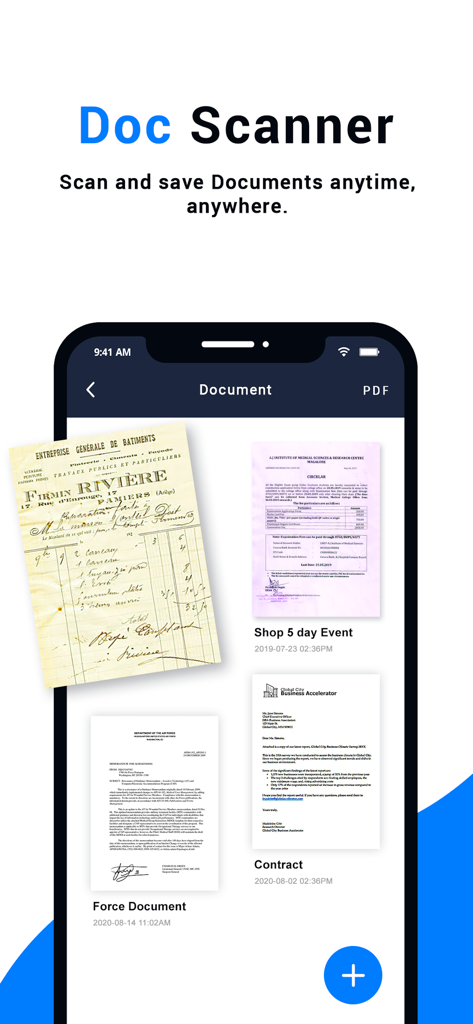
다양한 스캔된 PDF 문서 및 송장을 표시하는 Doc Scanner 앱 인터페이스.
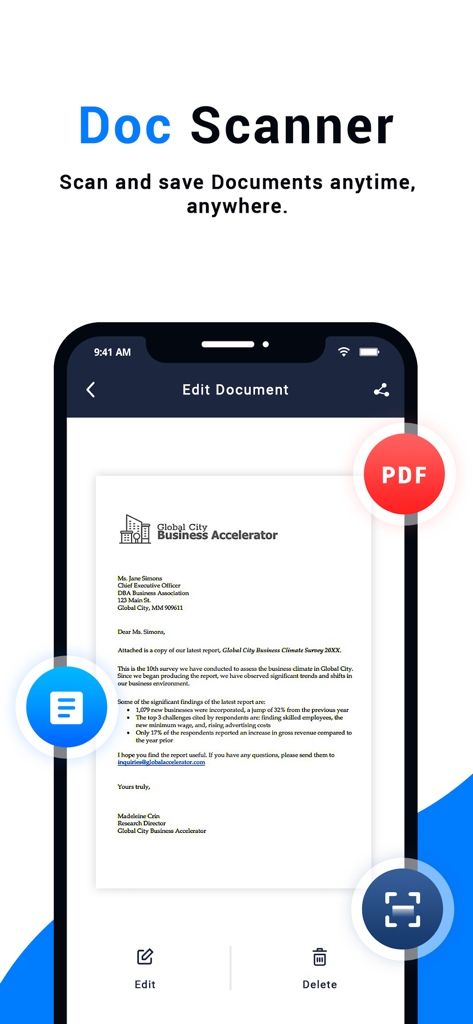
Doc Scanner 모바일 앱 인터페이스 내에서 스캔된 비즈니스 문서가 표시되는 스마트폰
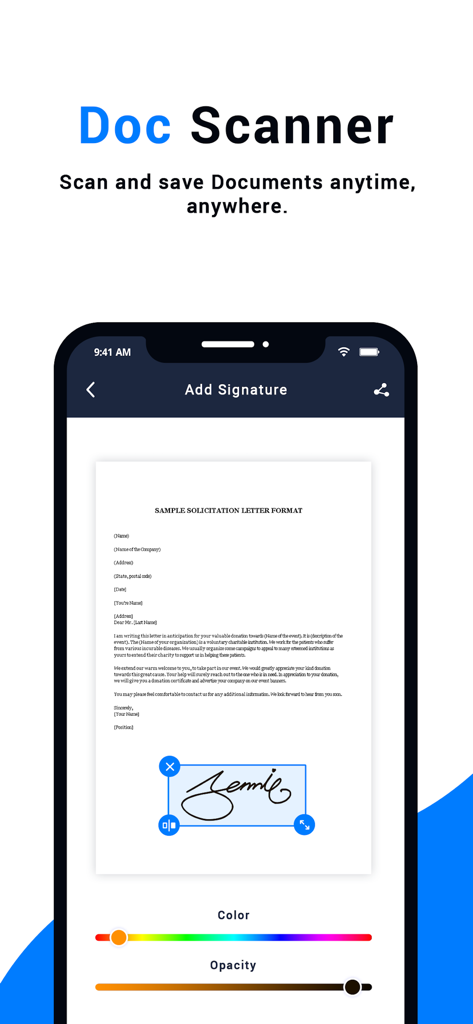
PDF 문서에 디지털 서명을 추가하기 위한 Doc Scanner 앱 인터페이스
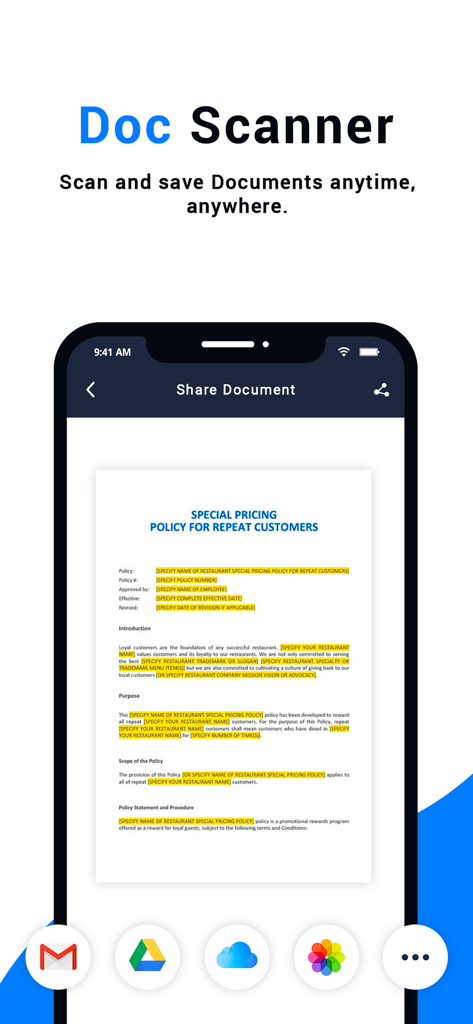
Gmail, Google Drive 및 iCloud를 통해 공유할 준비가 된 스캔된 문서를 보여주는 Doc Scanner 앱 인터페이스.
설명
Scan docs into clear & sharp image/PDF, to email, fax, print, or save to share
The "Doc Scanner: PDF Add signature" is a PDF document scanner app. You can scan documents, receipts, photos, reports, or anything.
Mobile document scanner, Easy Scan, add signature & Share. Office documents snapshot & Intelligent image doc management. A high-resolution scan & image editor is available. Hand-written annotation & Customizable watermark eSign generation. Available on iOS.
If you have a scanner, this app makes it easy to scan documents and pictures and save them where you'd like. Whether you're scanning a photo from the flatbed or scanning multiple pages by using a document feeder, the Scan app is the perfect assistant.
"Auto edge cropping"
Capture document by phone, remove busy background, generate high-resolution JPEG or PDF file with your signature
"Share and Help"
Share with your friends by collaborating, or via email, WhatsApp, WeChat or and via the link to other social networks
"Doc Scanner: PDF Add signature"
Upload & Sign Docs, Certificate Scanner for iPhone. Document eSign is the most widely used eSignature and Digital Transaction Management platform in the world. Our app offers unlimited free signing as well as upgrade options for your business needs. Change the way you do business today!
Features:
*Free Mobile Scanner
Use your phone camera to scan receipts, notes, invoices, whiteboard discussions, business cards, certificates, etc.
*Optimize Scan Quality
Smart cropping and auto enhancing make the texts and graphics look clear and sharp.
*Advanced Editing
Making annotations or adding customized watermark on docs are made available for you.
*Extract Texts from Image
OCR (optical character recognition) feature extracts texts from a single page for further editing or sharing. (Paid app only)
*Share PDF/JPEG Files
Easily share documents in PDF or JPEG format with others via social media, email attachment, or sending the doc link.
"Doc Scanner: PDF Add signature" users scan and manage
* Bill, Invoice, Contract, Tax Roll, Business Card
* Credential, Certificate, Identity Document, Painting
* Whiteboard, Memo, Script, Letter
* Blackboard, Note, PPT, Book, Article
Free Download the most excellent free mobile scanner to convert photos and documents into PDF with customizing your signature.
이 페이지는 앱이나 개발자의 공식 페이지가 아니며, 정보 제공 및 논평을 목적으로 작성된 독립 편집 간행물입니다. 명시적으로 달리 언급되지 않는 한, 해당 앱이나 개발자는 MWM, Apple, Google Play, 앱 퍼블리셔 또는 앱 개발자와 제휴, 보증, 후원, 승인 또는 공식적으로 연결되어 있지 않으며, 이 페이지의 어떤 내용도 해당 앱이 MWM의 서비스를 사용하여 개발되었음을 의미하지 않습니다. 모든 상표, 로고, 스크린샷 및 기타 콘텐츠는 해당 소유자의 자산입니다.