HomeCAD — Design your home
다운로드: App Store

이 페이지는 앱이나 개발자의 공식 페이지가 아니며, 정보 제공 및 논평을 목적으로 작성된 독립 편집 간행물입니다. 명시적으로 달리 언급되지 않는 한, 해당 앱이나 개발자는 MWM, Apple, Google Play, 앱 퍼블리셔 또는 앱 개발자와 제휴, 보증, 후원, 승인 또는 공식적으로 연결되어 있지 않으며, 이 페이지의 어떤 내용도 해당 앱이 MWM의 서비스를 사용하여 개발되었음을 의미하지 않습니다. 모든 상표, 로고, 스크린샷 및 기타 콘텐츠는 해당 소유자의 자산입니다.

로고: HomeCAD — Design your home
다운로드: App Store

HomeCAD — Design your home

DIY 주택 소유자를 위한 최고의 iPad 평면도 작성 도구입니다. 전문가 수준의 실내 레이아웃을 작성하고, 자동 측정 지표를 생성하며, 프로젝트 PDF를 내보내어 시공업체에게 원하는 바를 정확히 전달하세요.

주요 수치

다운로드

83K+

사용자 평점

3.4/5

총 평가 수

200

개발사

Aleksei Unshchikov

카테고리

Productivity

지원 언어

7

최신 버전

6.4

크기

29.6 MB

출시일

2017년 5월 16일
기능

복잡함 없는 설계

주택 리노베이션 아이디어를 전문적인 평면도와 파사드 뷰로 변환하세요. HomeCAD는 기술적인 교육 없이도 모든 DIY 애호가와 주택 소유자가 건축 설계를 할 수 있게 해줍니다.

직관적인 방 만들기

iPad에서 몇 번의 탭만으로 간편하게 방을 그리고 벽, 문, 창문을 추가하세요. 공간을 설계하는 것이 종이에 스케치하는 것처럼 간단해집니다.

자동화된 측정

수학적인 계산 걱정은 그만하세요. 정밀한 계획을 위해 모든 측정값, 면적 계산, 복잡한 지붕 구조가 자동으로 생성됩니다.

다음 스크린샷과 설명은 앱의 공식 스토어 목록에서 직접 가져온 것이며 앱 개발자의 자산입니다.

앱 스토어

스크린샷
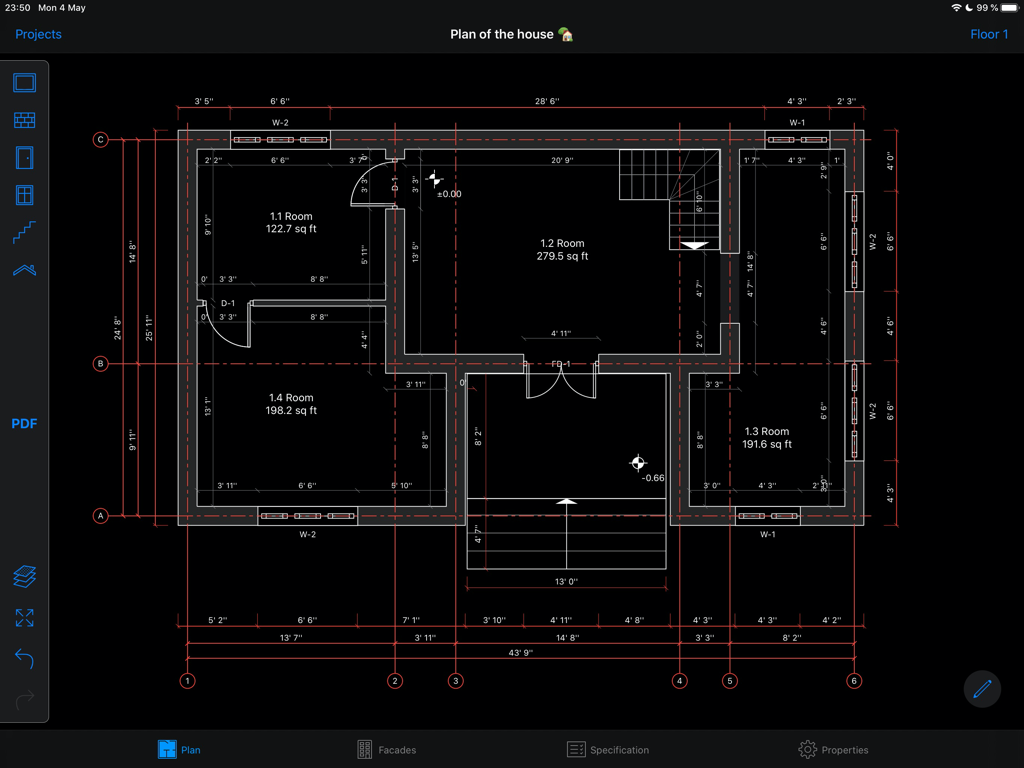
HomeCAD — Design your home - HomeCAD 앱에서 측정이 포함된 전문적인 2D 주택 평면도

HomeCAD 앱에서 측정이 포함된 전문적인 2D 주택 평면도

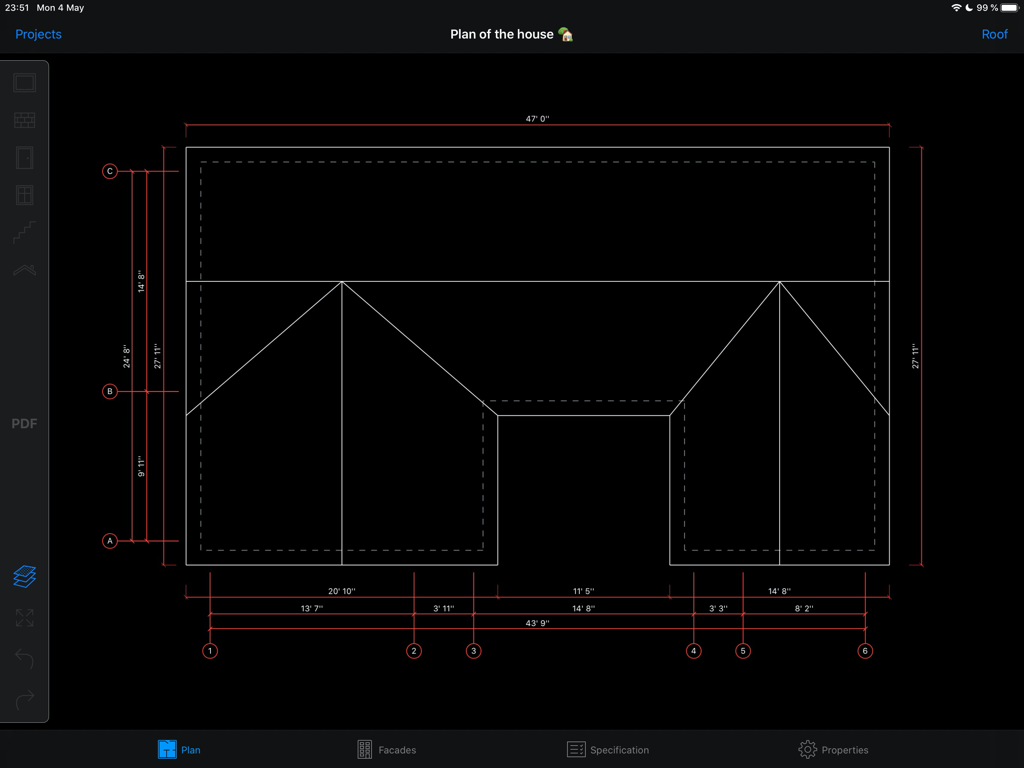
HomeCAD — Design your home - HomeCAD 앱에서 측정이 포함된 상세한 주택 평면도

HomeCAD 앱에서 측정이 포함된 상세한 주택 평면도
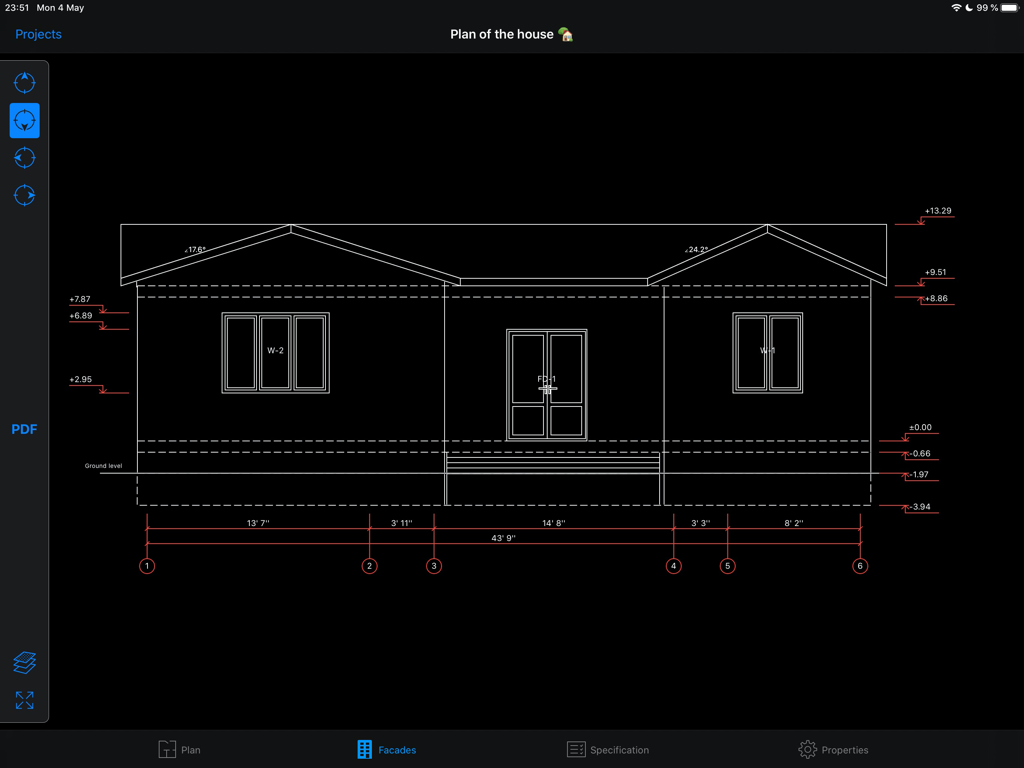
HomeCAD — Design your home - HomeCAD 앱에서 측정이 포함된 주택 설계의 건축적 파사드 뷰

HomeCAD 앱에서 측정이 포함된 주택 설계의 건축적 파사드 뷰

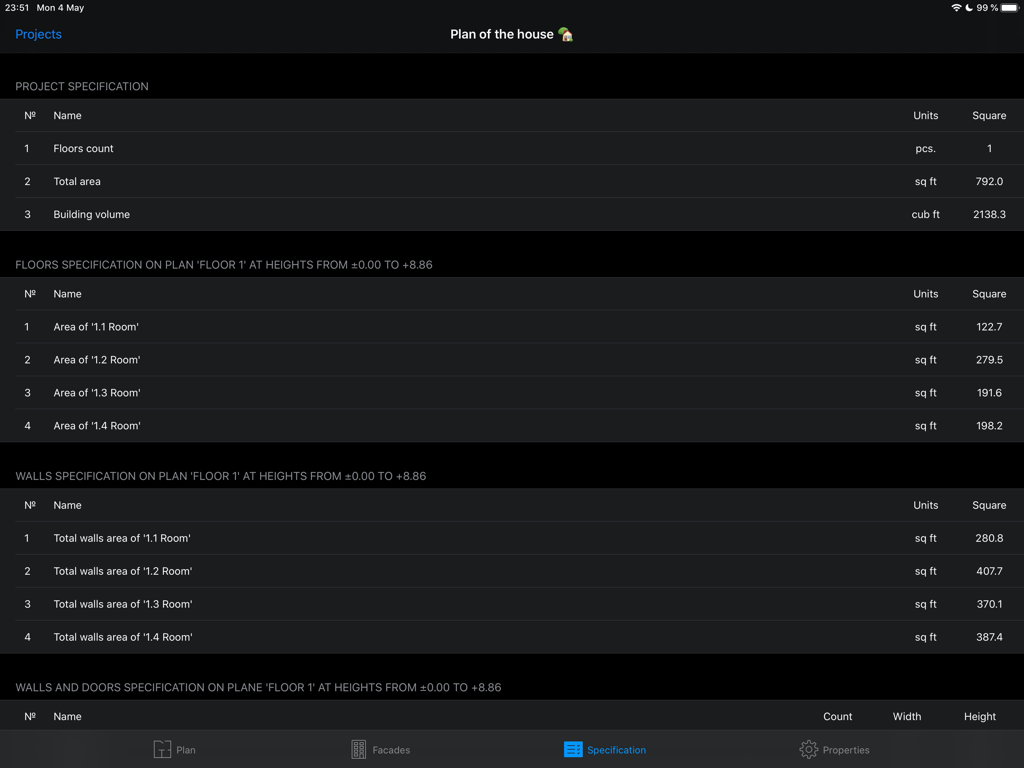
HomeCAD — Design your home - 총 면적과 방 측정 지표가 평방 피트로 표시된 자동 프로젝트 사양을 보여주는 iPad용 HomeCAD 앱 스크린샷

총 면적과 방 측정 지표가 평방 피트로 표시된 자동 프로젝트 사양을 보여주는 iPad용 HomeCAD 앱 스크린샷

설명

Development starts with the project. The app "HomeCAD" will help easily project a house on the device. It doesn’t require special knowledge. Just create rooms, divide them within inner walls if needed, add doors, windows, facade and inner staircases. You can easily create several floors for the house. All metrics for the project will be generated automatically. Roof creating can be the final step of the project. Just set roof overhang value and the roof is going to be added automatically by the application. So the project will be finally completed. As a result you get: - a full plan of the object with the metrics for it - facade views from four sides - a brief specification of the project Also the application supports metric and imperial unit systems. You can switch between them right in the project settings. Feel free to contact us at support@homecad.app with your feedback and suggestions. There are Pro-features available in the HomeCAD app. You should purchase subscription to access them. Pro-functions include the generation of a PDF document based on the created plan and will be gradually expanded. Available types of subscriptions: - monthly subscription - annual subscription Subscription price varies by region. The subscription fee will be charged from the bank card associated with your iTunes account. Subscriptions automatically renew unless auto-renew is turned off at least 24 hours before the end of the current active subscription. You can manage subscriptions in your iTunes account settings. Terms of Use: https://homecad.app/en/terms.php Privacy Policy: https://homecad.app/en/privacy_policy.php

Download

다운로드: App Store

이 페이지는 앱이나 개발자의 공식 페이지가 아니며, 정보 제공 및 논평을 목적으로 작성된 독립 편집 간행물입니다. 명시적으로 달리 언급되지 않는 한, 해당 앱이나 개발자는 MWM, Apple, Google Play, 앱 퍼블리셔 또는 앱 개발자와 제휴, 보증, 후원, 승인 또는 공식적으로 연결되어 있지 않으며, 이 페이지의 어떤 내용도 해당 앱이 MWM의 서비스를 사용하여 개발되었음을 의미하지 않습니다. 모든 상표, 로고, 스크린샷 및 기타 콘텐츠는 해당 소유자의 자산입니다.