iEditor Pro – Text Code Editor
다운로드: App Store

이 페이지는 앱이나 개발자의 공식 페이지가 아니며, 정보 제공 및 논평을 목적으로 작성된 독립 편집 간행물입니다. 명시적으로 달리 언급되지 않는 한, 해당 앱이나 개발자는 MWM, Apple, Google Play, 앱 퍼블리셔 또는 앱 개발자와 제휴, 보증, 후원, 승인 또는 공식적으로 연결되어 있지 않으며, 이 페이지의 어떤 내용도 해당 앱이 MWM의 서비스를 사용하여 개발되었음을 의미하지 않습니다. 모든 상표, 로고, 스크린샷 및 기타 콘텐츠는 해당 소유자의 자산입니다.

로고: iEditor Pro – Text Code Editor
다운로드: App Store

iEditor Pro – Text Code Editor

iPhone 또는 iPad를 강력한 워크스테이션으로 바꿔보세요. 구문 강조 기능으로 소스 코드를 편집하고, 복잡한 파일 구조를 관리하며, 작업하는 모든 곳에서 문서를 쉽게 처리하세요.

주요 수치

다운로드

122K+

사용자 평점

3.6/5

총 평가 수

100

개발사

ComcSoft Corporation

카테고리

Productivity

지원 언어

3

최신 버전

7.0

크기

38.0 MB

출시일

2013년 1월 8일
기능

언제 어디서든 가능한 전문가 수준의 코드 편집

iEditor Pro는 iPhone 및 iPad를 강력한 모바일 워크스테이션으로 전환하여 노트북 없이 스크립트 및 소스 코드를 관리하는 데 필요한 도구를 제공합니다.

스마트 구문 강조

명확하게 코딩하세요. iEditor Pro는 C, Java, HTML에 대한 구문 강조를 지원하여 작은 화면에서도 스크립트를 쉽게 읽고 디버깅할 수 있습니다.

모바일 맥가이버 칼

코드 이상의 것을 관리하세요. 전문가급 파일 탐색기로 셸 스크립트, 로그, PDF 및 Office 문서를 손쉽게 처리하세요.

다음 스크린샷과 설명은 앱의 공식 스토어 목록에서 직접 가져온 것이며 앱 개발자의 자산입니다.

앱 스토어

스크린샷
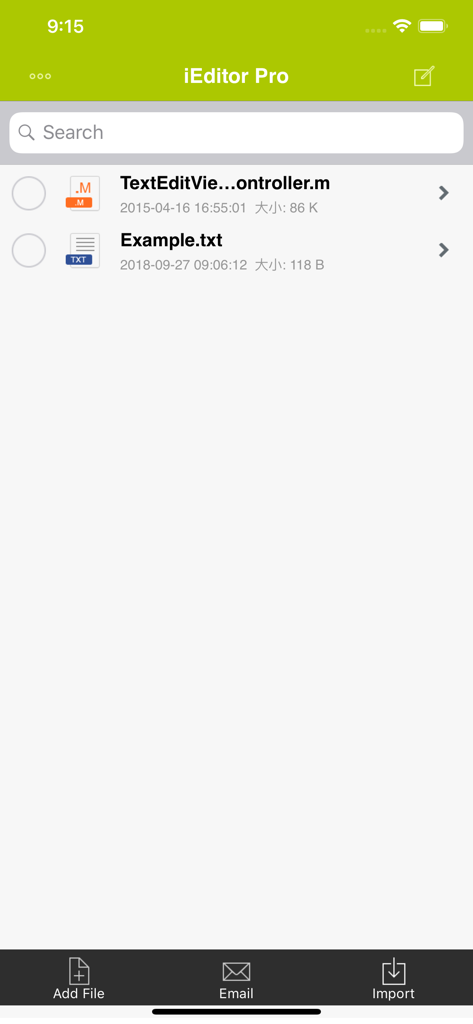
iEditor Pro – Text Code Editor - iEditor Pro 앱 인터페이스가 검색, 추가, 이메일, 문서 가져오기 옵션과 함께 코드 및 텍스트 파일 목록을 표시합니다.
iEditor Pro 앱 인터페이스가 검색, 추가, 이메일, 문서 가져오기 옵션과 함께 코드 및 텍스트 파일 목록을 표시합니다.

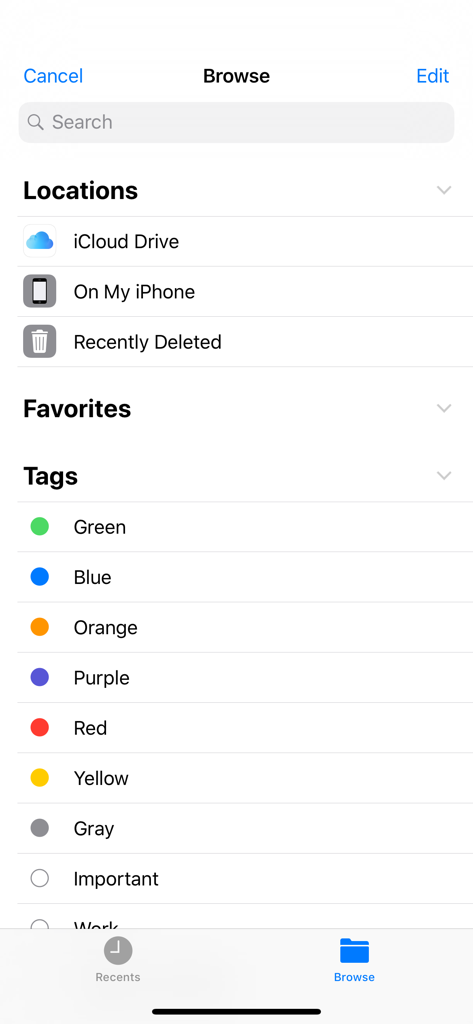
iEditor Pro – Text Code Editor - iEditor Pro의 파일 브라우저 인터페이스는 클라우드 저장소 위치와 구성 태그를 보여줍니다.
iEditor Pro의 파일 브라우저 인터페이스는 클라우드 저장소 위치와 구성 태그를 보여줍니다.

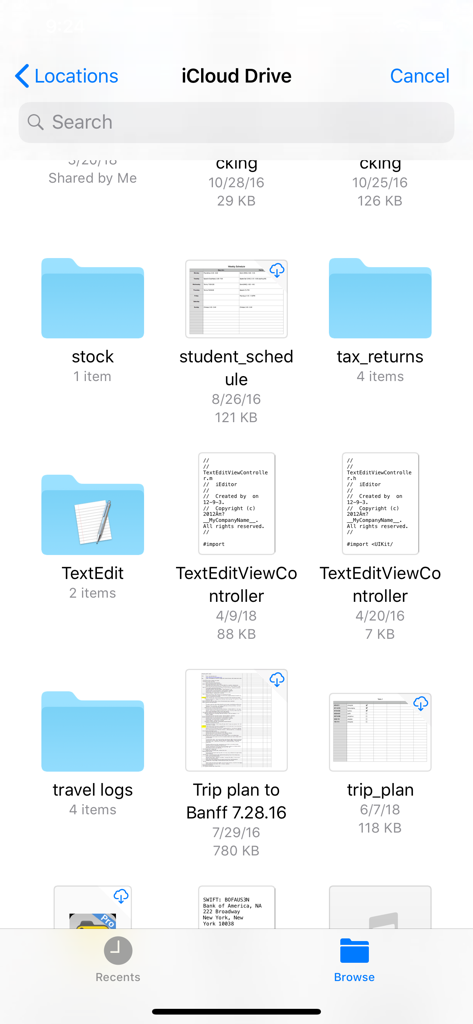
iEditor Pro – Text Code Editor - iEditor Pro 앱 인터페이스가 폴더 및 코드 파일이 있는 iCloud Drive 파일 브라우저를 표시합니다.
iEditor Pro 앱 인터페이스가 폴더 및 코드 파일이 있는 iCloud Drive 파일 브라우저를 표시합니다.

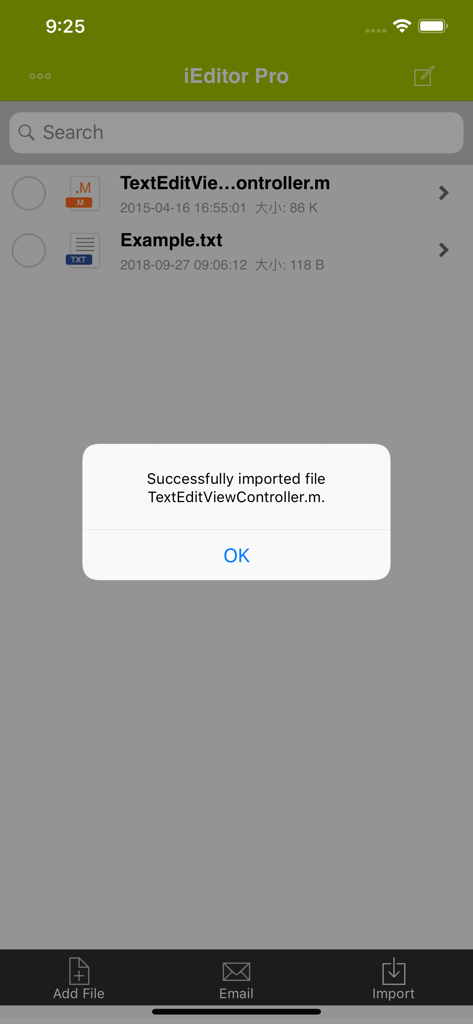
iEditor Pro – Text Code Editor - iEditor Pro 앱 인터페이스 내에서 성공적인 파일 가져오기 알림
iEditor Pro 앱 인터페이스 내에서 성공적인 파일 가져오기 알림

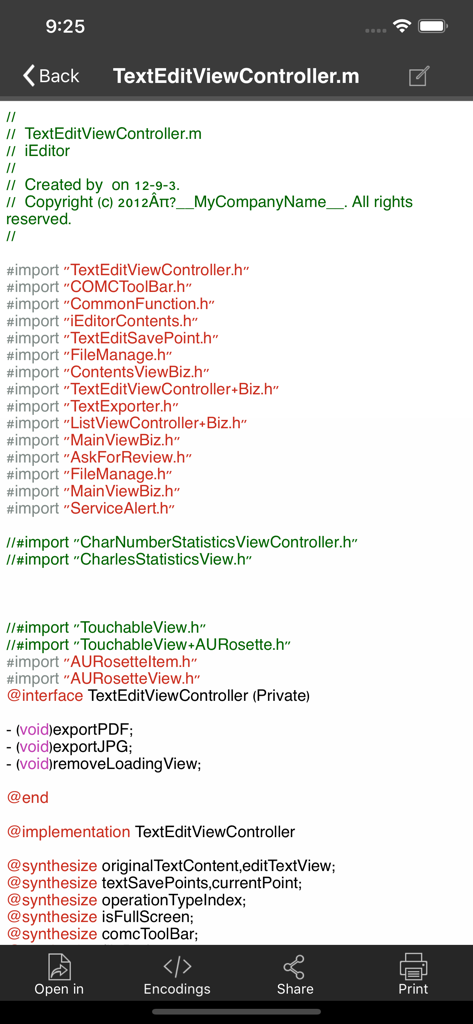
iEditor Pro – Text Code Editor - 구문 강조가 적용된 소스 코드 파일용 모바일 코드 편집기 인터페이스
구문 강조가 적용된 소스 코드 파일용 모바일 코드 편집기 인터페이스

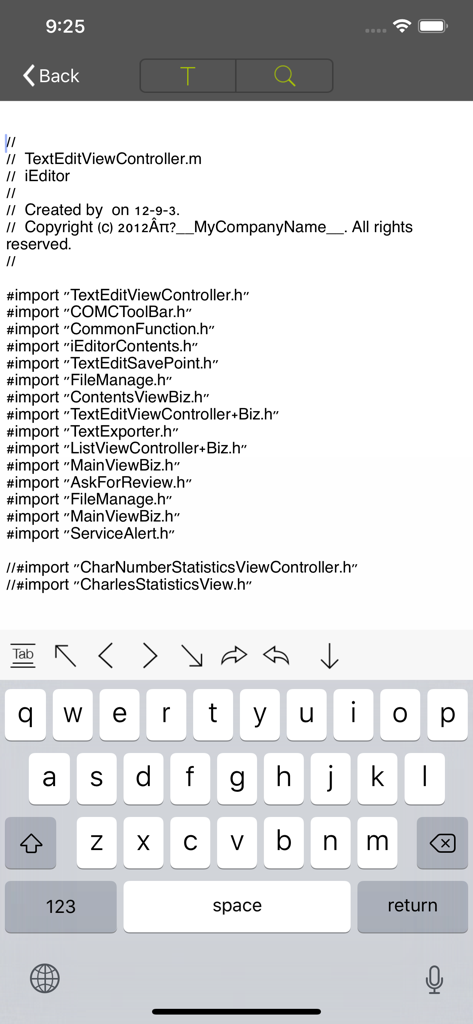
iEditor Pro – Text Code Editor - iEditor Pro 인터페이스가 모바일 키보드로 Objective-C 소스 코드 편집을 보여줍니다.
iEditor Pro 인터페이스가 모바일 키보드로 Objective-C 소스 코드 편집을 보여줍니다.

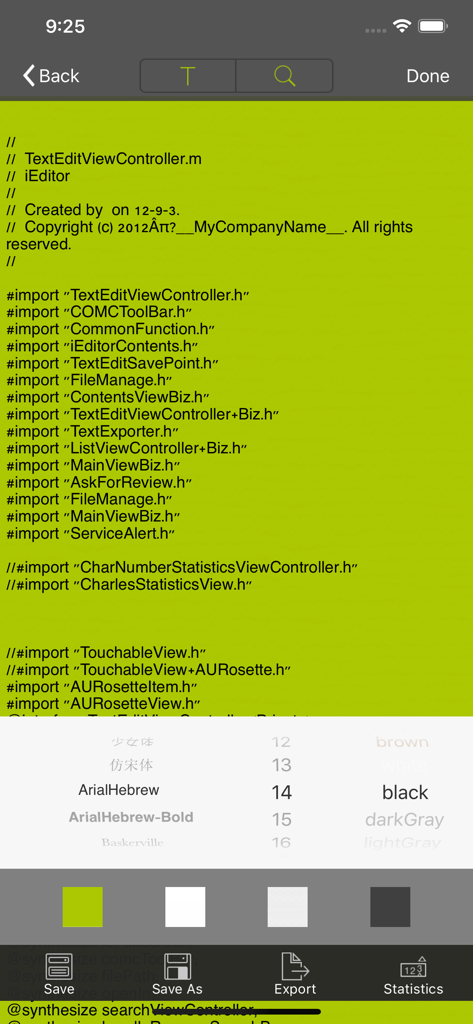
iEditor Pro – Text Code Editor - 소스 코드 위에 글꼴 스타일 및 배경색 사용자 지정 메뉴를 보여주는 모바일 코드 편집기 인터페이스
소스 코드 위에 글꼴 스타일 및 배경색 사용자 지정 메뉴를 보여주는 모바일 코드 편집기 인터페이스

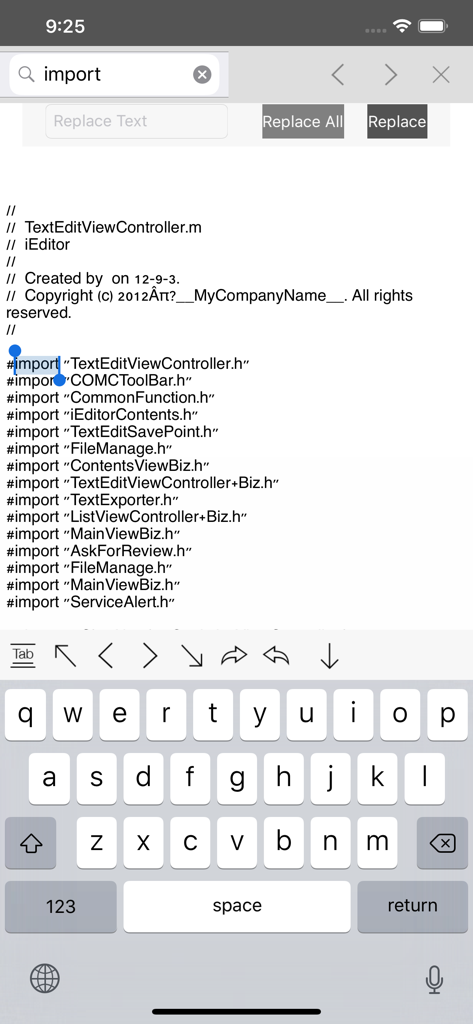
iEditor Pro – Text Code Editor - iEditor Pro 코드 편집기 인터페이스가 모바일 장치에서 검색 및 바꾸기 기능을 보여줍니다.
iEditor Pro 코드 편집기 인터페이스가 모바일 장치에서 검색 및 바꾸기 기능을 보여줍니다.

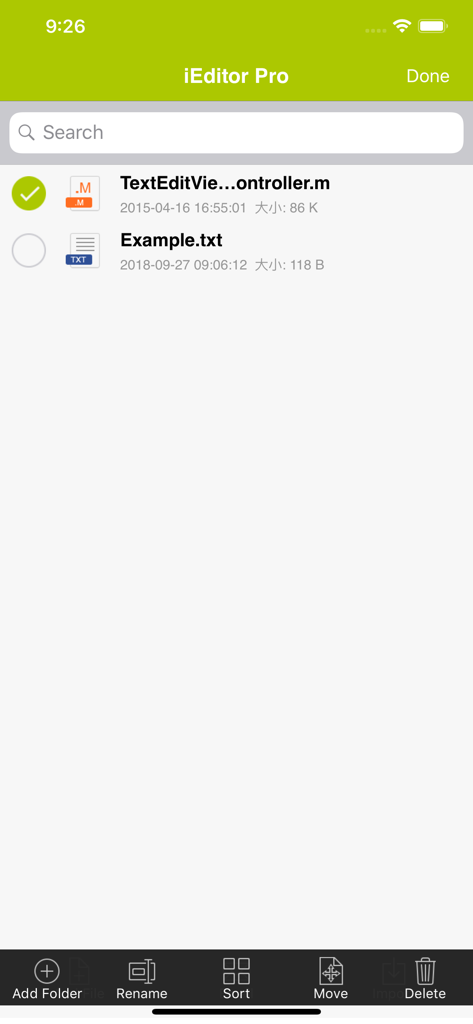
iEditor Pro – Text Code Editor - iEditor Pro 파일 관리 인터페이스는 이름 바꾸기, 정렬 및 이동 옵션과 함께 소스 코드 및 텍스트 파일 목록을 표시합니다.
iEditor Pro 파일 관리 인터페이스는 이름 바꾸기, 정렬 및 이동 옵션과 함께 소스 코드 및 텍스트 파일 목록을 표시합니다.

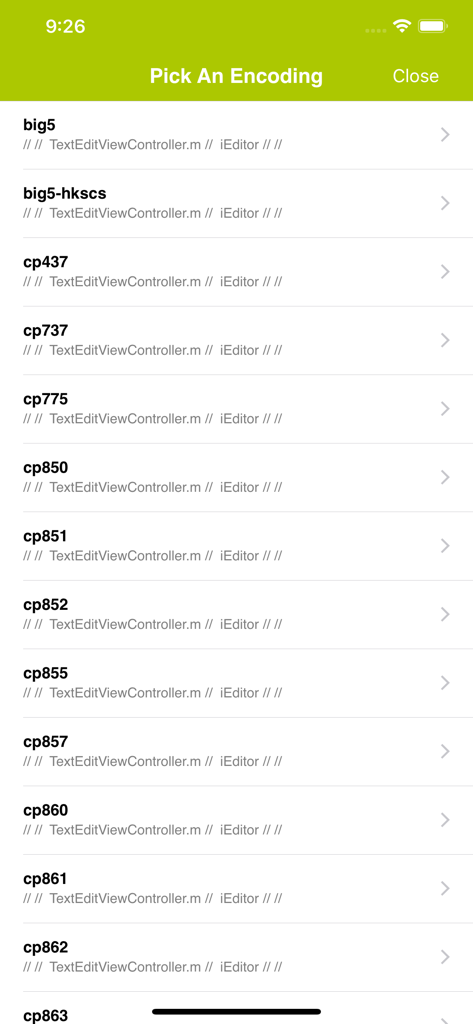
iEditor Pro – Text Code Editor - iEditor Pro의 문자 인코딩 선택 화면은 big5 및 cp437과 같은 텍스트 인코딩 형식 목록을 보여줍니다.

iEditor Pro의 문자 인코딩 선택 화면은 big5 및 cp437과 같은 텍스트 인코딩 형식 목록을 보여줍니다.

설명

iEditor Pro is the Pro Version of iEditor, the No. 1 text file and source code editing tool on iPhone and iPad. You can use iEditor Pro to: - Create a new text or source code file. - Import files from various locations through Document Browser. - Support Syntax Highlighting for C, Java, HTML files. - Edit text based files and source codes. Supported files include: TXT files, C source codes, HTML files, JAVA source codes, log files, Shell scripts, etc. - Support Search/Replace within a text file. - Support to export a text based file to a PDF or a JPEG file. - Support to Print a file. - Support to Email a file. - Support File Management including: Add/Delete/Rename/Sort files. - Support to view many file formats, including: DOC, EXCEL, PPT, PDF, image files, video files, etc. - Support to open a file in another App. - Support to save an image to your Photo Album. With its simple interfaces, iEditor provides the easiest way to edit text and source code files on iPhone and iPad. If you have any questions, please visit: http://www.comcsoft.com/Portfolio/our_apps/iEditor/iEditor_overview.php.

Download

다운로드: App Store

이 페이지는 앱이나 개발자의 공식 페이지가 아니며, 정보 제공 및 논평을 목적으로 작성된 독립 편집 간행물입니다. 명시적으로 달리 언급되지 않는 한, 해당 앱이나 개발자는 MWM, Apple, Google Play, 앱 퍼블리셔 또는 앱 개발자와 제휴, 보증, 후원, 승인 또는 공식적으로 연결되어 있지 않으며, 이 페이지의 어떤 내용도 해당 앱이 MWM의 서비스를 사용하여 개발되었음을 의미하지 않습니다. 모든 상표, 로고, 스크린샷 및 기타 콘텐츠는 해당 소유자의 자산입니다.









