Image Converter to JPG-PDF-PNG
다운로드: App Store

이 페이지는 앱이나 개발자의 공식 페이지가 아니며, 정보 제공 및 논평을 목적으로 작성된 독립 편집 간행물입니다. 명시적으로 달리 언급되지 않는 한, 해당 앱이나 개발자는 MWM, Apple, Google Play, 앱 퍼블리셔 또는 앱 개발자와 제휴, 보증, 후원, 승인 또는 공식적으로 연결되어 있지 않으며, 이 페이지의 어떤 내용도 해당 앱이 MWM의 서비스를 사용하여 개발되었음을 의미하지 않습니다. 모든 상표, 로고, 스크린샷 및 기타 콘텐츠는 해당 소유자의 자산입니다.

로고: Image Converter to JPG-PDF-PNG
다운로드: App Store

Image Converter to JPG-PDF-PNG

HEIC와 웹의 간극을 메우세요. 사진을 PDF로 손쉽게 변환하고, 투명한 PNG를 만들고, Etsy, Canvas 또는 업무용 파일을 몇 초 만에 압축하세요.

주요 수치

다운로드

45K+

사용자 평점

4.5/5

총 평가 수

400

개발사

Asad Ahsan

카테고리

Productivity

지원 언어

69

최신 버전

1.0.25

크기

68.8 MB

출시일

2024년 3월 15일
기능

모바일 워크플로우를 마스터하세요

전문가, 학생 및 크리에이터를 위한 올인원 툴킷으로 모든 이미지 형식을 몇 초 만에 변환, 압축 및 완벽하게 만듭니다.

범용 형식 변환

HEIC, SVG 또는 PNG 파일을 웹 호환 JPG 또는 전문 PDF로 즉시 변환하여 원활한 업로드와 완벽한 호환성을 제공합니다.

스마트 사진 압축

선명도를 잃지 않고 파일 크기를 줄입니다. iPhone 저장 공간을 절약하고 Etsy 또는 Shopify와 같은 엄격한 플랫폼 제한을 충족하는 데 완벽합니다.

다음 스크린샷과 설명은 앱의 공식 스토어 목록에서 직접 가져온 것이며 앱 개발자의 자산입니다.

앱 스토어

스크린샷
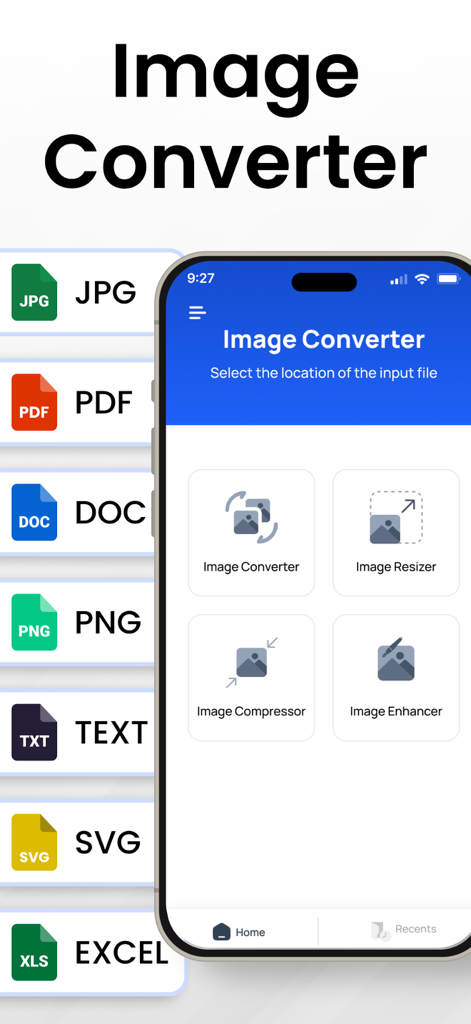
Image Converter to JPG-PDF-PNG - JPG PDF PNG와 같은 형식 간 이미지 변환, 크기 조정 및 압축 도구가 있는 모바일 앱 인터페이스
JPG PDF PNG와 같은 형식 간 이미지 변환, 크기 조정 및 압축 도구가 있는 모바일 앱 인터페이스

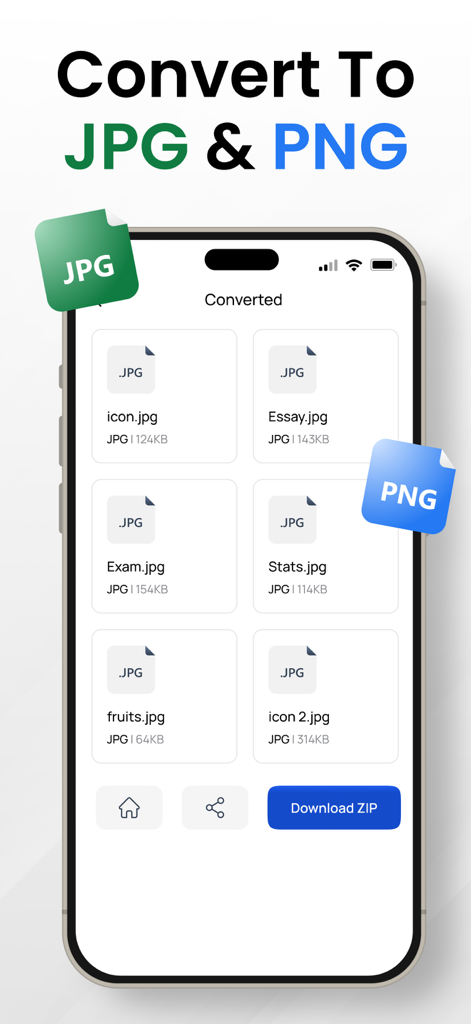
Image Converter to JPG-PDF-PNG - JPG 및 PNG 형식으로의 이미지 변환 결과, 여러 파일이 나열되고 zip 다운로드 옵션이 표시되는 스마트폰 화면.
JPG 및 PNG 형식으로의 이미지 변환 결과, 여러 파일이 나열되고 zip 다운로드 옵션이 표시되는 스마트폰 화면.

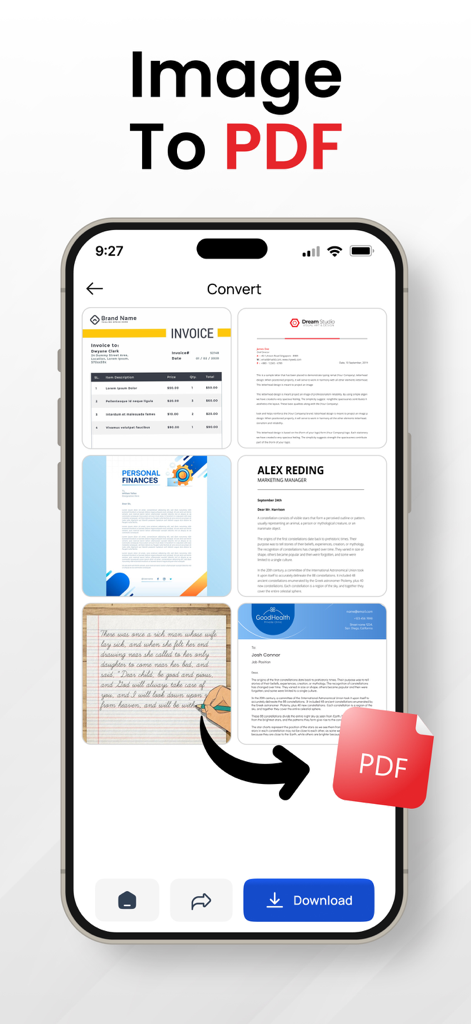
Image Converter to JPG-PDF-PNG - 여러 이미지를 PDF 문서로 변환하는 과정을 보여주는 iPhone 앱 화면
여러 이미지를 PDF 문서로 변환하는 과정을 보여주는 iPhone 앱 화면

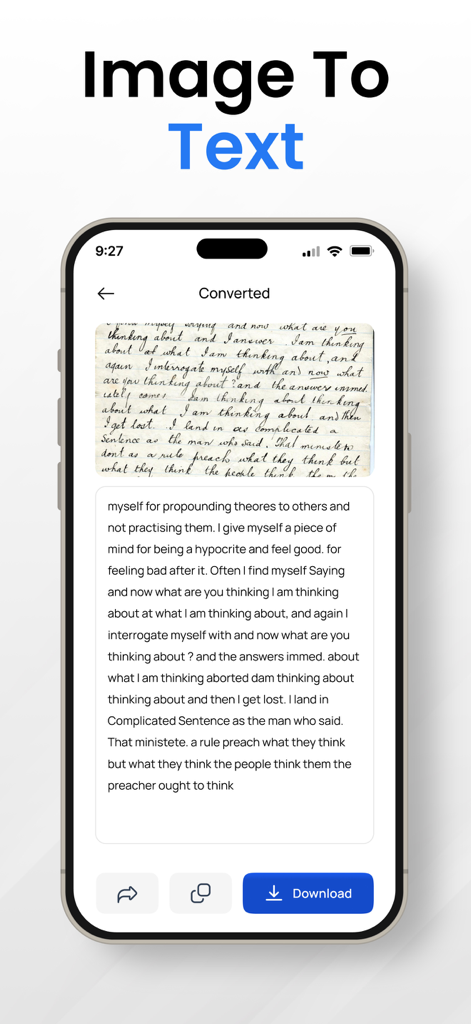
Image Converter to JPG-PDF-PNG - 손글씨 노트를 디지털 텍스트로 변환하는 모바일 앱 인터페이스

손글씨 노트를 디지털 텍스트로 변환하는 모바일 앱 인터페이스

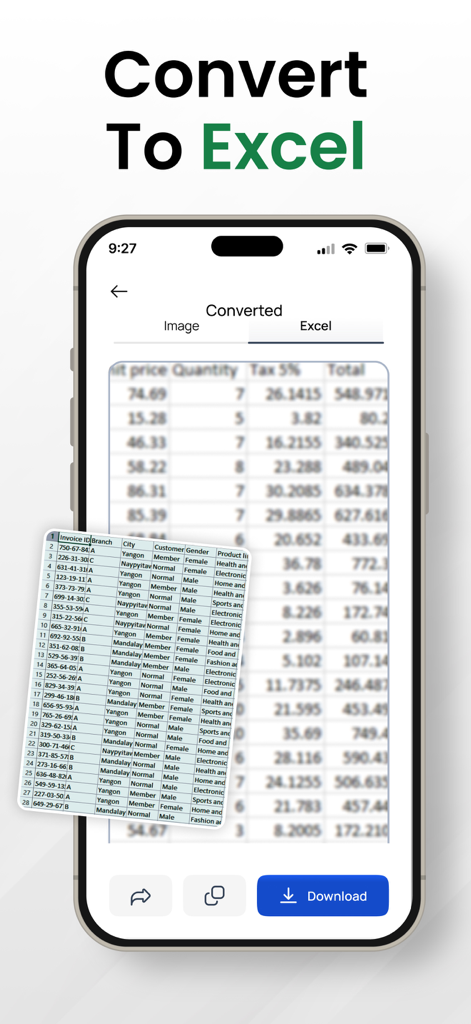
Image Converter to JPG-PDF-PNG - Excel 스프레드시트로 변환되는 이미지를 보여주는 스마트폰 인터페이스
Excel 스프레드시트로 변환되는 이미지를 보여주는 스마트폰 인터페이스

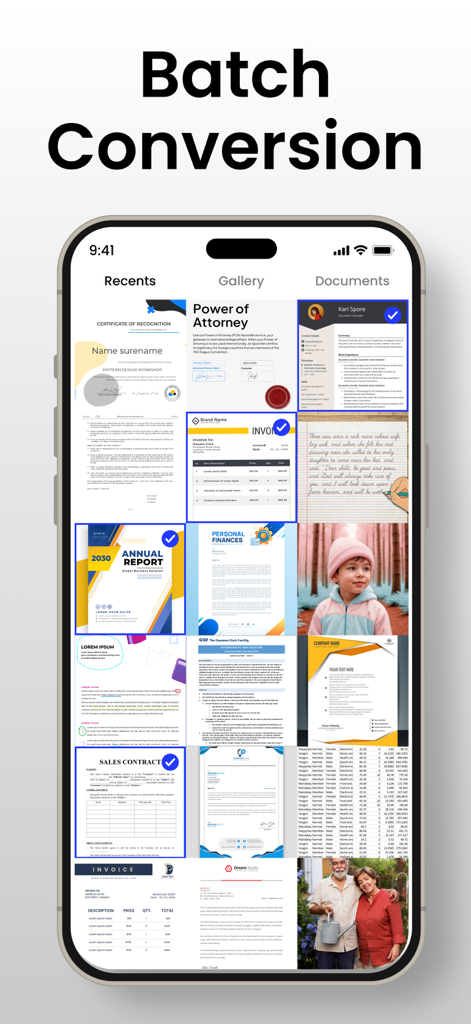
Image Converter to JPG-PDF-PNG - 처리할 여러 문서와 사진이 선택된 일괄 변환 기능을 보여주는 스마트폰 화면.
처리할 여러 문서와 사진이 선택된 일괄 변환 기능을 보여주는 스마트폰 화면.

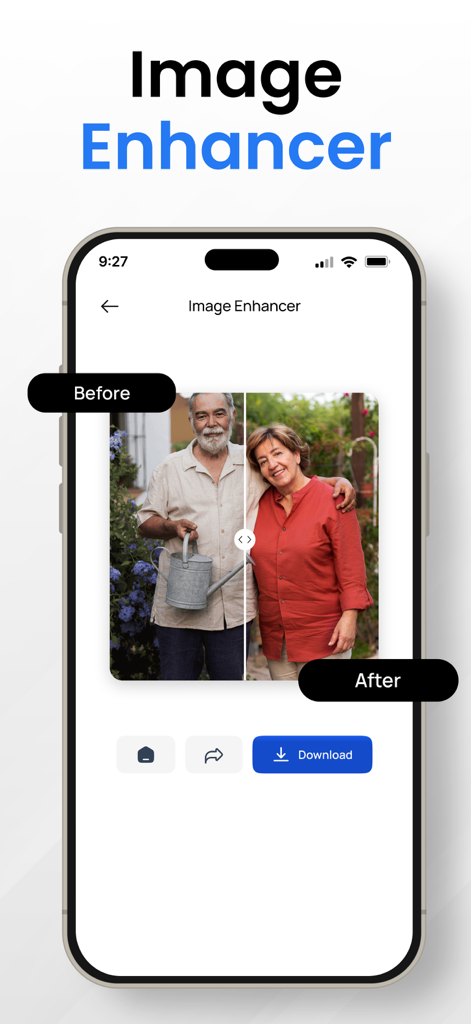
Image Converter to JPG-PDF-PNG - 사진의 전후 비교를 보여주는 이미지 향상 기능의 스크린샷.

사진의 전후 비교를 보여주는 이미지 향상 기능의 스크린샷.

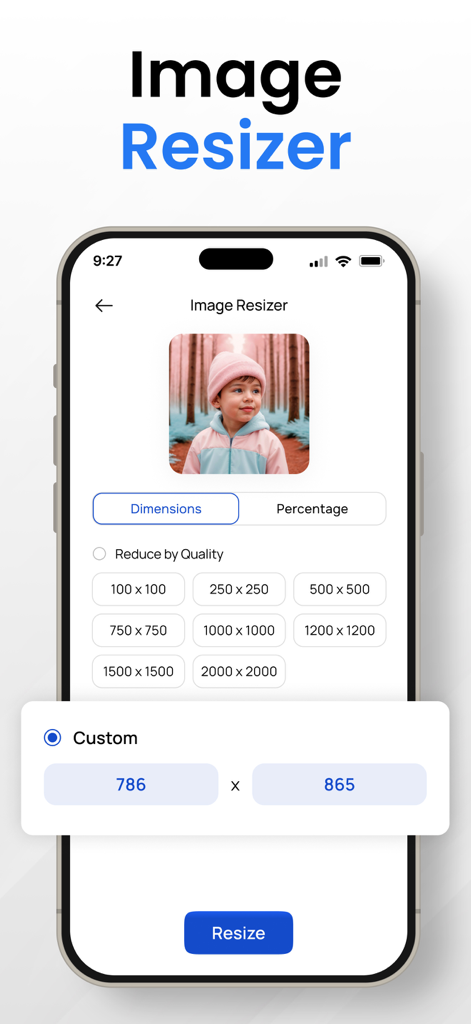
Image Converter to JPG-PDF-PNG - 사용자 지정 차원 설정이 있는 모바일 애플리케이션의 이미지 크기 조정기 기능
사용자 지정 차원 설정이 있는 모바일 애플리케이션의 이미지 크기 조정기 기능

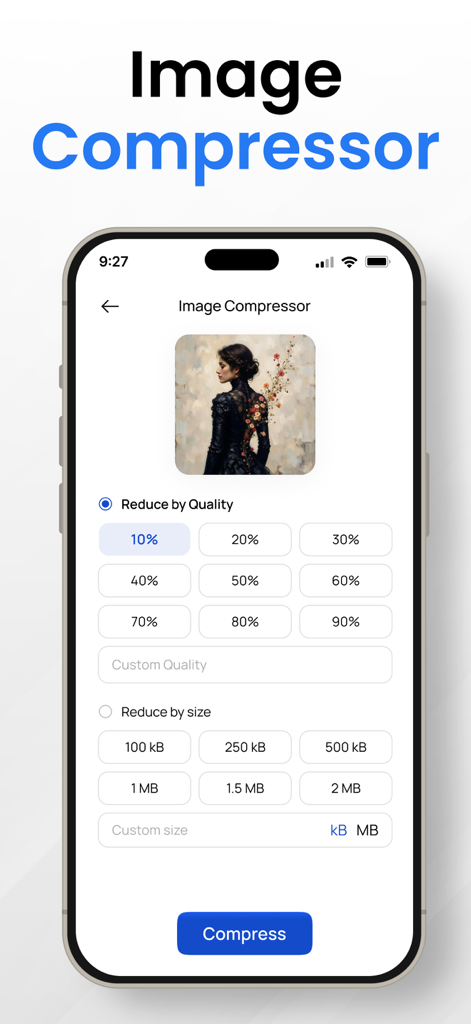
Image Converter to JPG-PDF-PNG - 파일 크기 및 품질을 줄이는 옵션을 보여주는 이미지 압축기 기능의 모바일 인터페이스

파일 크기 및 품질을 줄이는 옵션을 보여주는 이미지 압축기 기능의 모바일 인터페이스

설명

Introducing the ultimate Image Converter App, a versatile and powerful tool that effortlessly transforms your digital imagery with a myriad of features. This file converter app is your go-to solution for seamlessly converting between various image formats, including PNG converter, JPG to PDF, SVG converter, heic converter, and more. Whether you're a photography enthusiast, a professional designer, or simply someone who loves to capture moments, this jpeg png image file converter ensures your images are perfectly tailored to your needs. Key Features Image Converter app : 1. PNG Converter: Transform your images into the high-quality PNG format with just a few taps. Preserve transparency and vibrant colors, making it ideal for graphics, logos, and digital art. 2. JPG to PDF: Need to compile your JPG images into a professional-looking PDF document? Our jpeg png image file converter app effortlessly converts your JPEG files into a PDF, maintaining image quality and layout. 3. Image Converter: Enjoy the flexibility of converting images between a wide range of formats. Whether it's JPEG, PNG, SVG, heic converter or others, our convert to jpg app supports the most popular formats to meet your diverse needs. 4. File Converter: Experience the convenience of an all-in-one file converter. No more juggling between different apps – convert images to various formats seamlessly within a single app. 5. Compress Photos: Optimize your storage space by compressing photos without compromising quality. Our heic converter app ensures that your images maintain their clarity while reducing file sizes for easy sharing and storage. 6. PNG Maker: Create PNG images effortlessly. Our convert to jpg app empowers you to craft stunning PNG files with transparency, perfect for logos, icons, and any graphics where a clear background is essential. 7. SVG Converter: Embrace vector graphics with our SVG converter. Convert raster images to scalable vector graphics for a crisp and resizable output. 8. Picture Converter: Transform your pictures into the desired format effortlessly. Our photo converter app supports a wide range of image types, giving you the flexibility to work with your visual content as you see fit. 9. Photo Compressor: Strike the perfect balance between quality and file size. Our photo compressor lets you reduce the size of your images while maintaining remarkable clarity. 10. Converter App: The all-inclusive solution for your conversion needs. This photo converter app is designed for user convenience, offering a user-friendly interface and robust functionality. 11. Photo Converter: Convert photos effortlessly between different formats. Whether you need a JPEG, PNG, or any other format, our png converter app has you covered. 12. Convert to JPG: Easily convert images to the widely supported JPG format. Share your images seamlessly across various platforms without worrying about compatibility issues. 13. PNG Converter PDF: Merge the power of PNG and PDF formats. Convert PNG images into a single PDF document for easy sharing and archiving. 14. JPEG Converter App: Enjoy the simplicity and efficiency of our JPEG converter app. Convert images to JPEG format with speed and quality assurance. Revolutionize the way you handle and manipulate your digital imagery with the Image Converter App. Download now and unlock a world of possibilities for your photos and graphics. Whether you're a creative professional or an everyday user, this png converter app is your key to image transformation and optimization. Privacy Policy: https://theonlineconverter.com/privacy-policy Terms of Service: https://theonlineconverter.com/terms

Download

다운로드: App Store

이 페이지는 앱이나 개발자의 공식 페이지가 아니며, 정보 제공 및 논평을 목적으로 작성된 독립 편집 간행물입니다. 명시적으로 달리 언급되지 않는 한, 해당 앱이나 개발자는 MWM, Apple, Google Play, 앱 퍼블리셔 또는 앱 개발자와 제휴, 보증, 후원, 승인 또는 공식적으로 연결되어 있지 않으며, 이 페이지의 어떤 내용도 해당 앱이 MWM의 서비스를 사용하여 개발되었음을 의미하지 않습니다. 모든 상표, 로고, 스크린샷 및 기타 콘텐츠는 해당 소유자의 자산입니다.