Inkpad Notepad - Notes - To do

Inkpad Notepad - Notes - To do

다운로드: App Store
로고: Inkpad Notepad - Notes - To do

Inkpad 메모장: 작동하는 간단한 메모와 할 일 목록

디지털 동기화의 강력함으로 종이 메모장의 편안함을 경험하세요. 신뢰할 수 있는 자동 저장으로 휴대폰이나 웹 브라우저에서 쇼핑 목록과 일상 작업을 쉽게 관리하세요.

개발사

Workpail, LLC

카테고리

Productivity

다운로드

1M+

사용자 평점

4.6/5

총 평가 수

8K+

지원 언어

1

모든 메모의 단순함

이 인터페이스를 사용하는 1M+ 명의 사용자.

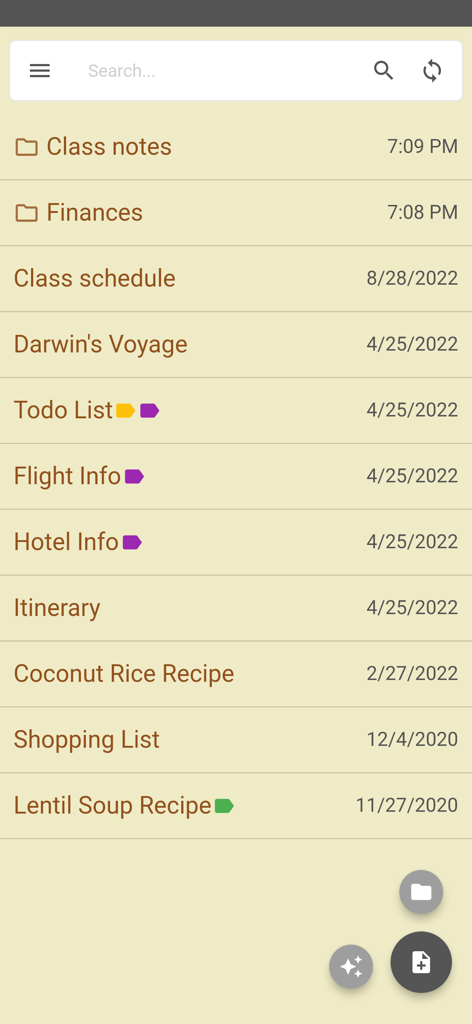
종이 같은 미학으로 메모와 폴더 목록을 표시하는 Inkpad 메모장 앱 화면
종이 같은 미학으로 메모와 폴더 목록을 표시하는 Inkpad 메모장 앱 화면

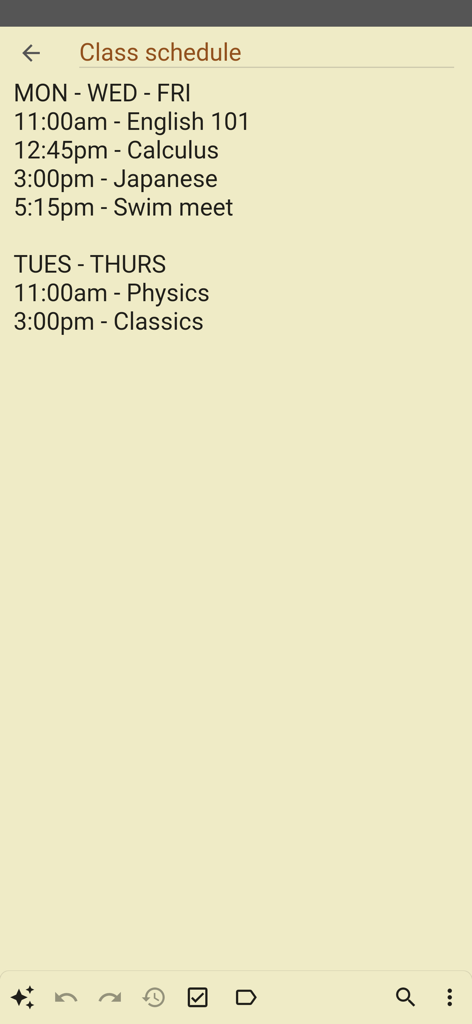
종이 같은 배경에 과정과 시간이 나열된 수업 일정이라는 제목의 간단한 디지털 메모
종이 같은 배경에 과정과 시간이 나열된 수업 일정이라는 제목의 간단한 디지털 메모

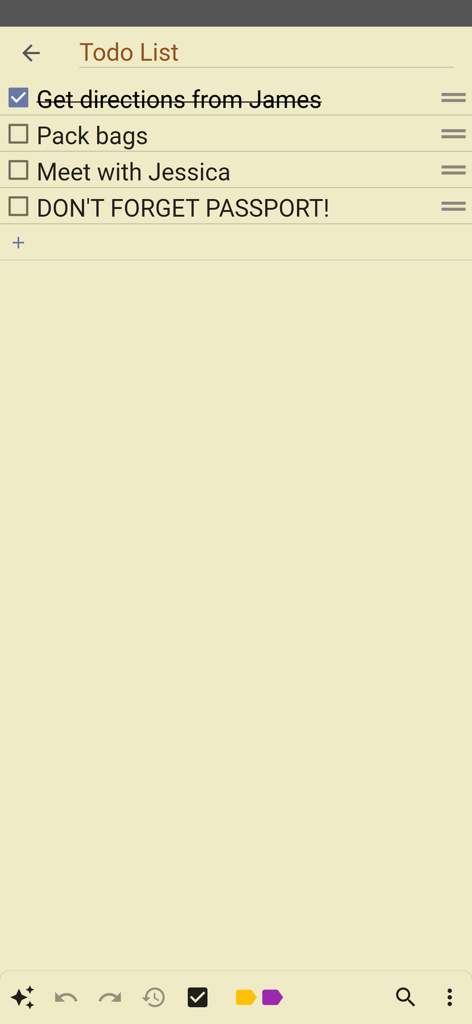
Inkpad 메모장 앱의 노란색 종이 배경에 있는 간단한 할 일 목록
Inkpad 메모장 앱의 노란색 종이 배경에 있는 간단한 할 일 목록

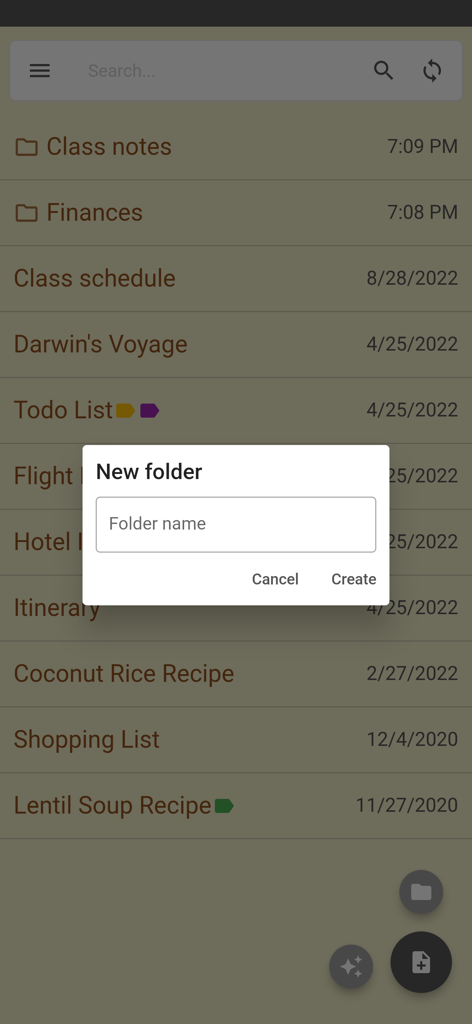
Inkpad 메모장 앱의 새 폴더 생성 화면
Inkpad 메모장 앱의 새 폴더 생성 화면

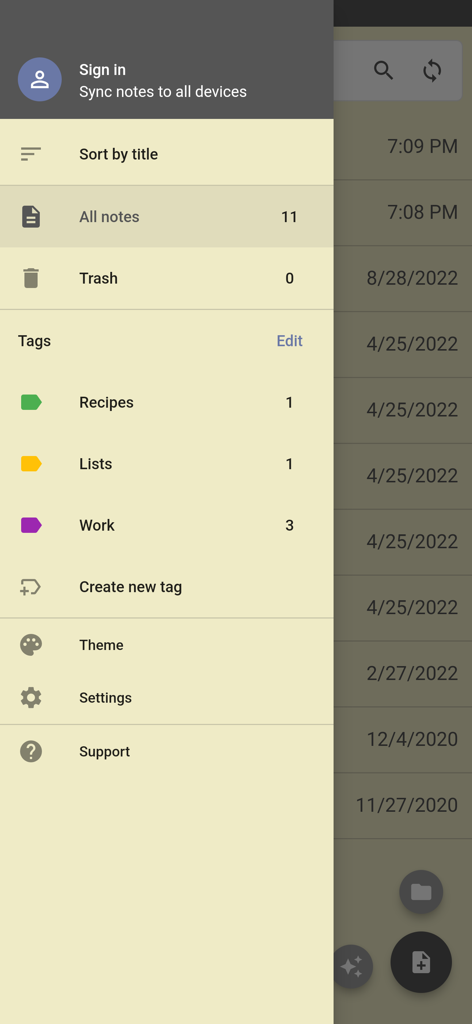
메모 정렬 태그 및 계정 설정 옵션을 보여주는 Inkpad 메모장 측면 탐색 메뉴
메모 정렬 태그 및 계정 설정 옵션을 보여주는 Inkpad 메모장 측면 탐색 메뉴

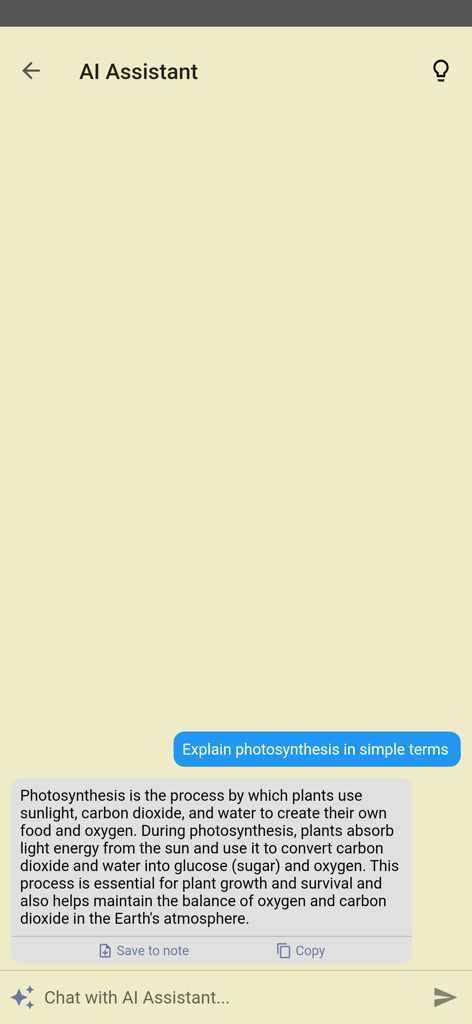
간단한 채팅 인터페이스에서 질문에 답하는 Inkpad 메모장의 AI 어시스턴트 기능
간단한 채팅 인터페이스에서 질문에 답하는 Inkpad 메모장의 AI 어시스턴트 기능

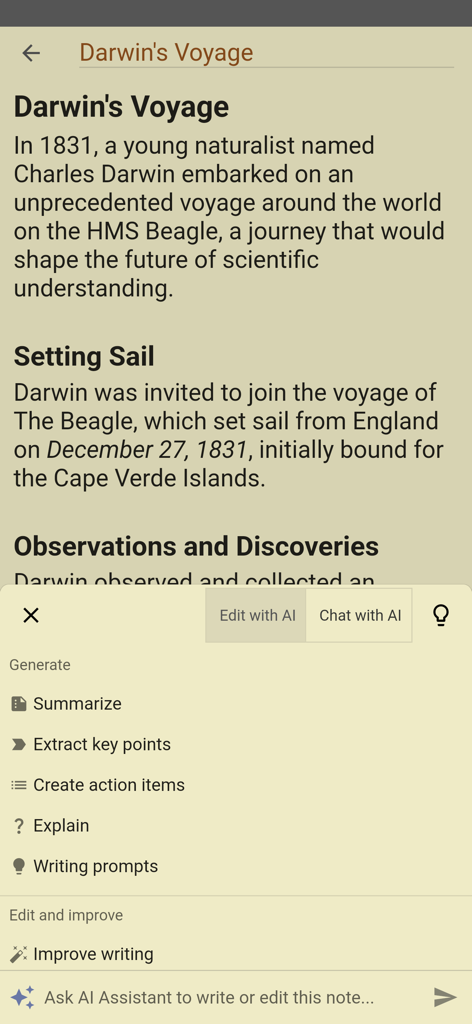
요약 및 글쓰기 개선과 같은 옵션이 있는 Inkpad 메모장의 AI 어시스턴트 메뉴 표시
요약 및 글쓰기 개선과 같은 옵션이 있는 Inkpad 메모장의 AI 어시스턴트 메뉴 표시

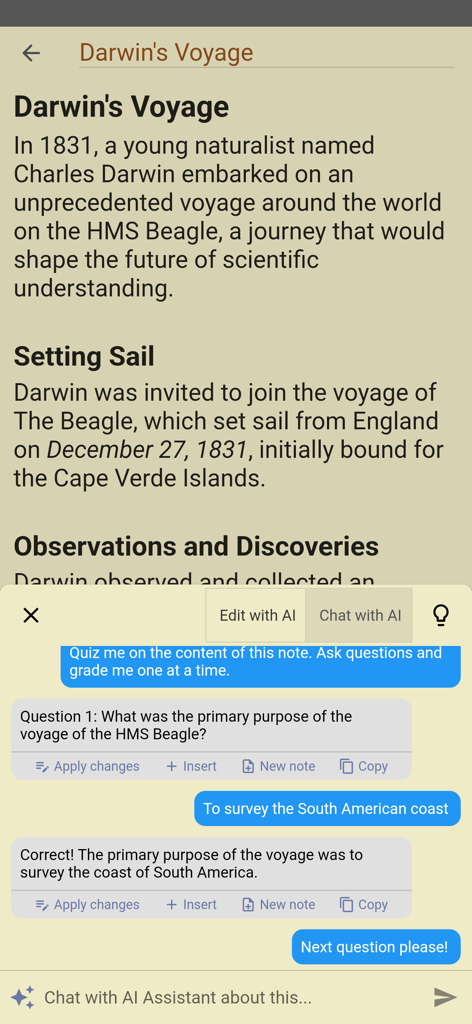
Darwin의 항해에 대한 메모에 대해 사용자에게 퀴즈를 내는 AI 어시스턴트를 보여주는 Inkpad 메모장의 모바일 인터페이스

Darwin의 항해에 대한 메모에 대해 사용자에게 퀴즈를 내는 AI 어시스턴트를 보여주는 Inkpad 메모장의 모바일 인터페이스

바쁜 당신의 삶을 위한 간단한 메모

이 앱을 돋보이게 하는 도구, 1M+ 명의 사용자가 선택.

📝

종이 메모장과 똑같아요

복잡한 메뉴나 서식은 없습니다. 탭하여 쓰기만 하면 실제 법률 패드처럼 자동으로 저장됩니다.

💻

컴퓨터에서도 액세스 가능

웹사이트를 통해 컴퓨터 키보드로 편안하게 긴 메모나 목록을 입력하고, 이동 중일 때는 휴대폰에서 즉시 찾을 수 있습니다.

🛒

목록 및 작업에 완벽

어떤 메모든 쇼핑 목록이나 일일 할 일로 쉽게 전환할 수 있습니다. 집, 직장, 상점 어디에서든 체계적이고 생산적으로 유지하세요.

앱 소개

에 대해 알아야 할 모든 것 Inkpad Notepad - Notes - To do.

설명

InkPad Notepad is the simple, elegant, easy way to keep notes on your phone, or on the web. Once upon a time, you had to write down notes in a paper notepad and carry it around with you. If you wrote a shopping list or to do list, you might go to the store and discover you had forgotten your notepad. But how often do you forget to bring your mobile phone with you? Introducing InkPad, the notepad you’ll only forget as often as your phone! Inkpad Notepad let's you access your notes online on our website. You can create or edit notes from the convenience of your computer's web browser, and always have access to your notes from your phone when you're offline too. CREATE NOTES InkPad is designed to look like a paper notepad, and is just as simple to use. When you open InkPad, you’ll see a list of all notes you’ve created. To add a new note, tap on the “+” button at the bottom of the screen. CREATE TO DO LIST Create a note as usual, then select the "to do list" button at the top of the note screen. CREATE SHOPPING LIST Create a note as usual, then select the "shopping list" button at the top of the note. EDIT NOTE OR TO DO LIST Now you can write your note. Just like a paper notepad, you don’t have to do anything special to save your notes, they are auto-saved for you. SAVE As mentioned above, notes are auto-saved. You don’t have to do anything special to save them. SYNC NOTES ONLINE Inkpad Notepad lets you sync/backup notes online. You can access your online notes on our website by signing in with the same account you selected in the mobile app. SEARCH YOUR NOTES OR TO DO LISTS Inkpad Notepad now gives you an option to search your notes or to do lists. From the home screen, tap on the search icon, then begin writing. As you write, the list of notes will be filtered to only display notes containing the search keyword. Press the "X" button to clear the note search, and view all notes as usual. SHARE NOTES At the bottom of each note is a “share” button. Tapping it brings up all the ways to share. Typical ways include email, SMS, etc. CHANGE NOTE’S TITLE To change a notes title, tap on the title area at the top of that note. DELETE NOTE If you don’t want a note any longer, you can delete it in several ways: 1) Open the note, tap the “delete” button at the bottom of the page. 2) From the main notes screen, swipe-left the title of a note, then tap on “delete”. BACKUP NOTES To backup a note, press the share button and email to yourself the note you want to backup. TYPICAL USES Write To do lists, shopping lists, addresses, email, SMS, Twitter updates*, write lyrics, poems, or even a novel if you feel like it! The uses are limited only by your imagination. Follow @InkpadNotes on twitter and facebook to receive updates about InkPad Note pad. *Assumes separate Twitter client is installed, Twitter cannot post note pad content longer than 140 characters. Privacy Policy: https://www.inkpadnotepad.com/privacy Terms of Use: https://www.inkpadnotepad.com/terms

최신 버전

6.3.59

크기

67.3 MB

출시일

2015년 7월 27일

당신의 메모, 필요한 곳에 정확하게

즉각적인 동기화의 편리함으로 종이 메모장의 단순함을 경험하세요. 1백만 명 이상의 사용자와 함께 인생을 체계적으로 관리하고 목록을 손쉽게 이용하세요.

다운로드: App Store

App information, icons, screenshots, and descriptions displayed on this page are sourced from the Apple App Store and are the property of their respective developers. Download estimates and rankings are based on MWM's proprietary models and may not reflect actual figures. This page is provided for informational and analytical purposes only.

Believe this page infringes your intellectual property? File a dispute