KUPERTINO BIL. YAZ. HALIL IBRAHIM KARAHAN SAFFET ARSLAN MUSTAFA AYTEN MUHAMMET YALCIN OZDEMIR K. S.
이 페이지는 앱이나 개발자의 공식 페이지가 아니며, 정보 제공 및 논평을 목적으로 작성된 독립 편집 간행물입니다. 명시적으로 달리 언급되지 않는 한, 해당 앱이나 개발자는 MWM, Apple, Google Play, 앱 퍼블리셔 또는 앱 개발자와 제휴, 보증, 후원, 승인 또는 공식적으로 연결되어 있지 않으며, 이 페이지의 어떤 내용도 해당 앱이 MWM의 서비스를 사용하여 개발되었음을 의미하지 않습니다. 모든 상표, 로고, 스크린샷 및 기타 콘텐츠는 해당 소유자의 자산입니다.
JPG to PDF - PDF Convertor
사진을 선명한 PDF로 쉽게 변환하고, PDF-to-Word로 편집하고, 파일을 몇 초 안에 병합하거나 압축하세요. 이동 중에 있는 학생, 프리랜서 및 전문가를 위해 제작된 간단하고 깔끔한 도구.
주요 수치
다운로드
8K+
사용자 평점
4.5/5
총 평가 수
0
개발사
KUPERTINO BIL. YAZ. HALIL IBRAHIM KARAHAN SAFFET ARSLAN MUSTAFA AYTEN MUHAMMET YALCIN OZDEMIR K. S.
카테고리
Productivity
지원 언어
1
최신 버전
1.0.2
크기
106.1 MB
출시일
2025년 9월 25일
기능
완벽한 모바일 문서 스튜디오
영수증 스캔부터 계약서 편집까지, 저희 도구는 워크플로우를 단순화합니다. 고품질 변환, 스마트 구성 및 강력한 압축 기능을 모두 손안에서 경험하세요.
즉각적인 사진-PDF 변환
카메라 촬영 또는 갤러리 이미지를 선명하고 전문적인 PDF로 변환하세요. 간단한 드래그 앤 드롭 도구로 여백, 방향 및 페이지 순서를 제어하세요.
원활한 PDF-Word 편집
몇 초 안에 정적 파일에서 편집 가능한 텍스트로 이동하세요. 데스크톱 컴퓨터 없이 제안서, 계약서 또는 에세이를 수정하는 데 완벽합니다.
다음 스크린샷과 설명은 앱의 공식 스토어 목록에서 직접 가져온 것이며 앱 개발자의 자산입니다.
앱 스토어
스크린샷
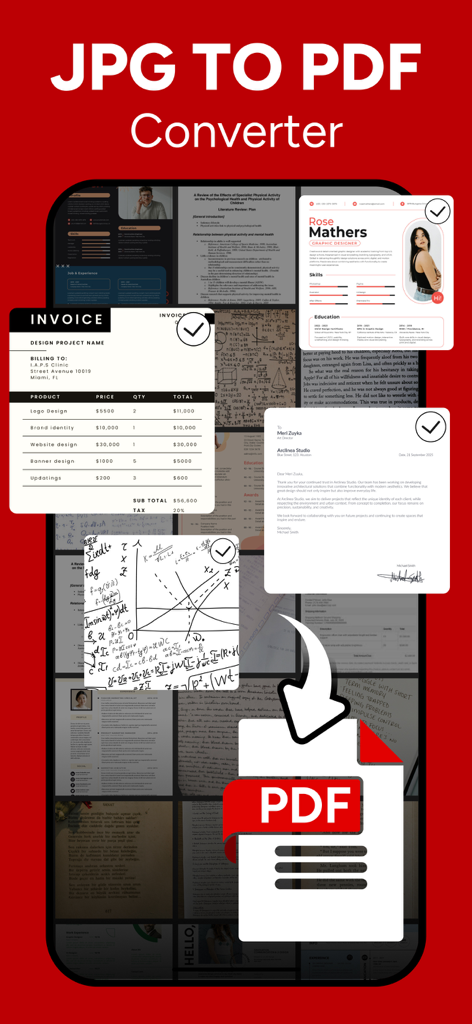
모바일 앱 화면에 이미지와 문서가 PDF 파일로 변환되는 모습
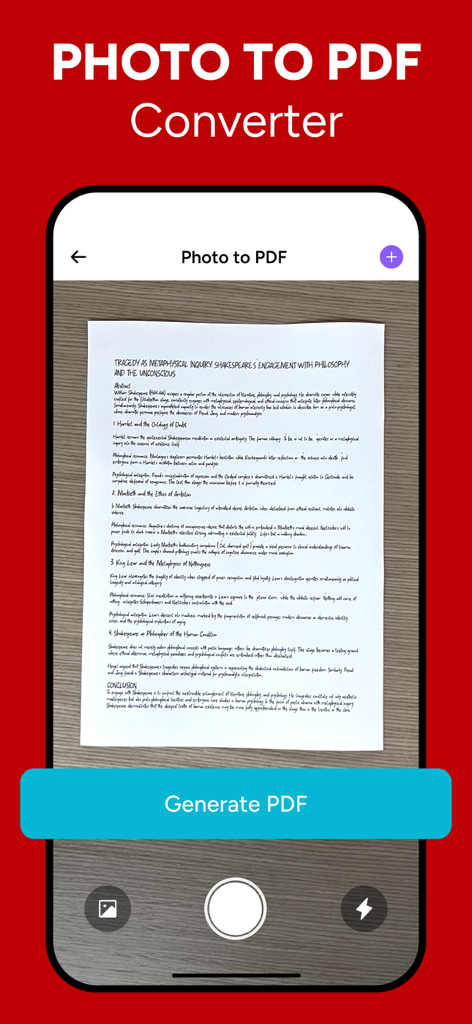
iPhone 앱 화면에 문서가 스캔되어 사진에서 PDF로 변환되는 모습
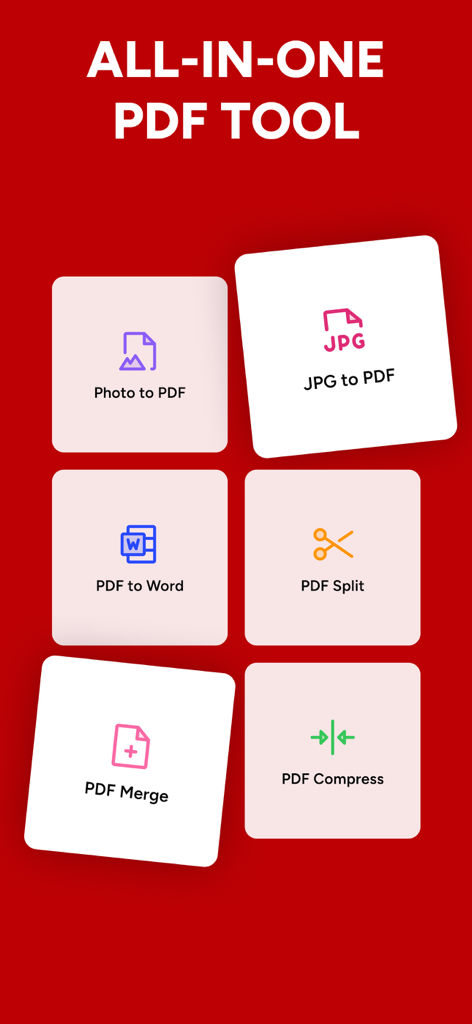
Photo to PDF, JPG to PDF, PDF to Word, PDF Split, PDF Merge, PDF Compress를 포함한 6가지 다른 PDF 도구 아이콘이 있는 빨간색 배경.
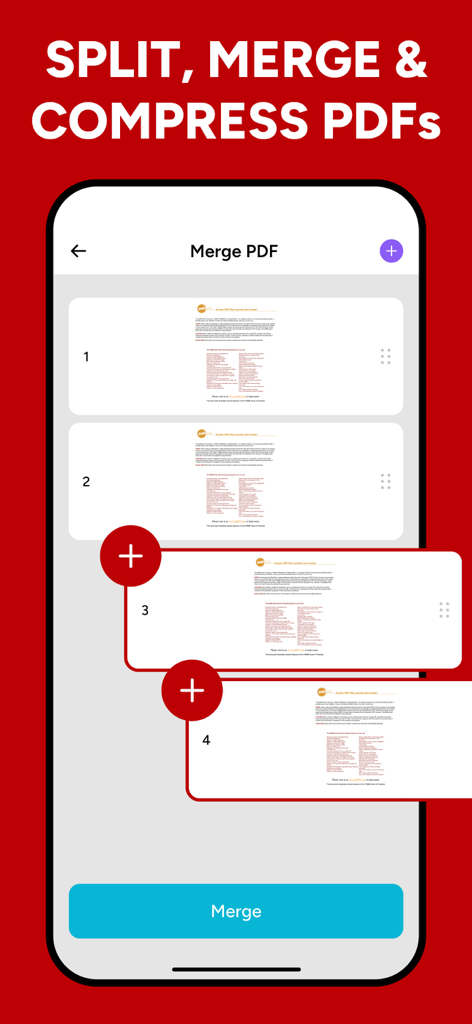
모바일 앱에서 여러 페이지가 결합되는 PDF 병합 기능 인터페이스
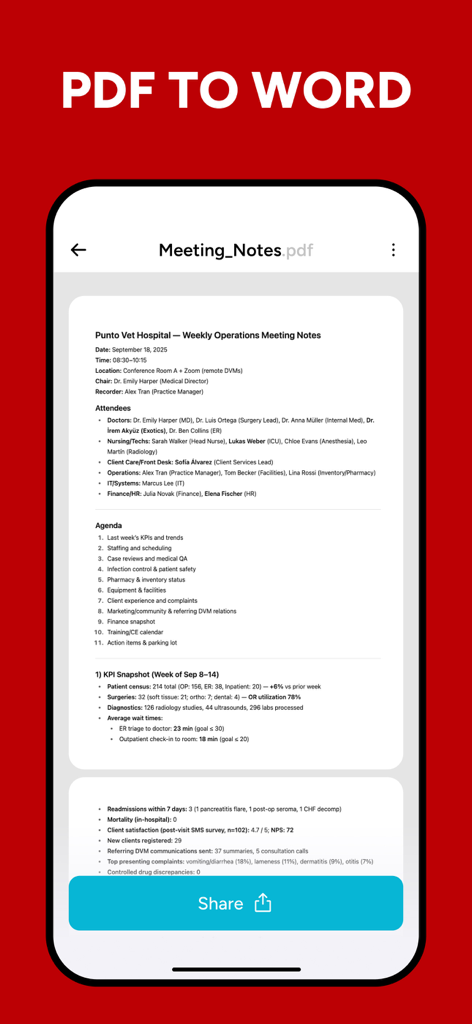
회의록 PDF 문서와 Word 변환 및 공유 옵션을 보여주는 모바일 앱 인터페이스
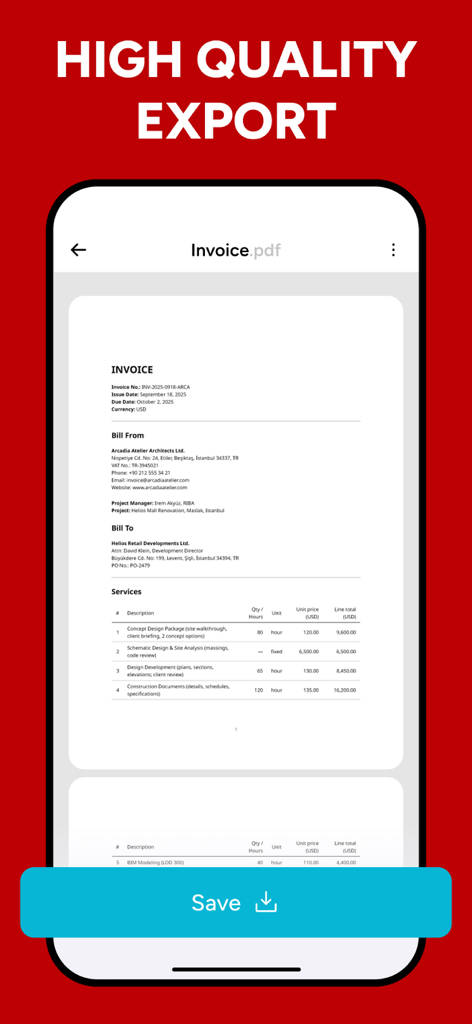
고품질 PDF 내보내기 준비가 된 전문 송장 문서를 보여주는 모바일 애플리케이션 인터페이스
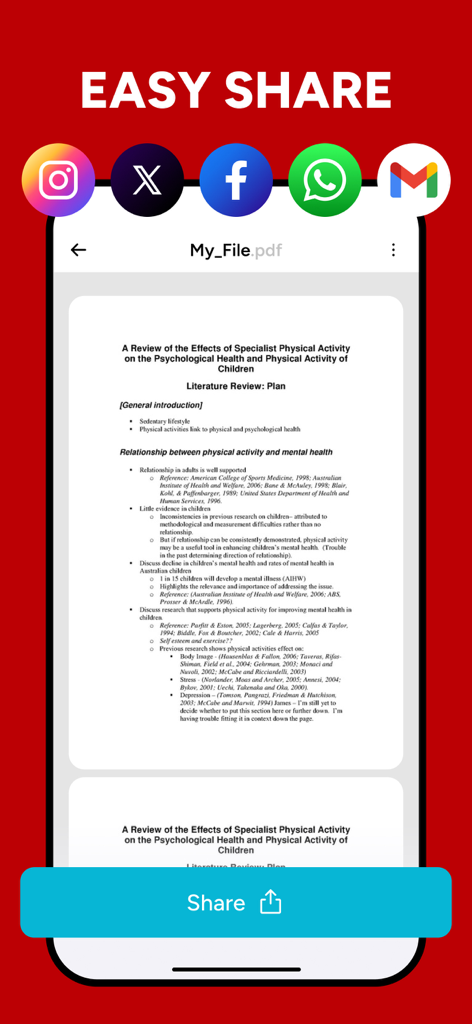
문서 미리 보기와 소셜 미디어 및 이메일 공유 아이콘을 보여주는 PDF 변환기 앱의 쉬운 공유 화면
설명
JPG to PDF - PDF Convertor:
Convert files into high-quality PDFs in seconds. Create, combine, compress, and convert files with a clear, modern interface that keeps everything simple and accurate. It’s built to handle everyday tasks like jpg to pdf, photo to pdf, and pdf to word with the care you expect from a precise pdf editor and a dependable pdf converter—no clutter, just practical tools that work.
Quality comes first. Images stay sharp, text remains readable, and page order is always under your control. Choose page size, margins, and orientation; reorder or remove pages; and rename files so your library stays tidy. If you regularly need quick image-to-document conversions or photo to pdf, you’ll appreciate how fast it is to go from gallery to finished file.
Smart organization is built in. Group related materials and export only the pages you need for sharing or archiving. Your workflow stays predictable and professional—ideal for students, freelancers, and teams who need reliable results from a lightweight pdf editor and a straightforward pdf converter.
JPG to PDF
Turn any selection of images into a neat multi-page document. Adjust fit, set margins, and choose orientation per image or for the whole file. Reorder with drag-and-drop and preview before saving so your jpg to pdf output reads perfectly from start to finish.
Photo to PDF
Create polished documents straight from your camera roll. Keep original quality or optimize for smaller file size, and apply consistent page size for professional results. For portfolios, study notes, or travel receipts, this feature delivers clean layout and predictable sizing.
PDF to Word
Move from static documents to editable text in moments. Preserve structure where possible so headings, paragraphs, and lists transfer cleanly for further editing. Great for proposals, contracts, or essays that need small edits. Convert to an editable format to revise content, fix formatting, and collaborate using familiar tools. When your final pass is done, convert back to a shareable file in one step.
PDF Merge
Combine multiple documents into one cohesive package. Arrange the order, drop duplicates, and produce a single file that’s easy to send and archive. Merging is ideal for assembling reports, bundling course materials, or delivering handouts as one download.
PDF Split
Extract the exact pages you need from a longer document. Separate chapters, pull attachments, or create concise summaries for quick sharing. Splitting helps you keep large files manageable while focusing attention on what matters most.
PDF Compress
Reduce file size while maintaining clarity. Choose a balanced, high, or lighter compression level for email, messaging apps, or uploads. Compression pairs naturally with conversion so the end result is both sharp and lightweight.
Designed to feel familiar from the first use, the app gives you dependable tools. Whether you’re preparing a portfolio, sending receipts, or archiving research, it streamlines jpg to pdf, photo to pdf, and pdf to word into a clean, repeatable flow. If you need a reliable pdf editor and a versatile pdf converter, this is the toolkit that fits your pocket and your day.
Privacy Policy: https://kupertinolabs.com/privacy-policy
Terms of Use: https://kupertinolabs.com/terms-of-use
이 페이지는 앱이나 개발자의 공식 페이지가 아니며, 정보 제공 및 논평을 목적으로 작성된 독립 편집 간행물입니다. 명시적으로 달리 언급되지 않는 한, 해당 앱이나 개발자는 MWM, Apple, Google Play, 앱 퍼블리셔 또는 앱 개발자와 제휴, 보증, 후원, 승인 또는 공식적으로 연결되어 있지 않으며, 이 페이지의 어떤 내용도 해당 앱이 MWM의 서비스를 사용하여 개발되었음을 의미하지 않습니다. 모든 상표, 로고, 스크린샷 및 기타 콘텐츠는 해당 소유자의 자산입니다.