
이 페이지는 앱이나 개발자의 공식 페이지가 아니며, 정보 제공 및 논평을 목적으로 작성된 독립 편집 간행물입니다. 명시적으로 달리 언급되지 않는 한, 해당 앱이나 개발자는 MWM, Apple, Google Play, 앱 퍼블리셔 또는 앱 개발자와 제휴, 보증, 후원, 승인 또는 공식적으로 연결되어 있지 않으며, 이 페이지의 어떤 내용도 해당 앱이 MWM의 서비스를 사용하여 개발되었음을 의미하지 않습니다. 모든 상표, 로고, 스크린샷 및 기타 콘텐츠는 해당 소유자의 자산입니다.


Lens - PDF Scanner and Editor
이 앱은 종이 더미를 디지털 명령으로 변환하는 당신의 권한입니다.
다운로드
100k+사용자 평점
총 평가 수
4.5K개발사
카테고리
Productivity지원 언어
12최신 버전
1.1.7크기
335.7 MB출시일
2025년 12월 19일생산성 향상을 위한 핵심 기능 평가
'Lens - PDF Scanner and Editor' 주요 기능 분석
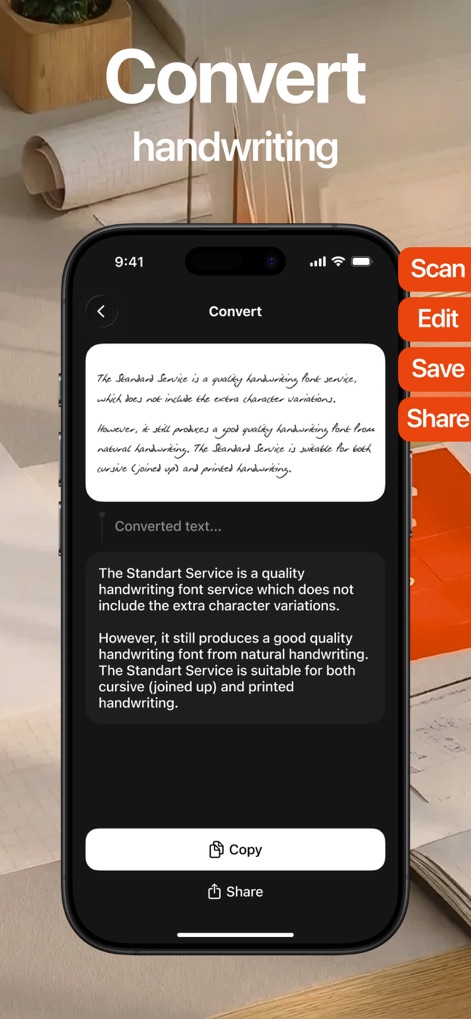
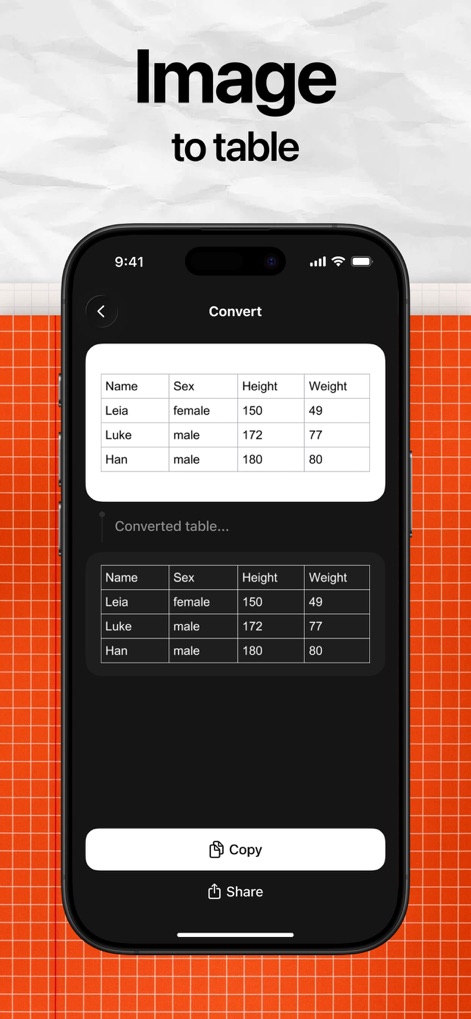
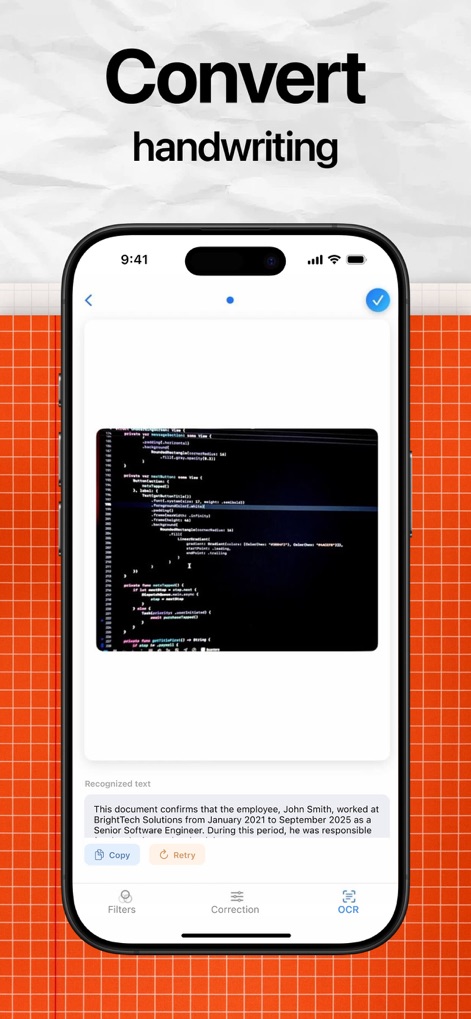
OCR 텍스트 인식
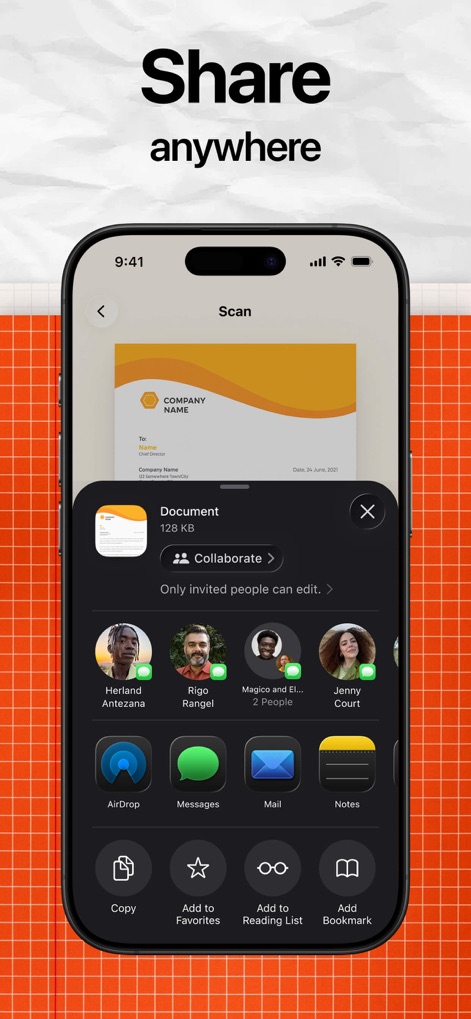
사용자가 스캔한 문서에 광학 문자 인식(OCR) 기능을 적용하여 텍스트를 검색 가능하게 하고 쉽게 공유할 수 있도록 돕습니다.
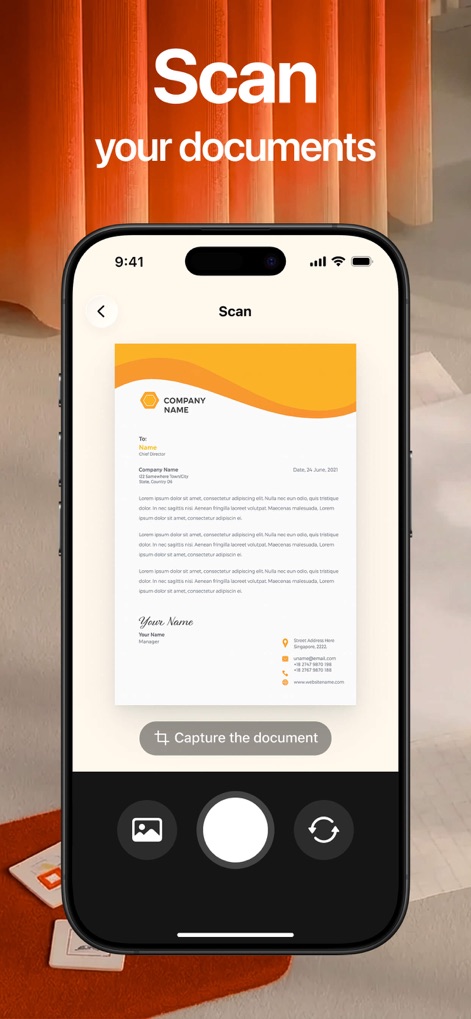
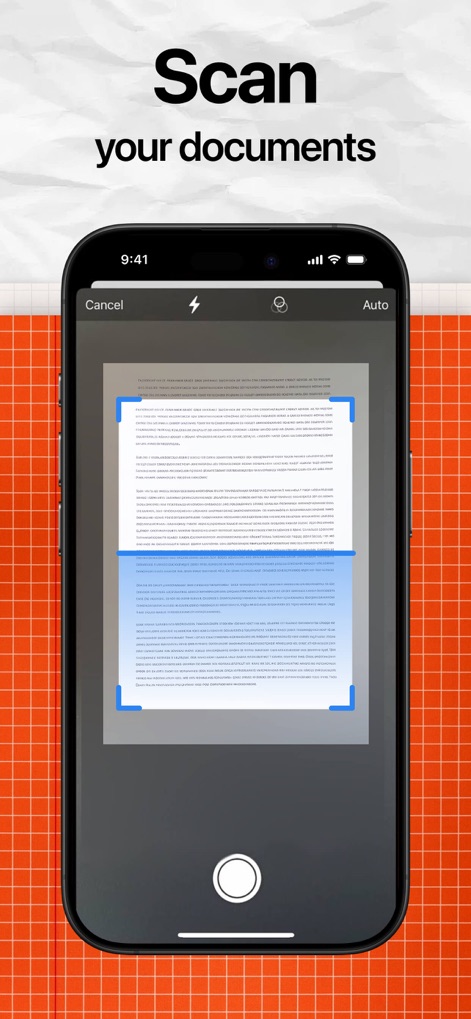
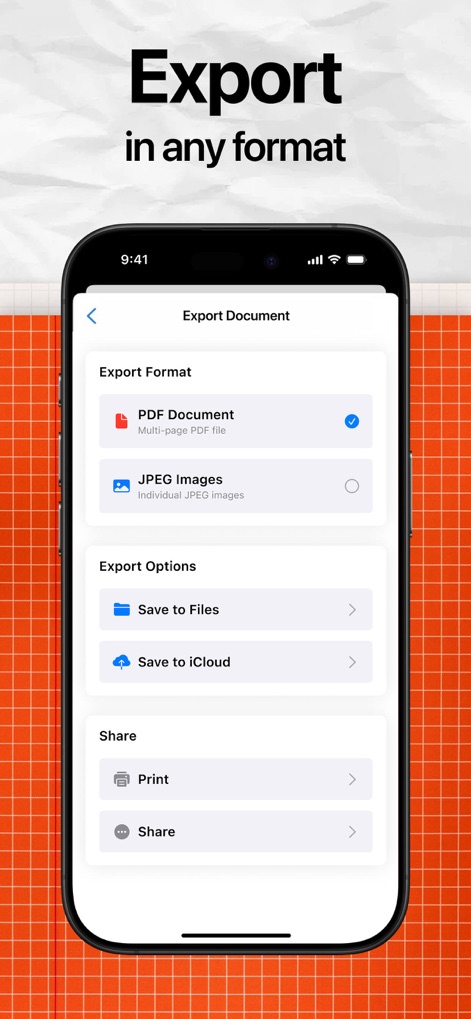
고품질 문서 스캔 및 PDF 변환
이 앱은 다양한 유형의 문서를 쉽고 빠르게 스캔하여 선명하고 고품질의 PDF 파일로 변환합니다.
인앱 PDF 편집 기능
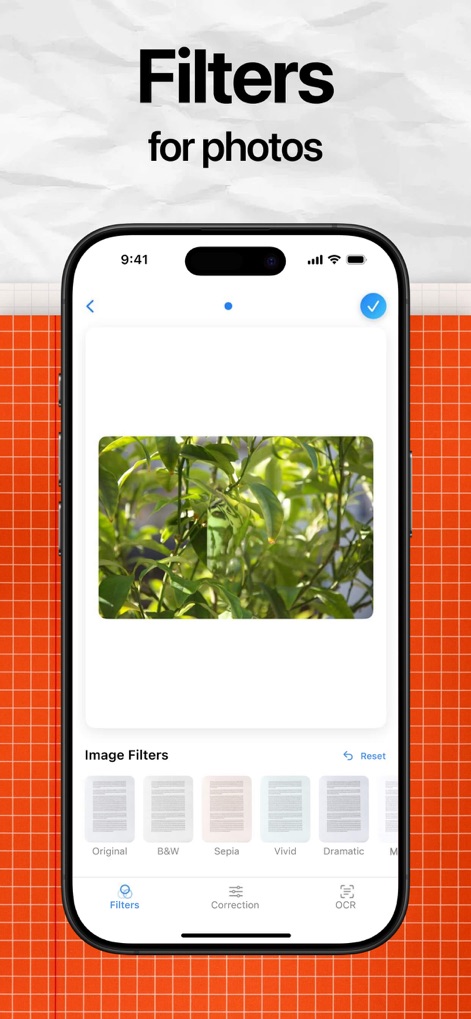
이 앱은 스캔 후 PDF 문서에 직접 주석을 추가하고, 텍스트를 강조 표시하며, 그림을 그리거나 빠른 조정을 할 수 있는 포괄적인 편집 기능을 제공합니다.
자동 가장자리 감지 및 선명도 향상
이 도구는 스캔 시 문서의 가장자리를 자동으로 감지하고 선명도를 개선하여 전문가 수준의 결과물을 제공합니다.
효율적인 문서 폴더 관리
이 도구는 사용자가 파일을 폴더로 분류하여 문서를 체계적으로 정리하고 쉽게 찾을 수 있도록 지원합니다.
여러 페이지 병합
사용자가 여러 페이지의 문서를 하나로 병합하여 복합 문서를 효율적으로 관리할 수 있도록 돕습니다.
다음 스크린샷과 설명은 앱의 공식 스토어 목록에서 직접 가져온 것이며 앱 개발자의 자산입니다.
앱 스토어
스크린샷

설명
Download
비슷한 앱
같은 카테고리의 상위 앱

ChatGPT
OpenAI OpCo, LLC

Google Gemini
Google LLC

Grok
X.AI Corporation

Gmail - Email by Google
Google LLC

千问 - 阿里最强大模型官方AI助手
Shanghai Zhixin Puhui Technology Co., Ltd.

Google Drive
Google LLC

Microsoft Authenticator
Microsoft Corporation

Google Sheets
Google LLC
Google Docs
Google LLC
이 페이지는 앱이나 개발자의 공식 페이지가 아니며, 정보 제공 및 논평을 목적으로 작성된 독립 편집 간행물입니다. 명시적으로 달리 언급되지 않는 한, 해당 앱이나 개발자는 MWM, Apple, Google Play, 앱 퍼블리셔 또는 앱 개발자와 제휴, 보증, 후원, 승인 또는 공식적으로 연결되어 있지 않으며, 이 페이지의 어떤 내용도 해당 앱이 MWM의 서비스를 사용하여 개발되었음을 의미하지 않습니다. 모든 상표, 로고, 스크린샷 및 기타 콘텐츠는 해당 소유자의 자산입니다.