Merge PDF - Combine PDF

Merge PDF - Combine PDF

다운로드: App Store
로고: Merge PDF - Combine PDF

PDF 병합 - PDF 결합: 안전한 문서 관리를 위한 궁극의 올인원 도구

기기에서 직접 PDF를 병합, 분할, 압축하는 가장 빠른 방법. 비싼 구독료 없이 개인 정보 보호 및 고속 문서 처리를 위해 42,000명 이상의 전문가와 학생이 신뢰합니다.

개발사

talha rehman

카테고리

Productivity

다운로드

42K+

사용자 평점

4.7/5

총 평가 수

1K+

지원 언어

1

효율성을 한눈에

이 인터페이스를 사용하는 42K+ 명의 사용자.

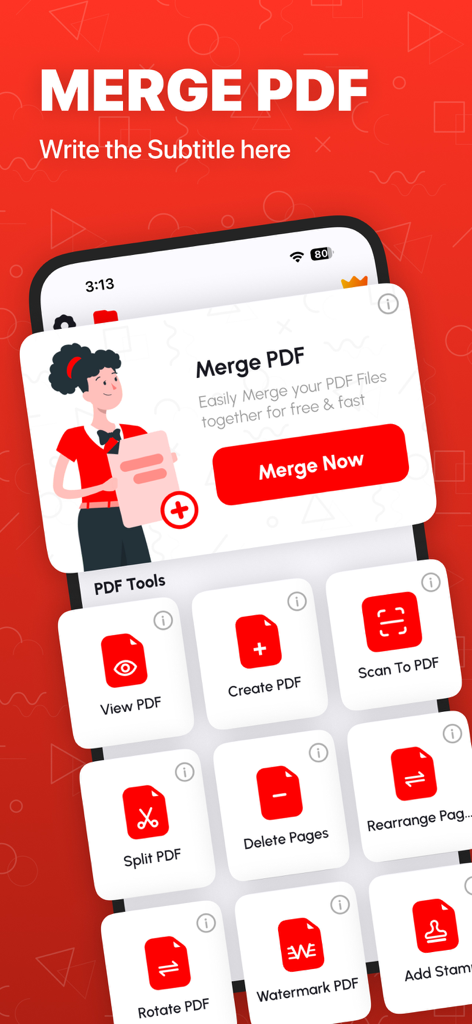
다양한 문서 관리 도구가 표시된 Merge PDF 앱 인터페이스를 보여주는 iPhone 화면
다양한 문서 관리 도구가 표시된 Merge PDF 앱 인터페이스를 보여주는 iPhone 화면

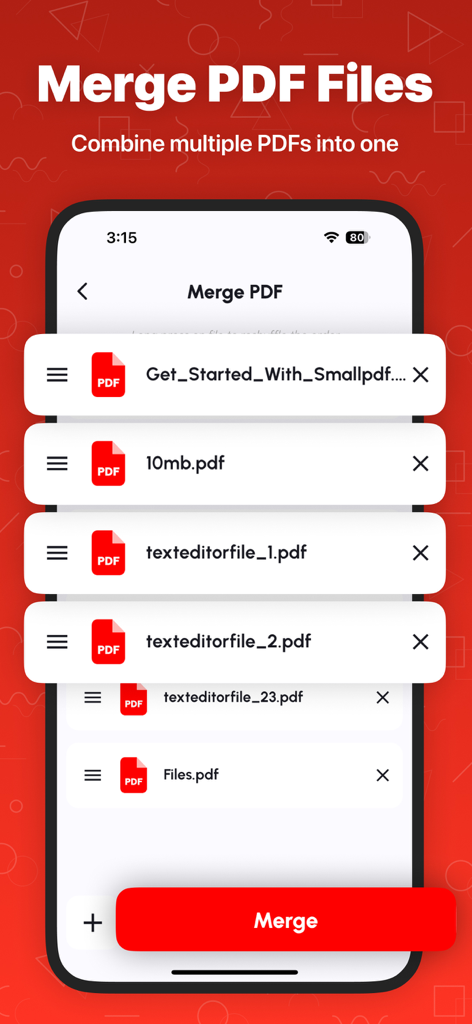
PDF 문서 목록과 결합을 위한 빨간색 병합 버튼을 보여주는 iPhone 앱 화면
PDF 문서 목록과 결합을 위한 빨간색 병합 버튼을 보여주는 iPhone 앱 화면

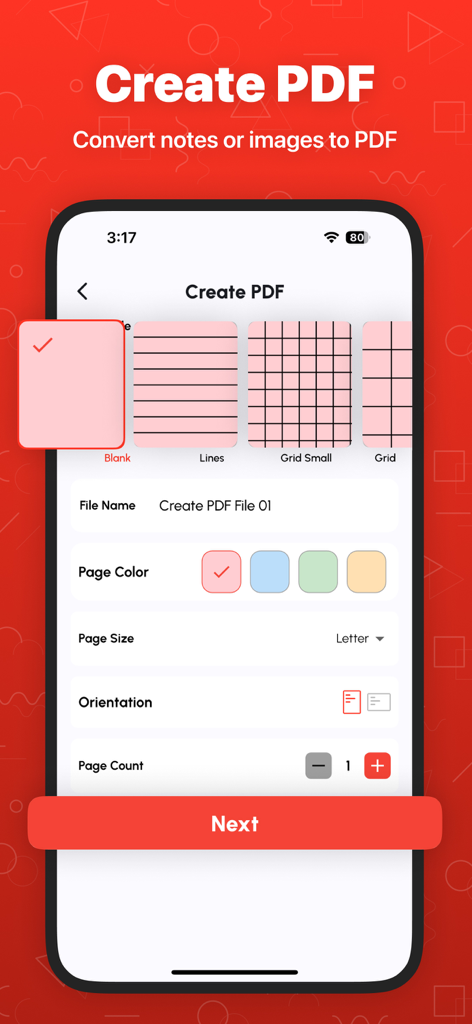
템플릿 및 페이지 설정으로 메모 또는 이미지에서 사용자 지정 PDF를 만드는 모바일 인터페이스
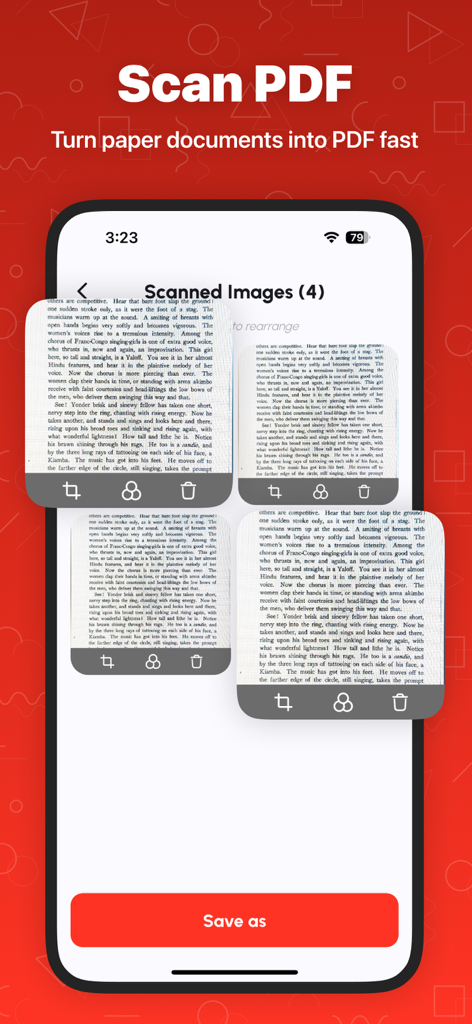
템플릿 및 페이지 설정으로 메모 또는 이미지에서 사용자 지정 PDF를 만드는 모바일 인터페이스

PDF 파일로 변환될 스캔된 문서 페이지를 보여주는 모바일 앱 인터페이스
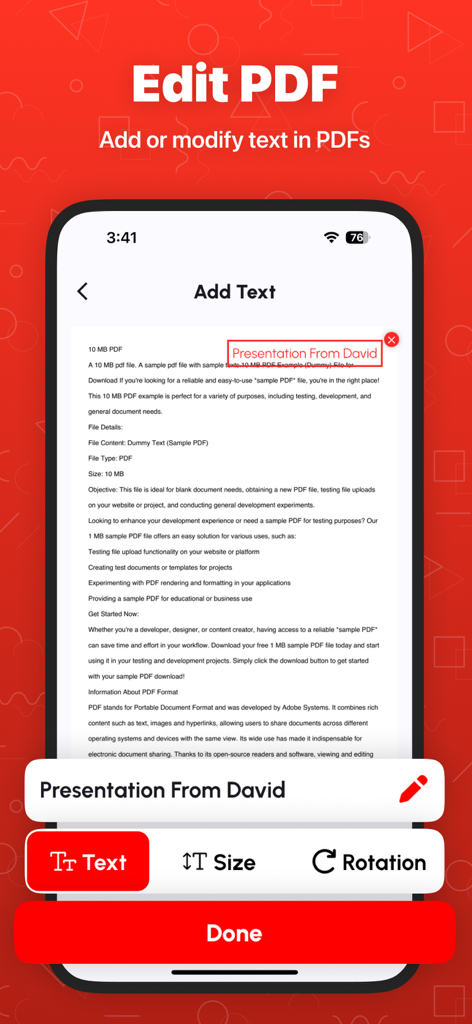
PDF 파일로 변환될 스캔된 문서 페이지를 보여주는 모바일 앱 인터페이스

iPhone에서 PDF 문서에 텍스트를 추가하고 편집하는 방법을 보여주는 모바일 앱 인터페이스
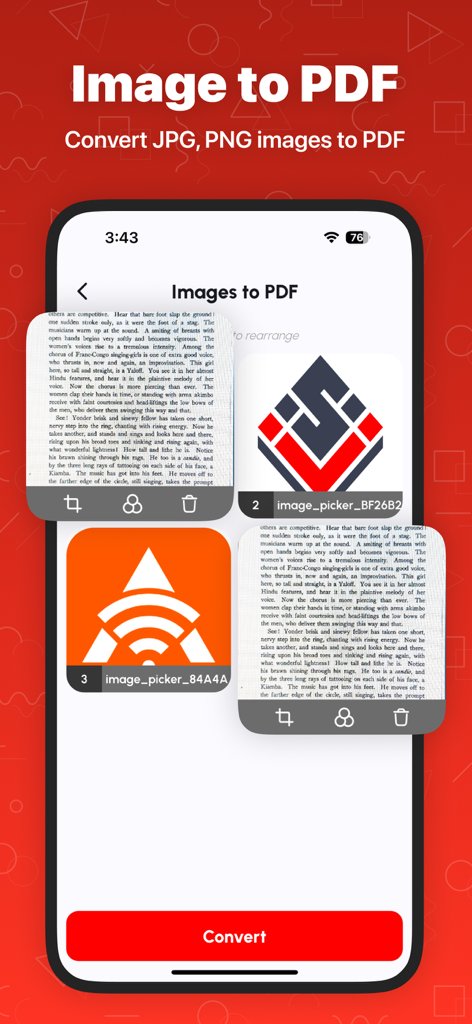
iPhone에서 PDF 문서에 텍스트를 추가하고 편집하는 방법을 보여주는 모바일 앱 인터페이스

JPG 및 PNG 이미지를 PDF 문서로 변환하는 과정을 보여주는 모바일 앱 인터페이스
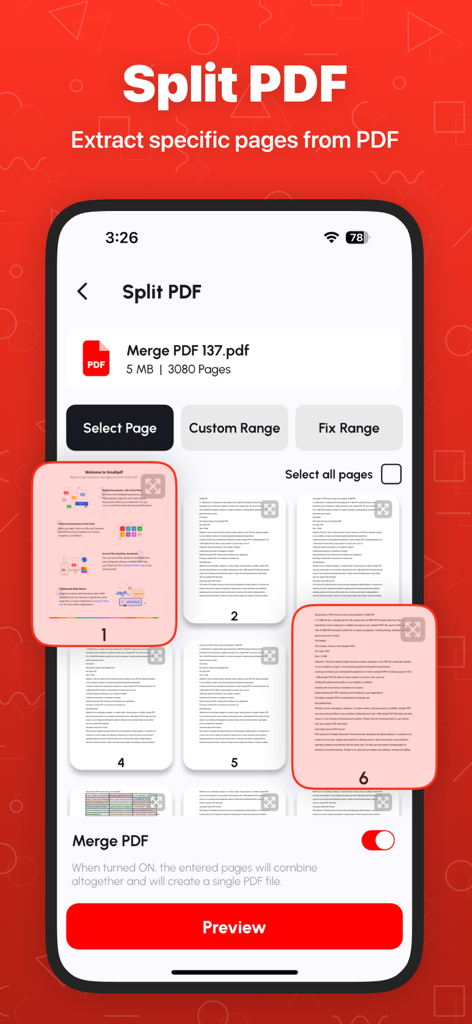
JPG 및 PNG 이미지를 PDF 문서로 변환하는 과정을 보여주는 모바일 앱 인터페이스

PDF 문서 분할 및 특정 페이지 추출을 위한 모바일 앱 인터페이스
PDF 문서 분할 및 특정 페이지 추출을 위한 모바일 앱 인터페이스

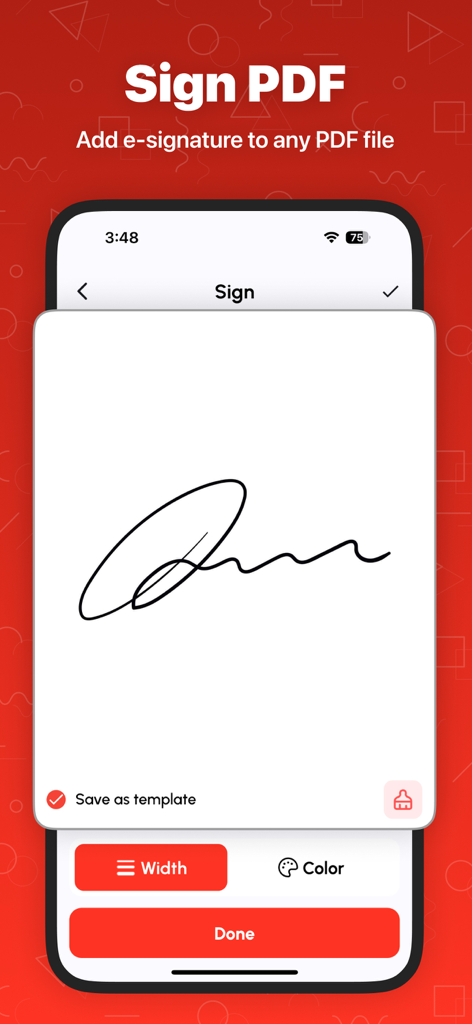
PDF 문서에 전자 서명을 추가하는 기능을 보여주는 모바일 화면
PDF 문서에 전자 서명을 추가하는 기능을 보여주는 모바일 화면

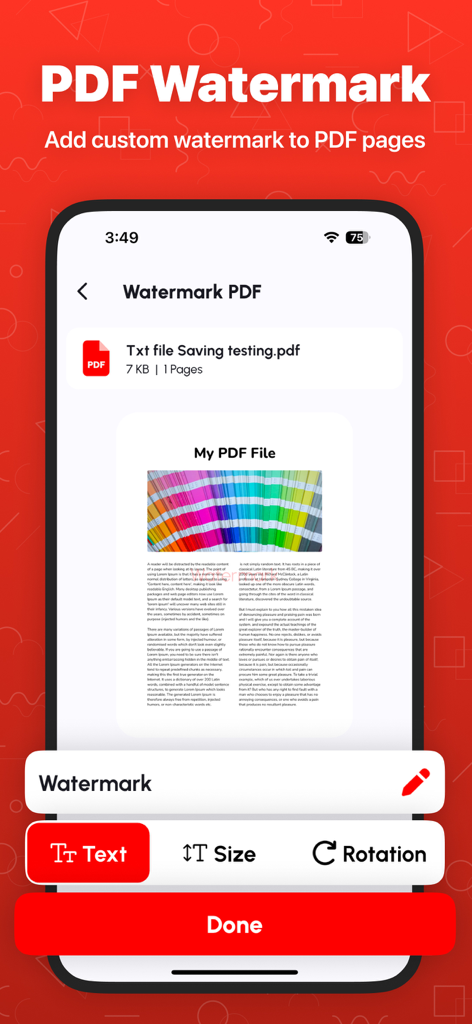
텍스트 크기 및 회전 옵션이 있는 PDF 워터마크 기능을 보여주는 iPhone 화면
텍스트 크기 및 회전 옵션이 있는 PDF 워터마크 기능을 보여주는 iPhone 화면

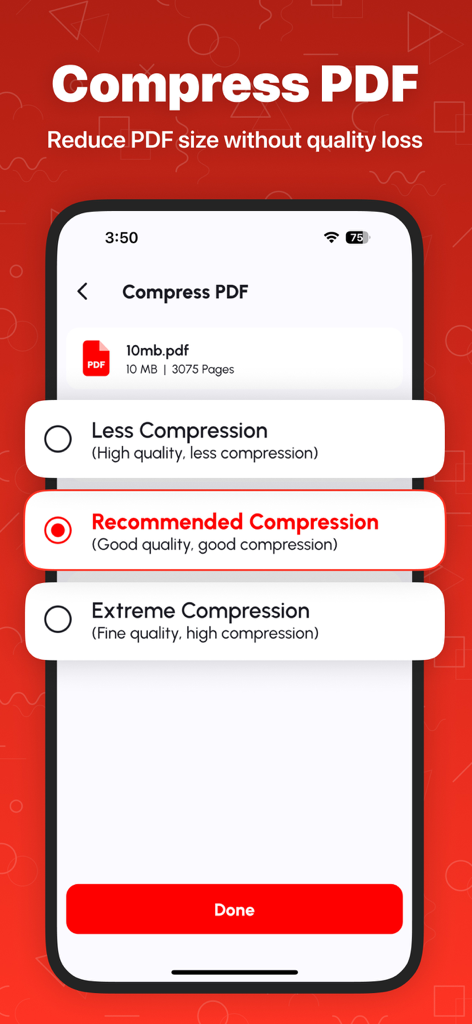
권장 및 최고 설정 포함 PDF 압축 옵션을 보여주는 iPhone 앱 화면

권장 및 최고 설정 포함 PDF 압축 옵션을 보여주는 iPhone 앱 화면

PDF 워크플로우 마스터하기

이 앱을 돋보이게 하는 도구, 42K+ 명의 사용자가 선택.

🛡️

개인 정보 보호 우선 처리

민감한 데이터는 기기에 그대로 보관됩니다. 모든 파일을 로컬에서 처리하여 세금 양식, 계약서, 신분증이 제3자 서버에 전송되지 않도록 합니다.

📂

원활한 PDF 병합

강의 노트, 송장 또는 프로젝트 파일을 하나의 전문 문서로 결합하세요. 디지털 생활을 정리하기 위해 페이지를 쉽게 재정렬하거나 삭제할 수 있습니다.

스마트 파일 압축

이메일 첨부 파일 제한을 즉시 해결하세요. 품질 손실 없이 대용량 PDF 파일을 줄여 Slack, Teams 또는 Gmail을 통해 보고서를 쉽게 공유할 수 있습니다.

앱 소개

에 대해 알아야 할 모든 것 Merge PDF - Combine PDF.

설명

Merge PDF - Combine PDF: All-in-One PDF Management Tool Looking for a fast, simple, and reliable way to manage your PDFs? Merge PDF - Combine PDF is your complete PDF solution! Whether you want to merge, split, compress, or convert PDFs, this app makes document management effortless for students, professionals, and everyday users. Why Choose Merge PDF - Combine PDF? More than just a PDF merger, our app is a full-featured PDF toolkit. With advanced PDF tools, light & dark modes, and secure file handling, it’s the only app you’ll need to manage all your PDF files efficiently. Fast, easy, and reliable! Key Features: Merge PDF Files – Combine multiple PDFs into one file quickly and rearrange pages as you like. - Split PDF Files – Extract only the pages you need and save them as a new PDF. - Rearrange PDF Pages – Organize your documents by moving pages effortlessly. - Delete PDF Pages – Remove unwanted pages for cleaner, professional files. - Compress PDF – Reduce large PDFs without losing quality. - Lock & Unlock PDF – Protect your files with a password or unlock secured PDFs. - View & Print PDF – Open, navigate, and print your documents smoothly. - Convert PDF to PNG – Extract high-quality images from your PDFs. - Image to PDF – Turn JPG, PNG, or BMP images into PDF documents in seconds. - BMP to PDF – Convert BMP files to PDFs with ease. - History Section – Quickly access previously managed files. - Light & Dark Mode – Switch modes to reduce eye strain and improve reading comfort. Who Can Benefit? - Students: Merge lecture notes, compress files, or create PDFs from scanned assignments. - Professionals: Rearrange reports, delete unnecessary pages, or protect sensitive files. - Everyday Users: Combine bills, receipts, certificates, and more into a single PDF for easy sharing. Why It’s Convenient: - Fast & Efficient – Optimized for speed, saving you time. - User-Friendly Interface – Simple navigation for everyone. - Secure – All files are processed locally on your device. - Why Our App Stands Out - Free to Use – Unlimited access to essential PDF tools. - Lightweight – Won’t take up too much device storage. - Regular Updates – New features and improvements added frequently. How It Works: - Open the app and select your tool. - Upload your PDF or image file. - Follow the on-screen instructions. - Save, share, or print your file instantly. Multi-Language Support Enjoy our tools in multiple languages, making it accessible worldwide. Privacy First All files are processed locally on your device. Your documents stay secure and private. Download Now! Join thousands of satisfied users and simplify your PDF management today. Merge, split, compress, and secure PDFs easily with Merge PDF - Combine PDF. Make document handling hassle-free—download now! Terms of Use: https://techboeing.blogspot.com/2023/03/terms-of-use.html

최신 버전

1.2.6

크기

103.7 MB

출시일

2022년 3월 8일

PDF 워크플로우를 즉시 간소화하세요

안전하고 올인원 툴킷을 신뢰하는 42,000명 이상의 전문가 및 학생들과 함께하세요. 지금 다운로드하여 iPhone, iPad 또는 Mac에서 문서를 직접 병합, 압축, 정리하세요.

다운로드: App Store

App information, icons, screenshots, and descriptions displayed on this page are sourced from the Apple App Store and are the property of their respective developers. Download estimates and rankings are based on MWM's proprietary models and may not reflect actual figures. This page is provided for informational and analytical purposes only.

Believe this page infringes your intellectual property? File a dispute