My Auto Clicker: Automatic Tap
다운로드: App Store

이 페이지는 앱이나 개발자의 공식 페이지가 아니며, 정보 제공 및 논평을 목적으로 작성된 독립 편집 간행물입니다. 명시적으로 달리 언급되지 않는 한, 해당 앱이나 개발자는 MWM, Apple, Google Play, 앱 퍼블리셔 또는 앱 개발자와 제휴, 보증, 후원, 승인 또는 공식적으로 연결되어 있지 않으며, 이 페이지의 어떤 내용도 해당 앱이 MWM의 서비스를 사용하여 개발되었음을 의미하지 않습니다. 모든 상표, 로고, 스크린샷 및 기타 콘텐츠는 해당 소유자의 자산입니다.


로고: My Auto Clicker: Automatic Tap
다운로드: App Store

My Auto Clicker: Automatic Tap

번거로움을 없애고 경쟁 우위를 확보하세요. 좋아하는 웹 게임 및 페이지에서 복잡한 클릭, 곡선 스와이프, 핀치를 쉽게 녹화, 저장 및 다시 실행하세요.

주요 수치

다운로드

99K+

사용자 평점

4.2/5

총 평가 수

200

개발사

Ansell Asselin

카테고리

Productivity

지원 언어

1

최신 버전

1.0.2

크기

7.0 MB

출시일

2024년 8월 12일
기능

디지털 작업을 마스터하세요

iOS용으로 가장 직관적이고 강력한 자동 클릭커를 사용하여 웹 게임 및 반복 작업을 위한 원활한 자동화를 잠금 해제하세요.

프로급 멀티 터치

복잡한 곡선 스와이프, 핀치, 스프레드를 자동화하여 웹 게임 및 탐색에서 경쟁 우위를 확보하세요.

스크립트 녹화 및 다시 실행

사용자 지정 제스처를 한 번 캡처하고 스크립트로 저장하여 반복적인 작업을 영원히 제거하세요.

다음 스크린샷과 설명은 앱의 공식 스토어 목록에서 직접 가져온 것이며 앱 개발자의 자산입니다.

앱 스토어

스크린샷
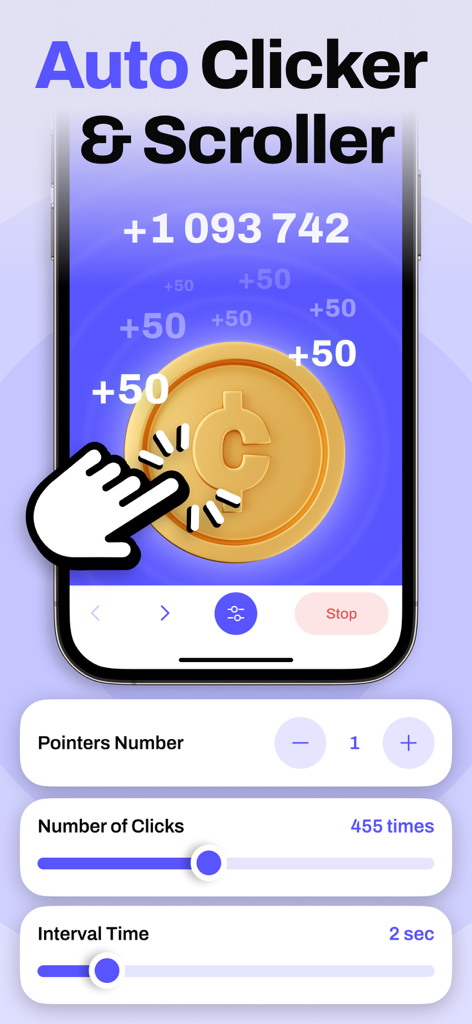
My Auto Clicker: Automatic Tap - 자동 탭 및 스크롤 설정이 있는 My Auto Clicker 앱 인터페이스
자동 탭 및 스크롤 설정이 있는 My Auto Clicker 앱 인터페이스

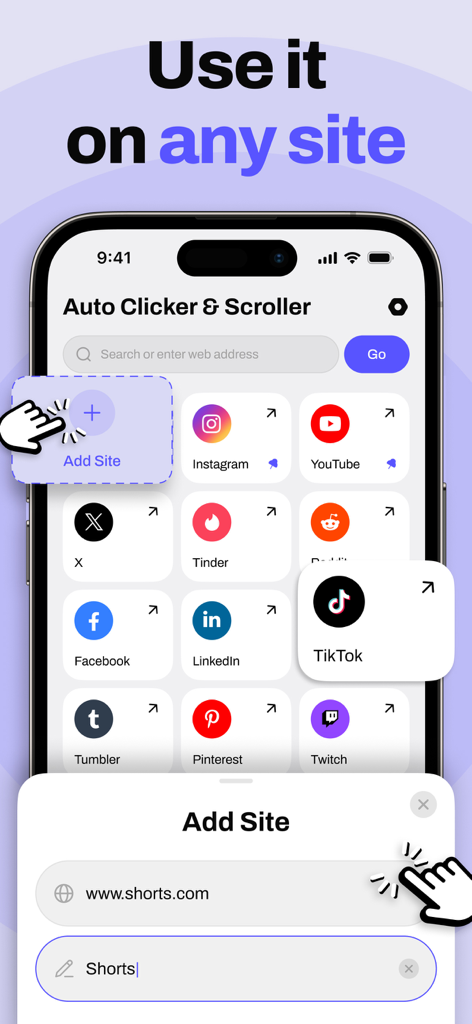
My Auto Clicker: Automatic Tap - 자동화에 지원되는 웹사이트 목록을 보여주는 My Auto Clicker 앱 인터페이스
자동화에 지원되는 웹사이트 목록을 보여주는 My Auto Clicker 앱 인터페이스

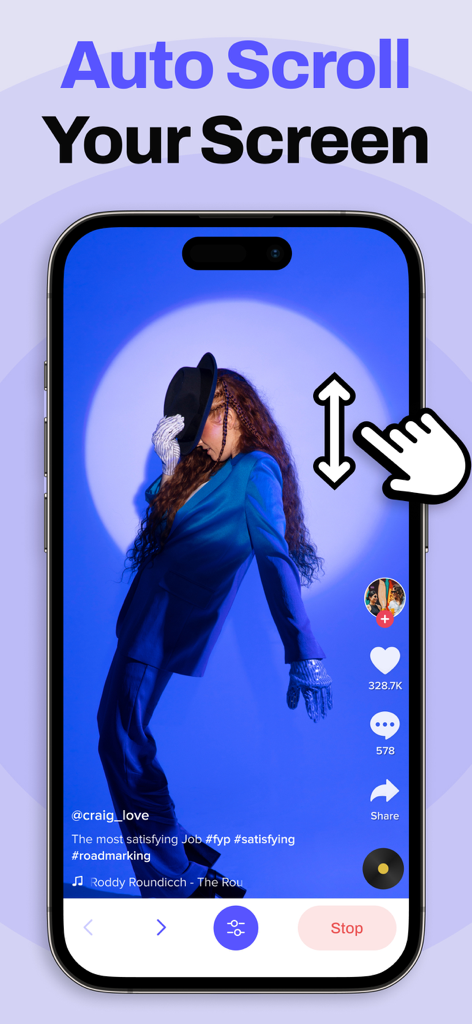
My Auto Clicker: Automatic Tap - 소셜 미디어 피드에 대한 자동 스크롤 제스처 기능을 보여주는 iPhone 화면
소셜 미디어 피드에 대한 자동 스크롤 제스처 기능을 보여주는 iPhone 화면

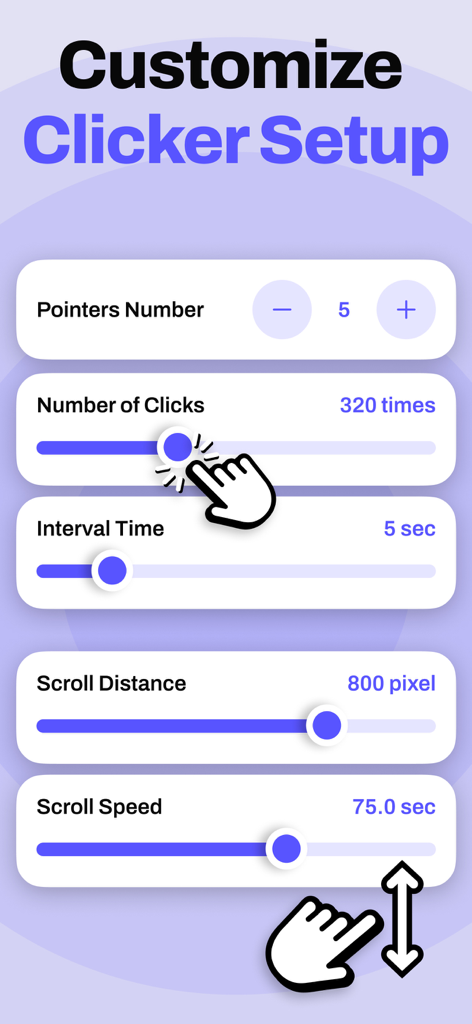
My Auto Clicker: Automatic Tap - 포인터, 클릭, 간격 시간 및 스크롤 속도를 포함한 자동 클릭커 매개변수 사용자 지정을 위한 모바일 앱 인터페이스
포인터, 클릭, 간격 시간 및 스크롤 속도를 포함한 자동 클릭커 매개변수 사용자 지정을 위한 모바일 앱 인터페이스

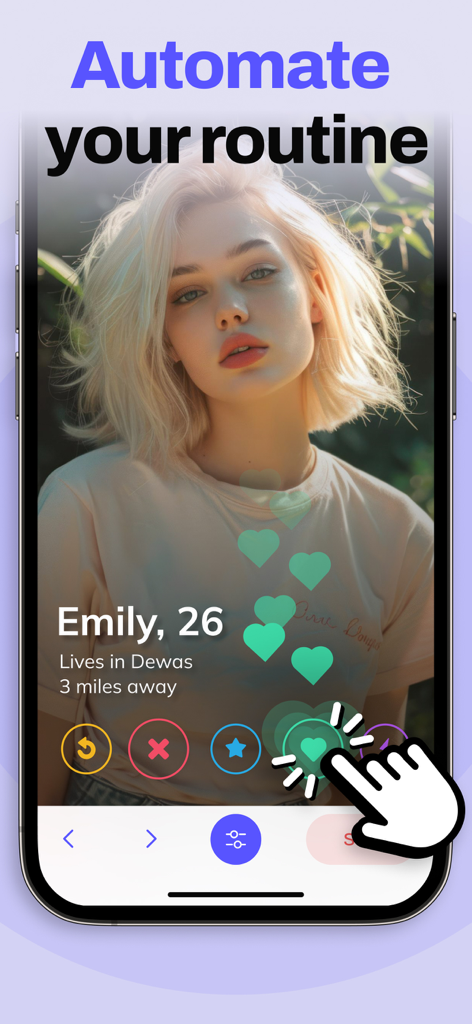
My Auto Clicker: Automatic Tap - 자동화된 루틴이라는 텍스트와 함께 데이트 프로필을 자동으로 탭하는 My Auto Clicker 앱 인터페이스

자동화된 루틴이라는 텍스트와 함께 데이트 프로필을 자동으로 탭하는 My Auto Clicker 앱 인터페이스

설명

The app is designed to automate clicks, curved swipes, and pinch gestures on custom web pages or web games. It offers customizable durations for each action, making it ideal for tasks requiring repetitive interactions. This auto clicker tool can automate clicks or swipes at any position with adjustable timing. It’s perfect for users looking to automate repetitive tasks such as reading online content, browsing the web, or playing games. Features: - User-Friendly Interface: Simple and intuitive to use. - Multi-Touch Gestures: Supports tapping, swiping, pinching, or spreading with one or multiple fingers. - Gesture Recording: Easily record and replay your gestures. - Customization: Adjust the size and opacity of the interface to your preference. - Configurable Click Settings: Set parameters like delay, touch duration, and repetition count. - Script Management: Save and load your scripts as needed. Subscription Details: - Charged to your iTunes account upon subscription confirmation. - Subscription renews automatically unless turned off at least 24 hours before the end of the current period. Renewal cost depends on your chosen plan: - Prices for other currencies align with App Store Price Matrix. - Subscriptions with a free trial automatically convert to paid subscriptions after the trial period. You can manage or cancel automatic renewal in your Account Settings. Cancellation takes effect 24 hours after the current subscription period ends, transitioning you to the free service. - Any unused portion of the free trial (if offered) will be forfeited upon purchasing a premium subscription. Privacy Policy: https://docs.google.com/document/d/1SXCAeXBjI2BG-WGlFme0i3QGh34jeALpRFIsrxPeCD8/edit?usp=sharing Terms of Use: https://docs.google.com/document/d/1nc3tuHrV5xHXgUPc7HgrrdJ9ts6rY1BNS26OTr1vPos/edit?usp=sharing https://www.apple.com/legal/internet-services/itunes/dev/stdeula/

Download

다운로드: App Store

이 페이지는 앱이나 개발자의 공식 페이지가 아니며, 정보 제공 및 논평을 목적으로 작성된 독립 편집 간행물입니다. 명시적으로 달리 언급되지 않는 한, 해당 앱이나 개발자는 MWM, Apple, Google Play, 앱 퍼블리셔 또는 앱 개발자와 제휴, 보증, 후원, 승인 또는 공식적으로 연결되어 있지 않으며, 이 페이지의 어떤 내용도 해당 앱이 MWM의 서비스를 사용하여 개발되었음을 의미하지 않습니다. 모든 상표, 로고, 스크린샷 및 기타 콘텐츠는 해당 소유자의 자산입니다.








