"No Distractions" for YouTube

"No Distractions" for YouTube

다운로드: App Store
로고: "No Distractions" for YouTube

"No Distractions" for YouTube: 집중력을 되찾고 알고리즘을 깨뜨리세요

디지털 미니멀리스트를 위한 오픈 소스 Safari 확장 프로그램. 추천, 댓글 및 광고를 숨겨 YouTube를 정보의 구렁텅이가 아닌 강력한 유틸리티로 바꿔보세요.

개발사

ULRIK LYNGS

카테고리

Productivity

다운로드

31K+

사용자 평점

4.6/5

총 평가 수

100

지원 언어

1

집중력 되찾기

이 인터페이스를 사용하는 31K+ 명의 사용자.

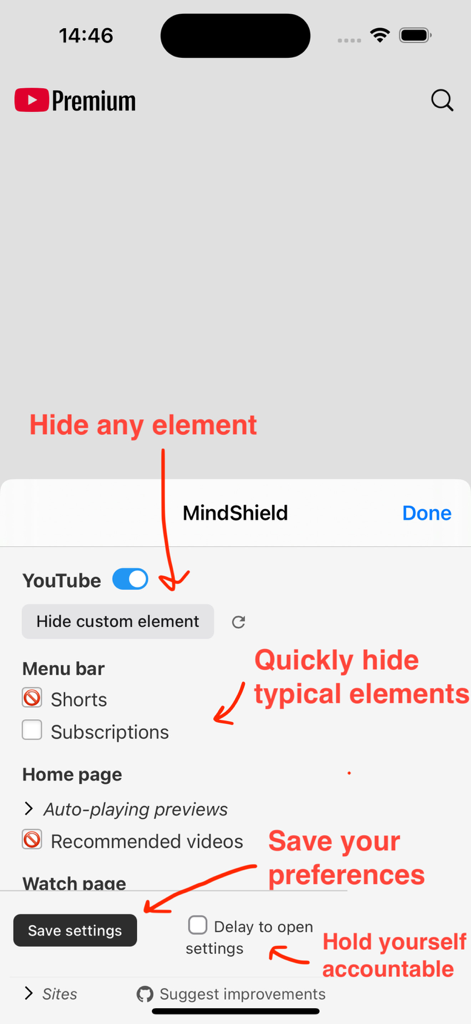
No Distractions for YouTube Safari 확장 프로그램의 인터페이스로, 집중력 향상을 위해 Shorts, 추천 동영상 및 사용자 지정 요소를 숨기는 설정이 표시됩니다.
No Distractions for YouTube Safari 확장 프로그램의 인터페이스로, 집중력 향상을 위해 Shorts, 추천 동영상 및 사용자 지정 요소를 숨기는 설정이 표시됩니다.

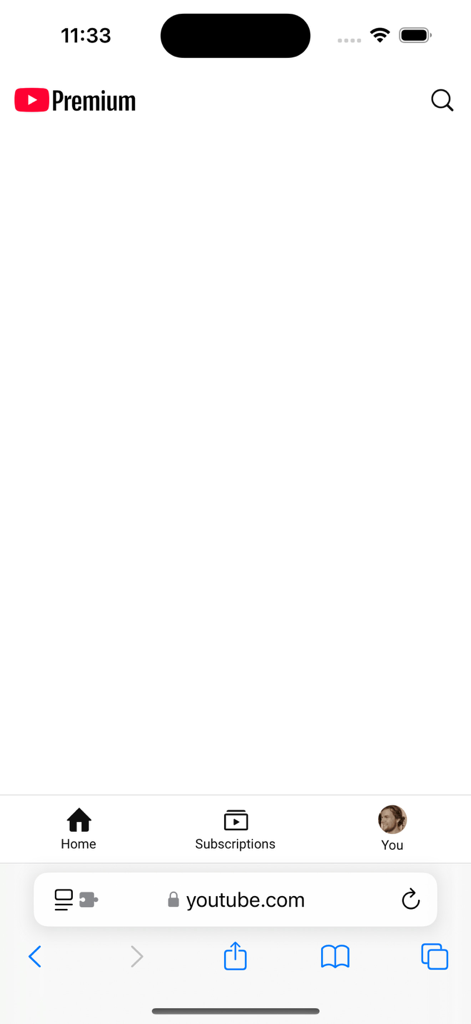
방해 요소를 방지하기 위해 모든 동영상 추천이 숨겨진 Safari 브라우저의 YouTube 홈 페이지 스크린샷입니다.
방해 요소를 방지하기 위해 모든 동영상 추천이 숨겨진 Safari 브라우저의 YouTube 홈 페이지 스크린샷입니다.

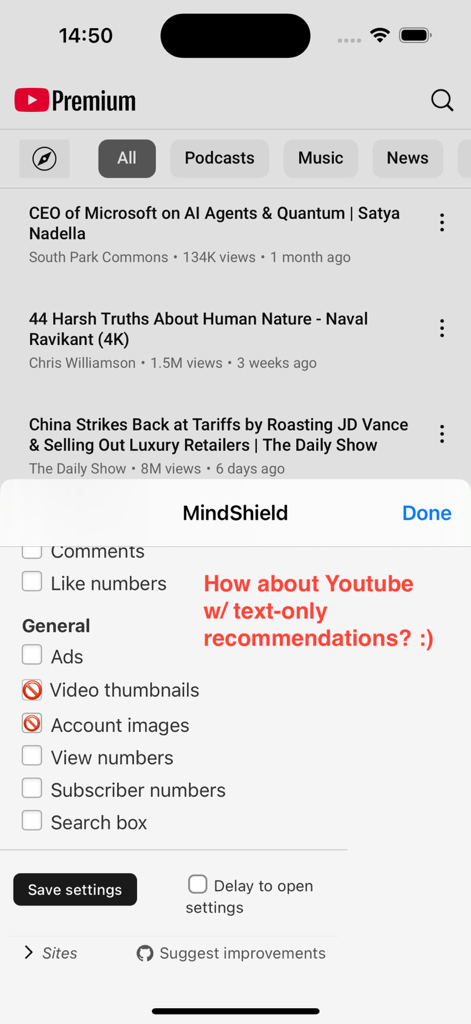
No Distractions 확장 프로그램 설정 메뉴를 통해 썸네일이나 이미지 없이 동영상 제목만 표시되는 YouTube 모바일 피드입니다.
No Distractions 확장 프로그램 설정 메뉴를 통해 썸네일이나 이미지 없이 동영상 제목만 표시되는 YouTube 모바일 피드입니다.

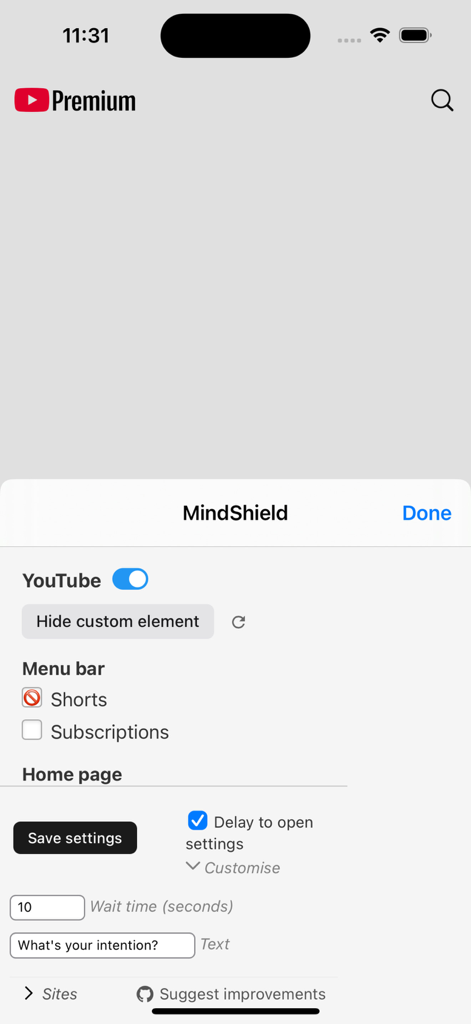
Shorts 숨기기 및 대기 시간 지연 설정을 보여주는 YouTube용 No Distractions Safari 확장 프로그램의 설정 메뉴입니다.
Shorts 숨기기 및 대기 시간 지연 설정을 보여주는 YouTube용 No Distractions Safari 확장 프로그램의 설정 메뉴입니다.

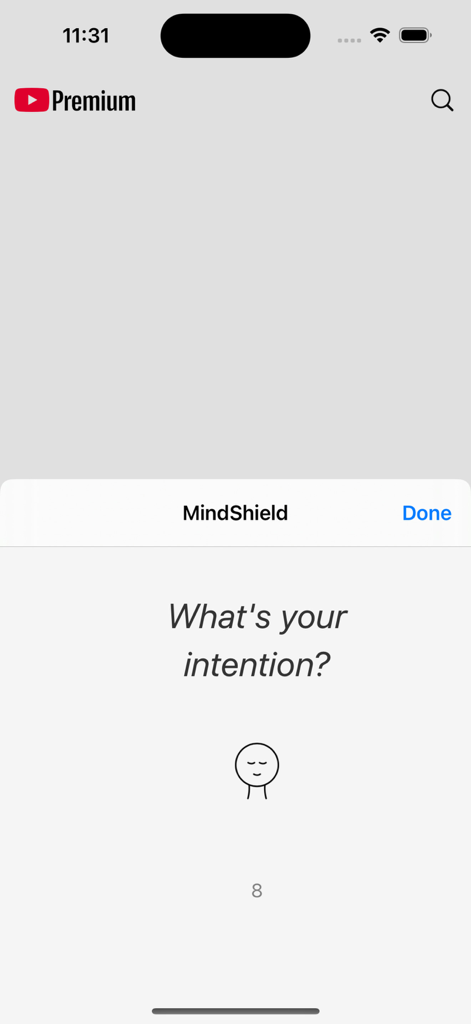
No Distractions for YouTube Safari 확장 프로그램의 MindShield 의도성 프롬프트로, '귀하의 의도는 무엇입니까?'라고 묻습니다.

No Distractions for YouTube Safari 확장 프로그램의 MindShield 의도성 프롬프트로, '귀하의 의도는 무엇입니까?'라고 묻습니다.

시청 시간 마스터하기

이 앱을 돋보이게 하는 도구, 31K+ 명의 사용자가 선택.

🎯

방해 요소 제거

홈 피드와 사이드바 제안을 제거하여 의도한 콘텐츠에만 집중하세요.

의지력 강화

내장된 대기 타이머를 사용하여 충동적인 설정 변경을 방지하고 심층 작업 상태를 유지하세요.

🛡️

투명하고 안전함

개인 정보를 존중하고 데이터를 수집하지 않으며 검색 결과에서 광고를 제거하는 오픈 소스 확장 프로그램입니다.

앱 소개

에 대해 알아야 할 모든 것 "No Distractions" for YouTube.

설명

---- *NOTE: WORKS WITHIN SAFARI, NOT THE YOUTUBE APP*: This app lets you control how YouTube appears in the Safari browser. It does NOT change the YouTube app, as this is not possible. However, you can create an icon on your iPhone/iPad's home screen to take you directly to YouTube in the Safari browser, to make this just as easy as opening the app. To do so: Open Safari, go to youtube.com and press the sharing icon (with the up-arrow), press 'Add to Home Screen' and 'Add'. *NOTE 2: For an extension that works on ALL websites (not just YouTube), use ReDD Focus instead* ---- "No Distractions" for YouTube is an open-source Safari App Extension I built to help myself. It lets you take control over your use of YouTube instead of letting the YouTube algorithms control you...! It does this by letting you hide video recommendations, other distractions on the front, search, and watch pages, or any custom element you want. You can also choose to hide thumbnail images. Oh, and the app also also hides the ads that are inserted in your search results. :) You can decide for yourself which parts you want to see, by clicking the extension icon. If you want the app to remember your settings for next time, click 'save settings'. If you need to add a little friction to change the settings, so that you don't turn distractions back on too easily, you can set a wait time. This will make you wait e.g. 5 seconds when you open the settings before they appear. The app is open source and does not collect any data. You can inspect the source code, report bugs, and suggest additional features or improvements on: https://github.com/ulyngs/open-source-no-distractions-for-youtube

최신 버전

4.8

크기

1.0 MB

출시일

2019년 10월 6일

의도적으로 시청할 준비가 되셨나요?

알고리즘을 침묵시키고 집중력을 되찾기 위해 이 오픈 소스 확장 프로그램을 사용하는 31,000명 이상의 학생 및 전문가와 함께하세요.

다운로드: App Store

App information, icons, screenshots, and descriptions displayed on this page are sourced from the Apple App Store and are the property of their respective developers. Download estimates and rankings are based on MWM's proprietary models and may not reflect actual figures. This page is provided for informational and analytical purposes only.

Believe this page infringes your intellectual property? File a dispute