NoteShot: Photo Note to Notion
다운로드: App Store

이 페이지는 앱이나 개발자의 공식 페이지가 아니며, 정보 제공 및 논평을 목적으로 작성된 독립 편집 간행물입니다. 명시적으로 달리 언급되지 않는 한, 해당 앱이나 개발자는 MWM, Apple, Google Play, 앱 퍼블리셔 또는 앱 개발자와 제휴, 보증, 후원, 승인 또는 공식적으로 연결되어 있지 않으며, 이 페이지의 어떤 내용도 해당 앱이 MWM의 서비스를 사용하여 개발되었음을 의미하지 않습니다. 모든 상표, 로고, 스크린샷 및 기타 콘텐츠는 해당 소유자의 자산입니다.


로고: NoteShot: Photo Note to Notion
다운로드: App Store

NoteShot: Photo Note to Notion

수동 입력은 이제 그만, 바로 찍으세요. AI 기반 OCR을 사용하여 종이 노트, 화이트보드, 스크린샷을 스마트 태그 지정 및 자동 요약 기능이 포함된 정리된 Notion 데이터베이스로 즉시 변환하세요.

주요 수치

다운로드

200

사용자 평점

5.0/5

총 평가 수

0

개발사

ANCIENDA TEKNOLOJI YAZILIM VE PAZARLAMA ANONIM SIRKETI

카테고리

Productivity

지원 언어

3

최신 버전

1.0.17

크기

77.0 MB

출시일

2024년 5월 9일
기능

세컨드 브레인 강화

수동 입력은 이제 그만, 바로 구축을 시작하세요. Notion 파워 유저를 위해 설계된 강력한 AI 기반 도구를 사용하여 물리적인 노트와 디지털 작업 공간 간의 격차를 해소하세요.

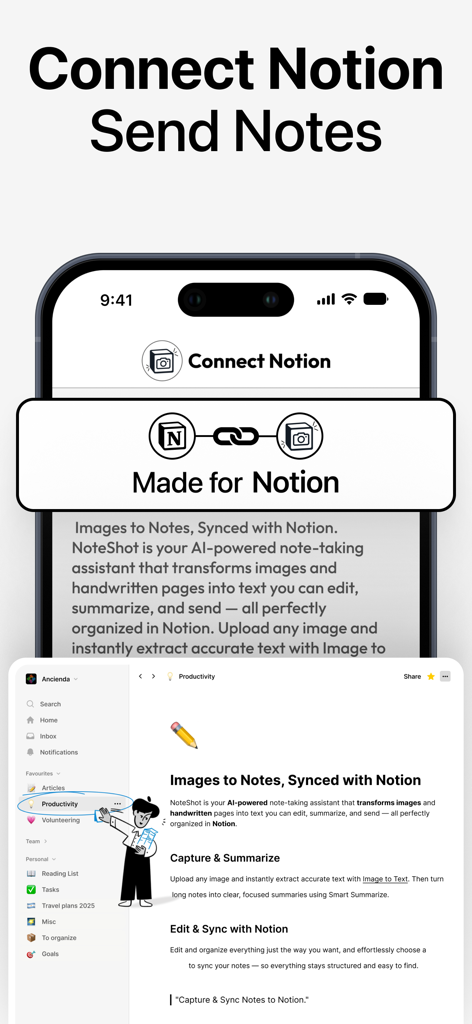
즉각적인 Notion 동기화

사진을 찍어 Notion 페이지 또는 데이터베이스로 직접 보내세요. 수동 입력을 건너뛰고 워크플로우를 원활하게 유지하세요.

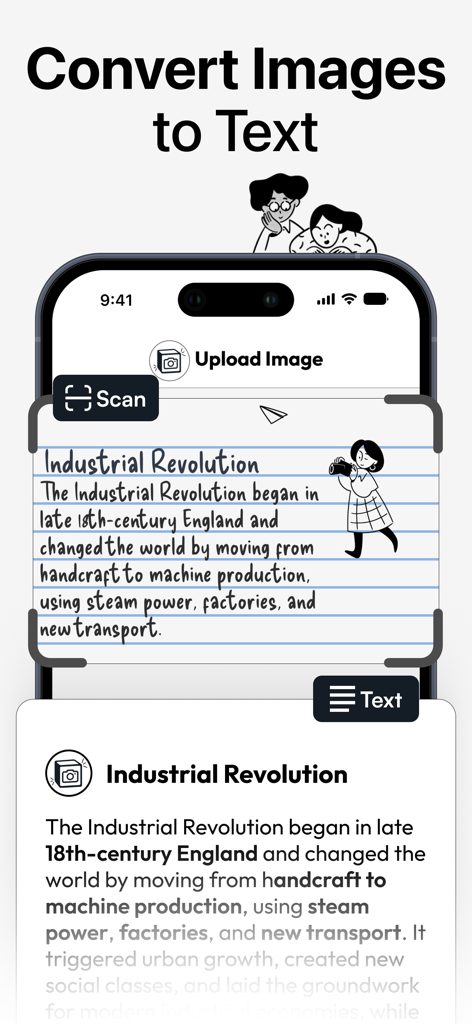
AI 필기 텍스트 변환

필기에 최적화된 고급 OCR 기술을 사용하여 종이 노트, 화이트보드, 스케치를 검색 가능하고 편집 가능한 텍스트로 변환하세요.

다음 스크린샷과 설명은 앱의 공식 스토어 목록에서 직접 가져온 것이며 앱 개발자의 자산입니다.

앱 스토어

스크린샷
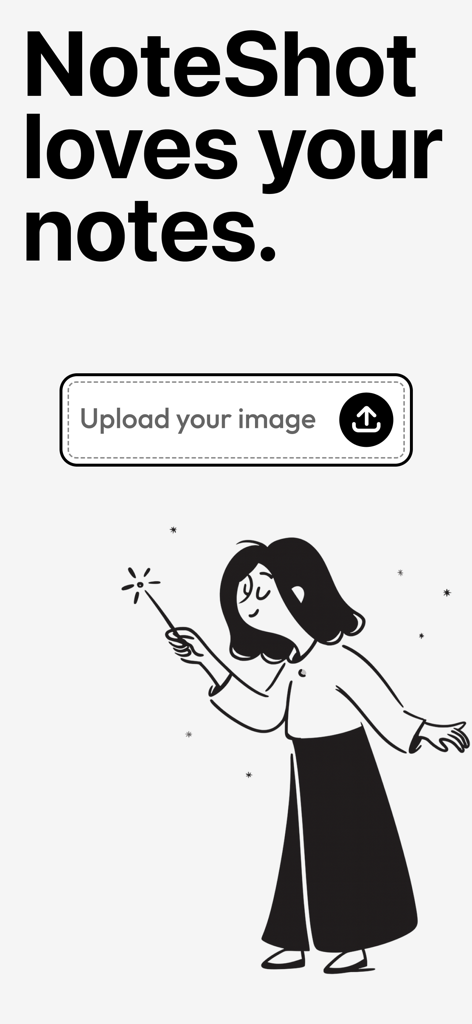
NoteShot: Photo Note to Notion - 업로드 버튼과 마법 지팡이를 든 여성의 창의적인 일러스트레이션이 있는 NoteShot 앱 화면
업로드 버튼과 마법 지팡이를 든 여성의 창의적인 일러스트레이션이 있는 NoteShot 앱 화면

NoteShot: Photo Note to Notion - 사진과 노트를 Notion 작업 공간으로 원활하게 통합 및 동기화하는 것을 보여주는 NoteShot 앱 인터페이스
사진과 노트를 Notion 작업 공간으로 원활하게 통합 및 동기화하는 것을 보여주는 NoteShot 앱 인터페이스

NoteShot: Photo Note to Notion - OCR 기술을 사용하여 산업 혁명에 대한 필기 노트를 디지털 텍스트로 변환하는 NoteShot 앱 인터페이스
OCR 기술을 사용하여 산업 혁명에 대한 필기 노트를 디지털 텍스트로 변환하는 NoteShot 앱 인터페이스

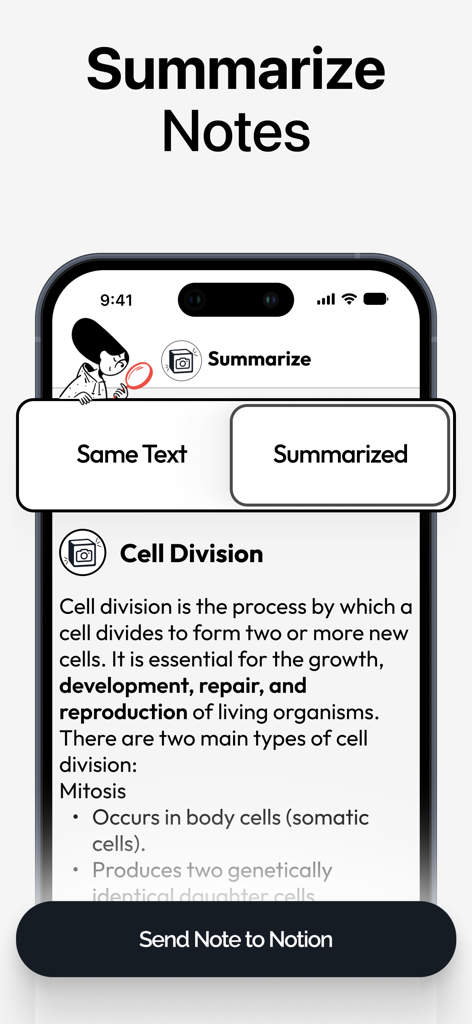
NoteShot: Photo Note to Notion - Notion으로 동기화하기 전에 노트에 대한 AI 요약 기능을 보여주는 NoteShot 앱의 스마트폰 화면
Notion으로 동기화하기 전에 노트에 대한 AI 요약 기능을 보여주는 NoteShot 앱의 스마트폰 화면

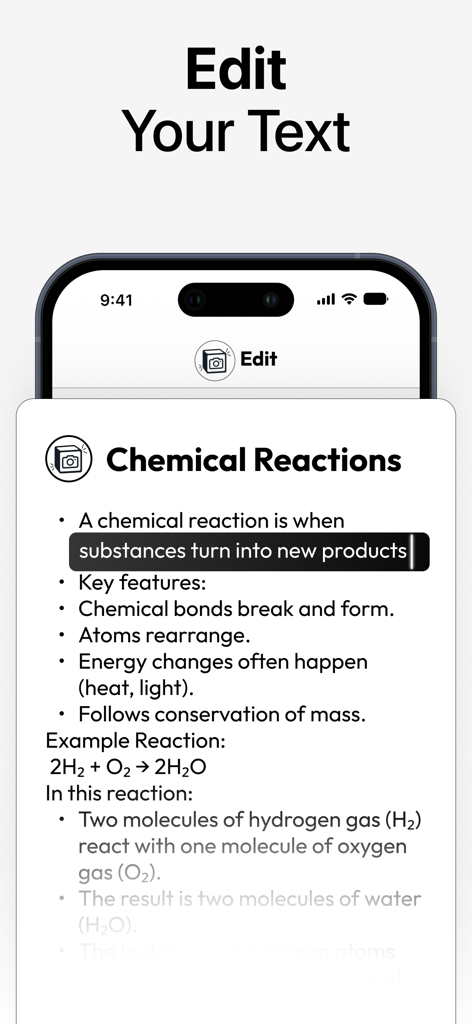
NoteShot: Photo Note to Notion - 사진에서 변환된 화학 노트가 있는 텍스트 편집기를 보여주는 NoteShot 앱 인터페이스
사진에서 변환된 화학 노트가 있는 텍스트 편집기를 보여주는 NoteShot 앱 인터페이스

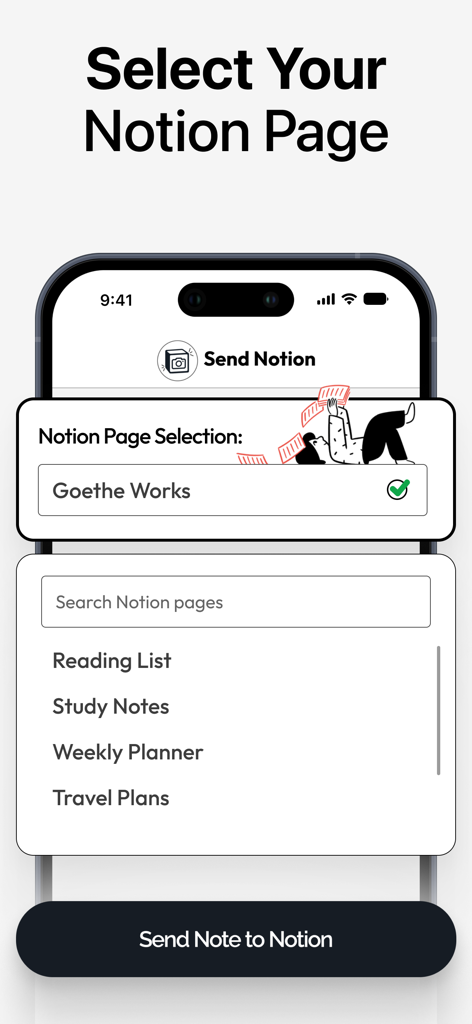
NoteShot: Photo Note to Notion - NoteShot 앱 내에서 Notion 대상 페이지를 선택하는 인터페이스

NoteShot 앱 내에서 Notion 대상 페이지를 선택하는 인터페이스

설명

NoteShot – Sync your notes directly to Notion Welcome to NoteShot, designed to enhance your Notion productivity. Whenever you write a note, use the NoteShot app to send your note to any of your pages in Notion. Using Notion has never been so simple! Perfect for professionals, students and anyone looking to improve their note management. What can I send to Notion? Any handwritten note, a list, an image, a screenshot of a favorite quote, an event banner, an invitation card, lecture notes, meeting notes.. The list goes on and on! Anything you want to keep track of, you can use NoteShot to send it to Notion. Never write manually to Notion ever again. Key Features: 1. Sync Notes and Images to Notion: Free Access: Capture images and send to one Notion page. Includes initial 5 credits. Pro Access (Requires additional purchase): Unlimited uploads to Notion, connect multiple Notion pages, send image to Notion and adding tags to your notes (tag selection works only if there is a tag on the preferred Notion page). 2. Powered with Enhanced OCR Technology: Experience accurate data processing as our AI converts images to text with enhanced OCR technology. Works also in handwritten notes! 3. Summarize Feature: If you wanted to summarize a long text and then send it to Notion, now you can! You can keep the same text too. 4. Tag Selection: Available in Pro Access (Requires additional purchase): Enhance organization by selecting tags prior to transferring your notes (tag selection works only if there is a tag on the preferred Notion page). 5. Unlimited Integrations: Available in Pro Access (Requires additional purchase): Connect NoteShot with multiple Notion pages for comprehensive management of all your notes. 6. Trial and Subscription: Start with a 7-day free trial to try all our features for free! Upgrade to Pro Access for advanced features including unlimited transfers and integrations. Note: Pro features require a purchase. 7. User Interface: Enjoy a clean, ad-free interface designed for simplicity and ease of use. Get Started: Download NoteShot today and experience the simplicity of using Notion! Additional Information: -Pro Access Disclaimer: Some features require additional purchase for upgrading to Pro Access, clearly marked throughout the app and in this description. -Privacy and Data: We value your privacy. No real user data is shown in our screenshots or previews, and all depicted content is fictional. -Content Ratings and Category: This app follows the guidelines for a 4+ age rating. Appropriate for users interested in productivity tools. Legal: https://www.apple.com/legal/internet-services/itunes/dev/stdeula/

Download

다운로드: App Store

이 페이지는 앱이나 개발자의 공식 페이지가 아니며, 정보 제공 및 논평을 목적으로 작성된 독립 편집 간행물입니다. 명시적으로 달리 언급되지 않는 한, 해당 앱이나 개발자는 MWM, Apple, Google Play, 앱 퍼블리셔 또는 앱 개발자와 제휴, 보증, 후원, 승인 또는 공식적으로 연결되어 있지 않으며, 이 페이지의 어떤 내용도 해당 앱이 MWM의 서비스를 사용하여 개발되었음을 의미하지 않습니다. 모든 상표, 로고, 스크린샷 및 기타 콘텐츠는 해당 소유자의 자산입니다.








