Notesnook: Private note taking
다운로드: App Store

이 페이지는 앱이나 개발자의 공식 페이지가 아니며, 정보 제공 및 논평을 목적으로 작성된 독립 편집 간행물입니다. 명시적으로 달리 언급되지 않는 한, 해당 앱이나 개발자는 MWM, Apple, Google Play, 앱 퍼블리셔 또는 앱 개발자와 제휴, 보증, 후원, 승인 또는 공식적으로 연결되어 있지 않으며, 이 페이지의 어떤 내용도 해당 앱이 MWM의 서비스를 사용하여 개발되었음을 의미하지 않습니다. 모든 상표, 로고, 스크린샷 및 기타 콘텐츠는 해당 소유자의 자산입니다.

로고: Notesnook: Private note taking
다운로드: App Store

Notesnook: Private note taking

아이디어를 위한 오픈소스 안식처로 디지털 주권을 되찾으세요. 군사 등급 XChaCha20-Poly1305 암호화로 보호되는 일기, 할 일, 메모는 모든 기기에서 원활하게 동기화되면서도 엄격하게 비공개로 유지됩니다.

주요 수치

다운로드

6K+

사용자 평점

4.6/5

총 평가 수

1K+

개발사

Streetwriters Private Limited

카테고리

Productivity

지원 언어

1

최신 버전

3.3.12

크기

77.9 MB

출시일

2021년 1월 14일
기능

당신의 비공개 지적 저장소

군사 등급 보안과 원활한 정리가 만나는 최고의 생산성 도구를 경험하세요. 데이터 채굴, 감시 없음—당신의 생각만을 안전하게 보호합니다.

제로 지식 프라이버시

모든 것은 XChaCha20-Poly1305로 기기에서 암호화됩니다. 당신의 개인 메모, 일기, 할 일은 당신 외에는 아무도 접근할 수 없습니다.

전문적인 마크다운 편집기

풍부한 마크다운 우선 편집기로 깊이 있는 작업을 지원하세요. 속도나 서식에 타협하지 않고 노트를 사용하여 복잡한 프로젝트를 구성하세요.

다음 스크린샷과 설명은 앱의 공식 스토어 목록에서 직접 가져온 것이며 앱 개발자의 자산입니다.

앱 스토어

스크린샷
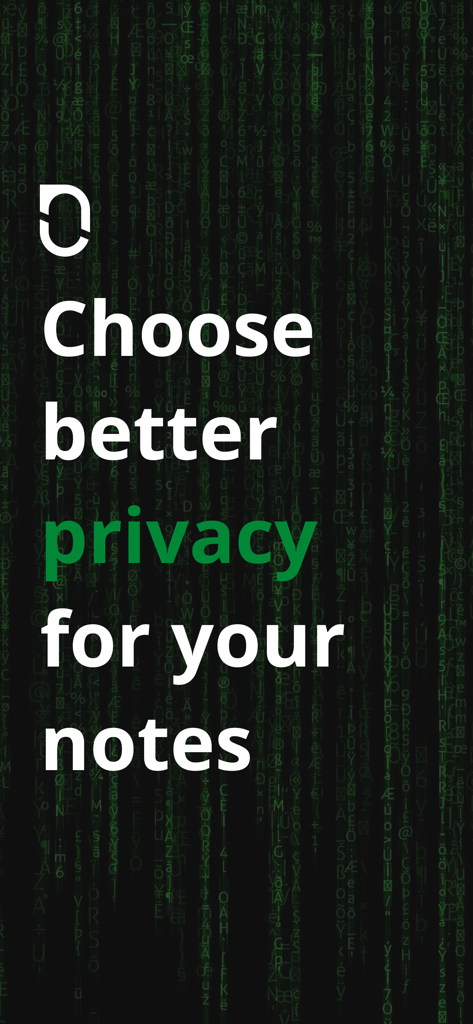
Notesnook: Private note taking - 녹색 디지털 코드 배경에 '노트에 더 나은 프라이버시를 선택하세요'라는 문구가 있는 Notesnook 홍보 화면
녹색 디지털 코드 배경에 '노트에 더 나은 프라이버시를 선택하세요'라는 문구가 있는 Notesnook 홍보 화면

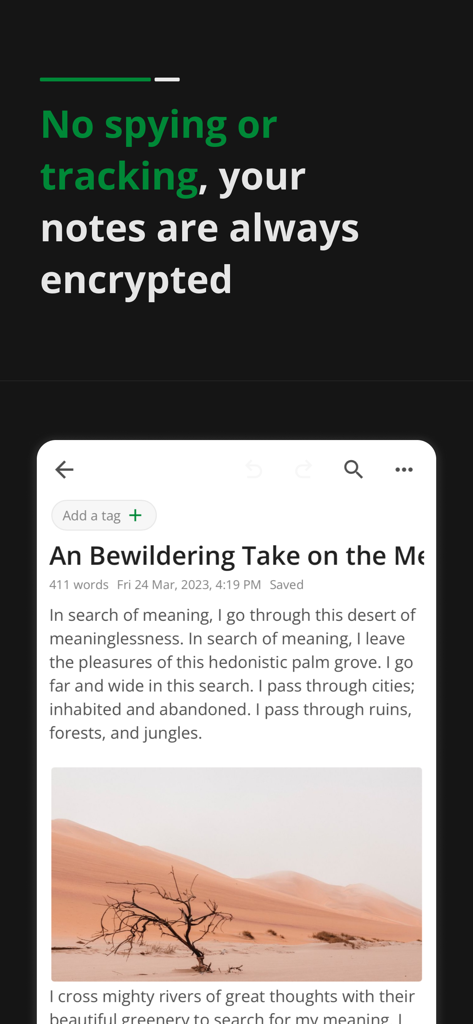
Notesnook: Private note taking - 사막 풍경 이미지가 있는 암호화된 개인 일기 항목을 보여주는 Notesnook 앱 인터페이스
사막 풍경 이미지가 있는 암호화된 개인 일기 항목을 보여주는 Notesnook 앱 인터페이스

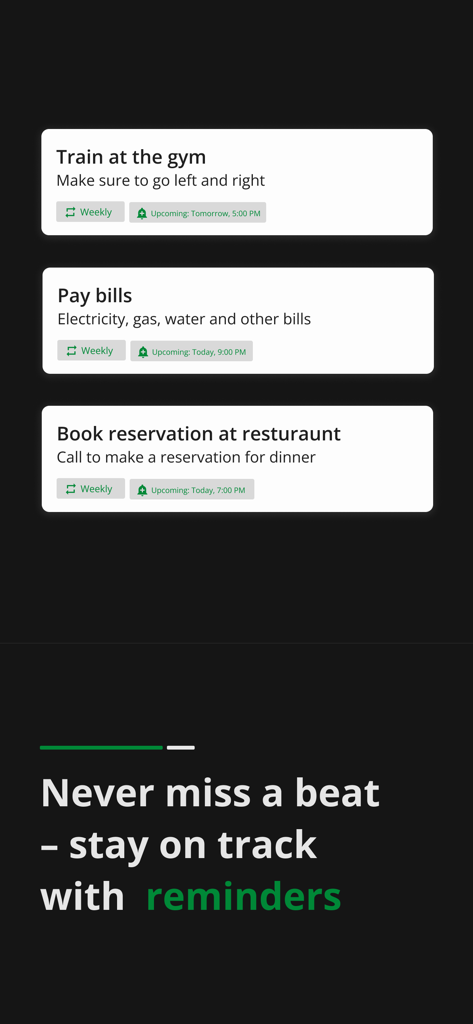
Notesnook: Private note taking - Notesnook 앱 다크 모드에서 예약된 할 일 알림 및 알림

Notesnook 앱 다크 모드에서 예약된 할 일 알림 및 알림

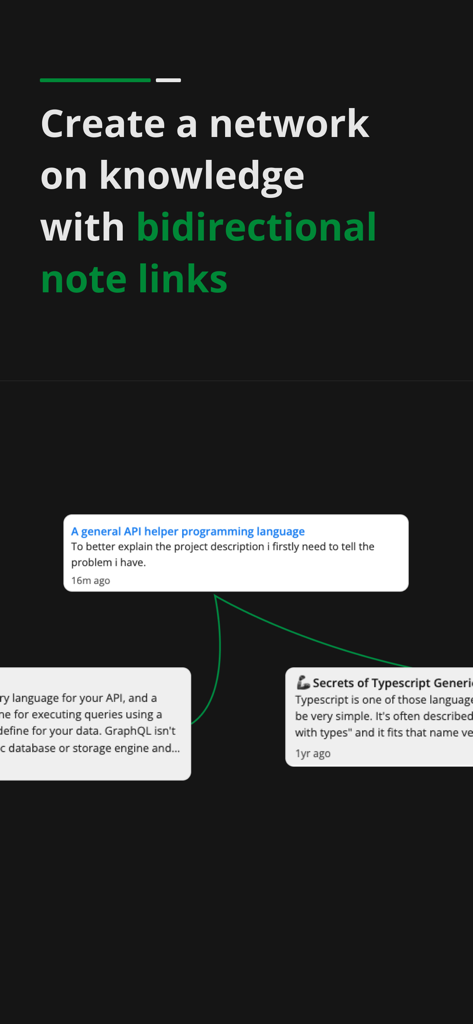
Notesnook: Private note taking - 지식 네트워크를 만들기 위한 Notesnook 앱의 양방향 노트 링크 시각적 데모
지식 네트워크를 만들기 위한 Notesnook 앱의 양방향 노트 링크 시각적 데모

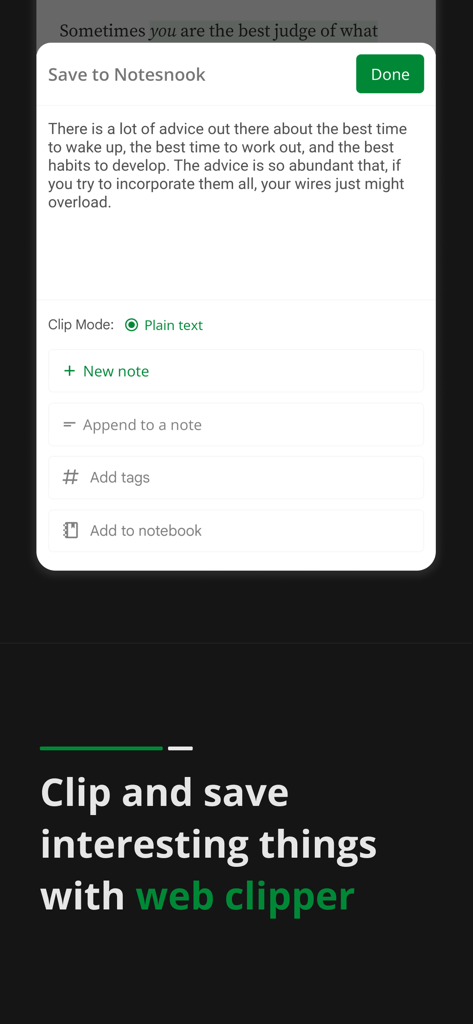
Notesnook: Private note taking - 텍스트를 새 노트로 저장하거나 노트북에 추가하는 옵션을 보여주는 Notesnook 웹 클리퍼 인터페이스
텍스트를 새 노트로 저장하거나 노트북에 추가하는 옵션을 보여주는 Notesnook 웹 클리퍼 인터페이스

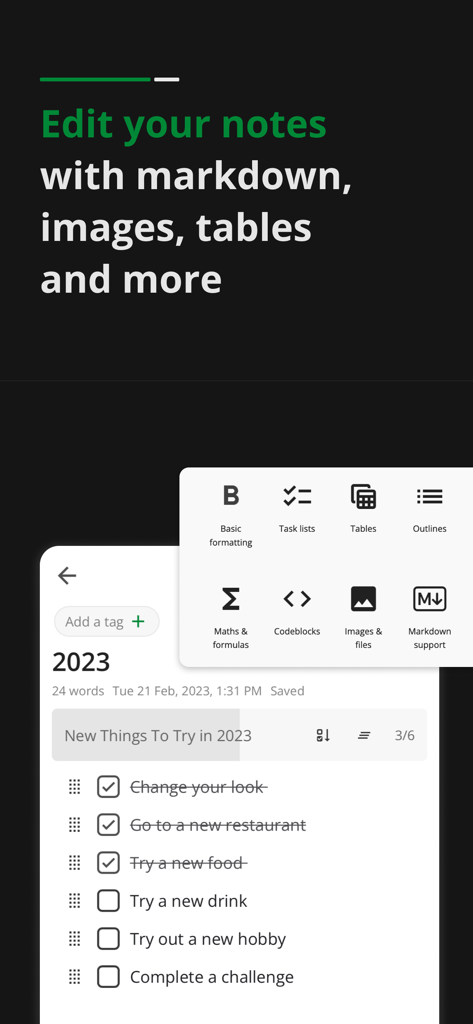
Notesnook: Private note taking - Notesnook 모바일 인터페이스에서 할 일 목록과 마크다운 테이블 및 이미지 서식 메뉴 표시
Notesnook 모바일 인터페이스에서 할 일 목록과 마크다운 테이블 및 이미지 서식 메뉴 표시

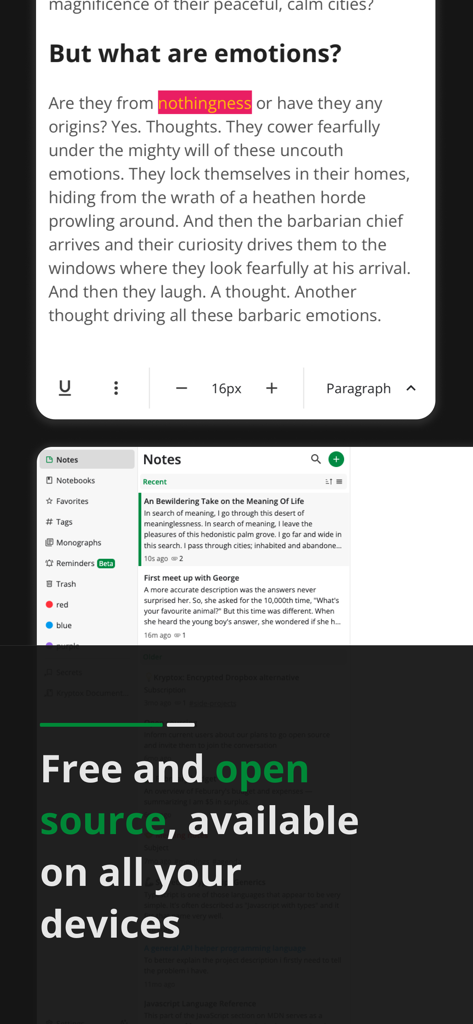
Notesnook: Private note taking - Notesnook 앱 인터페이스에서 개인 노트 편집기와 모든 기기에서 무료 및 오픈소스라는 메시지 표시
Notesnook 앱 인터페이스에서 개인 노트 편집기와 모든 기기에서 무료 및 오픈소스라는 메시지 표시

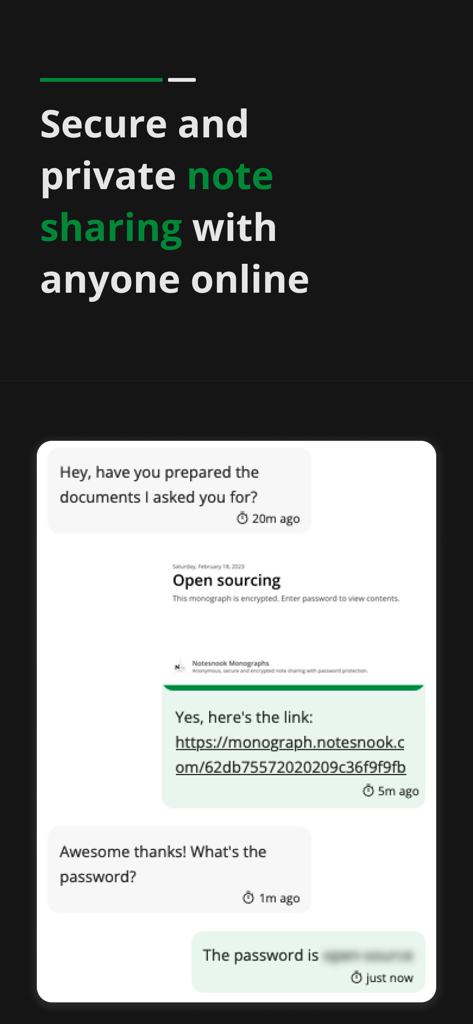
Notesnook: Private note taking - 암호화된 모노그래프 링크를 통한 안전하고 비공개적인 노트 공유를 보여주는 Notesnook 앱 인터페이스

암호화된 모노그래프 링크를 통한 안전하고 비공개적인 노트 공유를 보여주는 Notesnook 앱 인터페이스

설명

Notesnook is an open source private notes app and organizer. It is fully cross-platform. Download it on all your devices for free. Sync notes between your computer, tablet and mobile seamlessly. With Notesnook, note taking is a simple and easy task. Just like opening a physical notebook and writing notes down. A notes app to protects your privacy With military grade encryption, no one can ever read your secret notes except you. We use XChaCha20-Poly1305 & Argon2 encryption algorithms that are stronger & safer than AES256, impenetrable & future-proof. A level of security and privacy that is rare in note taking apps. Encrypted and private by default You do not need to press any button or enable anything for encryption to work. Your privacy is our primary concern. By default all notes are encrypted and securely stored on our servers. We can't read or open your notes even if we want to. Sync notes to all devices Sync notes in a safe and secure way. All your notes are encrypted on your device and synced so no matter what device you use, you always have access to what you write and journal in notepad. Locked notes with vault Double encrypt your notes with vault. Locked notes require password on open and are encrypted at rest. Notepad & Diary with lock A private diary with lock. App lock let's you lock notes with fingerprint and even lock the app so no one has access except you. A truly personal, safe & private diary with password so you can journal and write secret notes. To-do lists & Tasks Get things done with to-do lists and tasks. Create to-do lists to get things done. Keep track of your daily progress in to-do lists and accomplish daily tasks. Private journal and diary Journal your life in our private diary. Add photos & videos to your journal. Record your daily emotions and activities in your diary. Keep online journal safe with password. Anything you write or express is secure with military strength encryption. Take your journal always. Rich and powerful notes editor Simple notes on notepad or writing a complex document. Our notes editor supports rich editing. It allows basic formatting and editing notes. Make to-do lists and bulleted lists. Add images and embed videos in notepad & add tables and links Markdown editor Use markdown in notes editor. Use all markdown shortcuts and write markdown notes. Add headings, links, lists & more with markdown shortcuts. Notebooks Organize notes with notebooks. Each notebook has topics. In topics you can add all your notes. Use notebooks for multiple purpose like office or school notes. Color notes Color notes easily with one tap. You can edit the name and rename colors according to the notes you keep. Offline access No internet connection is required to use our notes taking app. Add, edit and organize notes offline and sync notes in notepad when you have internet access. App lock in notepad free Built-in App Lock to lock the app with fingerprint so no one can open and peek into your private notes on your device. Export notes from notepad Export notes in formats such as PDF, HTML, Markdown and Plain Text. Share notes with anyone with standard size and formatting. Publish and share notes with Monograph Monographs allow you publish and share your notes. You can lock notes with password that you want to publish. With self destruct feature, a monograph is deleted when it is accessed once. Military grade encryption which is use to encrypt your data for syncing. Backup notes data • Create note backups • Restore backups • Encrypt all your backups optionally • Automatic daily, weekly & monthly backups of your data and notes. Dark mode Our notes app has dark mode, useful when you are working at night taking notes. Privacy Policy: https://notesnook.com/privacy Terms of Service: https://notesnook.com/tos Source Code: https://github.com/streetwriters/notesnook

Download

다운로드: App Store

이 페이지는 앱이나 개발자의 공식 페이지가 아니며, 정보 제공 및 논평을 목적으로 작성된 독립 편집 간행물입니다. 명시적으로 달리 언급되지 않는 한, 해당 앱이나 개발자는 MWM, Apple, Google Play, 앱 퍼블리셔 또는 앱 개발자와 제휴, 보증, 후원, 승인 또는 공식적으로 연결되어 있지 않으며, 이 페이지의 어떤 내용도 해당 앱이 MWM의 서비스를 사용하여 개발되었음을 의미하지 않습니다. 모든 상표, 로고, 스크린샷 및 기타 콘텐츠는 해당 소유자의 자산입니다.