PassDiary Password Manager
다운로드: App Store

이 페이지는 앱이나 개발자의 공식 페이지가 아니며, 정보 제공 및 논평을 목적으로 작성된 독립 편집 간행물입니다. 명시적으로 달리 언급되지 않는 한, 해당 앱이나 개발자는 MWM, Apple, Google Play, 앱 퍼블리셔 또는 앱 개발자와 제휴, 보증, 후원, 승인 또는 공식적으로 연결되어 있지 않으며, 이 페이지의 어떤 내용도 해당 앱이 MWM의 서비스를 사용하여 개발되었음을 의미하지 않습니다. 모든 상표, 로고, 스크린샷 및 기타 콘텐츠는 해당 소유자의 자산입니다.


로고: PassDiary Password Manager
다운로드: App Store

PassDiary Password Manager

오프라인 우선 보관함으로 데이터를 완벽하게 제어하세요. 군사 등급 AES-256 암호화, 구독료 없음, 비밀번호가 기기를 떠나지 않는다는 안심감을 누리세요.

주요 수치

다운로드

110K+

사용자 평점

2.9/5

총 평가 수

3K+

개발사

Epicomm Technologies Ltd

카테고리

Productivity

지원 언어

1

최신 버전

1.7.9

크기

27.9 MB

출시일

2009년 12월 17일
기능

나만의 비밀 보관함, 완전히 오프라인

인터넷 연결 없이 기기에 모든 것을 보관하는 비밀번호 관리자로 디지털 보안을 완벽하게 제어하세요.

클라우드 노출 제로

비밀번호가 서버에 저장되지 않는다는 사실을 알고 더 편안하게 잠드세요. PassDiary는 원격 데이터 유출 위험을 없애기 위해 100% 오프라인으로 작동합니다.

256비트 로컬 암호화

중요한 정보는 기기에서 바로 군사 등급 암호화로 보호됩니다. 마스터 비밀번호만이 보관함을 잠금 해제할 수 있습니다.

다음 스크린샷과 설명은 앱의 공식 스토어 목록에서 직접 가져온 것이며 앱 개발자의 자산입니다.

앱 스토어

스크린샷
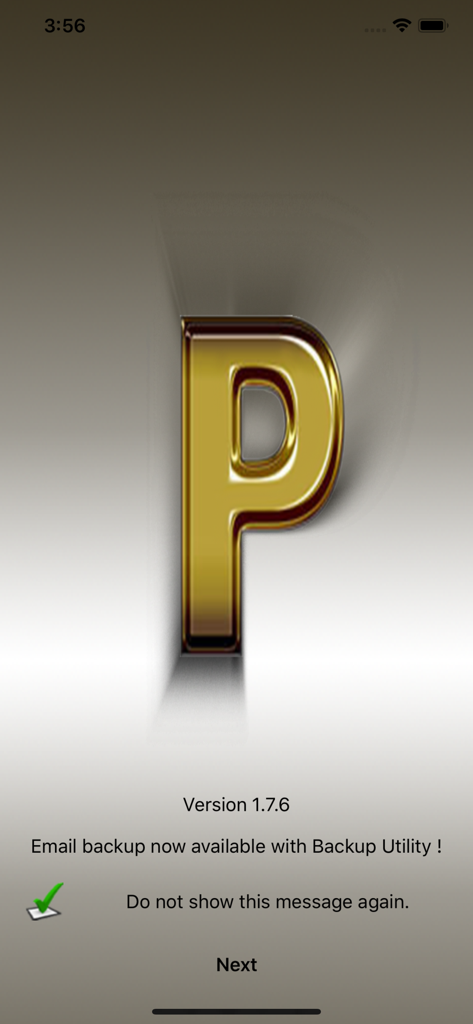
PassDiary Password Manager - PassDiary 앱 소개 화면, 황금색 P 로고와 이메일 백업 유틸리티 알림 표시.
PassDiary 앱 소개 화면, 황금색 P 로고와 이메일 백업 유틸리티 알림 표시.

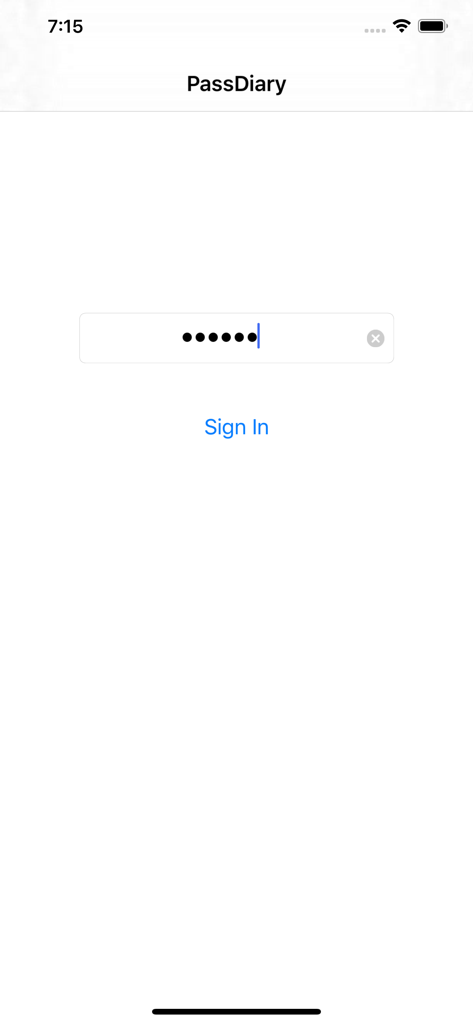
PassDiary Password Manager - PassDiary 앱 로그인 화면, 비밀번호 입력란과 로그인 버튼 표시.
PassDiary 앱 로그인 화면, 비밀번호 입력란과 로그인 버튼 표시.

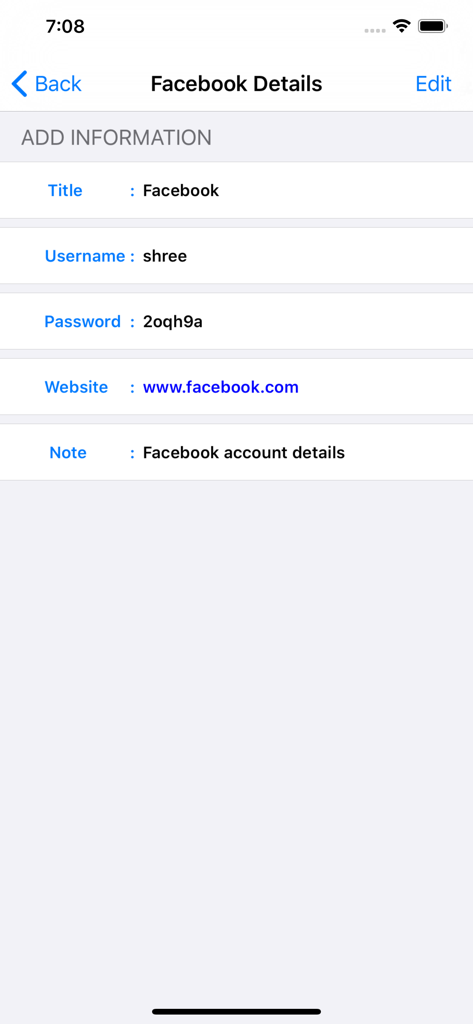
PassDiary Password Manager - 사용자 이름과 비밀번호를 포함한 저장된 Facebook 로그인 정보가 표시된 PassDiary 화면.
사용자 이름과 비밀번호를 포함한 저장된 Facebook 로그인 정보가 표시된 PassDiary 화면.

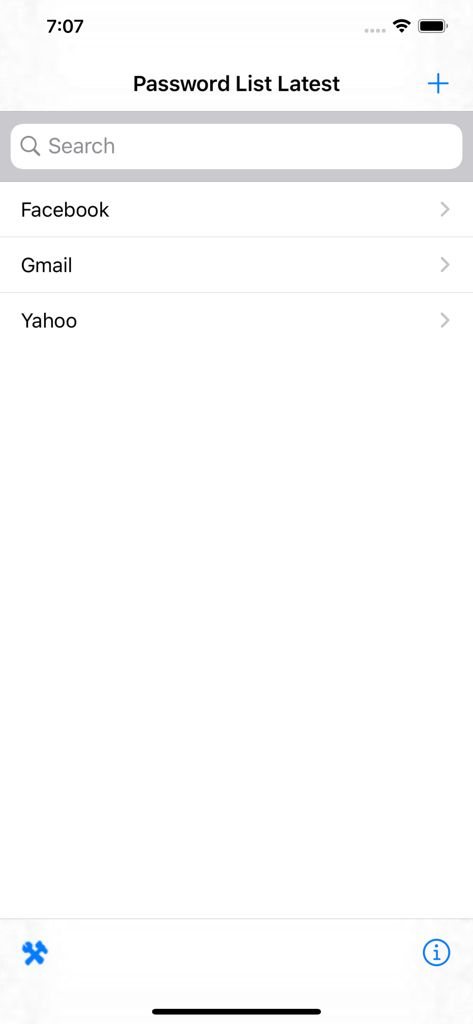
PassDiary Password Manager - Facebook, Gmail, Yahoo 계정에 대한 항목이 있는 비밀번호 목록을 보여주는 PassDiary 앱 인터페이스.
Facebook, Gmail, Yahoo 계정에 대한 항목이 있는 비밀번호 목록을 보여주는 PassDiary 앱 인터페이스.

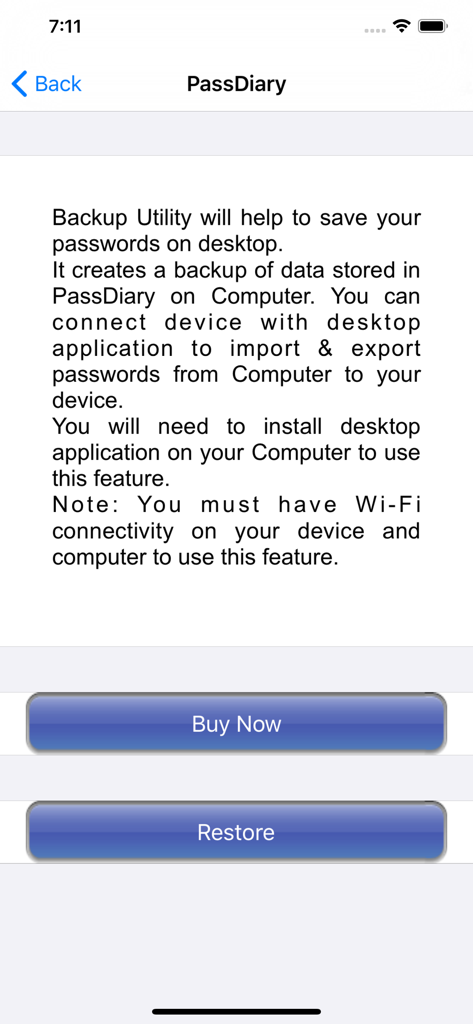
PassDiary Password Manager - PassDiary 앱 백업 유틸리티 화면, 데스크톱 데이터 백업 및 복원 옵션 지침 제공.
PassDiary 앱 백업 유틸리티 화면, 데스크톱 데이터 백업 및 복원 옵션 지침 제공.

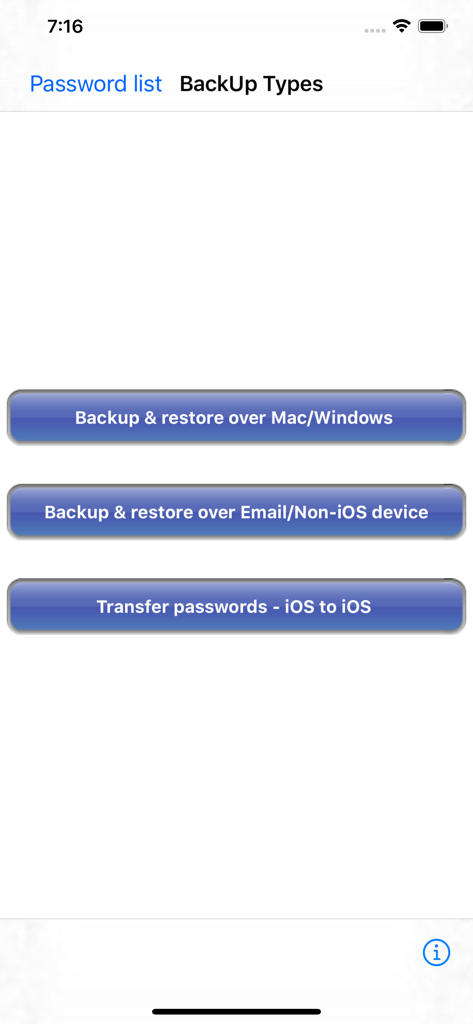
PassDiary Password Manager - Mac, Windows 및 iOS에 대한 비밀번호 백업 및 복원 옵션을 보여주는 PassDiary 앱 화면.
Mac, Windows 및 iOS에 대한 비밀번호 백업 및 복원 옵션을 보여주는 PassDiary 앱 화면.

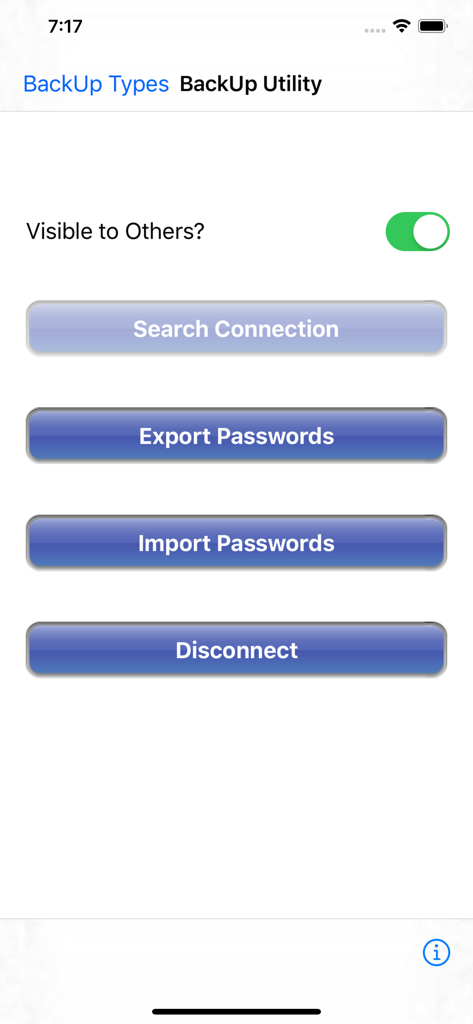
PassDiary Password Manager - PassDiary 앱의 백업 유틸리티 메뉴 화면, 연결 검색, 비밀번호 내보내기 및 가져오기 버튼 포함.
PassDiary 앱의 백업 유틸리티 메뉴 화면, 연결 검색, 비밀번호 내보내기 및 가져오기 버튼 포함.

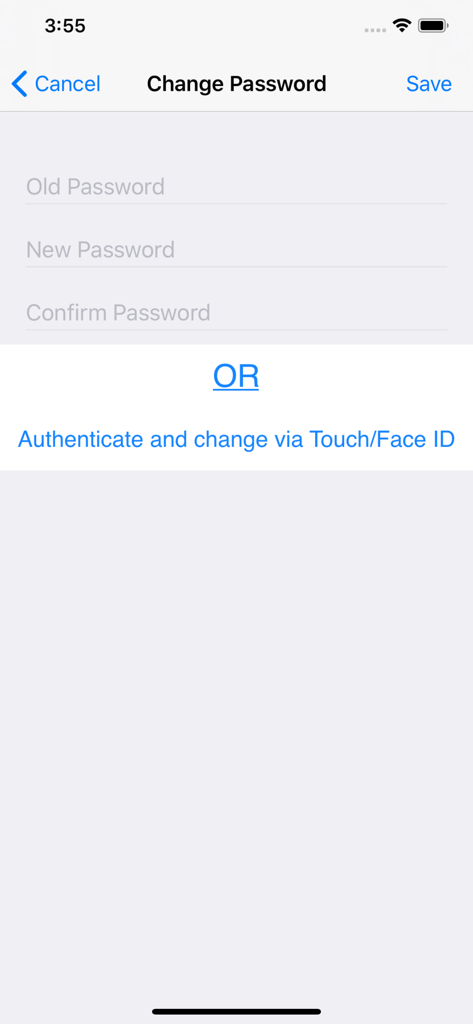
PassDiary Password Manager - 이전 및 새 비밀번호 입력란과 생체 인식 인증 옵션이 표시된 PassDiary의 비밀번호 변경 화면.

이전 및 새 비밀번호 입력란과 생체 인식 인증 옵션이 표시된 PassDiary의 비밀번호 변경 화면.

설명

Passdiary is a password manager and password wallet that let you securely store all your accounts important information in a vault. Passdiary does not access any of your precious information and none of your data will be stored in cloud or any other server. To access all your stored accounts passwords you just required to remember one password of Passdiary. Passdiary can be used to store the information of your email accounts, shopping accounts, social accounts, credit/debit cards, device logins and a lot.

Using Passdiary first time?
Passdiary is available just for $1 with lifetime access for iOS platforms and can be accessed on mobiles, tablets and iPad. Passdiary Features:- -Passdiary App is very simple and easy to use -Smart search to Password listing page -Password details can be saved with website URL, title, username & password with description -Random password generation using alphabets, numbers, special characters -Working offline (Does not require internet connectivity) -Passwords are safely stored on the device -Application is very highly secured against vulnerabilities -Strong Encryption (256-bit Advanced Encryption Standard -Backup utility to back up your passwords on a PC/Mac which is having Java installed. -Every query related on how to use the app is provided on website. Password diary – Makes easy to keep a record of all your account password with descriptions Password vault for storage – Let you store and easily search all your passwords at a single place Secure password vault – Passdiary does not connect with internet and does not synchronize with any of your accounts. What is Backup utility? Backup Utility is developed for Passdiary users, so as to save and restore passwords whenever required. The backup utility is a Desktop software for Windows/Mac devices which transfers your passwords from your Tablet/iPhone/iPod device to your computer and vice-versa with some easy steps. How Backup utility works? In the back up process a file (.epk) is exported to Windows/Mac device from your mobile uses 256 Bit encryption security. Your backup file on PC cannot be opened by any other program. Desktop utility will never connect to Internet and all your passwords are safe with 256 Bit encryption security used to encrypt backup file. Desktop utility also works with Mountain Lion OS. The use of this facility is recommended in situations where you are resetting your device to factory settings or formatting your desktop with iTunes or re-installing the iTunes. It also works for circumstances in which your Computer iTunes is infected with Trojan, or you want to switch to another device. iTunes also provides backup features but it may not necessarily support backups in situations mentioned above Backup Utility is available as an In App purchase just for $0.99 or price equivalent to your country’s currency. Please check http://passdiary.com to see the snapshots that will give you an idea as to how you can do this and get going.

Download

다운로드: App Store

이 페이지는 앱이나 개발자의 공식 페이지가 아니며, 정보 제공 및 논평을 목적으로 작성된 독립 편집 간행물입니다. 명시적으로 달리 언급되지 않는 한, 해당 앱이나 개발자는 MWM, Apple, Google Play, 앱 퍼블리셔 또는 앱 개발자와 제휴, 보증, 후원, 승인 또는 공식적으로 연결되어 있지 않으며, 이 페이지의 어떤 내용도 해당 앱이 MWM의 서비스를 사용하여 개발되었음을 의미하지 않습니다. 모든 상표, 로고, 스크린샷 및 기타 콘텐츠는 해당 소유자의 자산입니다.








