PDF Converter Ai• WORD to PDF

PDF Converter Ai• WORD to PDF

다운로드: App Store
로고: PDF Converter Ai• WORD to PDF

PDF Converter Ai • WORD를 PDF로: 최고의 올인원 문서 파워하우스

AI 기반 정밀도로 파일을 손쉽게 변환, 병합 및 압축하세요. iPhone, iPad, Mac 전반에 걸쳐 원활한 워크플로우를 추구하는 전문가와 학생을 위한 필수 생산성 도구입니다.

다운로드: App Store

개발사

Javeria Jabeen

카테고리

Productivity

다운로드

28K+

사용자 평점

4.4/5

총 평가 수

100

지원 언어

30

작업 효율성

이 인터페이스를 사용하는 28K+ 명의 사용자.

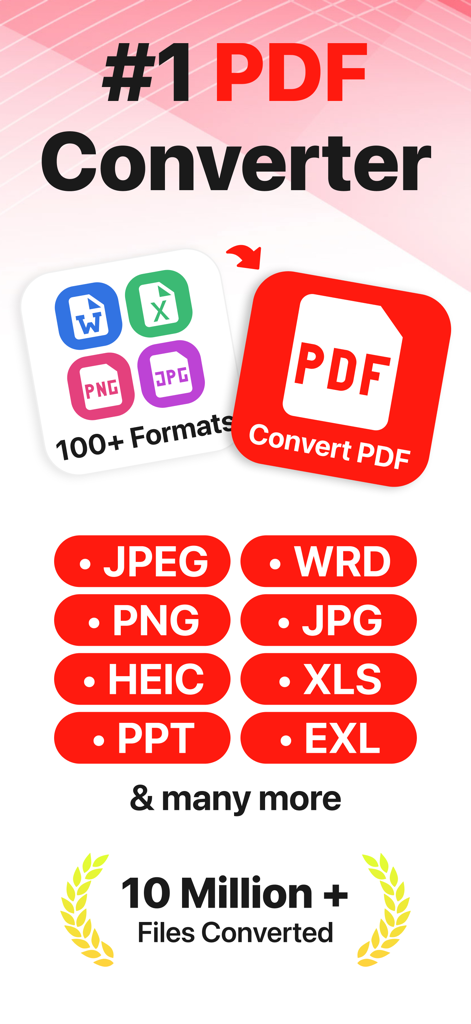
PDF Converter Ai 앱 스크린샷, 다양한 파일 형식을 PDF로 변환하는 기능 표시
PDF Converter Ai 앱 스크린샷, 다양한 파일 형식을 PDF로 변환하는 기능 표시

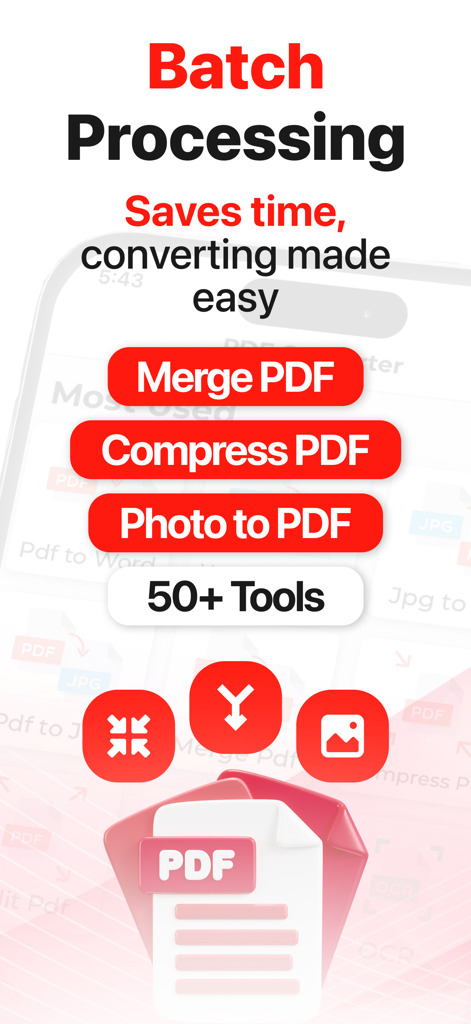
PDF Converter Ai 앱 화면, 배치 처리 및 병합, 압축과 같은 PDF 도구 표시
PDF Converter Ai 앱 화면, 배치 처리 및 병합, 압축과 같은 PDF 도구 표시

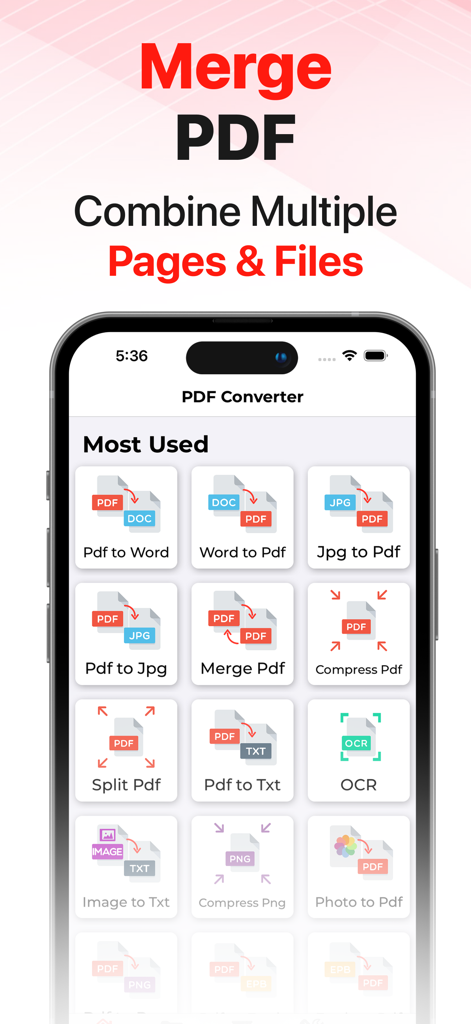
PDF Converter Ai 앱 인터페이스, PDF 병합 도구 및 다양한 파일 변환 기능 표시
PDF Converter Ai 앱 인터페이스, PDF 병합 도구 및 다양한 파일 변환 기능 표시

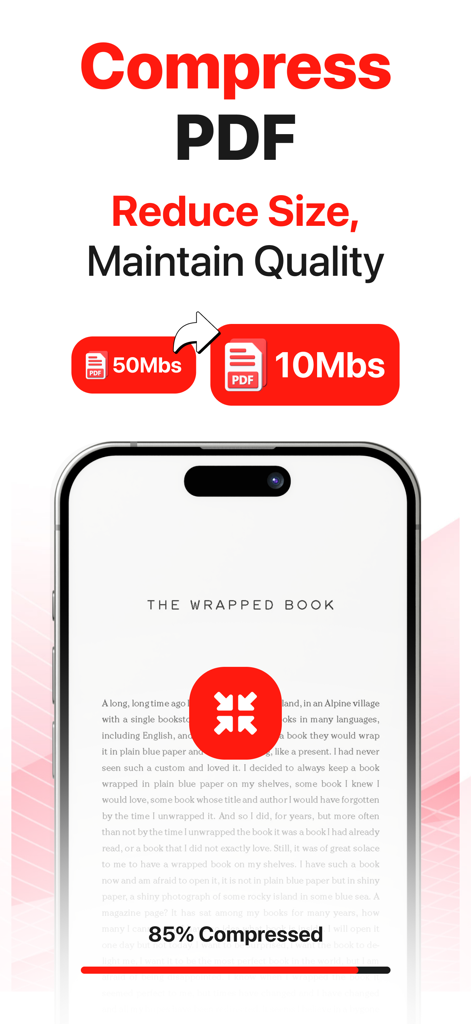
50MB에서 10MB로 PDF 압축을 보여주는 모바일 앱 화면
50MB에서 10MB로 PDF 압축을 보여주는 모바일 앱 화면

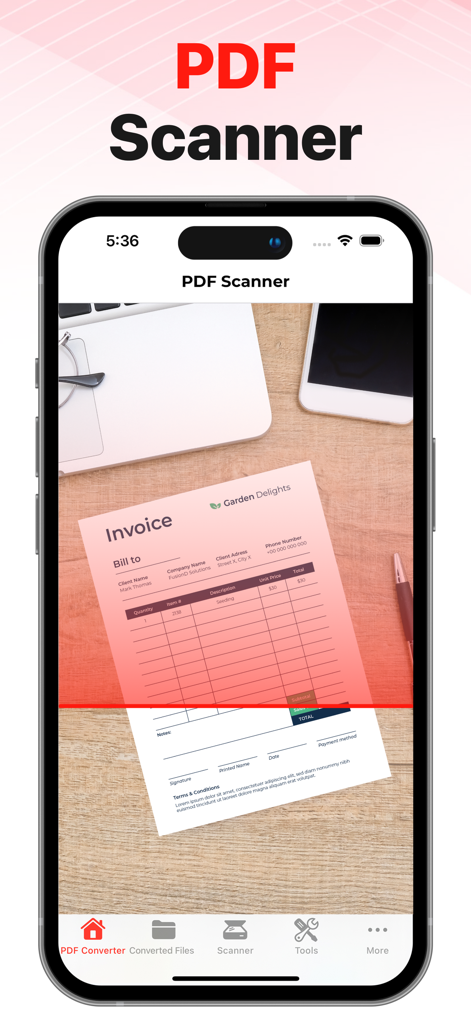
iPhone 화면, 종이 송장을 스캔하여 PDF 문서로 만드는 앱 표시
iPhone 화면, 종이 송장을 스캔하여 PDF 문서로 만드는 앱 표시

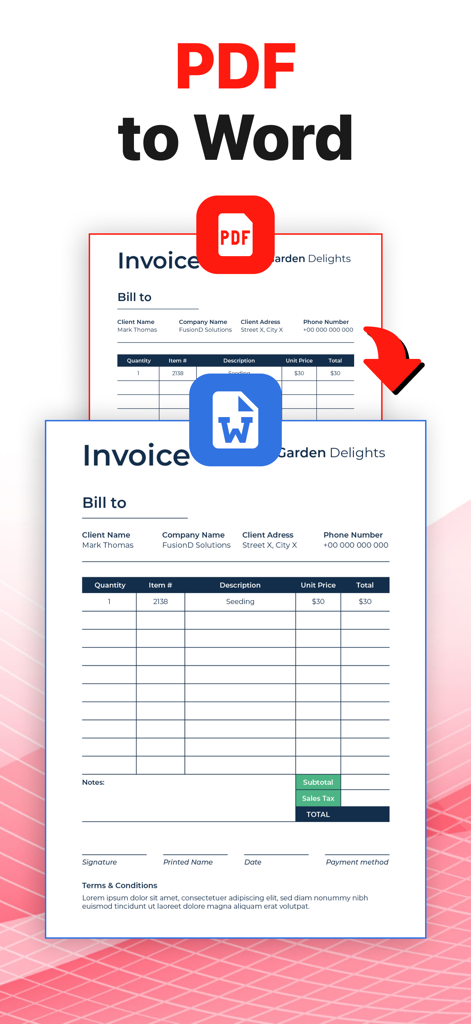
송장 문서를 변환하는 PDF-Word 변환 기능 표시
송장 문서를 변환하는 PDF-Word 변환 기능 표시

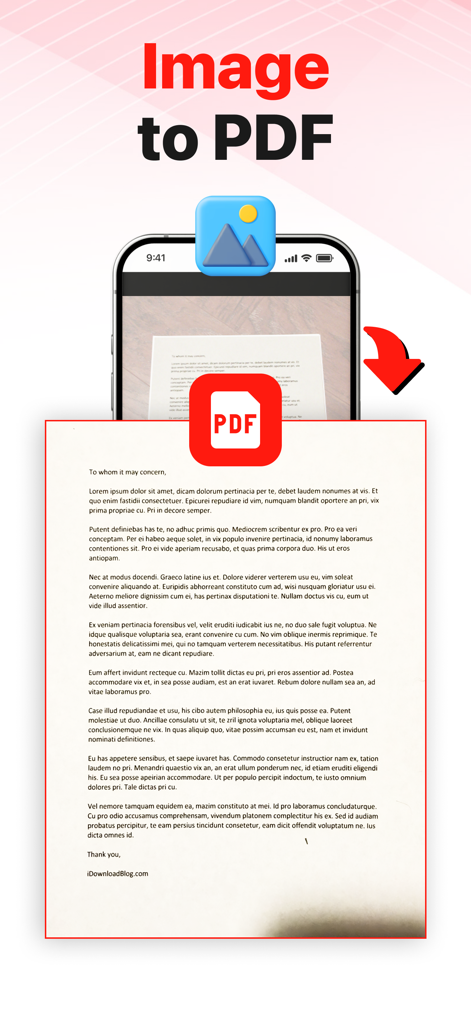
PDF Converter Ai 모바일 앱을 사용하여 문서 사진을 PDF 파일로 변환하는 과정 시각적 표현
PDF Converter Ai 모바일 앱을 사용하여 문서 사진을 PDF 파일로 변환하는 과정 시각적 표현

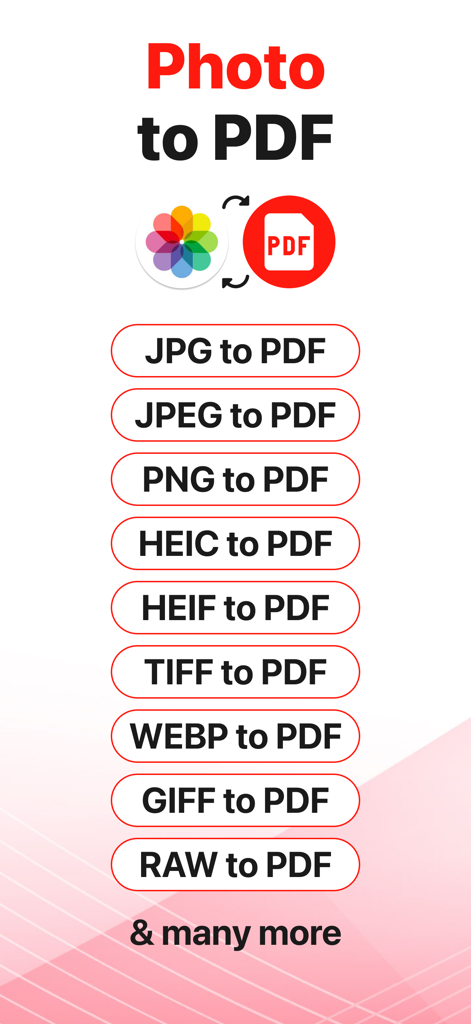
JPG PNG HEIC 및 RAW를 포함한 PDF 변환용 지원 이미지 형식 목록

JPG PNG HEIC 및 RAW를 포함한 PDF 변환용 지원 이미지 형식 목록

전문적인 문서 관리, 단순화됨

이 앱을 돋보이게 하는 도구, 28K+ 명의 사용자가 선택.

범용 AI 변환

Word, Excel 및 iWork 형식을 즉시 전환하세요. 당사의 AI는 복잡한 Apple 전용 파일(HEIC 포함)에서도 레이아웃을 완벽하게 유지합니다.

🗜️

프로급 최적화

이메일 공유를 위해 대용량 PDF를 줄이거나 여러 보고서를 하나의 응집력 있는 문서로 병합하세요. 데스크톱의 복잡성 없이 전문가용 도구를 사용하세요.

🔍

스마트 OCR 및 스캐너

실제 문서를 검색 가능한 디지털 텍스트로 변환하세요. 계약서, 화이트보드 또는 메모를 스캔하고 이동 중에 편집 가능한 형식으로 변환하세요.

앱 소개

에 대해 알아야 할 모든 것 PDF Converter Ai• WORD to PDF.

설명

The best PDF Converter on the AppStore!! Convert your files to all major formats. PDF Converter is currently supporting the following conversions.
 1. PDF to Word 2. Word To PDF 3. Photo To PDF 4. PDF to EPUB 5. EPUB to PDF 6. HEIC to PDF 7. JPG To PDF 8. PDF To JPG 9. Excel To PDF 10. PowerPoint To PDF 11. iWork To PDF 12. HTML To PDF 13. PDF To HTML 14. PDF To SVG 15. Vector To PDF
 PDF Converter also has following tools. 1. OCR 2. Merge PDF 3. Compress PDF 4. Split PDF 5. Compress PNG 6. Zip PDF 7. PDF Scanner, Scan to PDF, Scanner Convert your files in few east steps.
 1. Select your desired converter 2. Add input file. 3. Convert! It will only take a few seconds. 4. Download the file in your system. 


This app includes an optional auto-renewable subscription: Premium Pass beings with a free trial period, then an auto-renewable monthly subscription when trial ends. Yearly Plan has no free trial. Payment will be charged to your iTunes account at confirmation of purchase and will automatically renew (at the duration/price selected) unless auto-renew is turned off at least 24 hrs before the end of the current period. Account will be charged for renewal within 24-hours prior to the end of the current period. Current subscription may not be cancelled during the active subscription period; however, you can manage your subscription and/or turn off auto-renewal by visiting your iTunes Account Settings after purchase. Any unused portion of the free one week initial period will be forfeited when you purchase a subscription.
 Privacy Policy: 
https://oliviafrank.co/privacypolicy
 Terms of Service: 
 https://oliviafrank.co/termsandconditions

최신 버전

1.3.0

크기

30.3 MB

출시일

2021년 11월 18일

몇 초 만에 문서를 마스터하세요

모든 파일 형식을 손쉽게 처리하기 위해 PDF Converter Ai를 신뢰하는 28,000명 이상의 전문가 및 학생들과 함께하세요. 지금 iPhone, iPad, Mac용으로 다운로드하고 최고의 올인원 생산성 툴킷을 경험하세요.

다운로드: App Store

App information, icons, screenshots, and descriptions displayed on this page are sourced from the Apple App Store and are the property of their respective developers. Download estimates and rankings are based on MWM's proprietary models and may not reflect actual figures. This page is provided for informational and analytical purposes only.

Believe this page infringes your intellectual property? File a dispute