PPT Editor: Power Point Sheets
다운로드: App Store

이 페이지는 앱이나 개발자의 공식 페이지가 아니며, 정보 제공 및 논평을 목적으로 작성된 독립 편집 간행물입니다. 명시적으로 달리 언급되지 않는 한, 해당 앱이나 개발자는 MWM, Apple, Google Play, 앱 퍼블리셔 또는 앱 개발자와 제휴, 보증, 후원, 승인 또는 공식적으로 연결되어 있지 않으며, 이 페이지의 어떤 내용도 해당 앱이 MWM의 서비스를 사용하여 개발되었음을 의미하지 않습니다. 모든 상표, 로고, 스크린샷 및 기타 콘텐츠는 해당 소유자의 자산입니다.

로고: PPT Editor: Power Point Sheets
다운로드: App Store

PPT Editor: Power Point Sheets

이동 중인 전문가를 위해 제작된 가볍고 AI 기반 프레젠테이션 도구입니다. 멋진 슬라이드를 디자인하고, 출퇴근길에 오프라인으로 작업하고, 모든 장치에서 원활하게 동기화하세요.

주요 수치

다운로드

12K+

사용자 평점

3.4/5

총 평가 수

0

개발사

Softcap

카테고리

Productivity

지원 언어

17

최신 버전

1.7

크기

111.4 MB

출시일

2024년 8월 23일
기능

모바일 작업 공간을 위한 강력한 도구

AI 기반 도구와 이동 중인 전문가 및 학생을 위해 제작된 원활한 오프라인 편집 기능을 갖춘 휴대용 디자인 스튜디오로 iPhone 또는 iPad를 변환하세요.

이동 중 전문적인 편집

고속 모바일 생산성을 위해 설계된 직관적인 도구를 사용하여 마지막 순간의 수정이나 처음부터 슬라이드 구축을 수행하세요.

AI 기반 스마트 디자인

디자인 작업을 대신 수행하는 지능형 레이아웃 제안을 통해 몇 초 만에 멋지고 영향력 있는 프레젠테이션을 만드세요.

다음 스크린샷과 설명은 앱의 공식 스토어 목록에서 직접 가져온 것이며 앱 개발자의 자산입니다.

앱 스토어

스크린샷
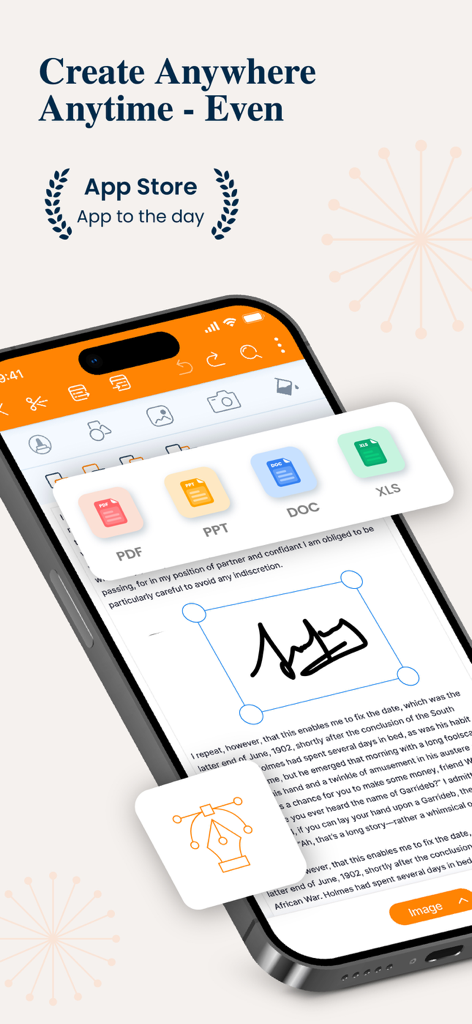
PPT Editor: Power Point Sheets - 문서 편집 및 파일 형식 아이콘을 보여주는 스마트폰의 PPT 에디터 앱 인터페이스
문서 편집 및 파일 형식 아이콘을 보여주는 스마트폰의 PPT 에디터 앱 인터페이스

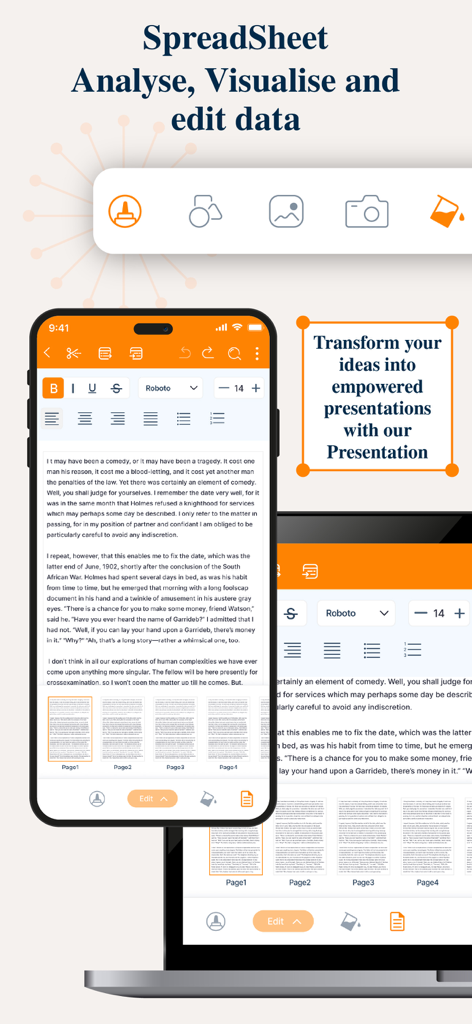
PPT Editor: Power Point Sheets - 프레젠테이션 및 스프레드시트 편집 도구를 보여주는 모바일 및 노트북 화면
프레젠테이션 및 스프레드시트 편집 도구를 보여주는 모바일 및 노트북 화면

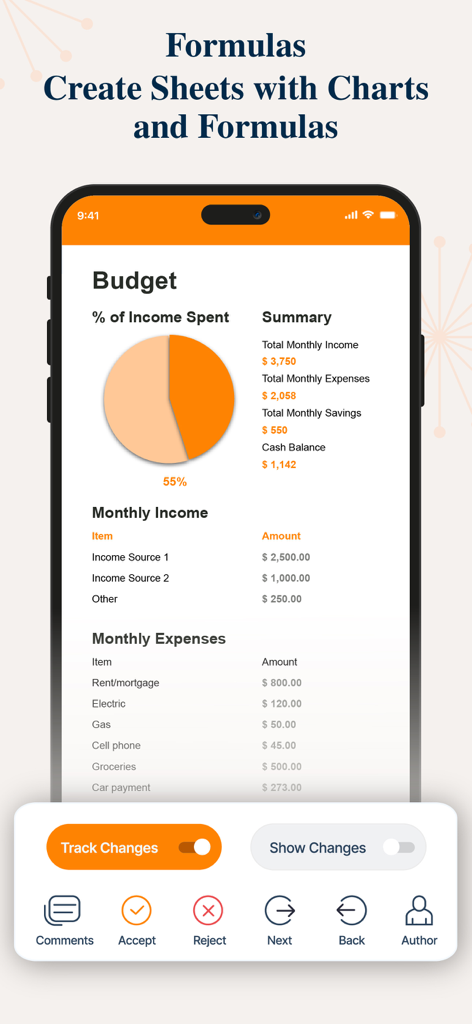
PPT Editor: Power Point Sheets - 파이 차트 및 비용 목록이 특징인 PPT 에디터 앱의 스프레드시트 예산 보기
파이 차트 및 비용 목록이 특징인 PPT 에디터 앱의 스프레드시트 예산 보기

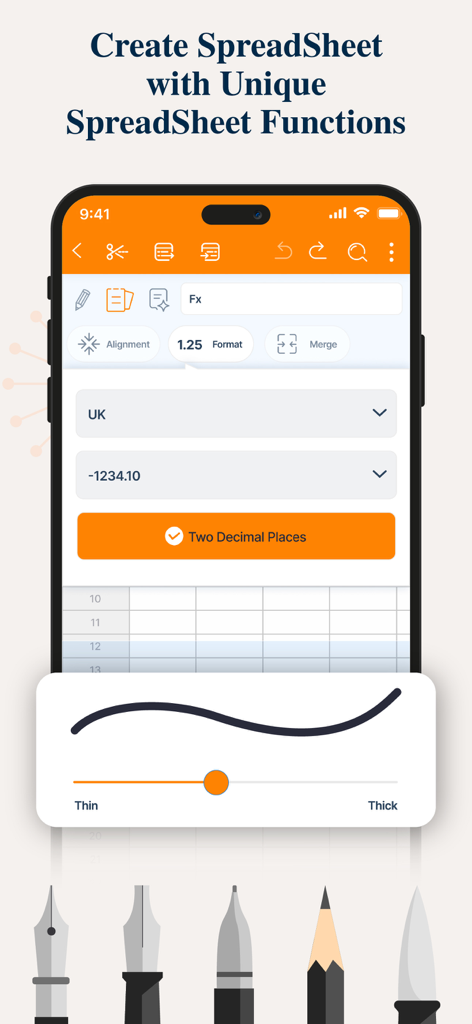
PPT Editor: Power Point Sheets - 서식 및 그리기 도구가 있는 모바일 장치의 스프레드시트 생성 및 편집 인터페이스
서식 및 그리기 도구가 있는 모바일 장치의 스프레드시트 생성 및 편집 인터페이스

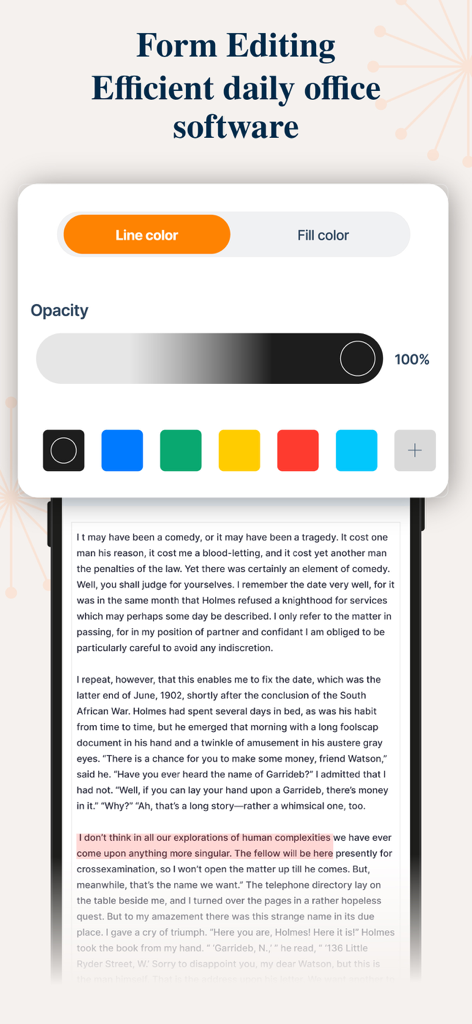
PPT Editor: Power Point Sheets - 문서 텍스트의 색상 및 불투명도 컨트롤이 포함된 양식 편집 도구를 보여주는 모바일 앱 인터페이스
문서 텍스트의 색상 및 불투명도 컨트롤이 포함된 양식 편집 도구를 보여주는 모바일 앱 인터페이스

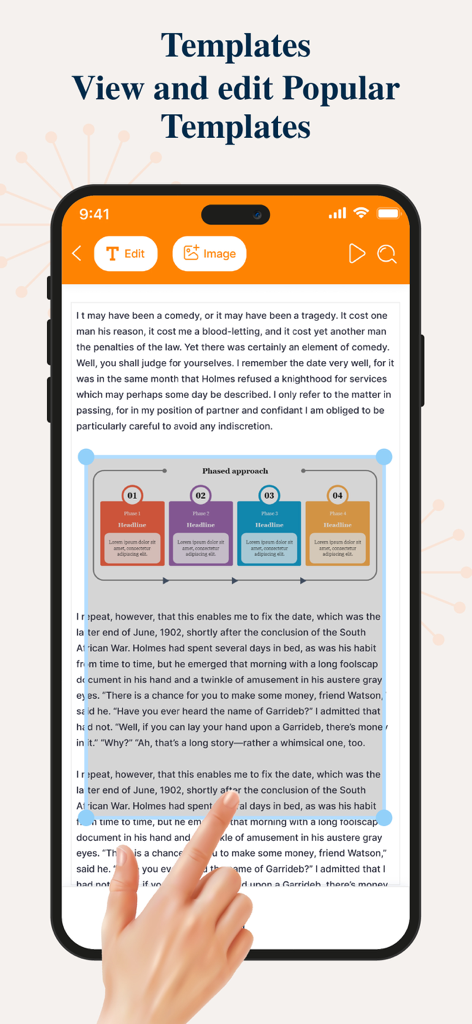
PPT Editor: Power Point Sheets - 휴대폰에서 단계별 다이어그램으로 프레젠테이션 템플릿 편집

휴대폰에서 단계별 다이어그램으로 프레젠테이션 템플릿 편집

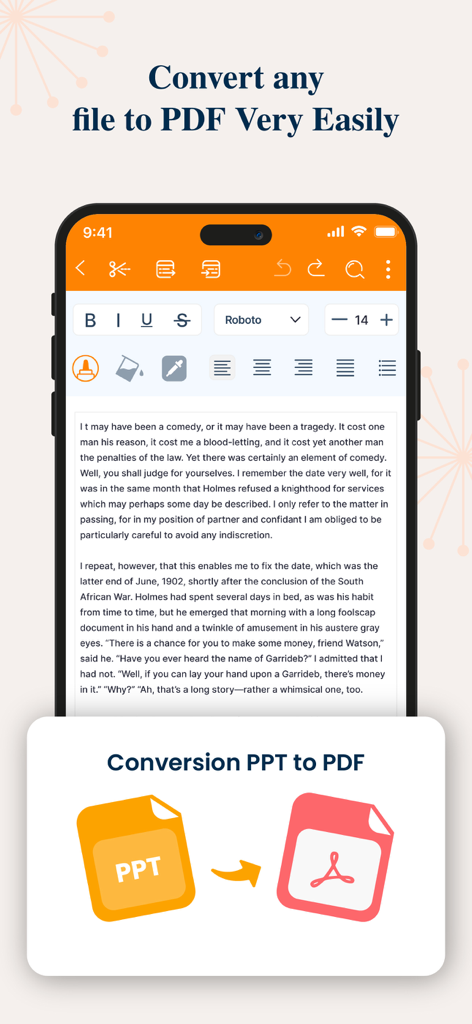
PPT Editor: Power Point Sheets - PDF 문서로 PPT 파일 변환을 보여주는 모바일 앱 인터페이스

PDF 문서로 PPT 파일 변환을 보여주는 모바일 앱 인터페이스

설명

The PPT app gives you access to the familiar slideshow maker tool you already know. Create, edit, view, present, or share presentations quickly and easily from anywhere. Need to access your Power Point: PPT files quickly while on the go? PPT provides a quick view of your recent slides and presentations for easy access on any device. Key Features: Create & Edit Presentations: Craft and polish your slides with intuitive tools that allow you to add text, images, charts, and animations. Easily customize layouts, themes, and templates to match your style. Collaboration Made Easy: Work with others in real-time by sharing your presentations. Receive feedback and make edits simultaneously, ensuring everyone stays on the same page. Seamless Integration: Sync your presentations across devices with cloud storage support. Access your files from anywhere, whether you’re on your phone, tablet, or desktop. Presenter Mode: Present confidently with features like speaker notes, timers, and laser pointer controls. Use your device as a remote to manage your slides during live presentations. Advanced Tools & Features: Utilize smart features like AI-powered design suggestions, automatic slide layout adjustments, and data visualization to make your content more engaging and informative. Offline Access: Keep working on your presentations even without an internet connection. All your changes will sync automatically once you’re back online. Compatibility & Export Options: Easily open and edit files from other presentation software. Export your final product in various formats including PDF, video, and images.The PPT app gives you access to the familiar slideshow maker tool you already know. Create, edit, view, present, or share presentations quickly and easily from anywhere.Transform your presentations with our comprehensive PowerPoint app, designed to elevate your storytelling and make your ideas shine. Whether you’re a business professional, student, or educator, this app offers a powerful set of tools to create, edit, and share stunning presentations on the go. 3-DAY FREE TRIAL • Try out all paid features free for 3 days • Select a plan that best suits your needs • Cancel anytime without any obligations Yearly - Monthly plans at 499 Rs/Month & Yearly Plans at 2999 Rs/Year Subscription will be charged to your credit card through your App Store account. Your subscription will automatically renew unless canceled at least 24 hours before the end of the current period. Terms of use - https://sites.google.com/view/ppt-editor-terms-of-use/home Privacy Policy - https://sites.google.com/view/ppt-editor-privacy-policy/home

Download

다운로드: App Store

이 페이지는 앱이나 개발자의 공식 페이지가 아니며, 정보 제공 및 논평을 목적으로 작성된 독립 편집 간행물입니다. 명시적으로 달리 언급되지 않는 한, 해당 앱이나 개발자는 MWM, Apple, Google Play, 앱 퍼블리셔 또는 앱 개발자와 제휴, 보증, 후원, 승인 또는 공식적으로 연결되어 있지 않으며, 이 페이지의 어떤 내용도 해당 앱이 MWM의 서비스를 사용하여 개발되었음을 의미하지 않습니다. 모든 상표, 로고, 스크린샷 및 기타 콘텐츠는 해당 소유자의 자산입니다.