Remote Mouse Pro

Remote Mouse Pro

다운로드: App Store
로고: Remote Mouse Pro

Remote Mouse Pro: 컴퓨터를 위한 궁극의 무선 컨트롤러

스마트폰이나 태블릿을 정교한 마우스, 키보드, 트랙패드로 변환하세요. 중요한 프레젠테이션을 진행하든 소파에서 홈 시네마를 제어하든 손안에서 완벽한 크로스 디바이스 생산성을 경험하세요.

개발사

耀 阮

카테고리

Utilities

다운로드

425K+

사용자 평점

4.4/5

총 평가 수

29K+

지원 언어

19

완벽한 제어의 맛보기

이 인터페이스를 사용하는 425K+ 명의 사용자.

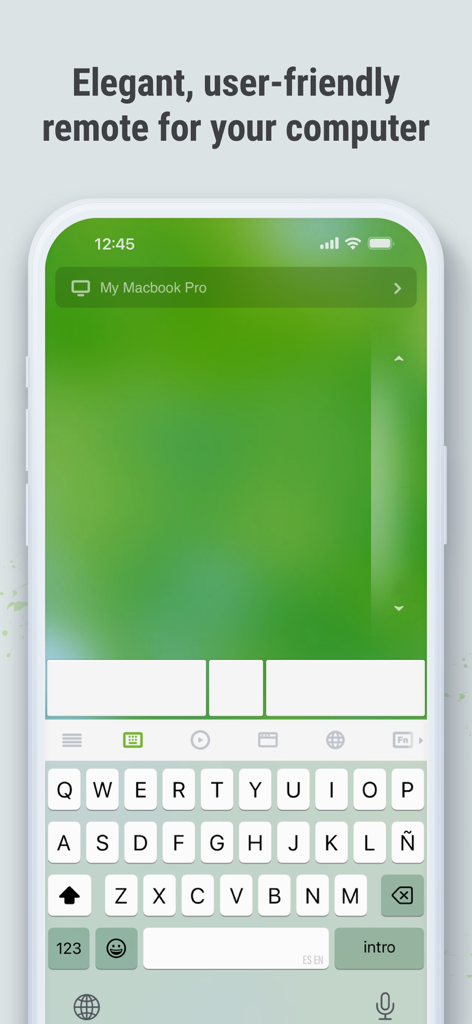
Remote Mouse Pro 앱 인터페이스가 iPhone에 표시되며, 원격 컴퓨터 제어를 위한 디지털 트랙패드와 키보드를 보여줍니다.
Remote Mouse Pro 앱 인터페이스가 iPhone에 표시되며, 원격 컴퓨터 제어를 위한 디지털 트랙패드와 키보드를 보여줍니다.

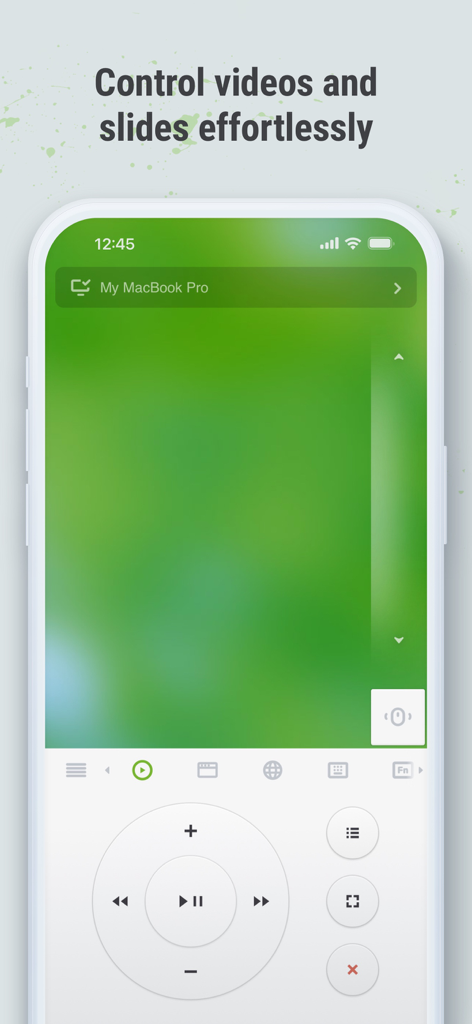
iPhone의 Remote Mouse Pro 인터페이스가 미디어 컨트롤과 트랙패드를 보여주며, 원격으로 비디오 및 슬라이드를 제어합니다.
iPhone의 Remote Mouse Pro 인터페이스가 미디어 컨트롤과 트랙패드를 보여주며, 원격으로 비디오 및 슬라이드를 제어합니다.

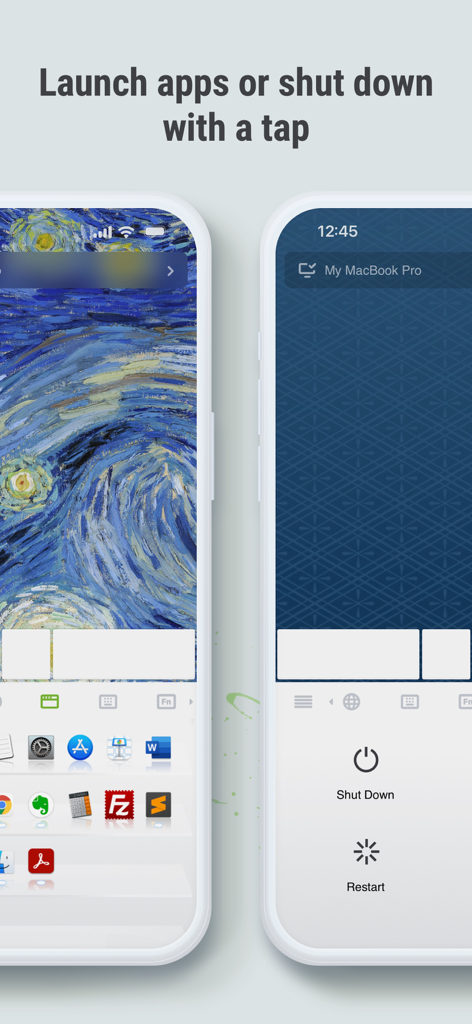
Remote Mouse Pro 앱 화면에 애플리케이션 런처와 컴퓨터 원격 전원 제어가 표시됩니다.
Remote Mouse Pro 앱 화면에 애플리케이션 런처와 컴퓨터 원격 전원 제어가 표시됩니다.

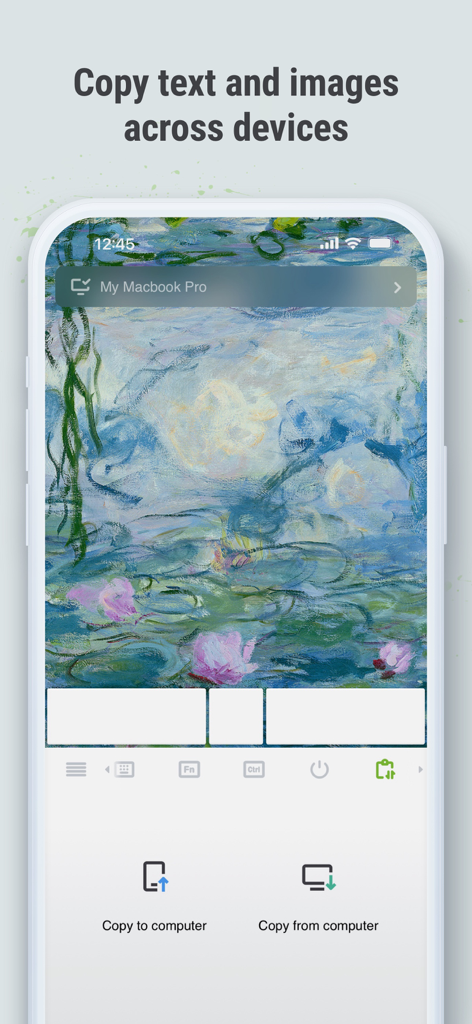
Remote Mouse Pro 인터페이스가 스마트폰과 컴퓨터 간에 텍스트와 이미지를 복사하기 위한 크로스 디바이스 클립보드 기능을 보여줍니다.
Remote Mouse Pro 인터페이스가 스마트폰과 컴퓨터 간에 텍스트와 이미지를 복사하기 위한 크로스 디바이스 클립보드 기능을 보여줍니다.

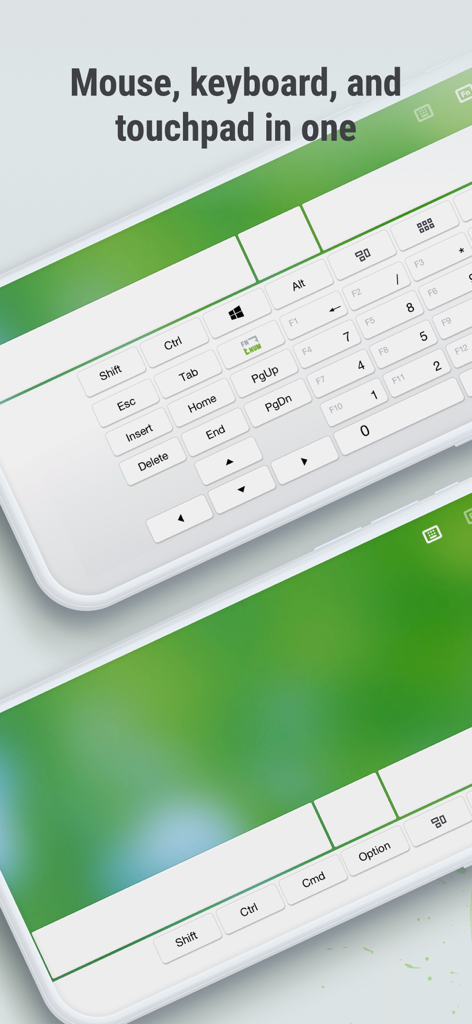
Remote Mouse Pro 앱 인터페이스가 두 개의 스마트폰에 전체 키보드와 터치패드 컨트롤을 표시합니다.
Remote Mouse Pro 앱 인터페이스가 두 개의 스마트폰에 전체 키보드와 터치패드 컨트롤을 표시합니다.

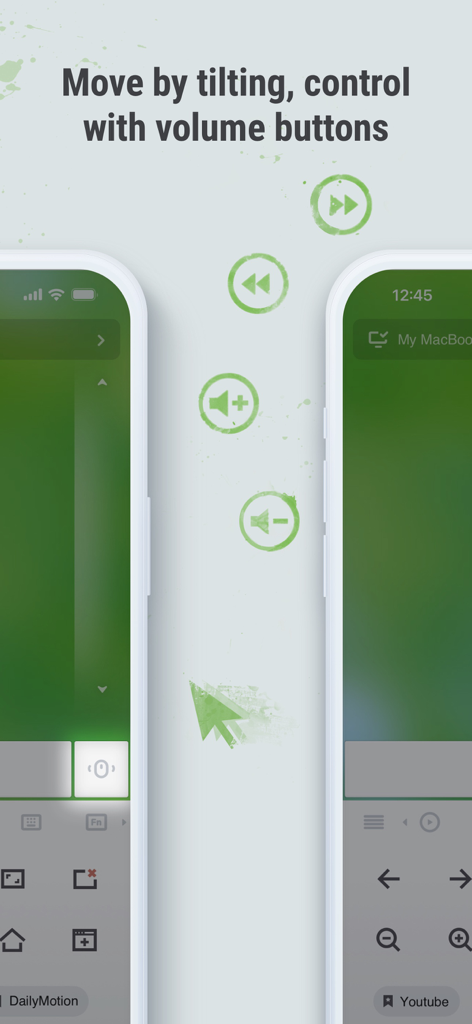
Remote Mouse Pro 인터페이스가 자이로 기울기 움직임과 물리적 볼륨 버튼 컨트롤을 원격 컴퓨터 탐색용으로 보여줍니다.
Remote Mouse Pro 인터페이스가 자이로 기울기 움직임과 물리적 볼륨 버튼 컨트롤을 원격 컴퓨터 탐색용으로 보여줍니다.

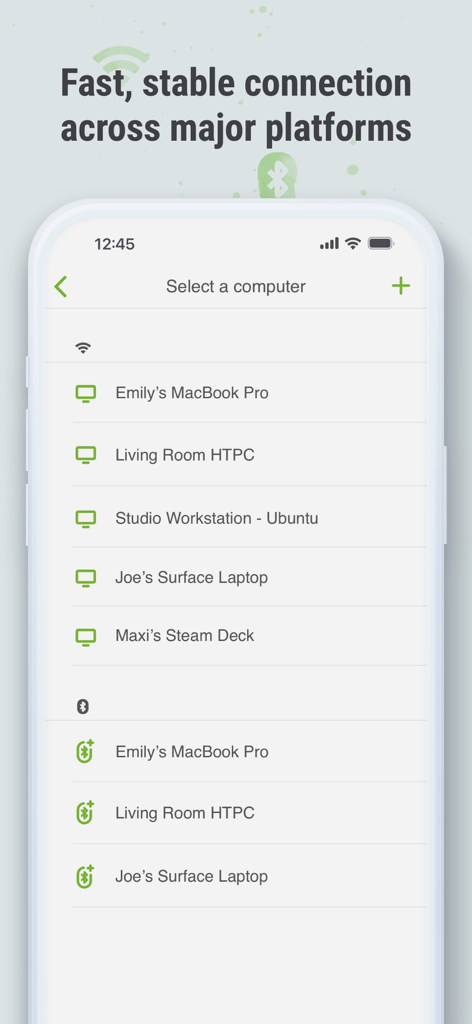
Remote Mouse Pro 모바일 앱 인터페이스가 Wi-Fi 및 Bluetooth를 통해 연결할 수 있는 사용 가능한 컴퓨터 및 장치 목록을 보여줍니다.
Remote Mouse Pro 모바일 앱 인터페이스가 Wi-Fi 및 Bluetooth를 통해 연결할 수 있는 사용 가능한 컴퓨터 및 장치 목록을 보여줍니다.

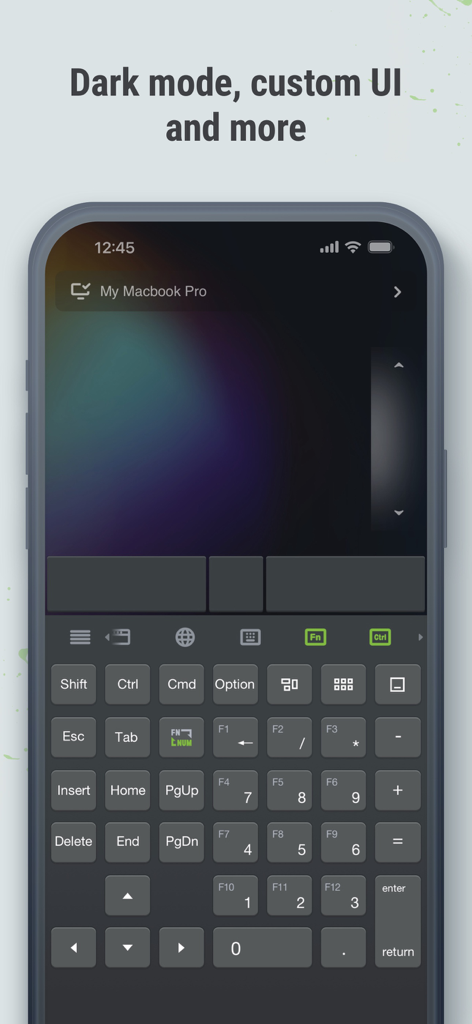
iPhone의 전체 원격 키보드 및 트랙패드를 보여주는 다크 모드의 Remote Mouse Pro 앱 인터페이스

iPhone의 전체 원격 키보드 및 트랙패드를 보여주는 다크 모드의 Remote Mouse Pro 앱 인터페이스

스마트폰으로 데스크탑을 마스터하세요

이 앱을 돋보이게 하는 도구, 425K+ 명의 사용자가 선택.

📽️

전문적인 프레젠테이션 파워

내장된 리모컨 클릭커로 방을 장악하세요. 휴대폰의 자이로 센서를 레이저 포인터로 사용하여 책상에 묶이지 않고 PowerPoint 또는 Keynote의 핵심 포인트를 강조 표시하세요.

🍿

궁극의 편안한 경험

휴대폰을 Netflix, VLC, YouTube를 위한 전용 미디어 리모컨으로 바꾸세요. 물리적인 마우스 없이도 소파에서 볼륨, 재생, 탐색을 제어할 수 있습니다.

원활한 크로스 디바이스 생산성

크로스 디바이스 클립보드를 사용하여 모바일과 PC 간의 텍스트와 이미지를 즉시 동기화하세요. 특수 패널을 사용하여 단 한 번의 탭으로 애플리케이션을 전환하거나 컴퓨터를 종료하세요.

앱 소개

에 대해 알아야 할 모든 것 Remote Mouse Pro.

설명

Remote Mouse™ transforms your mobile phone or tablet into an easy-to-use remote control for your computer, complete with a cross-device clipboard that enables seamless text and image transfer across platforms. It mimics the functions of a wireless mouse, keyboard, and touchpad, and also offers various specialized control panels that enhance your control over specific operations. The small features, designed for one-handed use or intuitive operations, will delight you. Featured on CNET, Mashable, and Product Hunt, Remote Mouse is recognized as one of the most sophisticated and user-friendly computer remote apps. With over 20 million users worldwide, it's a trusted choice for effortless computer control. Whether you're watching a movie online, giving a presentation, or shutting down your computer with one click, nothing can be more convenient than having a mobile phone remote at your fingertips. Mouse • Fully simulated mouse function • Gyro mouse is a feature that allows you to move the mouse cursor with a gyro sensor • Left-handed mode Keyboard • Integrated with system and third-party keyboards, supports typing in various languages • Remotely typing by voice if the soft keyboard supports speech recognition • Supports sending various shortcuts • Displays different keypads for Mac or PC Touchpad • Simulates the Apple Magic Trackpad and supports multi-touch gestures Specialty Control Panels • Media Remote: Supports iTunes, VLC, Windows Media Player, Keynote, PowerPoint, and Windows Photo Viewer, and will support more • Web Remote: Supports Chrome, Firefox, and Opera • Application Switcher: quickly launch and switch between programs • Power Options: Supports remotely shutting down, sleeping, restarting, and logging off • Cross-device Clipboard: Allows for the transfer of text and images between your computer and mobile device Other Features • Use the physical volume buttons on the mobile device for remote control • Set a password for the connection • Customizable wallpaper Connection Method • Connect via IP address or QR code • Connect via history Operating Environment • Compatible with Windows, Mac OSX, and Linux • Works under Wi-Fi or Bluetooth To Get Started 1. Visit https://www.remotemouse.net on your computer and download the Remote Mouse computer server software. 2. Install and run the computer server software. 3. Connect your mobile device to the same Wi-Fi network or use Bluetooth to pair with your computer. If you're a macOS user, you may need to grant access to Remote Mouse. You can refer to this video (https://youtu.be/8LJbtv42i44) for guidance.

최신 버전

5.310

크기

90.3 MB

출시일

2010년 7월 20일

자리를 뜨지 않고도 데스크탑을 마스터하세요

2천만 명의 전문가 및 홈 엔터테인먼트 애호가와 함께하세요. 지금 Remote Mouse Pro를 다운로드하고 Mac, PC 또는 Linux를 완벽하게 제어하세요.

다운로드: App Store

App information, icons, screenshots, and descriptions displayed on this page are sourced from the Apple App Store and are the property of their respective developers. Download estimates and rankings are based on MWM's proprietary models and may not reflect actual figures. This page is provided for informational and analytical purposes only.

Believe this page infringes your intellectual property? File a dispute