Smart Printer App ゜
Smart Printer App ゜
다운로드: App Store

이 페이지는 앱이나 개발자의 공식 페이지가 아니며, 정보 제공 및 논평을 목적으로 작성된 독립 편집 간행물입니다. 명시적으로 달리 언급되지 않는 한, 해당 앱이나 개발자는 MWM, Apple, Google Play, 앱 퍼블리셔 또는 앱 개발자와 제휴, 보증, 후원, 승인 또는 공식적으로 연결되어 있지 않으며, 이 페이지의 어떤 내용도 해당 앱이 MWM의 서비스를 사용하여 개발되었음을 의미하지 않습니다. 모든 상표, 로고, 스크린샷 및 기타 콘텐츠는 해당 소유자의 자산입니다.


로고: Smart Printer App ゜
다운로드: App Store

Smart Printer App ゜

iPhone 또는 iPad에서 바로 문서를 스캔, 편집, 서명 및 인쇄하세요. 효율적인 원격 근무와 원활한 iCloud 통합을 위해 설계된 전문가 수준의 도구입니다.

주요 수치

다운로드

0

사용자 평점

1.0/5

총 평가 수

0

개발사

FREE PDF TECHNOLOGIES INC

카테고리

Productivity

지원 언어

34

최신 버전

1.2

크기

46.8 MB

출시일

2025년 3월 31일
기능

전문적인 워크플로우를 강화하세요

앱 간 전환은 이제 그만. 모바일 전문가를 위해 설계된 원활한 iCloud 통합으로 iPhone 또는 iPad에서 직접 문서를 스캔, 편집, 서명 및 인쇄하세요.

범용 클라우드 인쇄

iCloud 또는 Mac에서 직접 문서, 웹 페이지, 사진을 인쇄하세요. 홈 오피스 또는 이동 중 필요에 맞는 손쉬운 연결.

전문가용 문서 편집 및 서명

계약서를 즉시 완료하세요. 데스크톱 설정 없이 문서에 전문적인 스탬프, 텍스트 및 디지털 서명을 추가하세요.

다음 스크린샷과 설명은 앱의 공식 스토어 목록에서 직접 가져온 것이며 앱 개발자의 자산입니다.

앱 스토어

스크린샷
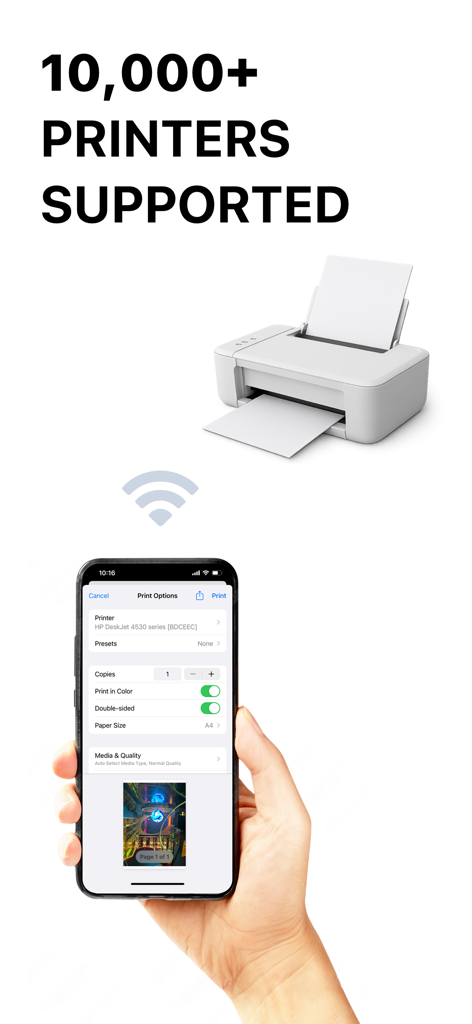
Smart Printer App ゜ - Smart Printer App 인터페이스가 iPhone에 표시되며 무선 인쇄 옵션과 10,000개 이상의 지원 프린터 표시
Smart Printer App 인터페이스가 iPhone에 표시되며 무선 인쇄 옵션과 10,000개 이상의 지원 프린터 표시

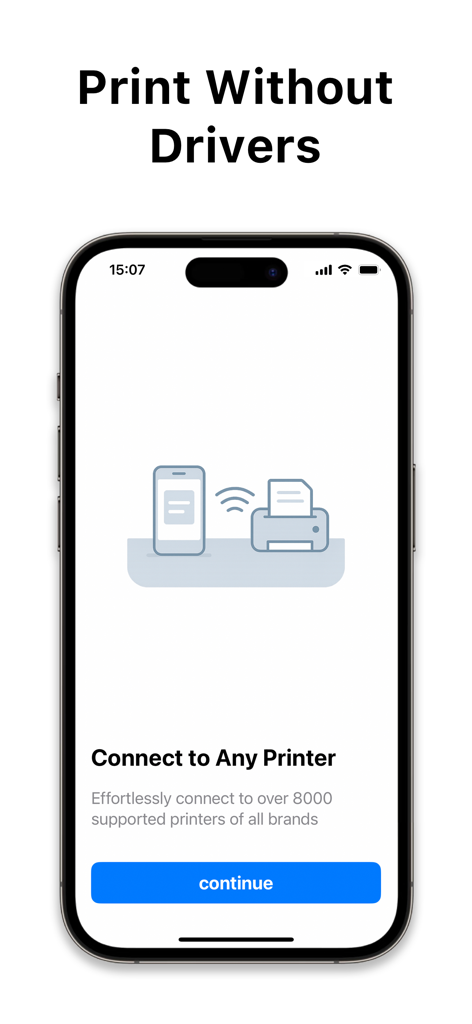
Smart Printer App ゜ - 스마트폰 화면에 드라이버 없이 무선으로 프린터에 연결하기 위한 Smart Printer App 인터페이스 표시
스마트폰 화면에 드라이버 없이 무선으로 프린터에 연결하기 위한 Smart Printer App 인터페이스 표시

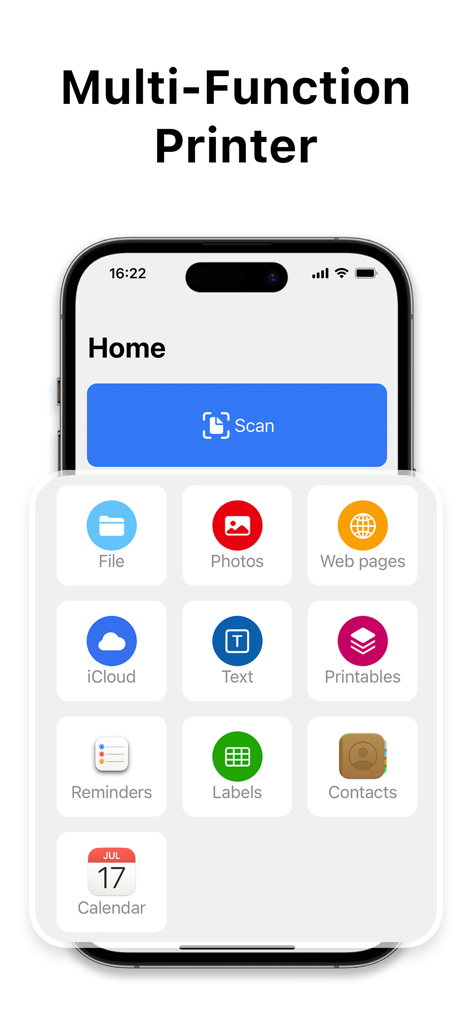
Smart Printer App ゜ - Smart Printer App의 홈 화면에 파일, 사진, 웹 페이지 및 iCloud 문서를 스캔하고 인쇄하는 기능 표시
Smart Printer App의 홈 화면에 파일, 사진, 웹 페이지 및 iCloud 문서를 스캔하고 인쇄하는 기능 표시

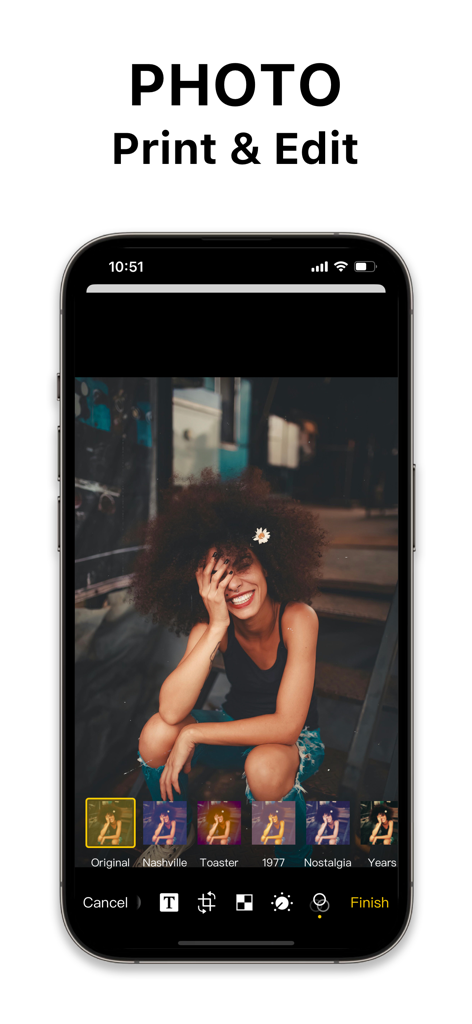
Smart Printer App ゜ - 모바일 화면에 Smart Printer App 인터페이스가 사진 편집 도구와 필터를 표시
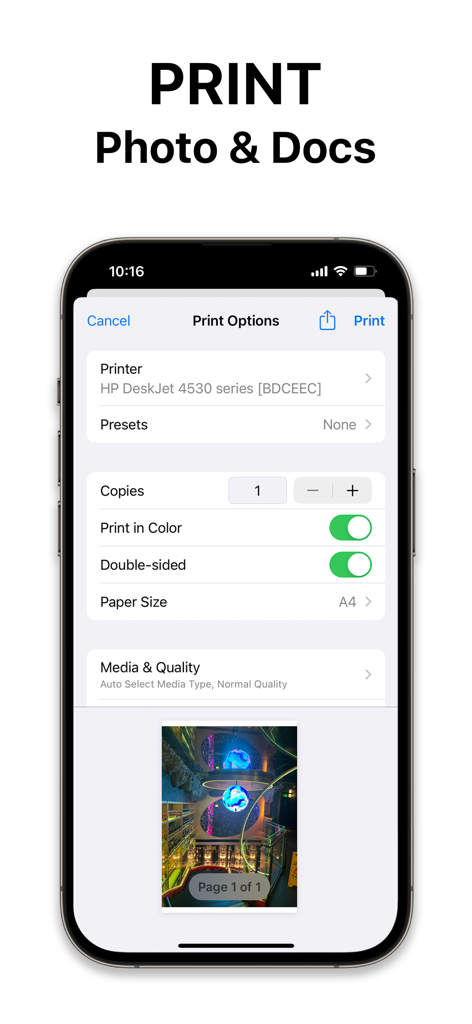
모바일 화면에 Smart Printer App 인터페이스가 사진 편집 도구와 필터를 표시

Smart Printer App ゜ - iPhone 화면에 색상 및 용지 크기 설정이 표시된 Smart Printer App의 인쇄 옵션 메뉴
iPhone 화면에 색상 및 용지 크기 설정이 표시된 Smart Printer App의 인쇄 옵션 메뉴

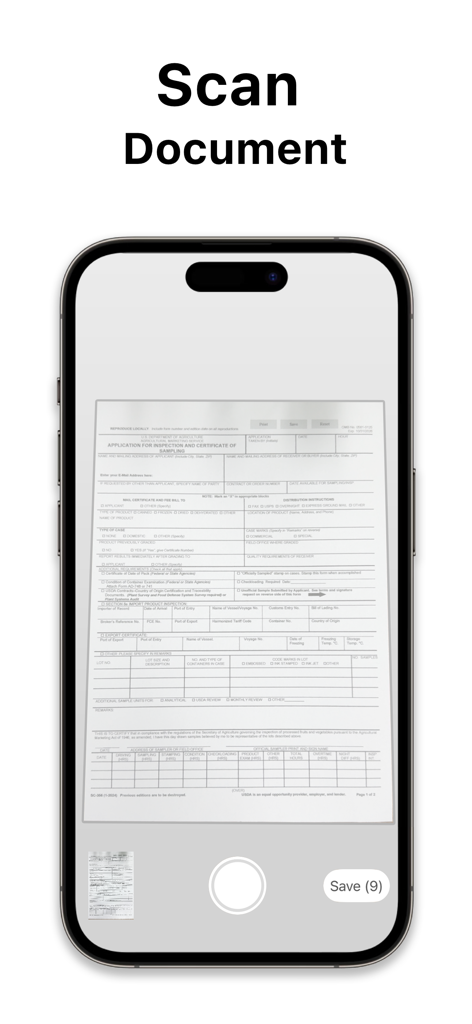
Smart Printer App ゜ - iPhone 화면에 종이 양식을 캡처하는 Smart Printer App의 문서 스캔 기능 표시

iPhone 화면에 종이 양식을 캡처하는 Smart Printer App의 문서 스캔 기능 표시

설명

Printer App is a multifunctional printing software that combines printing, document management, document creation and document editing in one, providing users with a convenient one-stop solution.Printer is committed to providing users with a full range of document processing capabilities to help users work more efficiently manage and handle all types of document tasks. Features: Flexible Printing Options Printer App offers a variety of convenient printing methods, including: - Select File: Select the file you want to print from your Mac computer and print it quickly; - Select Pictures: Select pictures from the gallery and print them directly; - Print Web Pages: Save time by logging in to a website and printing the contents of the web page directly; - Select iCloud files: Easily select files from iCloud for printing, realizing cloud printing; - Create Text: Support creating text content and printing to meet various text needs; - OCR Scanning: OCR scanning function converts the content of the document into a printable format to improve printing efficiency. Convenient Document Editing and Printing Users can edit documents through the Printer App software, add text, labels, stamps, signatures and other elements, printing operations at any time to meet the personalized needs of document processing more flexible and convenient. Convenient document saving and management Printer App supports users to save the edited document, to ensure that the work results are effectively retained, convenient for users to access and use in the future, improve work efficiency and document management convenience. Printer App provides convenient document printing, editing and management functions, allowing you to work on documents with less effort. Whether it's fast printing, flexible editing, or convenient management, Printer can meet your needs, improve work efficiency, and make it easy for you to meet all kinds of document processing challenges. Let Printer App become your right-hand man for document tasks, making work more efficient and convenient. License information: One-Time purchase for the best offer of $49.99 We offer one auto-renewing subscription option with 3 day free trial - Yearly: as low as $39.99 Subscription Information · Payment will be charged to your iTunes account at confirmation of purchase. · Subscription automatically renews unless auto-renew is turned off at least 24 hours before the end of the current period. · The account will be charged for renewal within 24 hours of the end of the current period, and the renewal cost will be provided. · The user may manage subscriptions. After purchase, auto-renewal can be turned off by going to the user's Account Settings. · Cancellations and refunds are managed by the store directly. Privacy Policy: https://freepdftechnologies.com/privacy-policy.html Terms of Use: https://freepdftechnologies.com/terms-of-service.html

Download

다운로드: App Store

이 페이지는 앱이나 개발자의 공식 페이지가 아니며, 정보 제공 및 논평을 목적으로 작성된 독립 편집 간행물입니다. 명시적으로 달리 언급되지 않는 한, 해당 앱이나 개발자는 MWM, Apple, Google Play, 앱 퍼블리셔 또는 앱 개발자와 제휴, 보증, 후원, 승인 또는 공식적으로 연결되어 있지 않으며, 이 페이지의 어떤 내용도 해당 앱이 MWM의 서비스를 사용하여 개발되었음을 의미하지 않습니다. 모든 상표, 로고, 스크린샷 및 기타 콘텐츠는 해당 소유자의 자산입니다.








