
이 페이지는 앱이나 개발자의 공식 페이지가 아니며, 정보 제공 및 논평을 목적으로 작성된 독립 편집 간행물입니다. 명시적으로 달리 언급되지 않는 한, 해당 앱이나 개발자는 MWM, Apple, Google Play, 앱 퍼블리셔 또는 앱 개발자와 제휴, 보증, 후원, 승인 또는 공식적으로 연결되어 있지 않으며, 이 페이지의 어떤 내용도 해당 앱이 MWM의 서비스를 사용하여 개발되었음을 의미하지 않습니다. 모든 상표, 로고, 스크린샷 및 기타 콘텐츠는 해당 소유자의 자산입니다.

Supremo Remote Desktop
AES 256비트 암호화로 어디서든 PC와 서버를 안전하게 제어하세요. IT 전문가와 즉각적인 원격 연결이 필요한 기업을 위해 설계된 강력한 UAC 호환 솔루션입니다.
다운로드
112K+사용자 평점
총 평가 수
100개발사
카테고리
Productivity지원 언어
1최신 버전
4.11.4크기
63.9 MB출시일
2017년 5월 30일전문적인 원격 제어, 간소화
모바일 기기에서 신속한 지원과 안전한 서버 관리를 위해 설계된 고성능 도구로 IT 워크플로우를 강화하세요.
은행 수준의 암호화
모든 원격 세션에서 AES 256비트 암호화 및 UAC 호환 보안으로 민감한 기업 데이터를 보호하세요.
제로 구성 액세스
복잡한 VPN 및 방화벽 설정을 건너뛰세요. 이동 중에도 원격 PC와 서버에 몇 초 만에 연결하세요.
다음 스크린샷과 설명은 앱의 공식 스토어 목록에서 직접 가져온 것이며 앱 개발자의 자산입니다.
앱 스토어
스크린샷
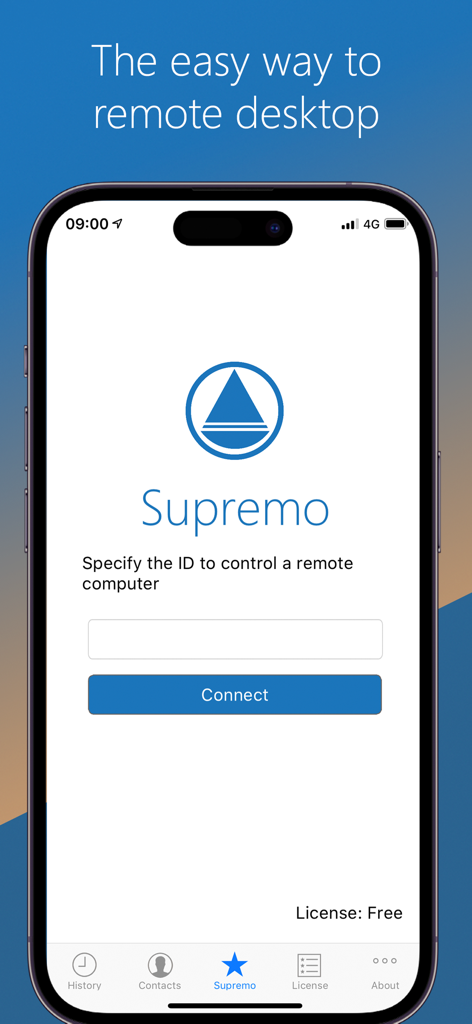
Supremo 원격 데스크톱 앱 아이폰 인터페이스에 원격 컴퓨터에 연결하기 위한 ID 입력 필드가 표시됨
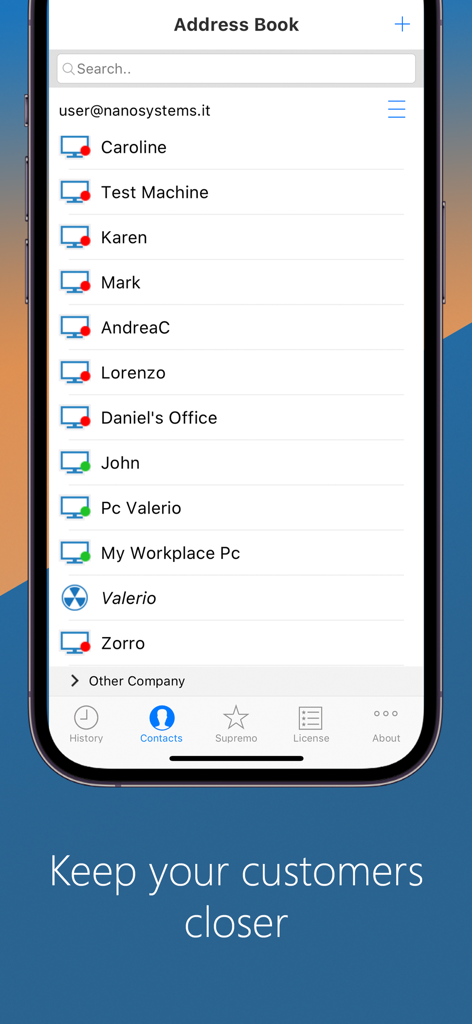
관리되는 컴퓨터 연락처 목록이 포함된 주소록을 표시하는 Supremo 원격 데스크톱 모바일 앱
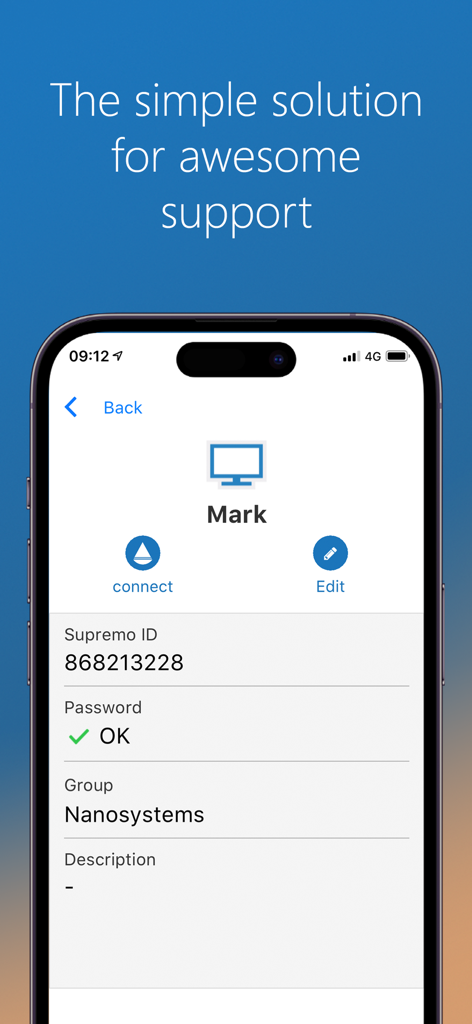
IT 지원을 위한 원격 연결 프로필을 보여주는 Supremo 원격 데스크톱 앱 인터페이스
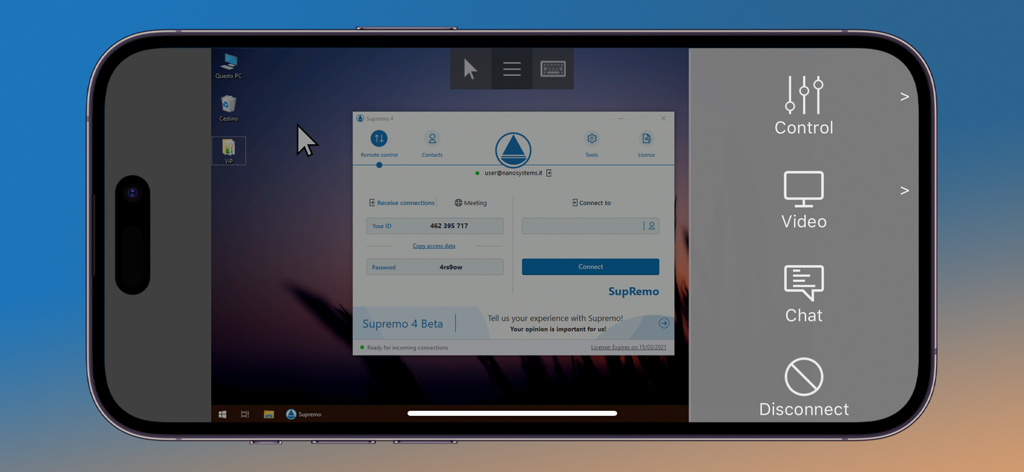
Supremo 원격 데스크톱 앱 아이폰 인터페이스에 제어 사이드바와 함께 Windows 컴퓨터에 대한 원격 액세스가 표시됨.
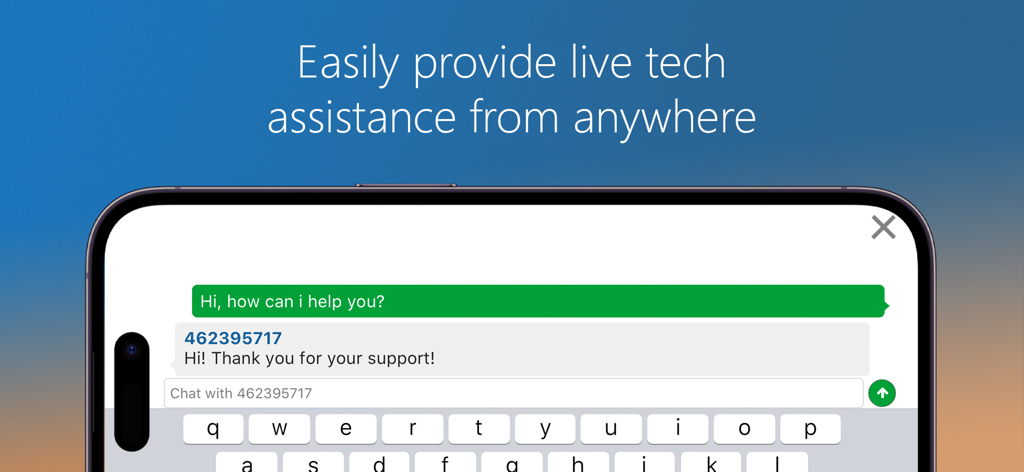
모바일 기기의 Supremo 원격 데스크톱 앱에서 실시간 기술 지원 채팅 인터페이스
설명
Download
비슷한 앱
같은 카테고리의 상위 앱

ChatGPT
OpenAI OpCo, LLC

Google Gemini
Google LLC

Grok
X.AI Corporation

Gmail - Email by Google
Google LLC

千问 - 阿里最强大模型官方AI助手
Shanghai Zhixin Puhui Technology Co., Ltd.

Google Drive
Google LLC

Microsoft Authenticator
Microsoft Corporation

Google Sheets
Google LLC

Google Docs
Google LLC
이 페이지는 앱이나 개발자의 공식 페이지가 아니며, 정보 제공 및 논평을 목적으로 작성된 독립 편집 간행물입니다. 명시적으로 달리 언급되지 않는 한, 해당 앱이나 개발자는 MWM, Apple, Google Play, 앱 퍼블리셔 또는 앱 개발자와 제휴, 보증, 후원, 승인 또는 공식적으로 연결되어 있지 않으며, 이 페이지의 어떤 내용도 해당 앱이 MWM의 서비스를 사용하여 개발되었음을 의미하지 않습니다. 모든 상표, 로고, 스크린샷 및 기타 콘텐츠는 해당 소유자의 자산입니다.