
이 페이지는 앱이나 개발자의 공식 페이지가 아니며, 정보 제공 및 논평을 목적으로 작성된 독립 편집 간행물입니다. 명시적으로 달리 언급되지 않는 한, 해당 앱이나 개발자는 MWM, Apple, Google Play, 앱 퍼블리셔 또는 앱 개발자와 제휴, 보증, 후원, 승인 또는 공식적으로 연결되어 있지 않으며, 이 페이지의 어떤 내용도 해당 앱이 MWM의 서비스를 사용하여 개발되었음을 의미하지 않습니다. 모든 상표, 로고, 스크린샷 및 기타 콘텐츠는 해당 소유자의 자산입니다.
다운로드
200K+사용자 평점
총 평가 수
1K+개발사
카테고리
Productivity지원 언어
28최신 버전
4.6.3크기
33.9 MB출시일
2017년 9월 19일시청 경험을 향상시키세요
Turn Off the Lights는 Safari 브라우저에 전문적인 영화관 분위기를 더하고, 방해 없는 집중과 고급 디지털 웰빙 도구를 결합합니다.
시네마틱 집중 모드
클릭 한 번으로 전체 웹 페이지를 어둡게 하여 동영상을 강조 표시하고, 방해 요소를 제거하며, 즉시 극장과 같은 분위기를 조성합니다.
디지털 웰빙 및 야간 모드
고급 눈 보호 필터와 밝은 웹사이트를 부드러운 어두운 테마로 변환하는 스마트 야간 모드로 시력을 보호하세요.
자주 묻는 질문
에 대해 알아야 할 모든 것 Turn Off the Lights for Safari
Turn Off the Lights for Safari는 무엇인가요?
Turn Off the Lights for Safari는 브라우저 확장 프로그램입니다. 웹 페이지 배경을 어둡게 하여 비디오 플레이어를 강조하여 영화 같은 시청 환경을 제공합니다. 이를 통해 온라인 비디오 콘텐츠에 집중할 수 있습니다.
Turn Off the Lights for Safari에서 조명을 켜고 끄는 방법은 무엇인가요?
Turn Off the Lights for Safari에서 검은색 레이어를 클릭하거나 Ctrl + Shift + L 키보드 단축키를 사용하여 조명을 켜고 끌 수 있습니다. 비디오가 재생되면 확장 프로그램이 자동으로 페이지를 어둡게 합니다.
Turn Off the Lights for Safari는 어떤 비디오 플랫폼을 지원하나요?
Turn Off the Lights for Safari는 여러 비디오 플랫폼을 지원합니다. YouTube, Dailymotion, Vimeo, Twitch 등이 포함됩니다. 이 확장 프로그램은 이러한 인기 있는 사이트에서 시청 경험을 향상시킵니다.
Turn Off the Lights for Safari로 YouTube 환경을 맞춤 설정할 수 있나요?
네, Turn Off the Lights for Safari는 YouTube 맞춤 설정을 제공합니다. 비디오 품질 설정을 위한 Auto HD, 더 넓은 재생을 위한 Auto Wide, 30 FPS 비디오 품질을 위한 60 FPS 차단과 같은 기능이 포함됩니다.
Turn Off the Lights for Safari에 야간 모드가 있나요?
네, Turn Off the Lights for Safari에는 야간 모드 기능이 포함되어 있습니다. Google 검색 및 Wikipedia와 같은 모든 웹사이트를 개인 다크 모드 테마로 변환하여 눈의 피로를 줄여줍니다.
Turn Off the Lights for Safari에 눈 보호 기능이 있나요?
네, Turn Off the Lights for Safari는 눈 보호 기능을 제공합니다. 밤에 웹사이트를 탐색하는 동안 화면에 색조를 추가하며, 개인 맞춤 사용을 위한 화이트리스트/블랙리스트 필터가 포함되어 있습니다.
Turn Off the Lights for Safari는 비디오 자동 재생을 방지하나요?
네, Turn Off the Lights for Safari에는 AutoStop 기능이 있습니다. 새 웹 페이지를 열 때 HTML5 비디오가 자동으로 재생되는 것을 방지하여 미디어 재생을 완벽하게 제어할 수 있습니다.
Turn Off the Lights for Safari의 주요 키보드 단축키는 무엇인가요?
Turn Off the Lights for Safari는 다양한 키보드 단축키를 제공합니다. 주요 예시로는 조명을 켜고 끄는 Ctrl + Shift + L, 눈 보호를 위한 Alt + F10, 불투명도를 조절하는 Alt + 위/아래 화살표가 있습니다.
Turn Off the Lights for Safari가 분위기 조명 효과를 제공하나요?
네, Turn Off the Lights for Safari에는 분위기 조명 기능이 포함되어 있습니다. 비디오 플레이어 주변에 은은한 빛을 생성하여 모든 웹 페이지에서 몰입감 있는 영화 같은 시청 경험을 향상시킵니다.
Turn Off the Lights for Safari는 비디오 품질을 어떻게 향상시키나요?
Turn Off the Lights for Safari는 YouTube의 Auto HD 기능을 통해 비디오 품질을 향상시킵니다. 비디오를 선호하는 HD 해상도로 자동 재생하도록 설정하며, 144p부터 8K까지의 옵션을 지원합니다.
Turn Off the Lights for Safari가 공식적으로 인정받은 적이 있나요?
네, Turn Off the Lights for Safari는 공식적으로 인정받은 적이 있습니다. Product Hunt에서 '추천 신규 앱'으로 선정되었으며, Apple로부터 '눈에 띄는 Safari 확장 프로그램'으로 인정받았습니다.
다음 스크린샷과 설명은 앱의 공식 스토어 목록에서 직접 가져온 것이며 앱 개발자의 자산입니다.
앱 스토어
스크린샷
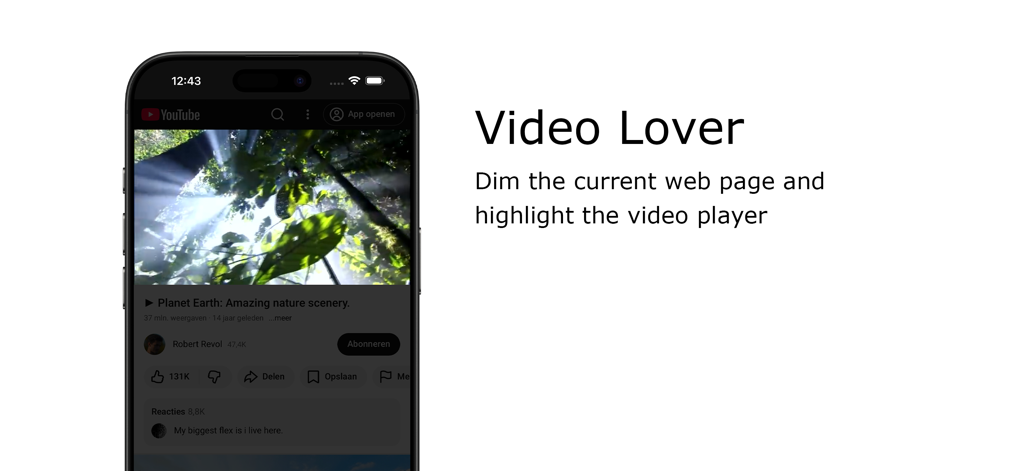
Turn Off the Lights Safari 확장 프로그램이 배경을 어둡게 하여 iPhone의 동영상 플레이어를 강조 표시합니다
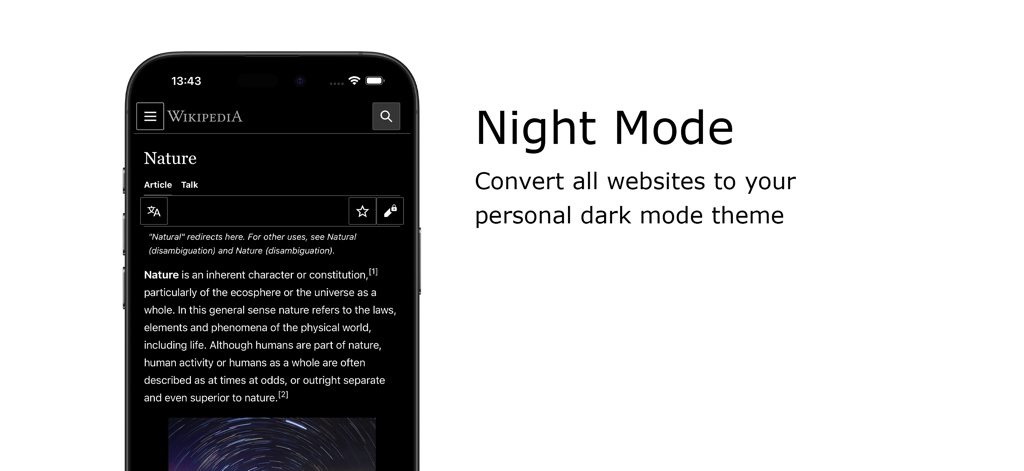
Turn Off the Lights Safari 확장 프로그램을 사용하여 어두운 모드로 위키피디어를 보여주는 스마트폰
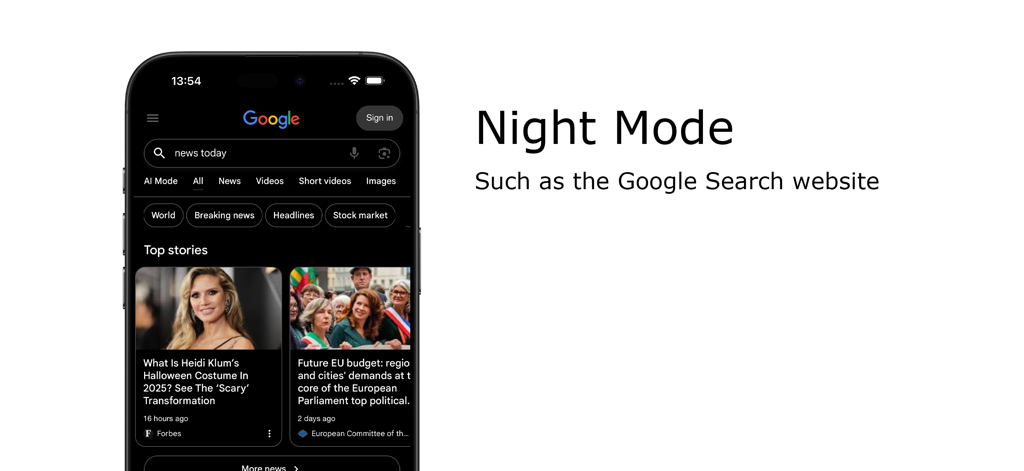
Turn Off the Lights Safari 확장 프로그램을 사용하여 어두운 모드로 Google 검색을 표시하는 iPhone.
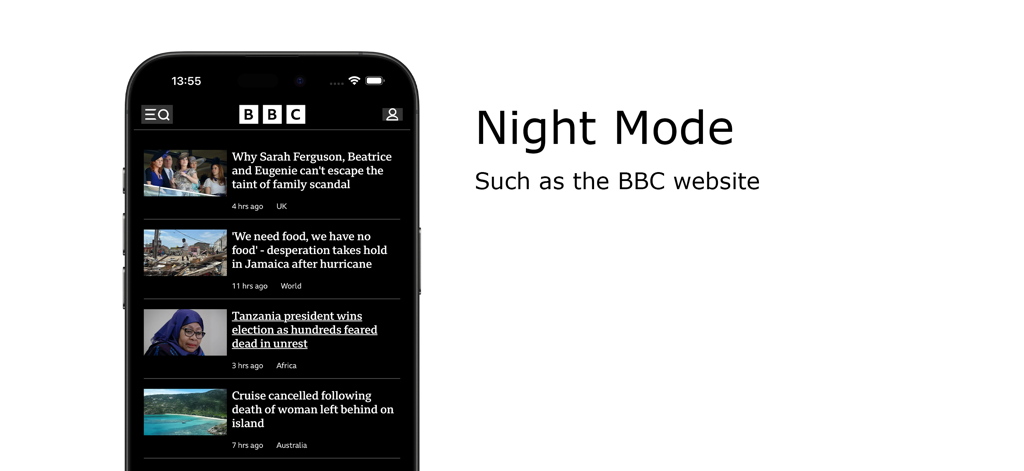
Turn Off the Lights Safari 확장 프로그램의 야간 모드 기능이 iPhone의 BBC 웹사이트를 어두운 모드로 보여줍니다
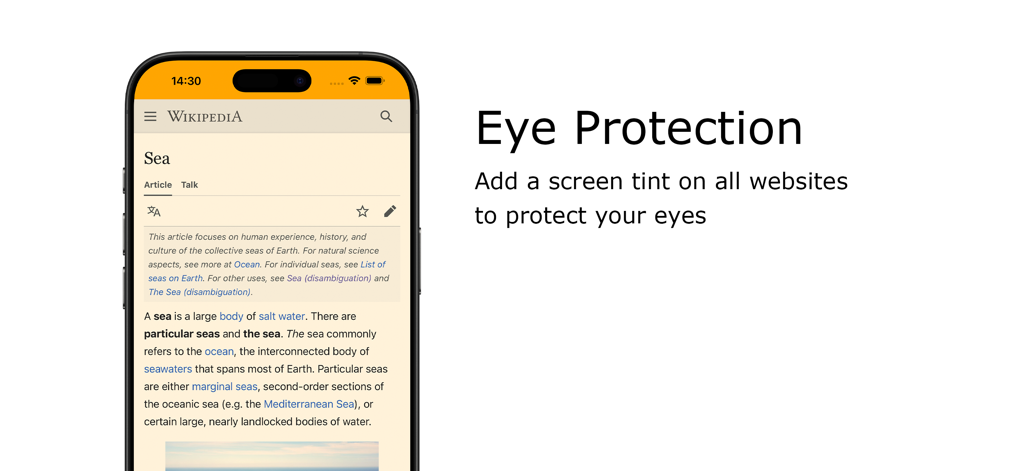
iPhone에서 위키피디아 페이지에 따뜻한 화면 색조를 적용한 눈 보호 기능 표시
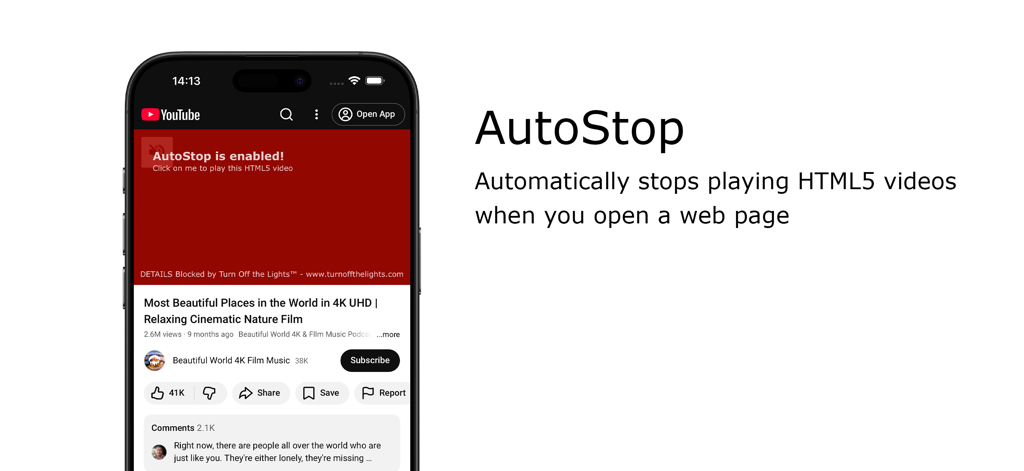
Turn Off the Lights for Safari 확장 프로그램의 자동 중지 기능이 자동 재생 동영상을 차단합니다
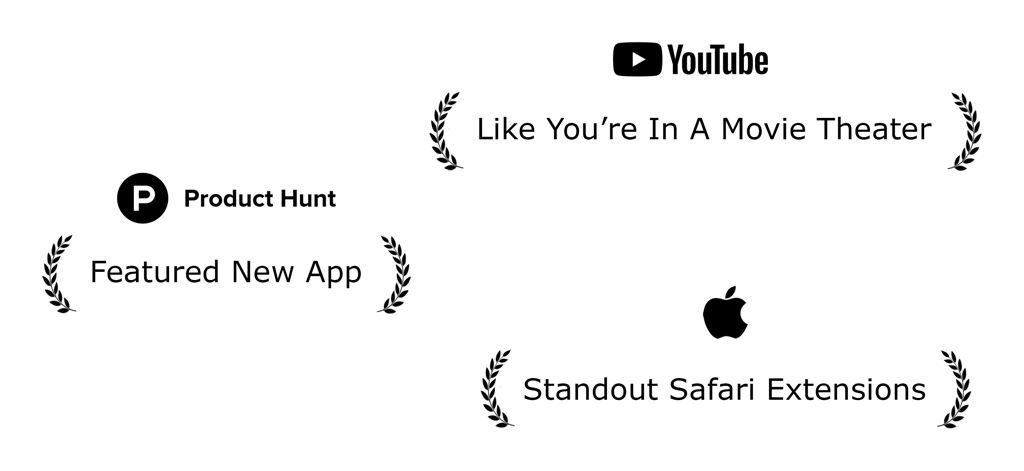
Apple 및 Product Hunt의 인정을 받은 Turn Off the Lights for Safari 확장 프로그램의 수상 내역
설명
Download

비슷한 앱
같은 카테고리의 상위 앱

ChatGPT
OpenAI OpCo, LLC

Google Gemini
Google LLC

Grok
X.AI Corporation

Gmail - Email by Google
Google LLC

千问 - 阿里最强大模型官方AI助手
Shanghai Zhixin Puhui Technology Co., Ltd.

Google Drive
Google LLC

Microsoft Authenticator
Microsoft Corporation

Google Sheets
Google LLC

Google Docs
Google LLC
이 페이지는 앱이나 개발자의 공식 페이지가 아니며, 정보 제공 및 논평을 목적으로 작성된 독립 편집 간행물입니다. 명시적으로 달리 언급되지 않는 한, 해당 앱이나 개발자는 MWM, Apple, Google Play, 앱 퍼블리셔 또는 앱 개발자와 제휴, 보증, 후원, 승인 또는 공식적으로 연결되어 있지 않으며, 이 페이지의 어떤 내용도 해당 앱이 MWM의 서비스를 사용하여 개발되었음을 의미하지 않습니다. 모든 상표, 로고, 스크린샷 및 기타 콘텐츠는 해당 소유자의 자산입니다.