Two Factor Authenticator 2FA

Two Factor Authenticator 2FA

다운로드: App Store
로고: Two Factor Authenticator 2FA

2단계 인증기 2FA: 완벽한 계정 보안을 위한 나만의 금고

AES-256 암호화된 오프라인 전용 인증으로 디지털 신원을 보호하세요. 안전한 백업, 생체 인식 보호, 완전한 개인 정보 보호를 위한 전문가의 선택.

다운로드: App Store

개발사

Nikung Goyani

카테고리

Productivity

다운로드

100

사용자 평점

1.0/5

총 평가 수

0

지원 언어

1

타협 없는 보안

이 인터페이스를 사용하는 100 명의 사용자.

소셜 미디어 플랫폼의 안전한 로그인 코드를 보여주는 2단계 인증 앱 화면
소셜 미디어 플랫폼의 안전한 로그인 코드를 보여주는 2단계 인증 앱 화면

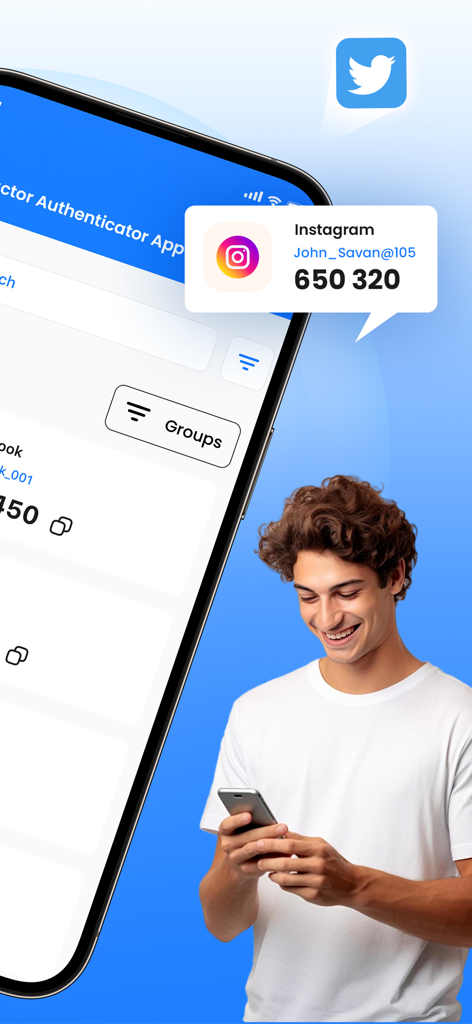
2단계 인증 앱에서 Instagram 보안 코드를 보여주는 스마트폰 화면
2단계 인증 앱에서 Instagram 보안 코드를 보여주는 스마트폰 화면

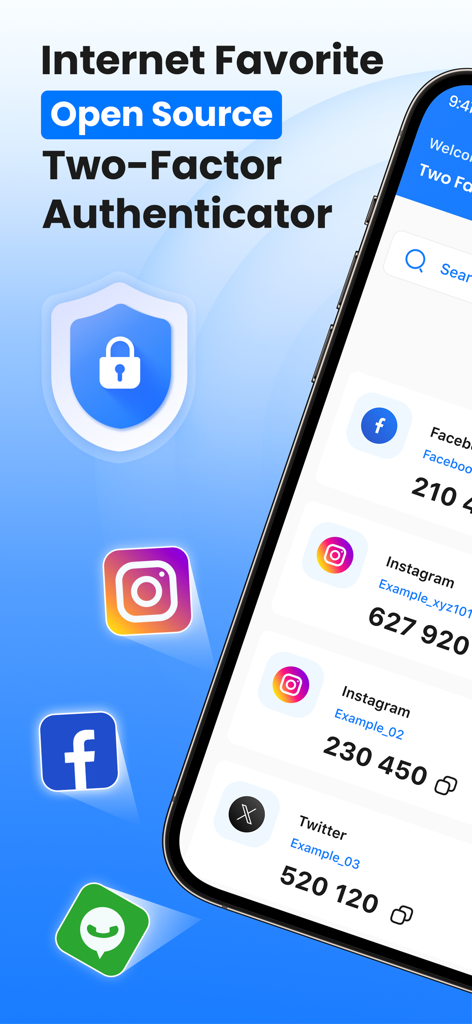
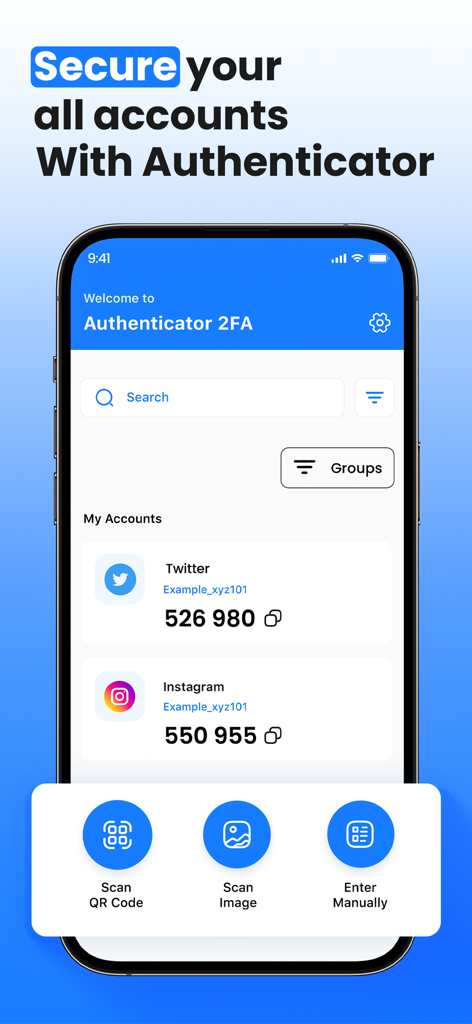
계정 보안 코드를 표시하는 2단계 인증기 2FA 앱 대시보드
계정 보안 코드를 표시하는 2단계 인증기 2FA 앱 대시보드

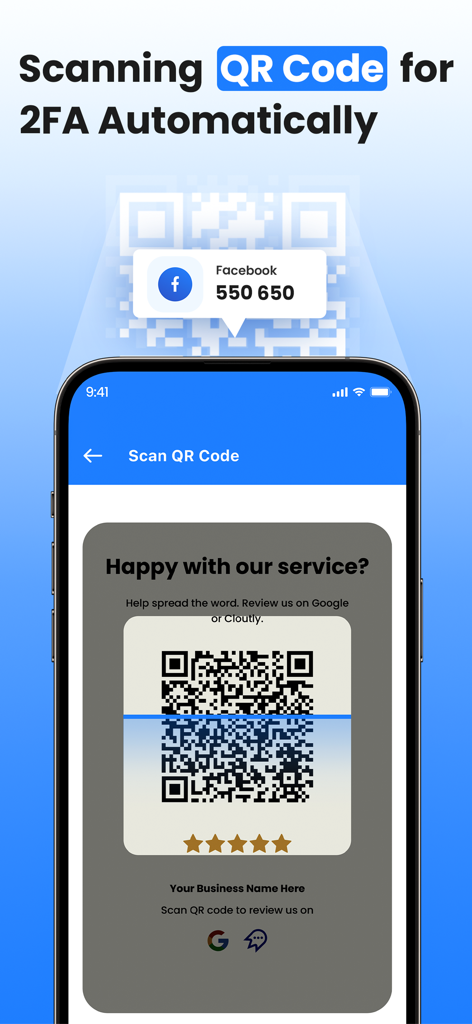
스마트폰에서 2단계 인증 설정을 자동으로 구성하기 위한 QR 코드 스캔
스마트폰에서 2단계 인증 설정을 자동으로 구성하기 위한 QR 코드 스캔

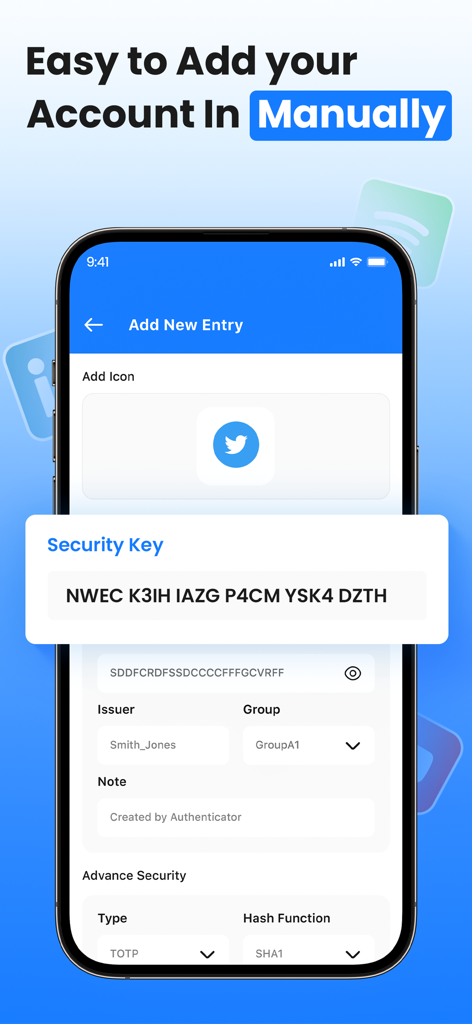
보안 키 입력 필드가 있는 수동 계정 설정 화면을 보여주는 2단계 인증기 앱 인터페이스
보안 키 입력 필드가 있는 수동 계정 설정 화면을 보여주는 2단계 인증기 앱 인터페이스

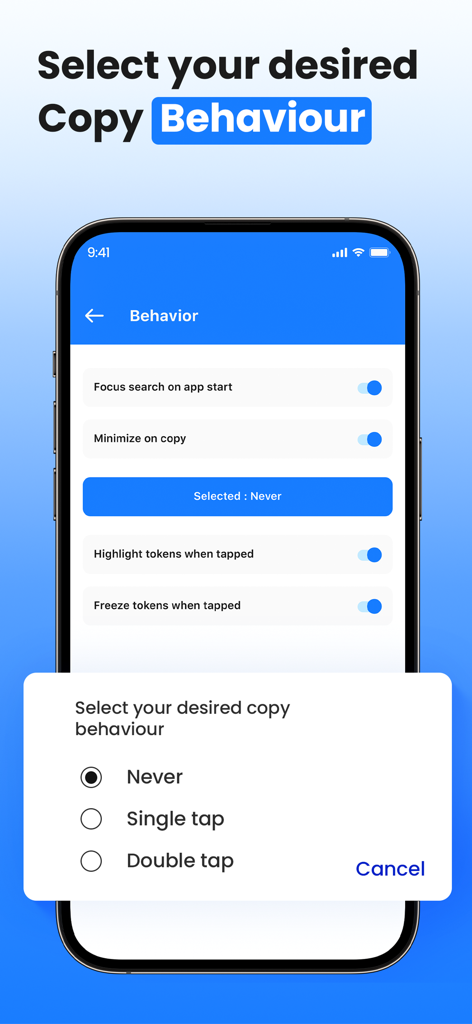
싱글 탭 또는 더블 탭과 같은 복사 동작을 선택하는 옵션을 보여주는 2단계 인증기 앱 인터페이스

싱글 탭 또는 더블 탭과 같은 복사 동작을 선택하는 옵션을 보여주는 2단계 인증기 앱 인터페이스

전문가 수준의 신원 보호를 위한 궁극의 보안

이 앱을 돋보이게 하는 도구, 100 명의 사용자가 선택.

🔒

진정한 오프라인 개인 정보 보호

민감한 토큰은 항상 제자리에 있습니다. 바로 기기에 있습니다. 100% 오프라인으로 작동하여 클라우드 기반 데이터 유출 및 원격 해킹 시도의 위험을 제거합니다.

👤

생체 인식 금고 액세스

Face ID 및 Touch ID 통합으로 번거로움 없는 보안을 경험하세요. 고급 생체 인식을 통해 인증 코드를 안전하게 보호하여 즉각적이고 승인된 액세스만 가능하게 합니다.

🔄

암호화된 백업 및 동기화

계정 잠김을 다시는 두려워하지 마세요. 완전한 마음의 평화를 위해 설계된 암호화된 백업으로 모든 iOS 기기에서 OTP를 안전하게 동기화하세요.

앱 소개

에 대해 알아야 할 모든 것 Two Factor Authenticator 2FA.

설명

Protect your online accounts with Two Factor Authenticator, a secure, offline two-factor authentication (2FA) app that enhances account security using industry-standard TOTP (Time-Based One-Time Password) and HOTP (HMAC-Based One-Time Password) algorithms. Why Choose Two Factor Authenticator? No Internet Required – Works completely offline, keeping your data private and secure. AES-256 Encryption – All OTP secrets are stored securely on your device. Biometric & PIN Protection: For extra security, Lock the app with Face ID, Touch ID, or a PIN. Secure Backup & Restore – Export encrypted backups to keep your OTPs safe. Auto-Lock Feature – Prevent unauthorized access after inactivity. Secure Clipboard Handling – Automatically clears copied OTPs after a few seconds. Multi-Device Support – Sync OTPs securely across multiple devices. Dark Mode & Customization – Choose from different themes and customize the app to match your style. How It Works:- Scan a QR code or manually enter a secret key. Get time-based or counter-based OTPs for secure logins. Copy the OTP and use it to authenticate your accounts. Privacy First:- We do not collect, store, or share any personal data. Your OTPs never leave your device, ensuring maximum security and privacy. Stay Secure & Take Control of Your Digital Identity with Two Factor Authenticator! If you subscribe to Two Factor Authenticator 2FA via iTunes, payment will be charged to your iTunes Account at confirmation of purchase and your membership will automatically renew unless turned off at least 24 hours before the end of the current period. Subscription will be renewed within 24-hours before the end of each period at the rate of your selected plan. Turn off auto-renewal anytime through iTunes. Privacy policy: https://sites.google.com/view/splitpay-privacy-policy/home Terms of use: https://sites.google.com/view/subscription-terms-use/home

최신 버전

1.0.3

크기

73.8 MB

출시일

2025년 3월 9일

온라인 보안을 완벽하게 제어하세요

완전한 개인 정보 보호와 생체 인식을 통한 마음의 평화를 위해 오프라인 AES-256 암호화 금고를 신뢰하는 보안 의식이 있는 전문가들과 함께하세요.

다운로드: App Store

App information, icons, screenshots, and descriptions displayed on this page are sourced from the Apple App Store and are the property of their respective developers. Download estimates and rankings are based on MWM's proprietary models and may not reflect actual figures. This page is provided for informational and analytical purposes only.

Believe this page infringes your intellectual property? File a dispute