
This page is not an official page of the app or its developer, but an independent editorial publication created for informational and commentary purposes. Unless expressly stated otherwise, neither the app nor its developer is affiliated with, endorsed by, sponsored by, authorized by, or otherwise officially connected with MWM, Apple, Google Play, the app publisher, or the app's developer, and nothing on this page implies that the app was developed using MWM's services. Any trademarks, logos, screenshots, and other content remain the property of their respective owners.


1Writer - Markdown Text Editor
Combine elegant simplicity with professional-grade power. Experience a distraction-free environment featuring advanced automation, JavaScript extensibility, and seamless sync for serious content creators.
Downloads
318K+User Rating
Total Ratings
1K+Publisher
Category
ProductivityLocales
5Latest Version
3.3.8Size
18.7 MBFirst Released
Aug 14, 2013Elevate Your Mobile Writing Workflow
The ultimate Markdown editor designed for efficiency, offering a distraction-free interface paired with powerful automation to turn your iPad and iPhone into a professional production studio.
Markdown Mastery & Live Preview
Write in pure plain text with syntax highlighting and instantly preview rich-text results. Maintain total data sovereignty with future-proof files.
Pro Automation & Scripting
Go beyond basic editing with JavaScript-powered actions and custom URL schemes. Automate your formatting and connect your favorite productivity tools.
Frequently Asked Questions
Everything you need to know about 1Writer - Markdown Text Editor
What is 1Writer?
1Writer is a Markdown text editor that combines basic text editing with advanced features. It allows users to write, research, revise, and share ideas efficiently within a distraction-free environment.
Does 1Writer support Markdown?
Yes, 1Writer supports Markdown. Users can generate and edit Markdown files. The app provides inline Markdown syntax highlighting while writing and a full, rich-text preview when done.
Can I sync documents in 1Writer with cloud services?
Yes, 1Writer supports syncing with iCloud, Dropbox, and WebDAV. It also offers selective sync, allowing users to bookmark and quickly access specific folders and documents from these services.
Does 1Writer offer dark mode or themes?
Yes, 1Writer supports Dark Mode on iOS 13 and includes two distinct dark themes. These themes are designed to provide a more comfortable reading and writing experience during nighttime use.
How can I protect my documents in the 1Writer app?
1Writer allows users to protect the app from unauthorized access. You can secure the application using a passcode or biometric authentication, specifically Touch ID or Face ID.
Does 1Writer have an in-app web browser for research?
Yes, 1Writer features an integrated in-app web browser. This allows users to conduct research and look up information directly within the app, eliminating the need to switch applications.
Can 1Writer perform custom actions using JavaScript?
Yes, 1Writer enables the creation of powerful custom actions using JavaScript. This functionality supports advanced text manipulation, find & replace operations, and interaction with the clipboard.
How can I share documents from 1Writer?
1Writer offers multiple sharing options. Users can generate sharing links for CloudApp and Dropbox, export notes to Evernote, copy formatted HTML, or utilize custom actions for various sharing needs.
Can I organize my documents using tags in 1Writer?
Yes, 1Writer supports document organization using tags. Users can search within folders to find specific documents and view related content that shares the same assigned tags.
What kind of keyboard features does 1Writer offer?
1Writer provides an extended keyboard featuring a convenient row of buttons. These buttons are for navigation, formatting, and special characters, and are fully customizable to user preferences.
The following screenshots and description are sourced directly from the app's official store listing and are the property of the app developer.
App Store
Screenshots
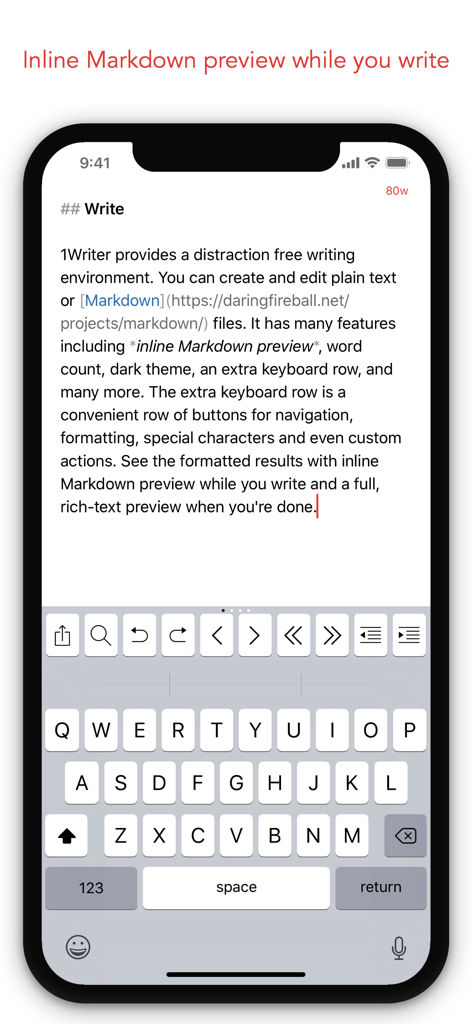
1Writer Markdown text editor showing inline preview and extended keyboard on iPhone
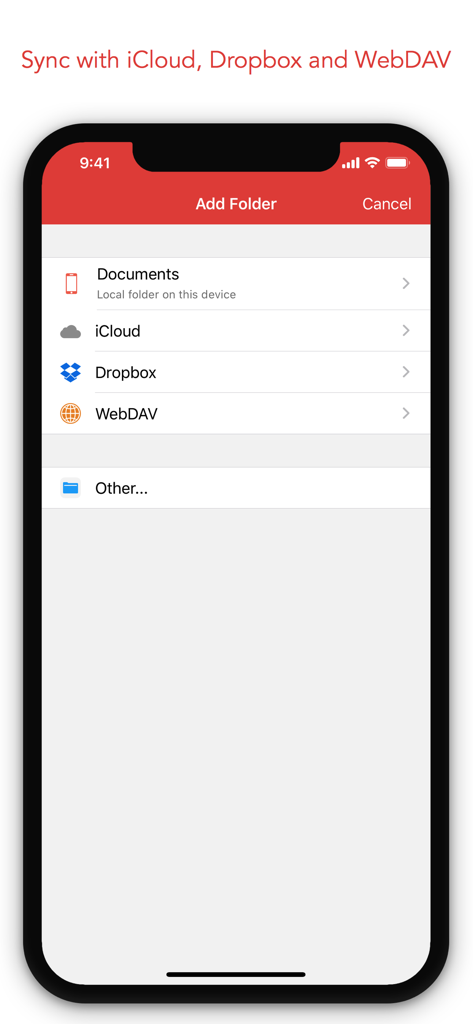
1Writer app showing document sync options for iCloud Dropbox and WebDAV
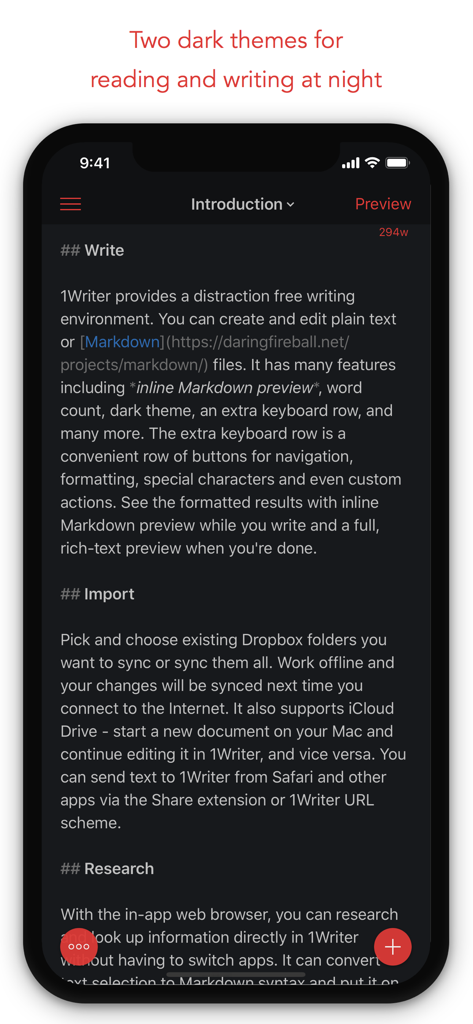
1Writer markdown text editor showing dark theme for writing at night
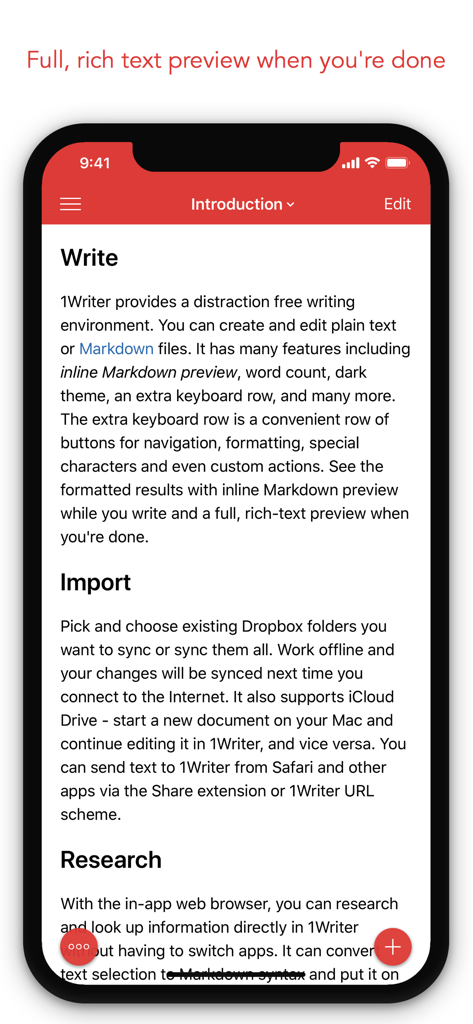
1Writer app interface showing a rich text preview of a document with Markdown features on an iPhone.
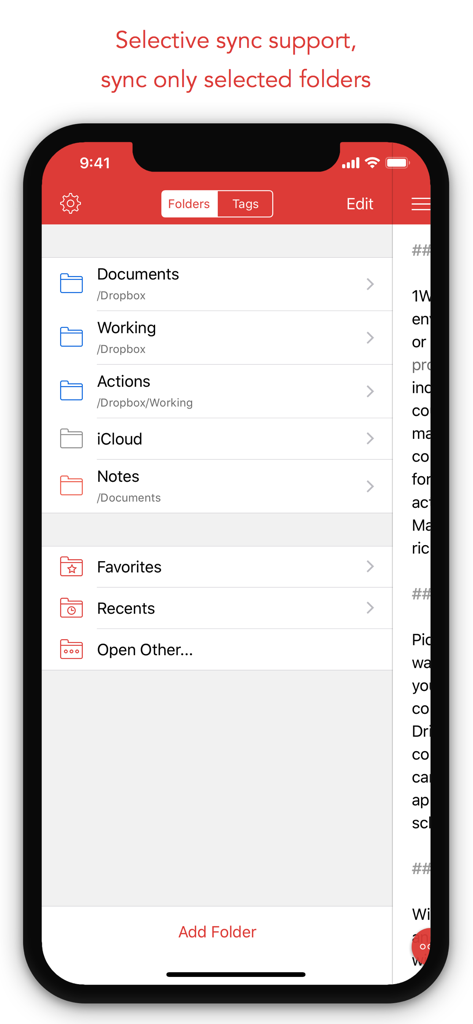
1Writer app interface displaying folder organization and selective sync options for Dropbox and iCloud
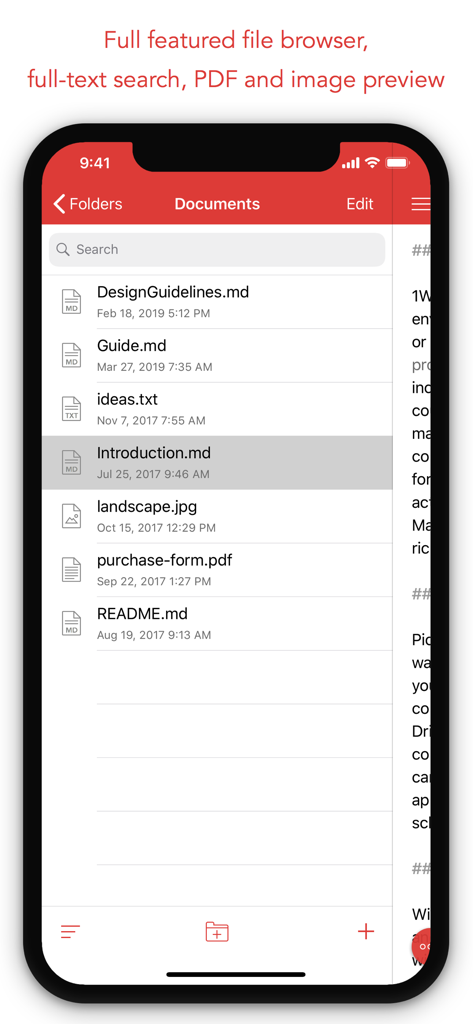
1Writer app interface showing a list of markdown and pdf files in a folder
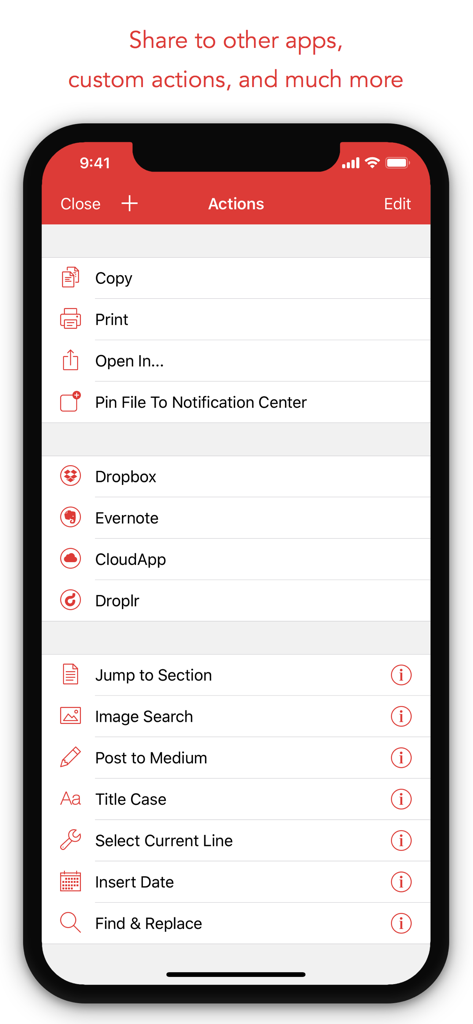
The Actions menu in 1Writer for iPhone displaying sharing options and custom productivity scripts.
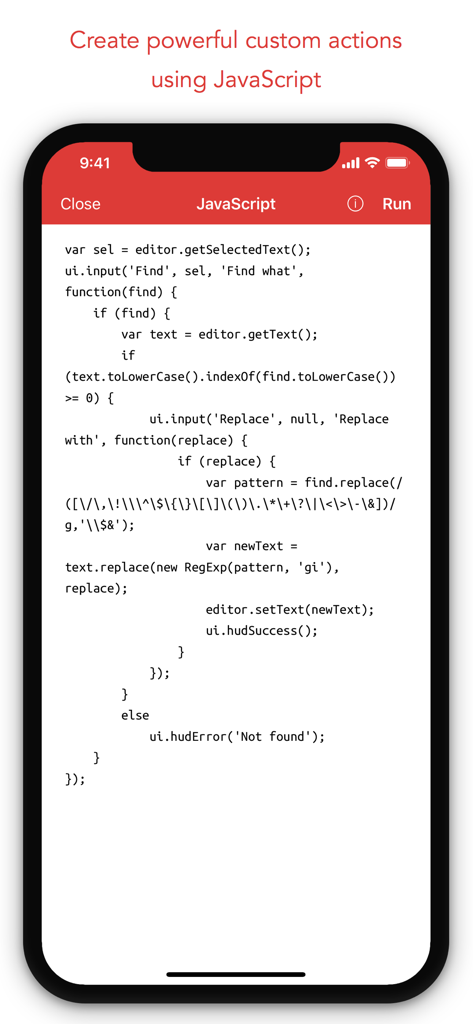
1Writer mobile app interface showing JavaScript code for creating custom text automation actions
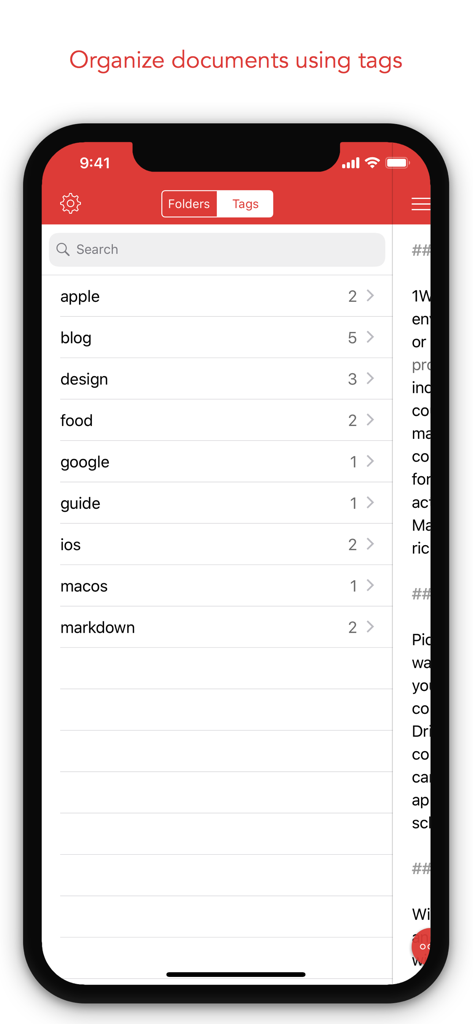
1Writer app interface displaying a list of document tags for efficient organization
Description
Download
More Like This
Top-ranked apps in the same category

ChatGPT
OpenAI OpCo, LLC

Google Gemini
Google LLC

Grok
X.AI Corporation

Gmail - Email by Google
Google LLC

千问 - 阿里最强大模型官方AI助手
Shanghai Zhixin Puhui Technology Co., Ltd.

Google Drive
Google LLC

Microsoft Authenticator
Microsoft Corporation

Google Sheets
Google LLC

Google Docs
Google LLC
This page is not an official page of the app or its developer, but an independent editorial publication created for informational and commentary purposes. Unless expressly stated otherwise, neither the app nor its developer is affiliated with, endorsed by, sponsored by, authorized by, or otherwise officially connected with MWM, Apple, Google Play, the app publisher, or the app's developer, and nothing on this page implies that the app was developed using MWM's services. Any trademarks, logos, screenshots, and other content remain the property of their respective owners.