
This page is not an official page of the app or its developer, but an independent editorial publication created for informational and commentary purposes. Unless expressly stated otherwise, neither the app nor its developer is affiliated with, endorsed by, sponsored by, authorized by, or otherwise officially connected with MWM, Apple, Google Play, the app publisher, or the app's developer, and nothing on this page implies that the app was developed using MWM's services. Any trademarks, logos, screenshots, and other content remain the property of their respective owners.

3D Chart Maker
Transform simple datasets into high-impact, professional graphics directly on your iPhone or iPad. Design, customize, and share vibrant 3D charts that make your presentations and social posts stand out.
Downloads
1K+User Rating
Total Ratings
0Publisher
Category
ProductivityLocales
1Latest Version
1.3Size
9.8 MBFirst Released
Feb 13, 2017Turn Data into Visual Impact
Ditch the boring spreadsheets. Create vibrant, professional 3D charts on your iPhone or iPad that demand attention in any presentation or meeting.
Stunning 3D Customization
Control lighting, shadows, and 3D perspective to create charts that look like professional graphics, not just raw data.
Built for Speed & Ease
No complex spreadsheets needed. Plug in your data and use intuitive touch controls to generate multi-bar or pie charts in seconds.
Frequently Asked Questions
Everything you need to know about 3D Chart Maker
What types of charts does 3D Chart Maker support?
3D Chart Maker supports the creation of bar charts, multi-bar charts, and pie charts. It is a powerful graphing tool for various data visualization needs directly on iOS devices.
Can users customize the colors of charts in 3D Chart Maker?
Yes, 3D Chart Maker includes a built-in color picker. This feature allows users to customize the colors for each individual item within their charts, defining their visual appearance.
How can charts be saved or exported from 3D Chart Maker?
3D Chart Maker enables users to save charts and associated data within the app for later editing. Charts can also be instantly saved as image files to the device's Camera Roll.
Does 3D Chart Maker offer customization for 3D chart appearance?
Yes, 3D Chart Maker allows users to adjust the chart's position in 3D space. It also provides controls for modifying the 3D position of light and shadows, enhancing visual depth.
What viewing modes are available for charts in 3D Chart Maker?
3D Chart Maker features three distinct camera modes: 3D, 2D, and isometric. Users can also adjust the camera's distance from the charts using a pinch gesture.
Can users change font styles and sizes in 3D Chart Maker?
Yes, 3D Chart Maker provides options to choose the font type and select the font size for charts. Additional display controls include bar spacing, shadows, floor, and value visibility.
Who is the target audience for the 3D Chart Maker app?
3D Chart Maker serves a broad audience, including students, businesses, and any individual requiring effective data visualization. Its features are tailored for creating professional charts.
Can 3D Chart Maker adjust the extrusion size of 3D charts?
Yes, 3D Chart Maker allows users to select from three different extrusion modes for charts: small, medium, and large. This feature controls the depth appearance of 3D elements.
The following screenshots and description are sourced directly from the app's official store listing and are the property of the app developer.
App Store
Screenshots
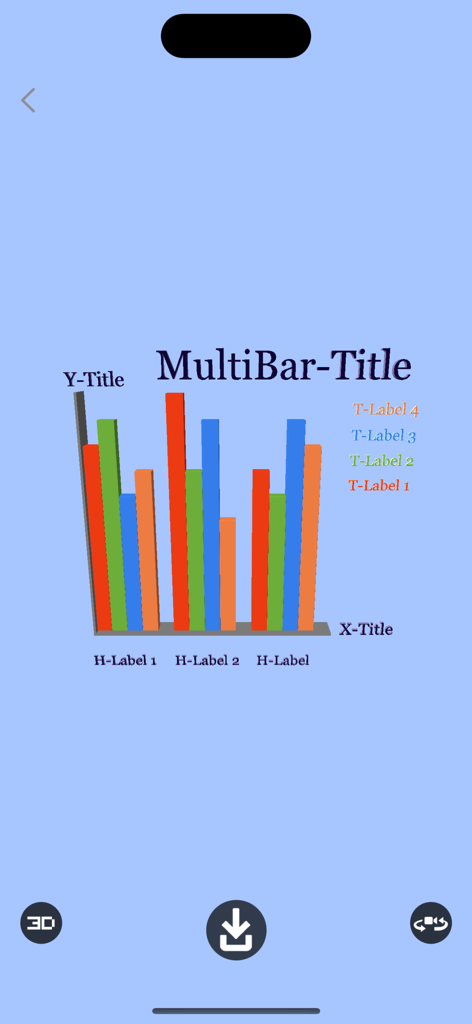
A vibrant 3D multi-bar chart with colorful data bars and labels on a light blue background
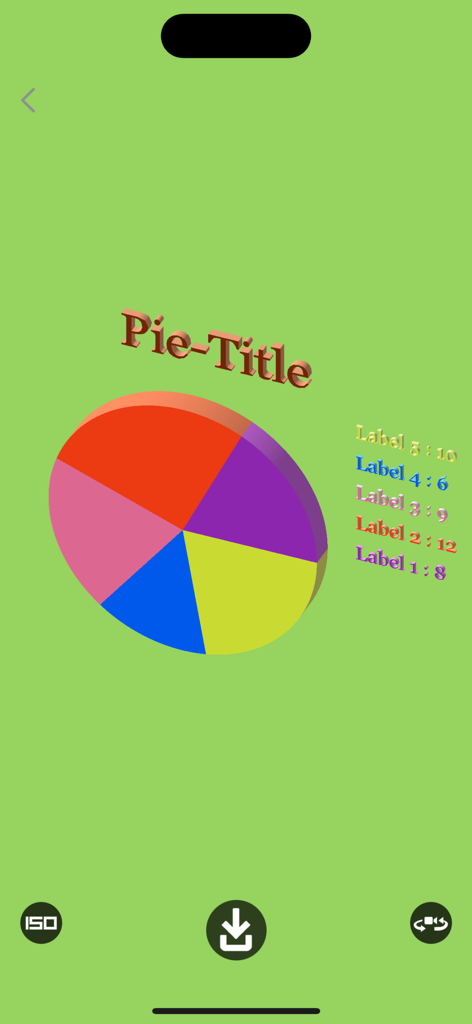
A colorful 3D pie chart with data labels and title on a green background in the 3D Chart Maker app interface.
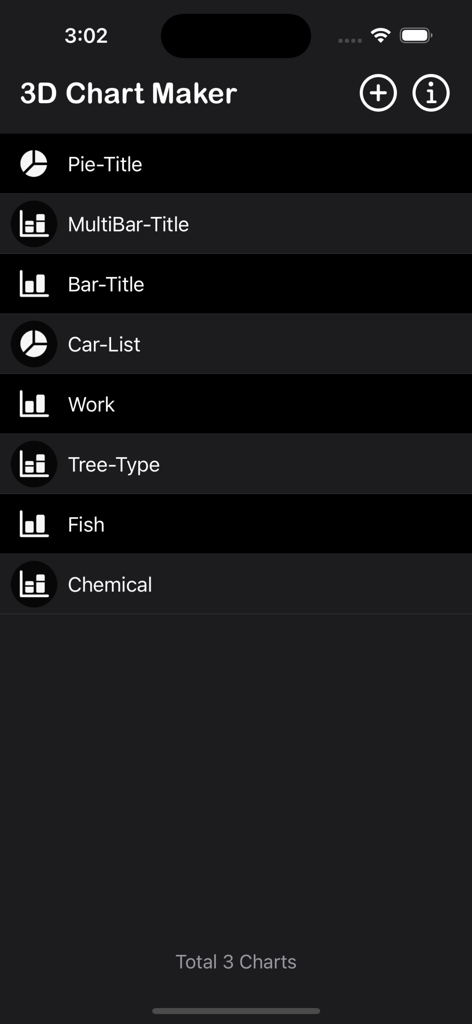
List of saved pie and bar charts in the 3D Chart Maker application
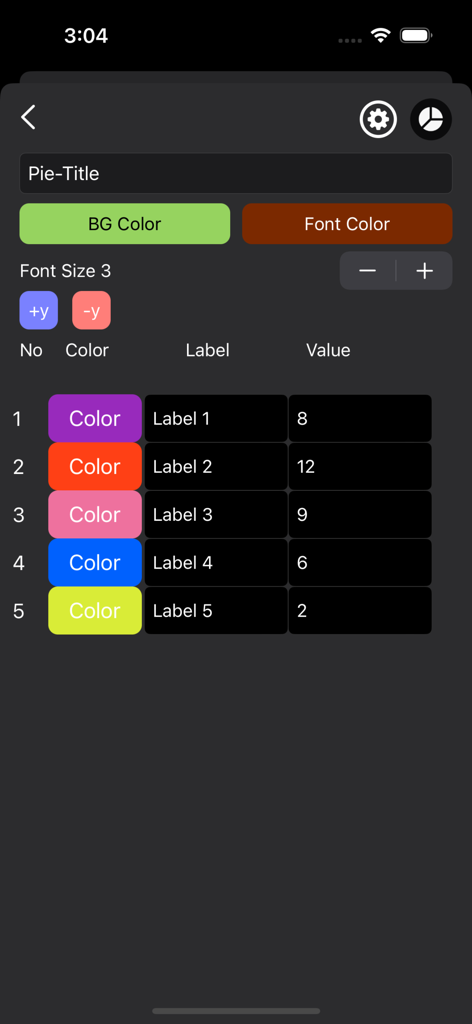
Mobile app interface for entering data and customizing colors for a 3D pie chart
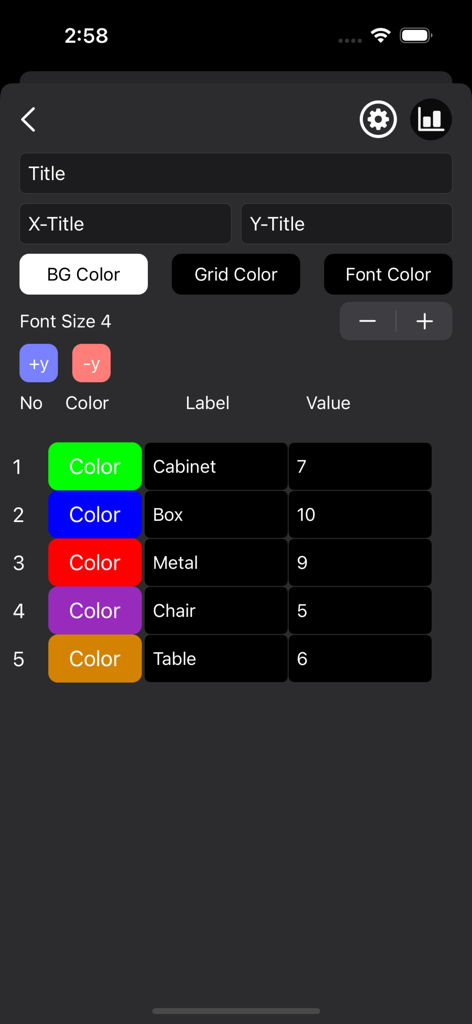
Interface showing data input and color selection for a 3D chart maker app.
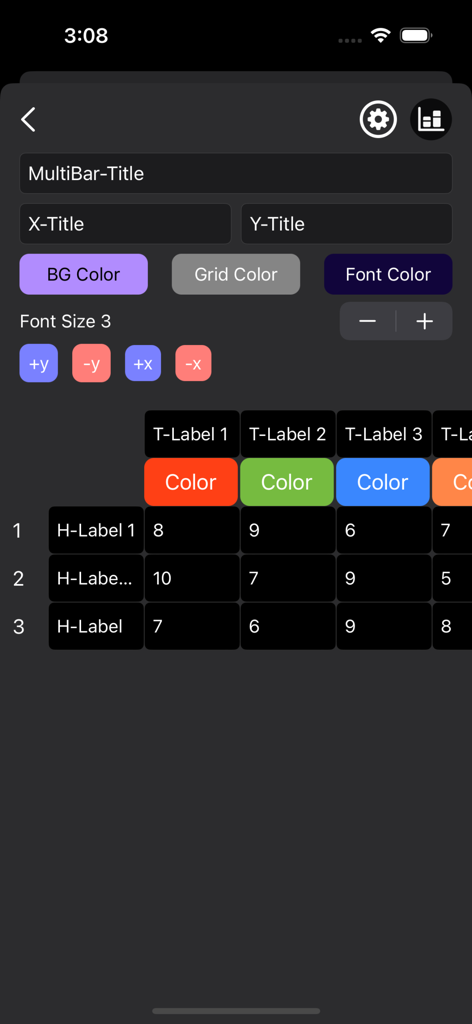
Data entry and customization screen of the 3D Chart Maker app showing input fields and a data table grid.
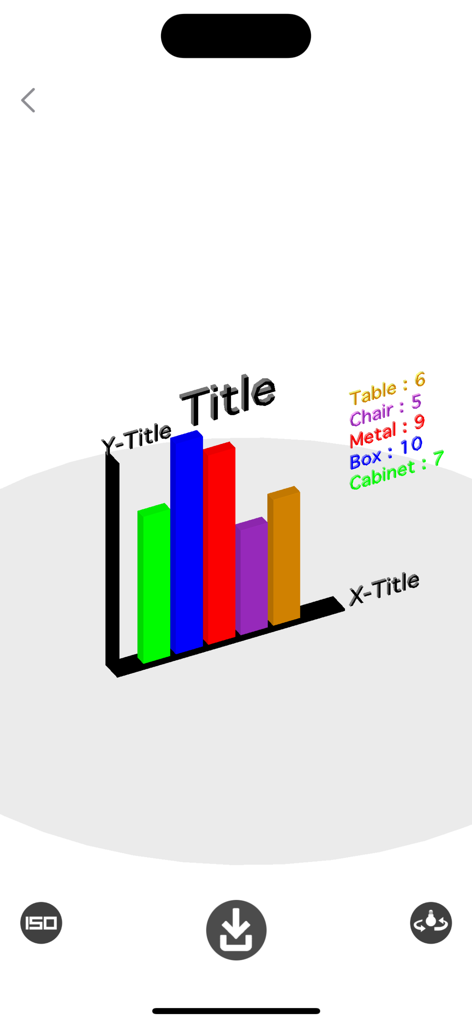
Colorful 3D bar chart interface with customizable titles and labels
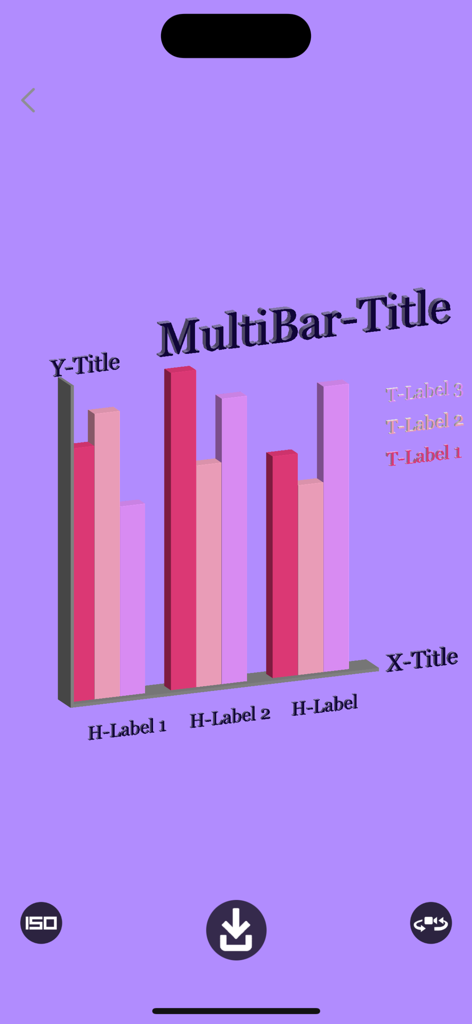
A 3D multi-bar chart with pink and purple columns on a light purple background showing labels and customizable titles
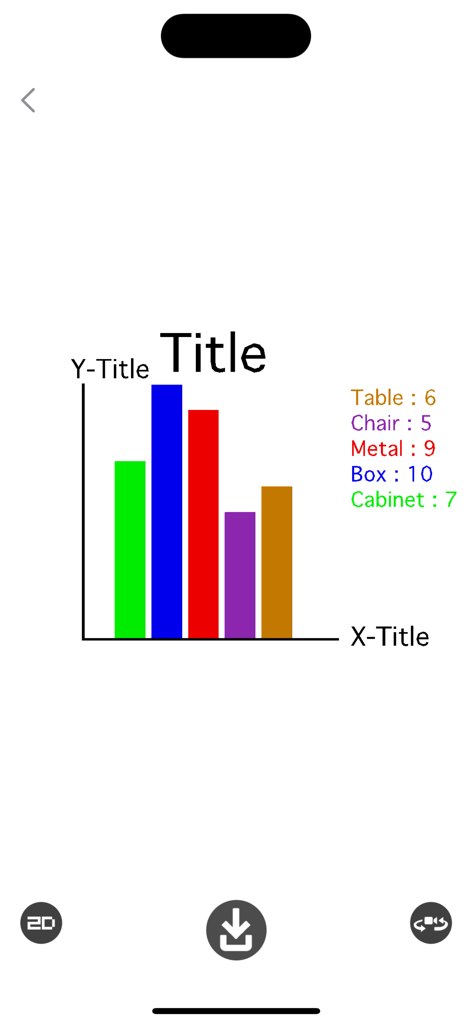
A 2D bar chart with colorful columns and data labels in the 3D Chart Maker application interface
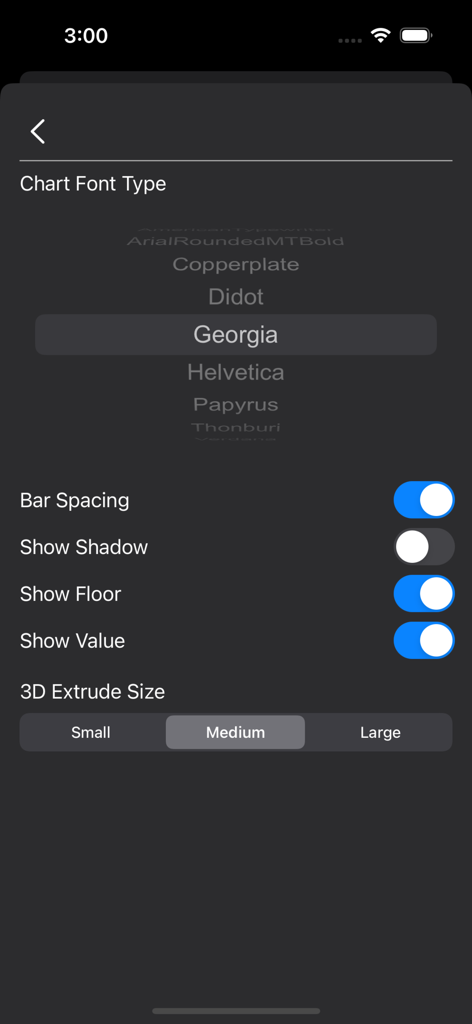
Settings screen for choosing chart font types and adjusting 3D extrude size options
Description
Download
More Like This
Top-ranked apps in the same category

ChatGPT
OpenAI OpCo, LLC

Google Gemini
Google LLC

Grok
X.AI Corporation

Gmail - Email by Google
Google LLC

千问 - 阿里最强大模型官方AI助手
Shanghai Zhixin Puhui Technology Co., Ltd.

Google Drive
Google LLC

Microsoft Authenticator
Microsoft Corporation

Google Sheets
Google LLC

Google Docs
Google LLC
This page is not an official page of the app or its developer, but an independent editorial publication created for informational and commentary purposes. Unless expressly stated otherwise, neither the app nor its developer is affiliated with, endorsed by, sponsored by, authorized by, or otherwise officially connected with MWM, Apple, Google Play, the app publisher, or the app's developer, and nothing on this page implies that the app was developed using MWM's services. Any trademarks, logos, screenshots, and other content remain the property of their respective owners.